
Island Sky-block Undervoid201
- By
It's Survival island, It's looks amazing!Play with friends and dogs!It's make from Undervoid201 for us!
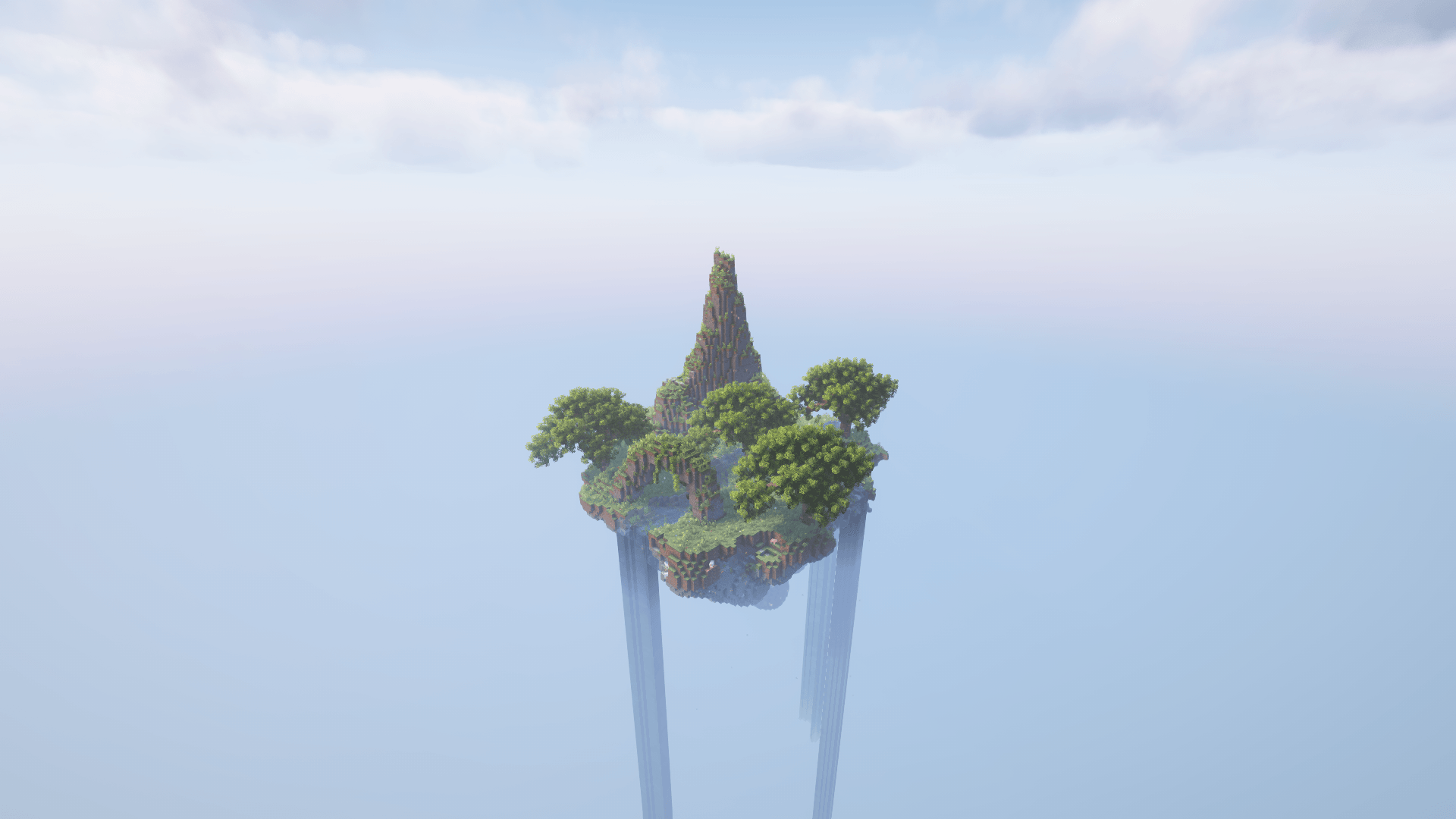
Island my map
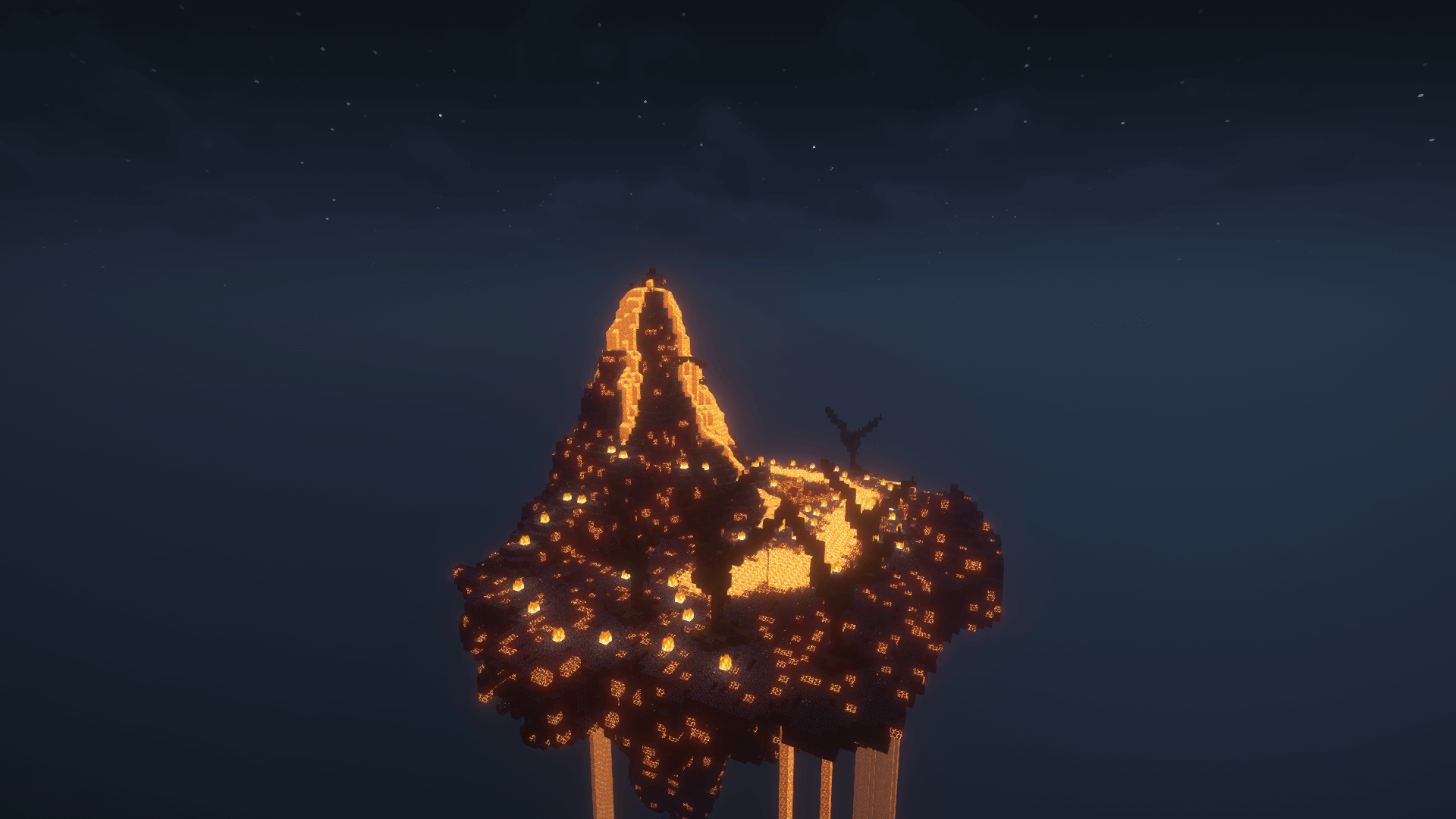
Fire island
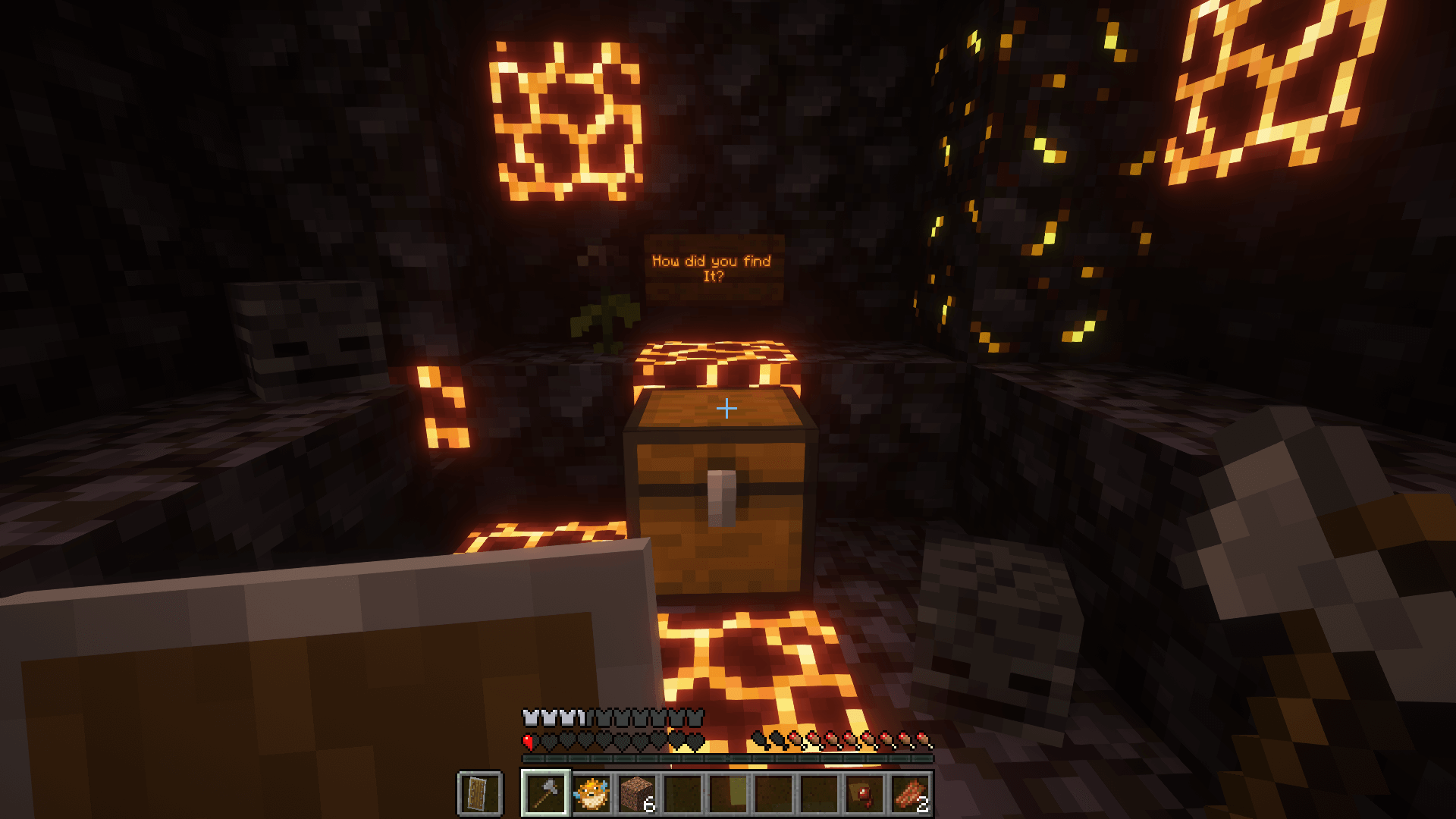
How did you find It?
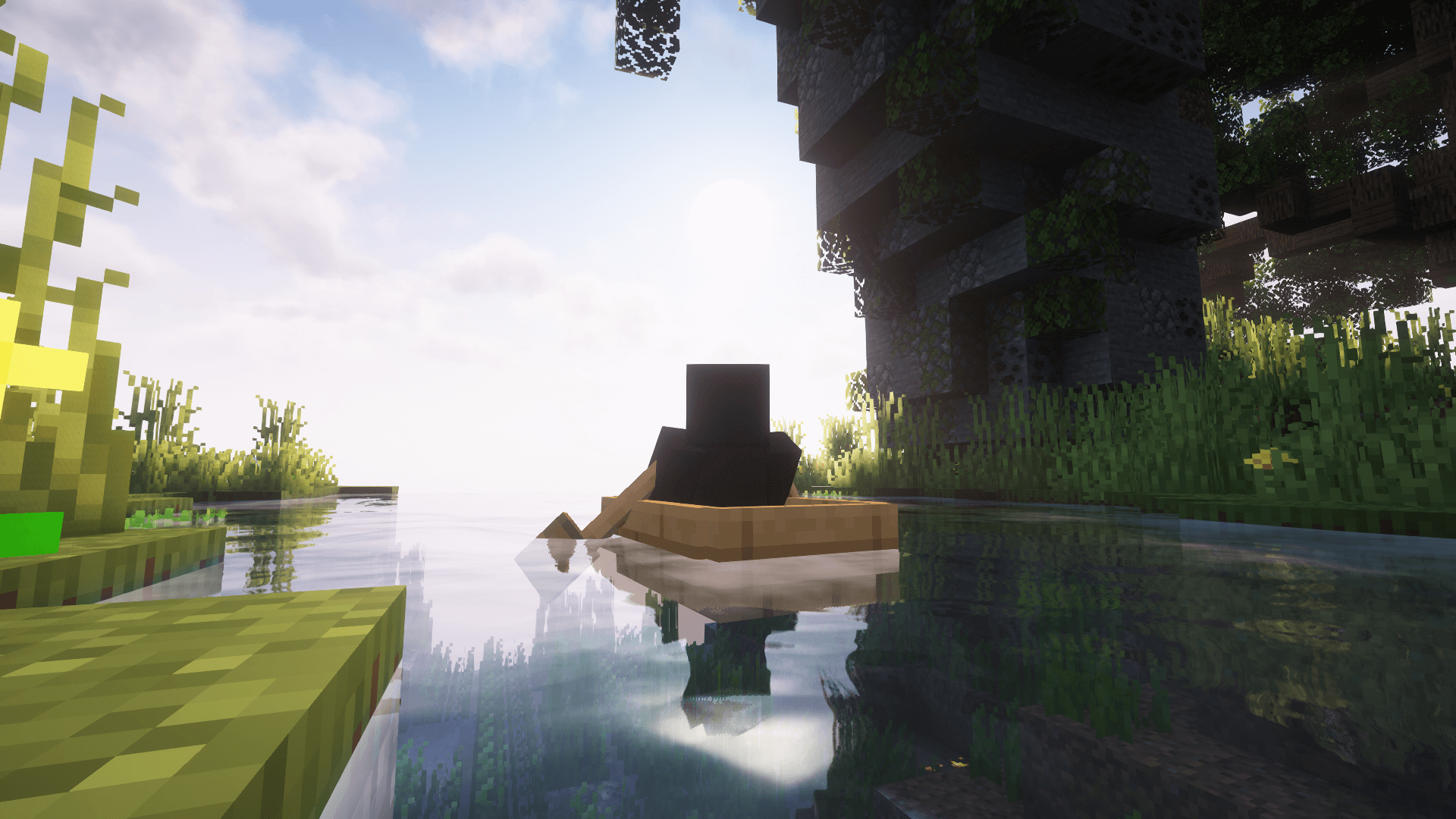
The island
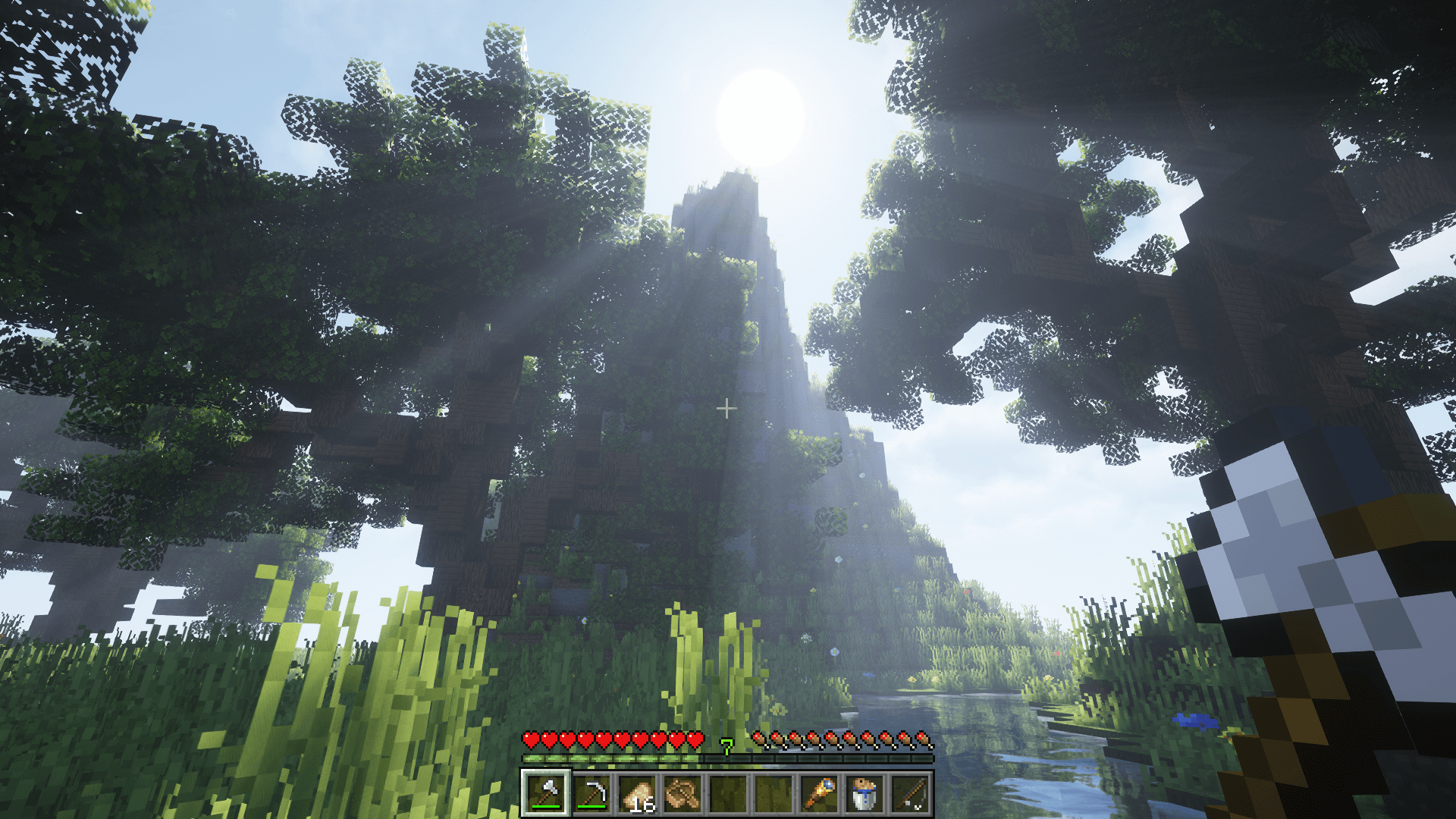
The island
Description
Hello I'm Undervoid201, It's my first map in my live.I very happy.I don't wana talk about it in infinite,buuuuuuut...It's have caves,clifs,mountain,rivers and pretty trees (I copy from another map).It's time to open minecraft and play my map!Good Bya(:
how to downald and open my world :
1.Open the CurseForge launcher.

2.Go to the Minecraft tab.

3.Click Browse.

4.In the left menu, select Customizations → Worlds.

5.Look for the map "UnderVoid 201 Island."

6.Click the button and select Download/Install.

7.Go to Minecraft → Profiles.

8.Open the profile folder (three dots → Open Folder).

9.Navigate to the folder and save it.

10.If the map is downloaded as a ZIP file, extract it.

11.Move the map folder (with the level.dat file) to the saves folder.

12.In CurseForge, launch the Minecraft profile.

13.Enter single-player mode.

14.Select the map from the lists and launch it.

thanks from read(:
Island Sky-block Undervoid201 Team
