Free Medieval House 4
- By
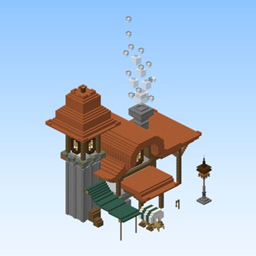
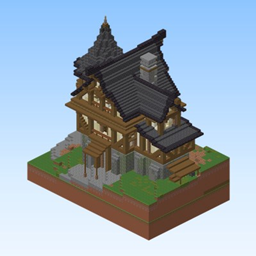
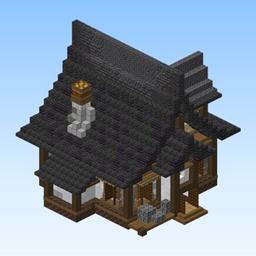
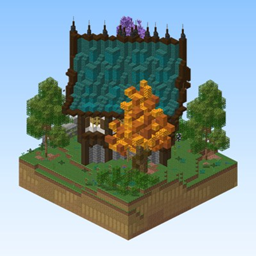
A richly detailed free medieval Minecraft house — a fantasy manor with a warm terracotta roof, a sturdy stone-brick base and a welcoming lantern-lit entrance staircase.
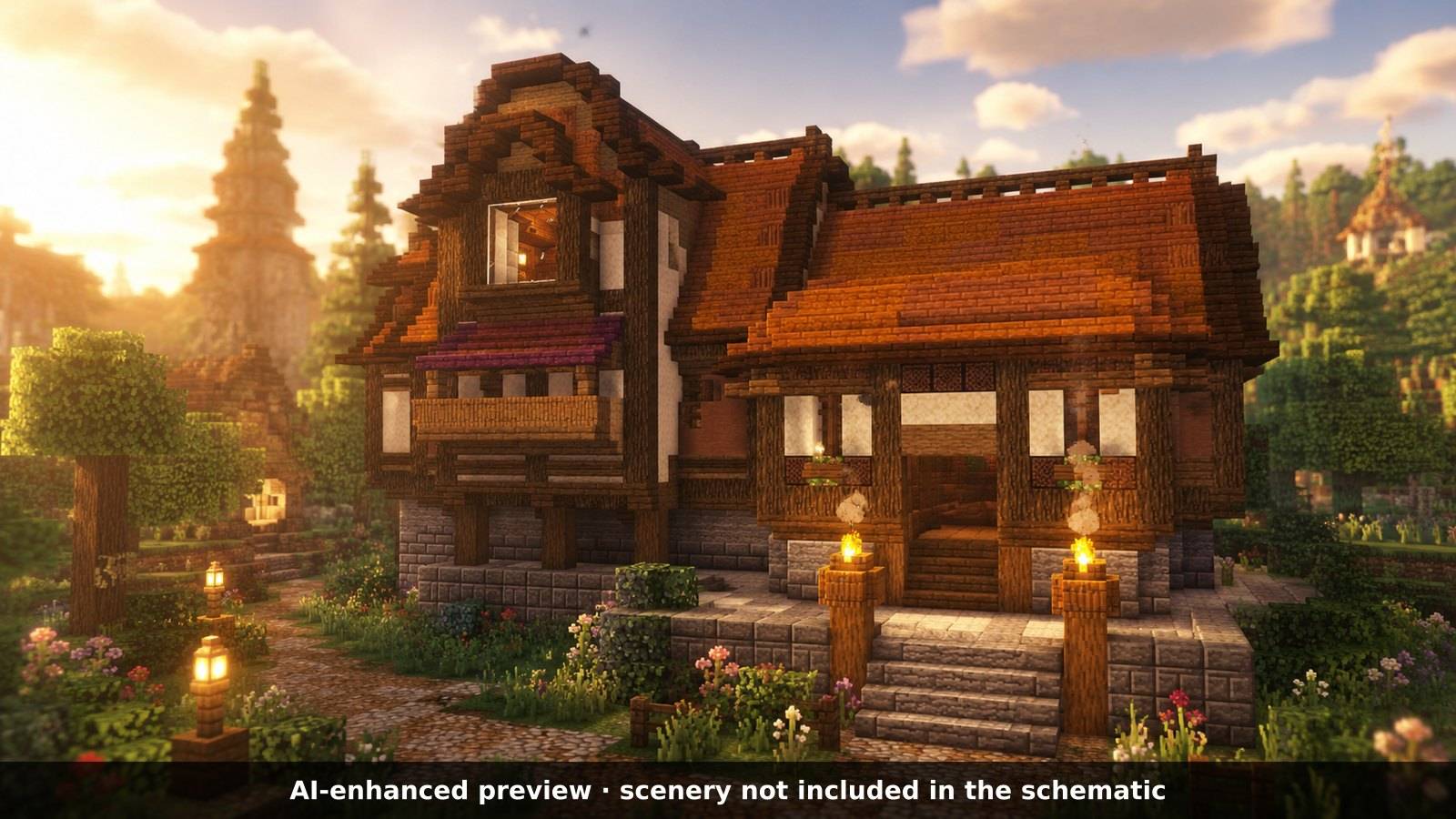
AI-enhanced preview: the scenery around the build is not part of the download.
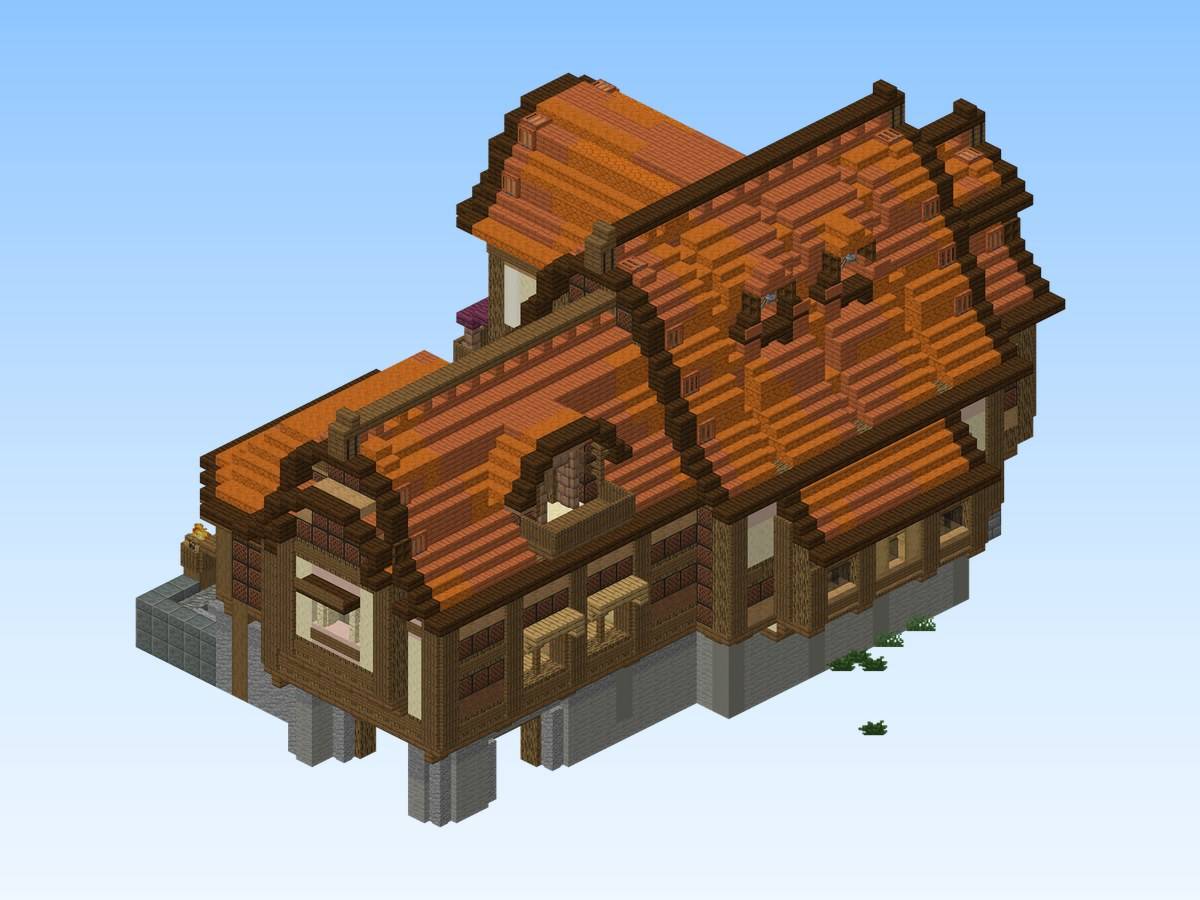
Actual build (render of the schematic or in-game screenshot).
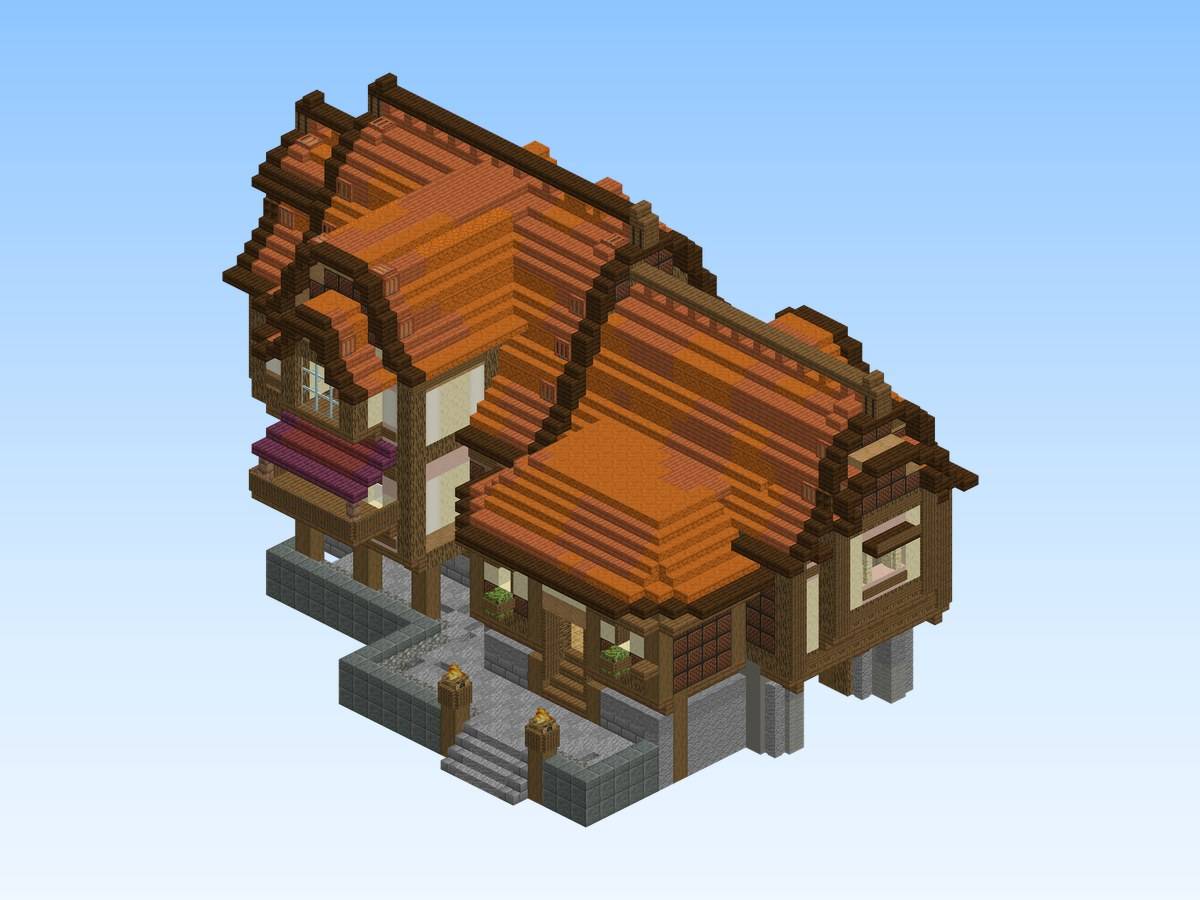
Actual build (render of the schematic or in-game screenshot).
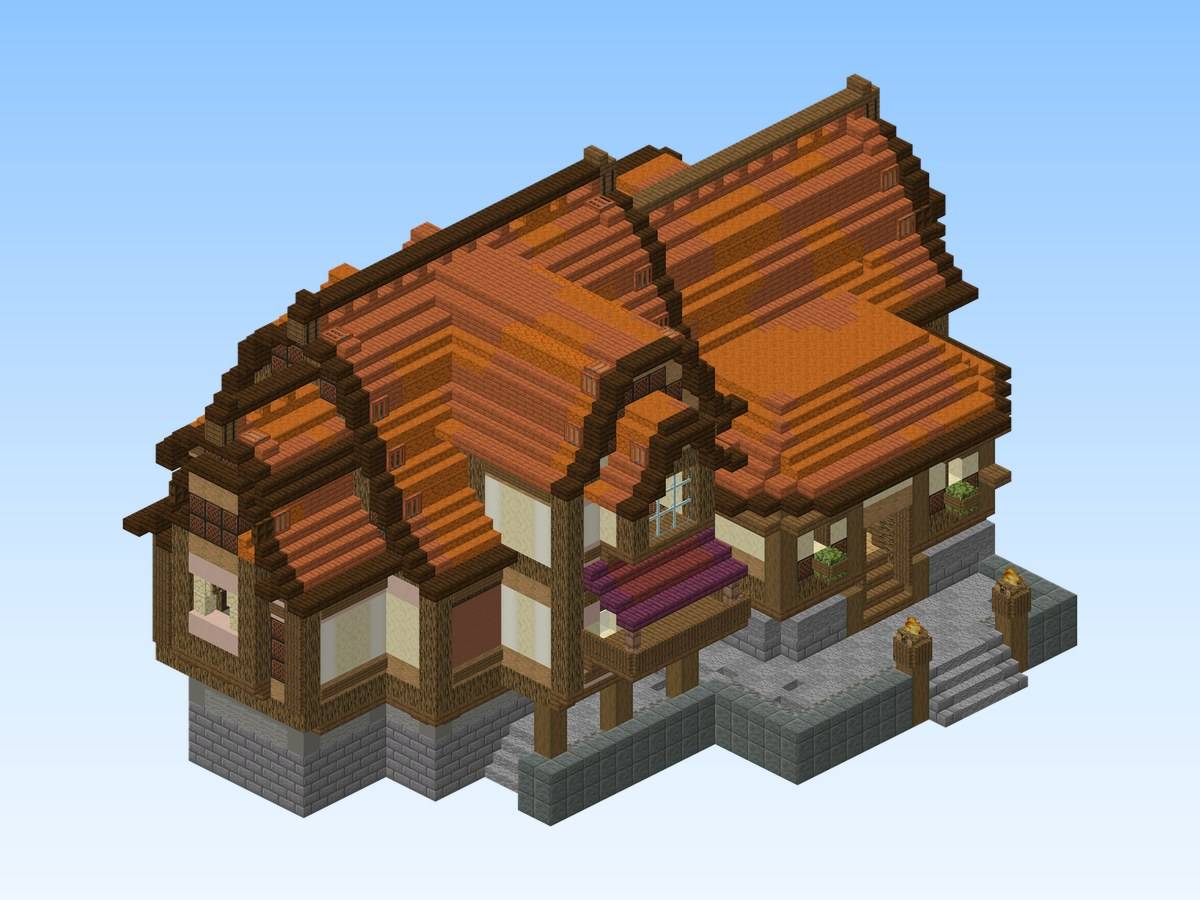
Actual build (render of the schematic or in-game screenshot).
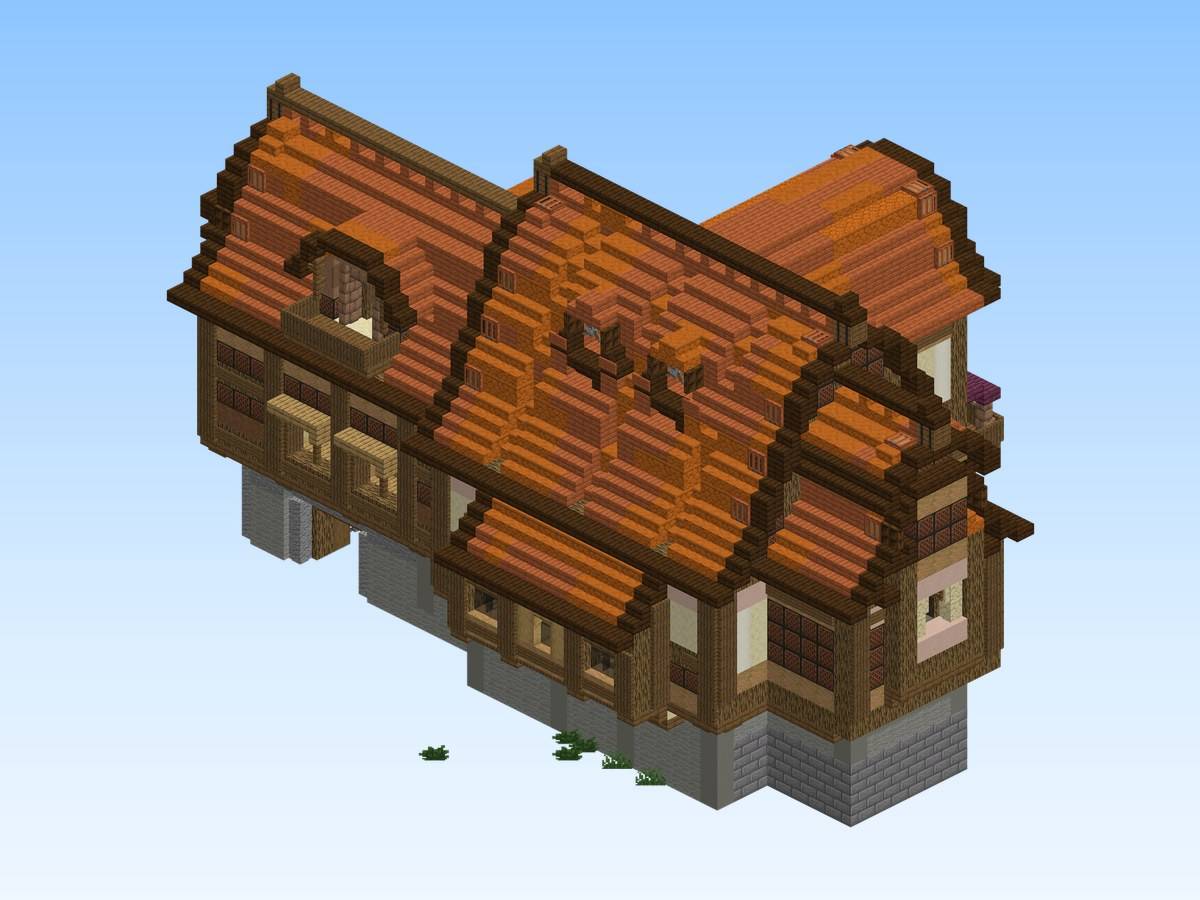
Actual build (render of the schematic or in-game screenshot).
Description
Free Medieval House 4
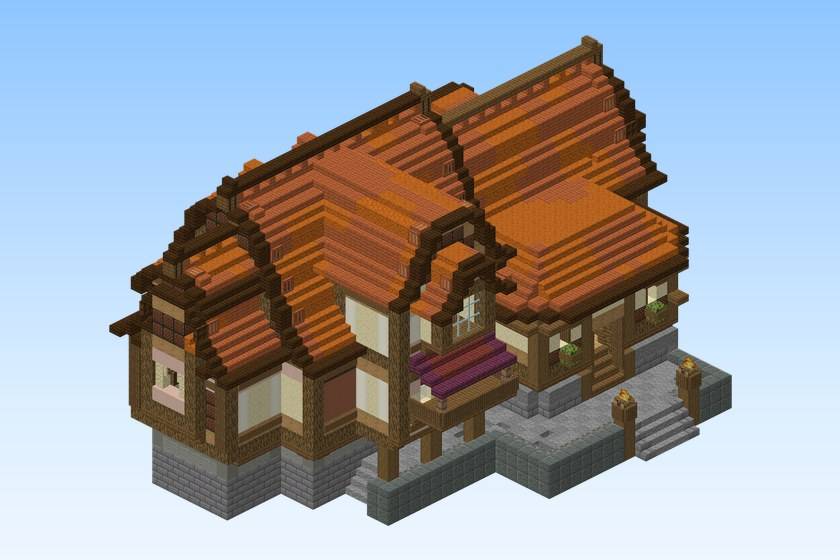
A richly detailed free medieval Minecraft house — a fantasy manor with a warm terracotta roof, a sturdy stone-brick base and a welcoming lantern-lit entrance staircase.
The ornate woodwork and glowing garden lanterns make it a standout build for RPG hubs, spawn areas and fantasy survival worlds.
Build details
- Size: 48 × 48 × 72 blocks (width × height × length)
- Blocks: 8,517
- Main materials: smooth sandstone, oak wood, stripped jungle wood, note block, spruce trapdoor
- World: Java Edition 26.1.2 or newer
- Schematic: Sponge .schem for WorldEdit / FastAsyncWorldEdit, Java Edition 26.1.2 or newer
What's included
- A flat creative world with the build, ready to play (you spawn in front of it)
free-medieval-house-4.schem— the same build as a schematic, to paste into your own worldREADME.txt— instructions
Play the world
- Install it with the CurseForge app, or copy the folder from the zip into
.minecraft/saves/. - Open Minecraft, Singleplayer: creative mode, cheats on.
Paste the schematic
- Install WorldEdit or FastAsyncWorldEdit.
- Copy the
.schemfile intoplugins/WorldEdit/schematics/(Paper / Spigot) orconfig/worldedit/schematics/(Fabric / NeoForge, singleplayer). - In game, run
//schem load free-medieval-house-4. - Stand where you want the build and run
//paste.
The render images show exactly what the schematic contains. Images labelled "AI-enhanced preview" place the build in a decorative setting: that scenery (landscape, water, ships, props around the build) is not part of the download.
Free build from the Spaleforce collection. View the build on Spaleforce.
The Free Medieval House 4 Team