DESCEND | A Story-Driven Psychological Horror Map
- By
Description
DESCEND
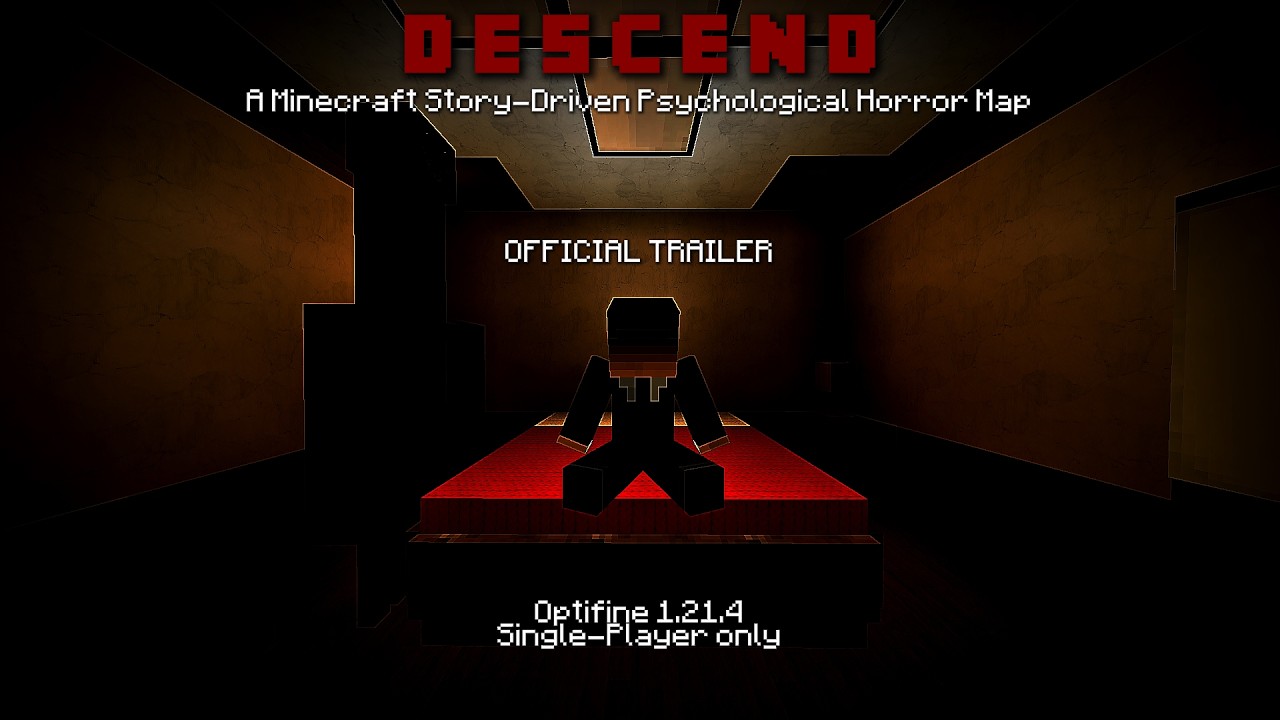
DESCEND is a story-driven psychological Minecraft horror map following John, an ordinary office worker whose recurring nightmares begin to blur with reality.
As the line between dreams and waking life fades, you'll explore unsettling environments, uncover fragments of John's story, and confront a mysterious presence that refuses to let him look away.
Estimated Playtime: 40-50 Minutes
Players: 1 (Does NOT Support Multiplayer under ANY circumstances.)
Minecraft Version: 1.21.4 OptiFine
⚠️ WARNING
This map contains flashing lights, loud sounds, and jumpscares.
❗ This map is not for the faint of heart.
Please proceed with caution...
❤️ A Small Request from the Map Creator
If you're able to, I'd really appreciate it if you recorded your playthrough!
I genuinely LOVE watching people's reactions and seeing how they interpret the story.
📌 Notes from the Map Maker
-
You must use Minecraft version 1.21.4 OptiFine. (https://optifine.net/adloadx?f=OptiFine_1.21.4_HD_U_J3.jar&x=a475)
-
OptiFine is absolutely required, as the map uses custom models that will not load correctly without it.
-
Please disable all other mods and resource packs, as they may interfere with the map's textures, models, and intended experience.
-
Do NOT use shaders.
⚙️ Recommended Settings
For the intended experience, please use the following settings:
-
Render Distance: 25 Chunks
-
Dynamic Lights: Fancy
-
FOV: 90
-
Music: OFF
-
Quality → Custom Colors: ON
-
Smooth Lighting: 100%
-
Brightness: Moody
-
Dynamic FOV: OFF
-
GUI Scale: 3
-
Graphics: Fancy (So the 3D textures don't look weird)
🧩 How to Install the Map
🔷 Step 1
Navigate to your Minecraft saves folder:
C:\Users\[Your Username]\AppData\Roaming\.minecraft\saves
(Or wherever your Minecraft installation is located.)
🔷 Step 2
Place the map folder inside the saves folder.
The folder should be named:
§7by §aHusseinsAbyss §f§l[§c§l1.21.4§f§l]§r
🔷 Step 3
Launch Minecraft 1.21.4 OptiFine.
🔷 Step 4
Open Singleplayer, select DESCEND, and enjoy the experience.
Thank you for playing.
I hope you enjoy DESCEND.
DESCEND | A Story-Driven Psychological Horror Map Team