
(New Update!) c̶u̶t̶i̶e̶y̶ツ゚'s PixelArt World
- By
Aesthetic PixelArt world with multiple displays!
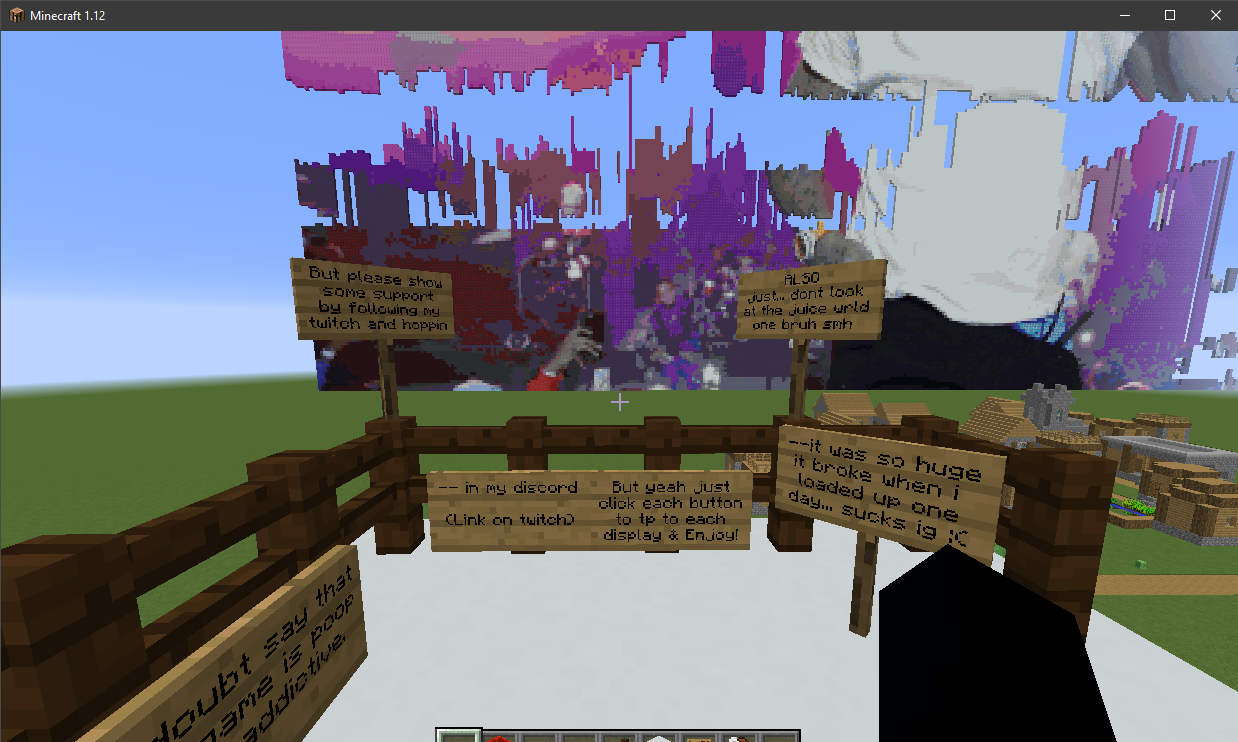
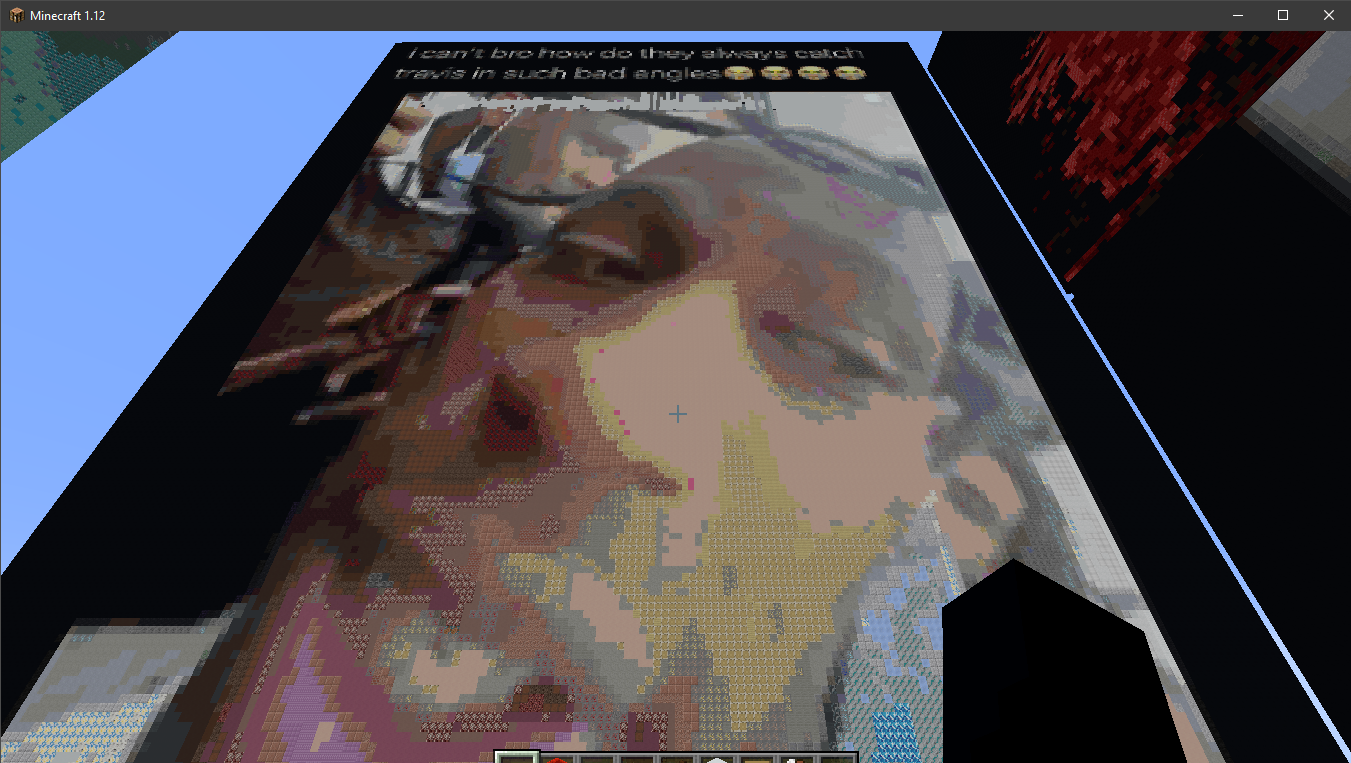
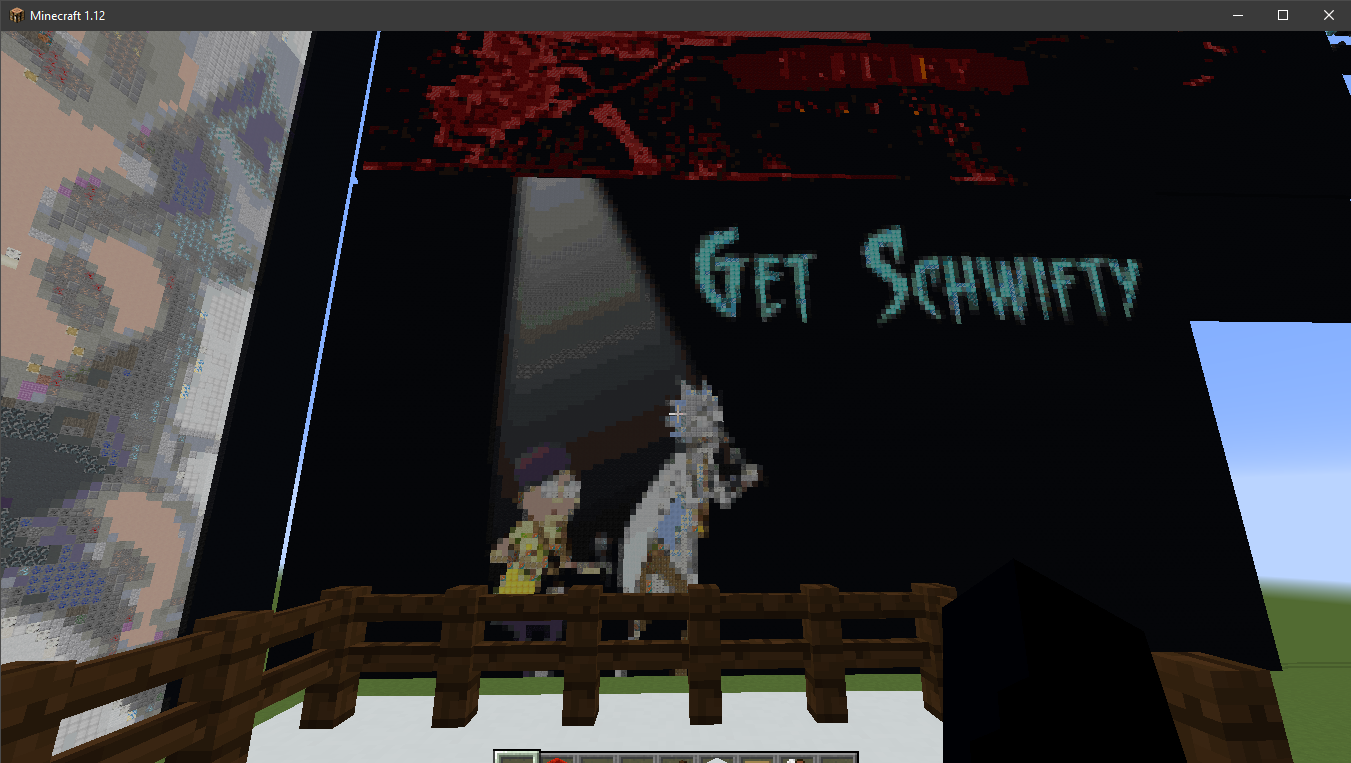
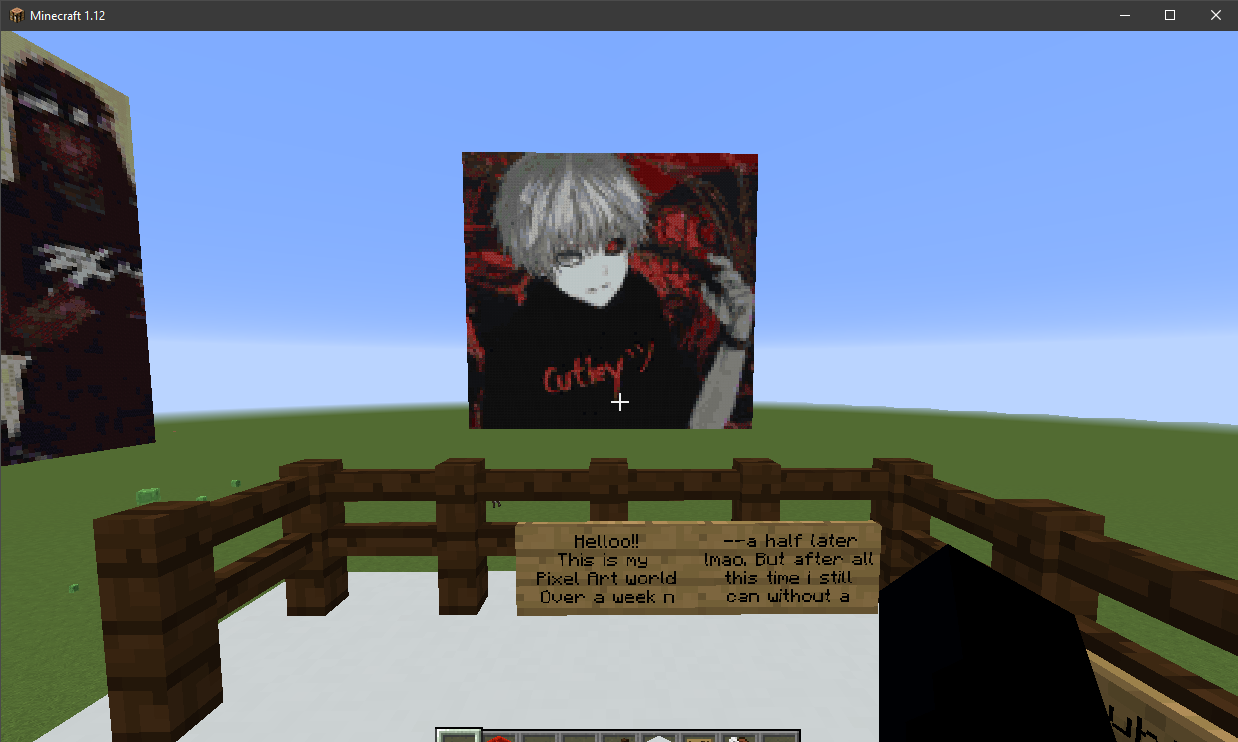
None of these are updated as of the latest change
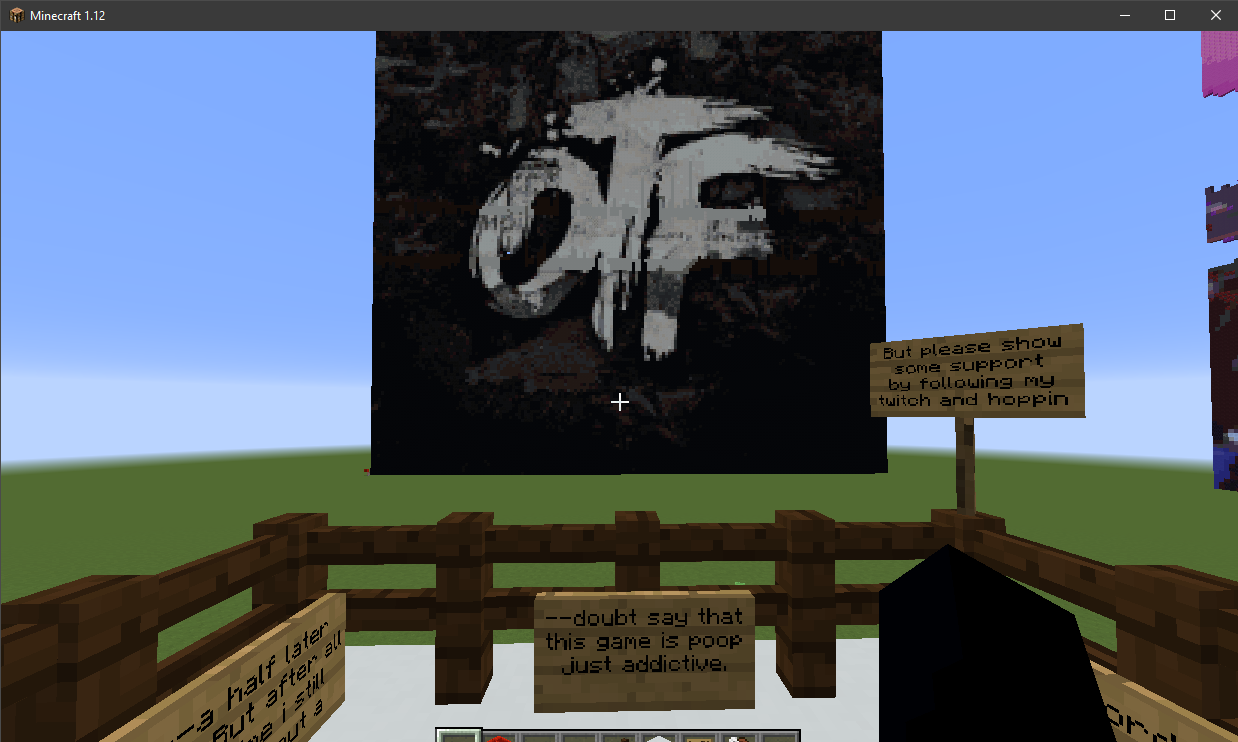
None of these are updated as of the latest change
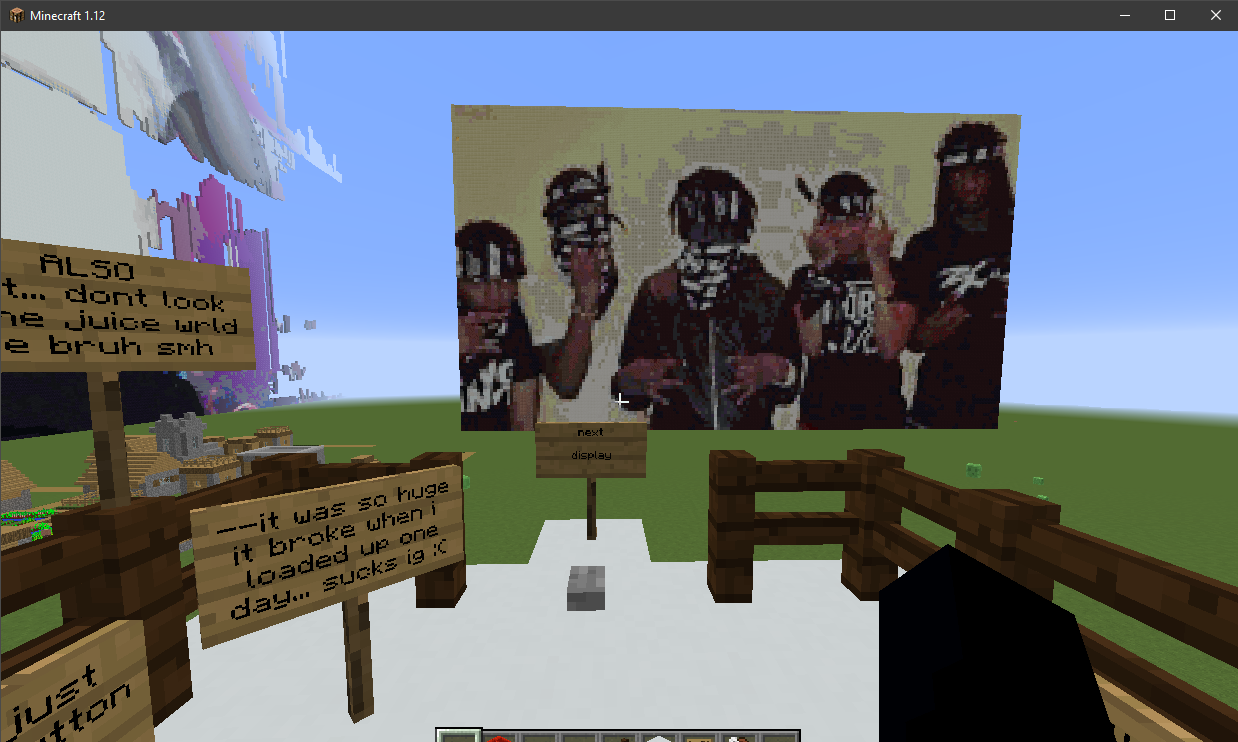
None of these are updated as of the latest change
Description
Hello !
This is my pixel art world !
Minecraft Version 1.18.0 !!
Currently a work in progress as i want to have many many displays, but while i currently only have seven i wanted to share this world w the public
How to download from github:
(For people unfamiliar with github and minecraft java)
First off, click the c̶u̶t̶i̶e̶y̶ツ゚'s PixelArt zip folder, Click "view as raw", and then once its installed into your downloads right click the file and select "extract files", select your desktop and click ok. Now, once the files on your desktop you can delete the zip. After that navigate to your ".minecraft" folder, which should typically be located in "C:\Users\your_profile\AppData\Roaming\\.minecraft". Now click on the saves folder and drag in "c̶u̶t̶i̶e̶y̶ツ゚'s PixelArt" (My world file) From the "My-PixelArt-MC-World-v1" folder. Then when you open Minecraft 1.18.0 and select singleplayer, the world should appear!
Enjoy!!
(Updated) Showcase:
(New Update!) c̶u̶t̶i̶e̶y̶ツ゚'s PixelArt World Team

