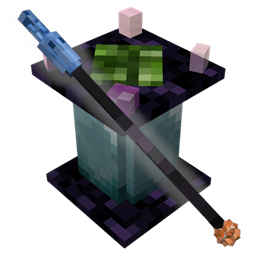
The /trigger command was used to highlight the eyes linked to channel 5.
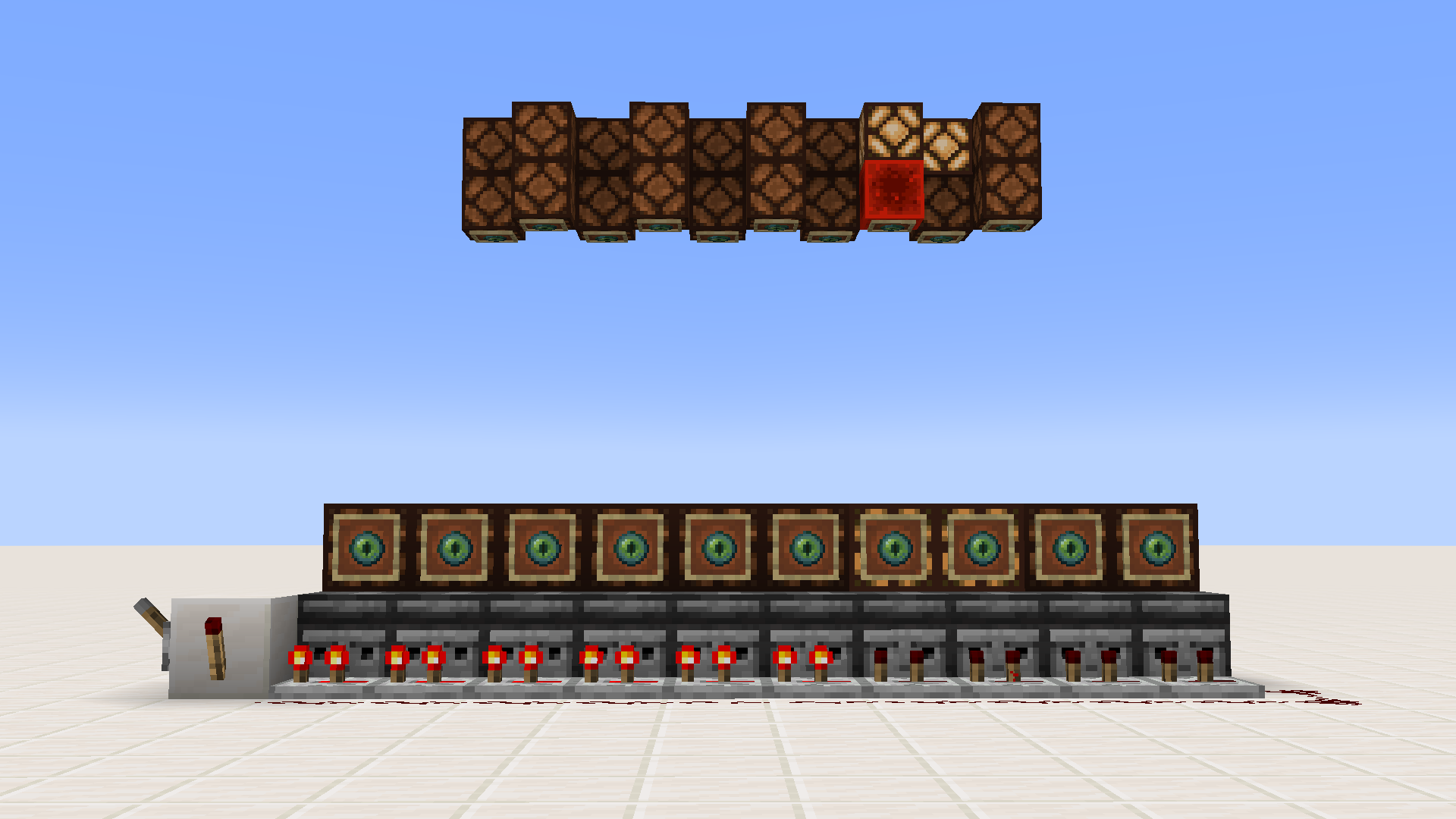
A selection of lamps are toggled in sequence from afar.
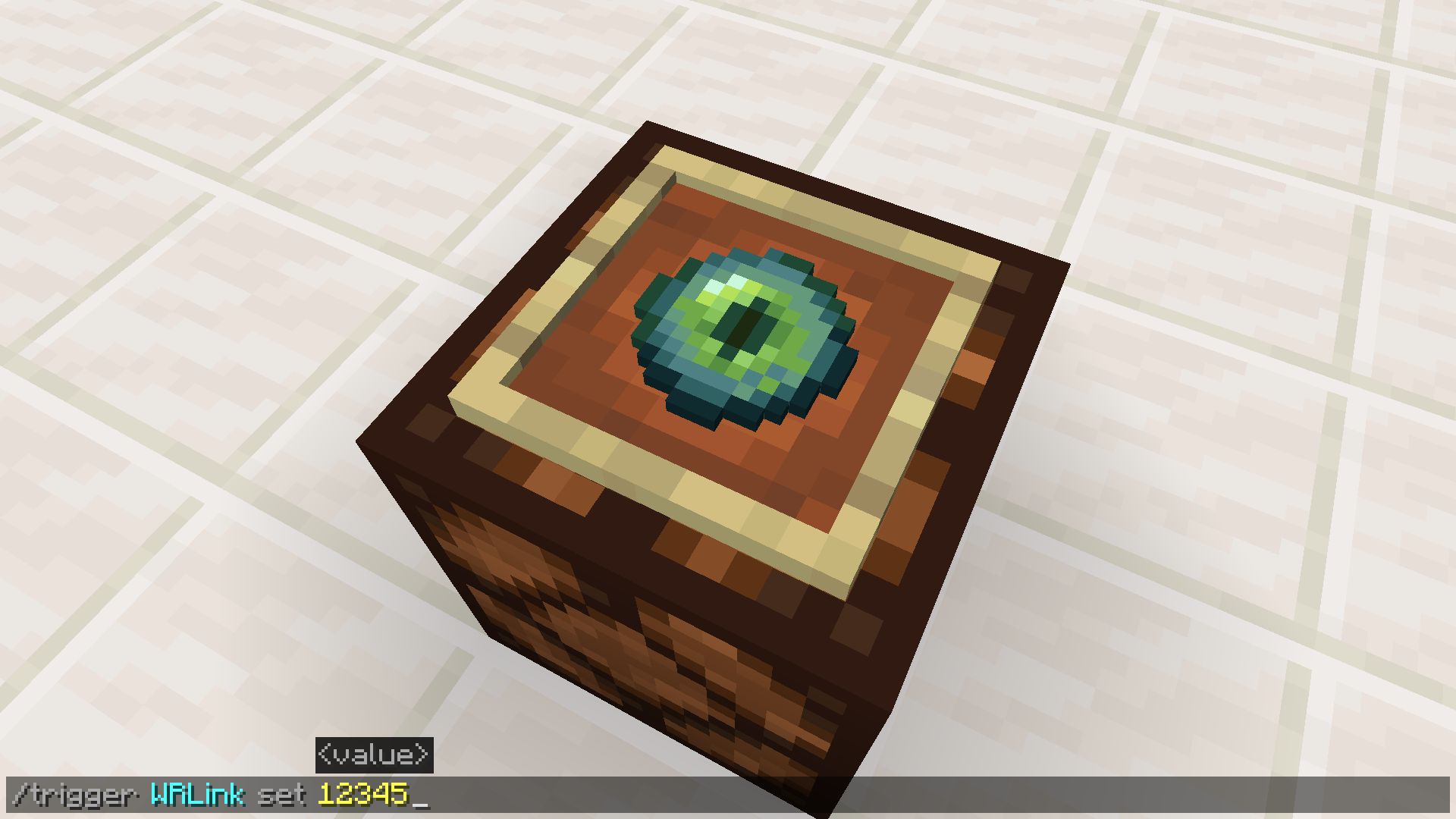
The /trigger command is displayed to show how one links an eye to a given channel.
Description
With this datapack, you can easily set up wireless redstone transmission/reception.
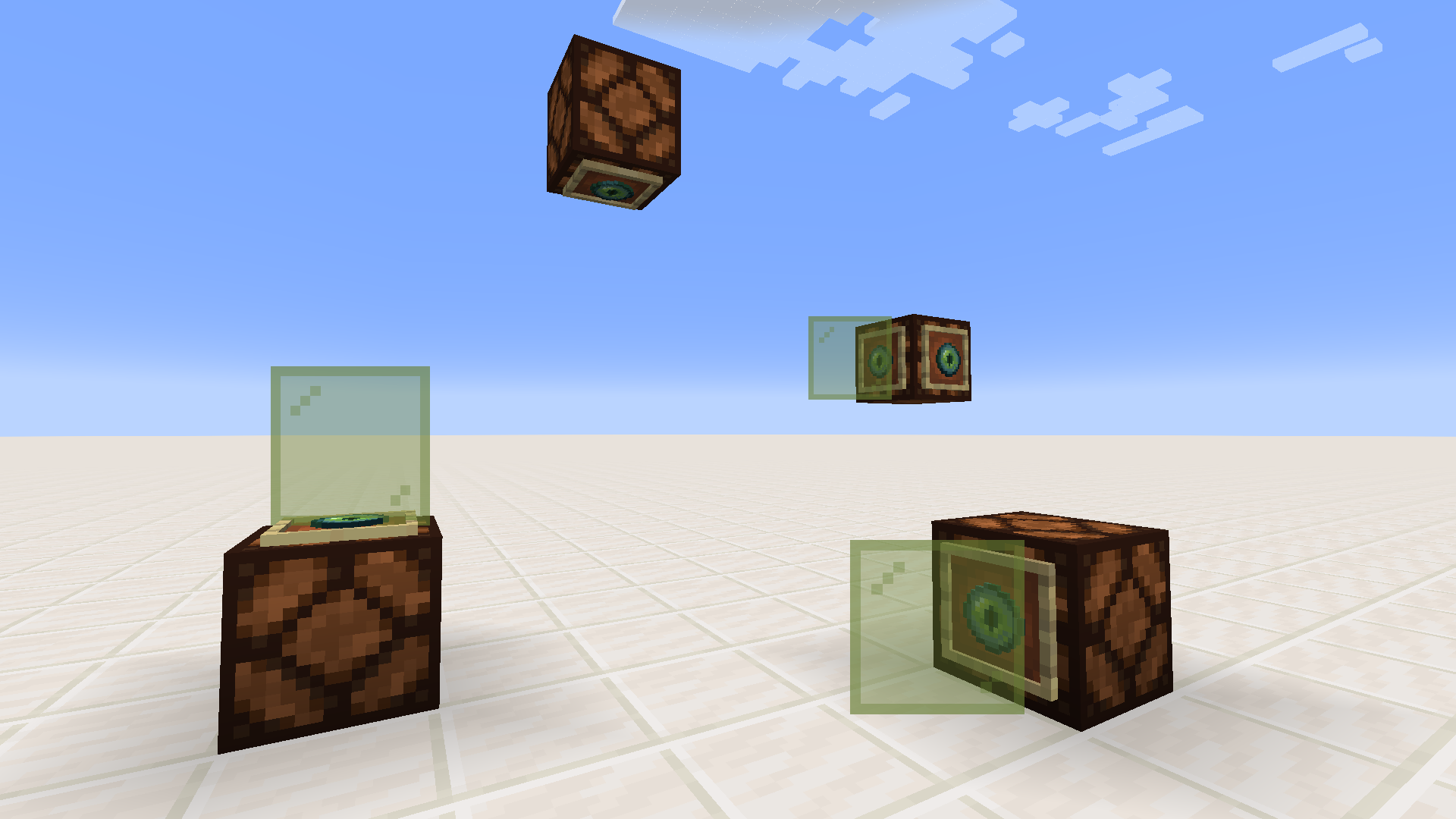
Redstone lamps are linked to a channel by placing one or more ender eyes on their face (in an item frame), before using the /trigger command on "WRLink" to activate the eye.
Lamps on the same channel will activate one another. When one turns on, the others become redstone blocks until the first turns off again.
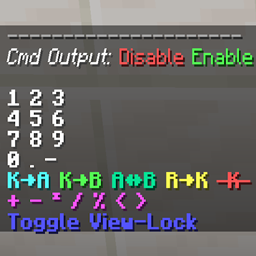
You can also check what channel an eye is on, or which eyes are on a given channel, by triggering "WRGetChannel" or "WRTestChannel", respectively.
The /trigger command is automatically enabled by the pack for all players for these objectives.
To install the datapack, just place the downloaded .zip file into your world save's "datapacks" directory. Do not unzip the file beforehand.
The TNT Games is a set of 50 two-player minigames and “attractions” that cover four basic categories, TNT related, Puzzle, Parkour, and General. Each game has an instruction booklet to let you know how to play. In most of the games, there is competition be
The TNT Games is a set of 50 two-player minigames and “attractions” that cover four basic categories, TNT related, Puzzle, Parkour, and General. Each game has an instruction booklet to let you know how to play. In most of the games, there is competition be