

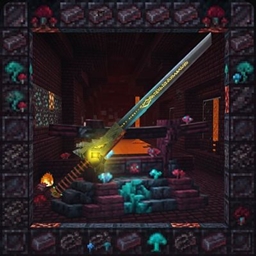
Sword ImmortalEyesColourSet【copper】
A masterpiece of low-poly artistry that pushes the boundaries of texture detail. This heavy claymore features a meticulously sculpted dragon-head guard and a dark-orange forged hilt.
- 169
- September 18, 2026
![[512+] Sword Immortal Eyes [3D Weapon Model] project image](https://media.forgecdn.net/avatars/thumbnails/2019/373/256/256/639237932371321593.png)
[512+] Sword Immortal Eyes [3D Weapon Model]
A masterpiece of low-poly artistry that pushes the boundaries of texture detail. This heavy claymore features a meticulously sculpted dragon-head guard and a dark-blue forged hilt.
- 262
- August 31, 2026

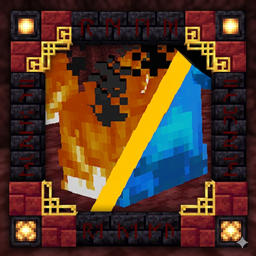
Sword ImmortalEyesColourSet【copper】
A masterpiece of low-poly artistry that pushes the boundaries of texture detail. This heavy claymore features a meticulously sculpted dragon-head guard and a dark-orange forged hilt.
- 169
- September 18, 2026
[512+] Sword Immortal Eyes [3D Weapon Model]
A masterpiece of low-poly artistry that pushes the boundaries of texture detail. This heavy claymore features a meticulously sculpted dragon-head guard and a dark-blue forged hilt.
- 262
- August 31, 2026