Truce (x64)
- By
Minecraft Screenshot 2026.04.17 - 05.03.04.74.jpg
Minecraft Screenshot 2026.04.17 - 05.06.47.48.jpg
Minecraft Screenshot 2026.04.16 - 18.56.16.83.jpg
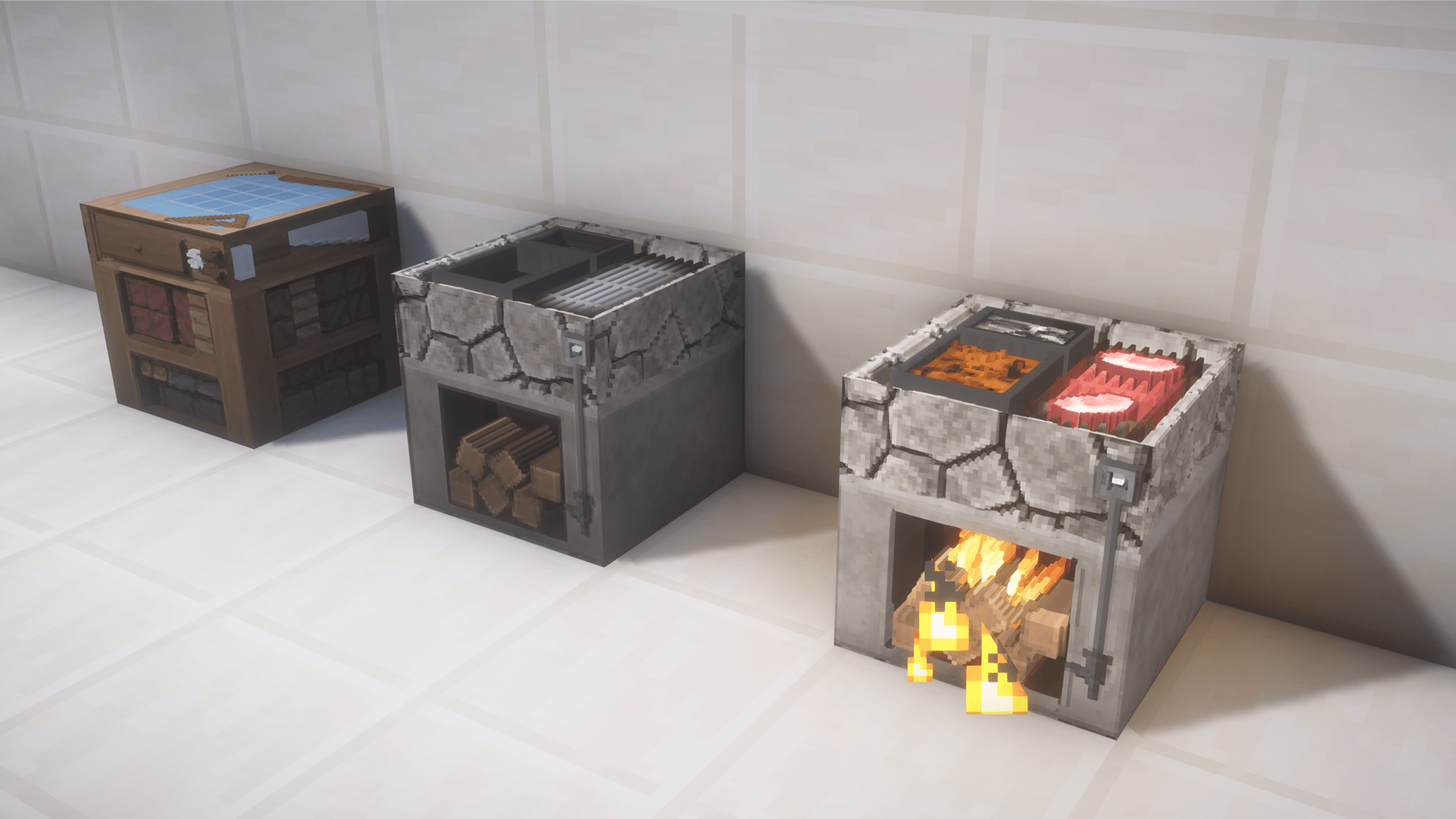
ct_furn.png
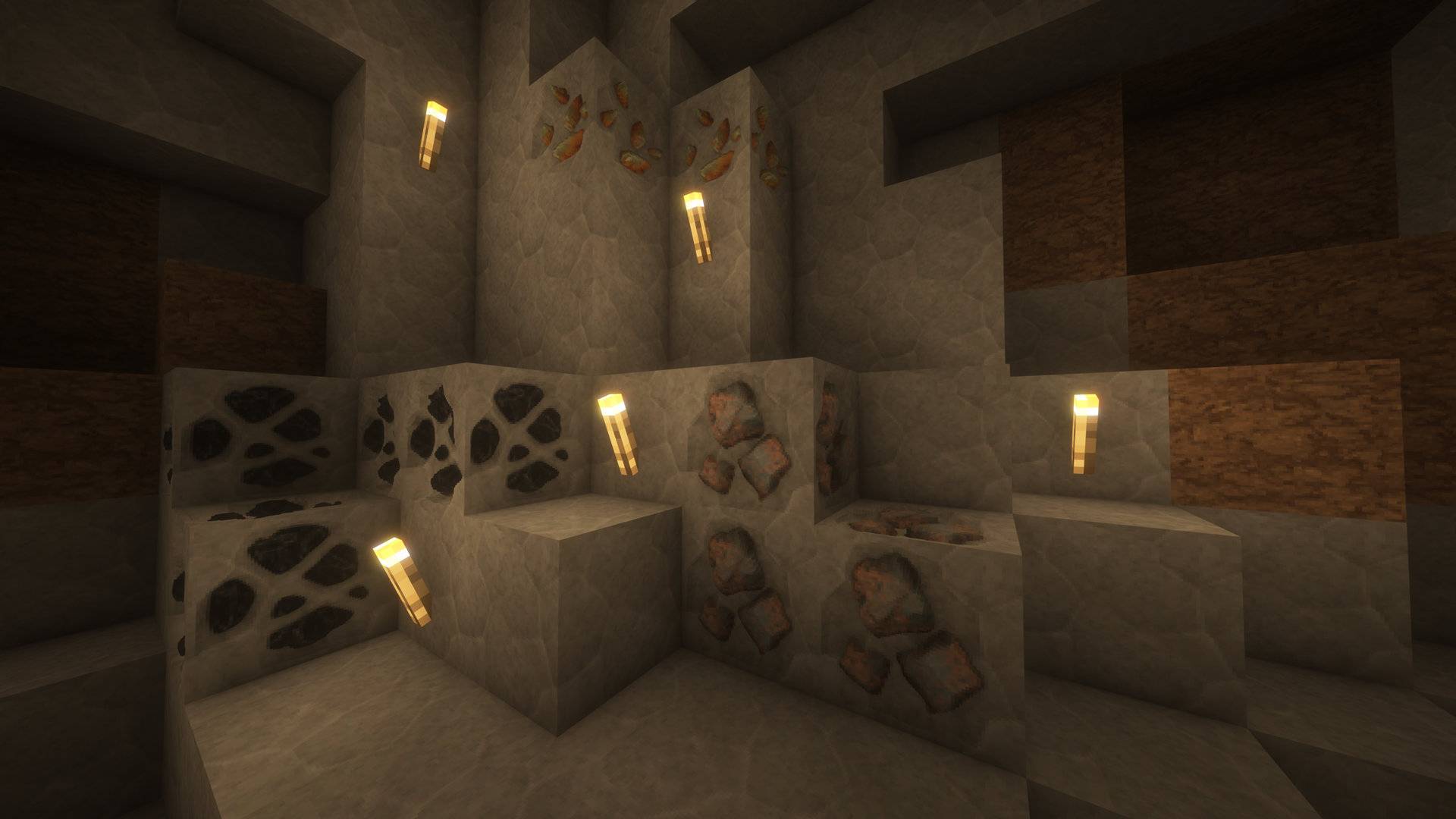
Minecraft Screenshot 2026.04.17 - 05.07.04.22.jpg
Description
TRUCE
Where Grit Meets Gradient.
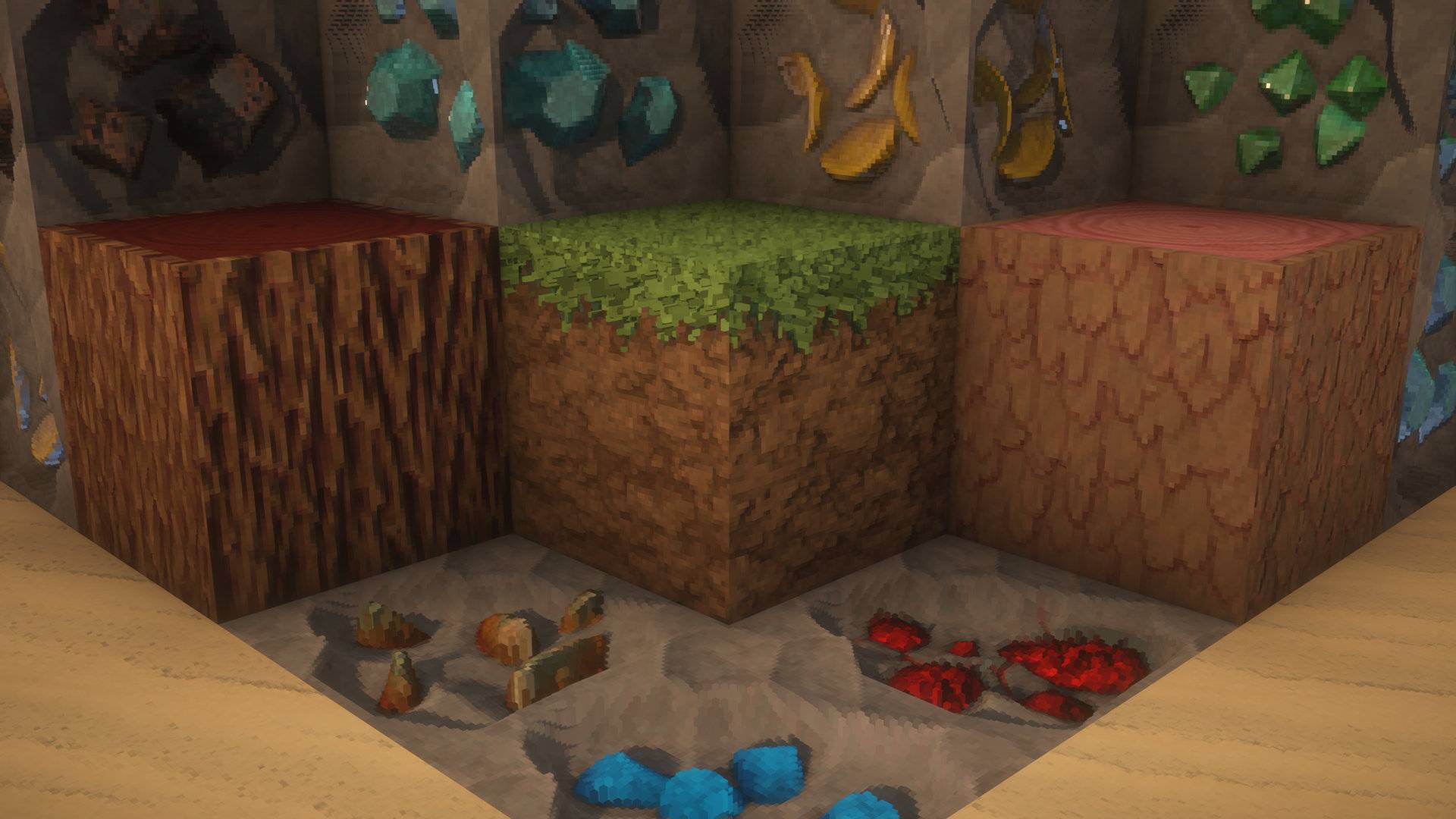
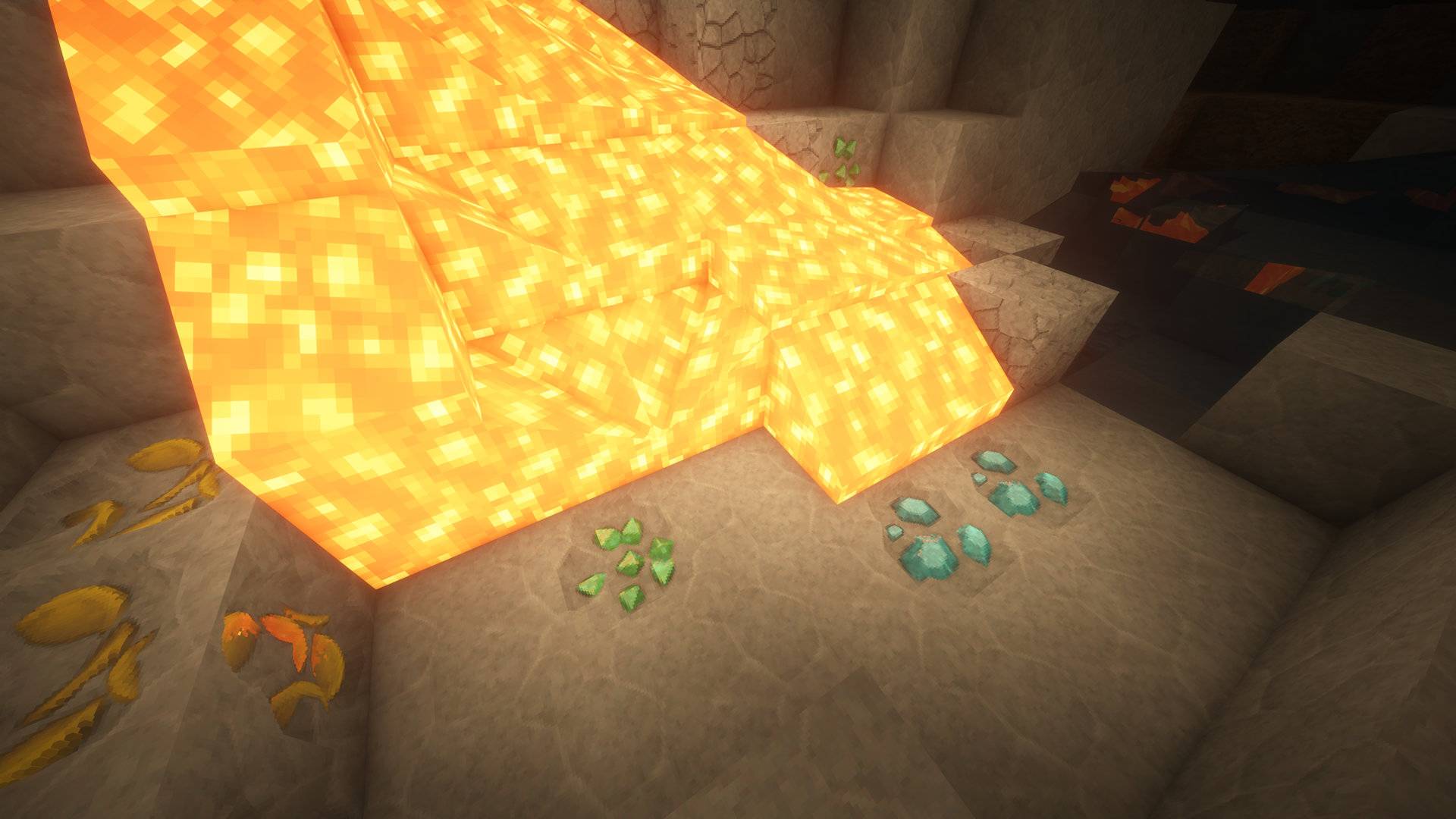
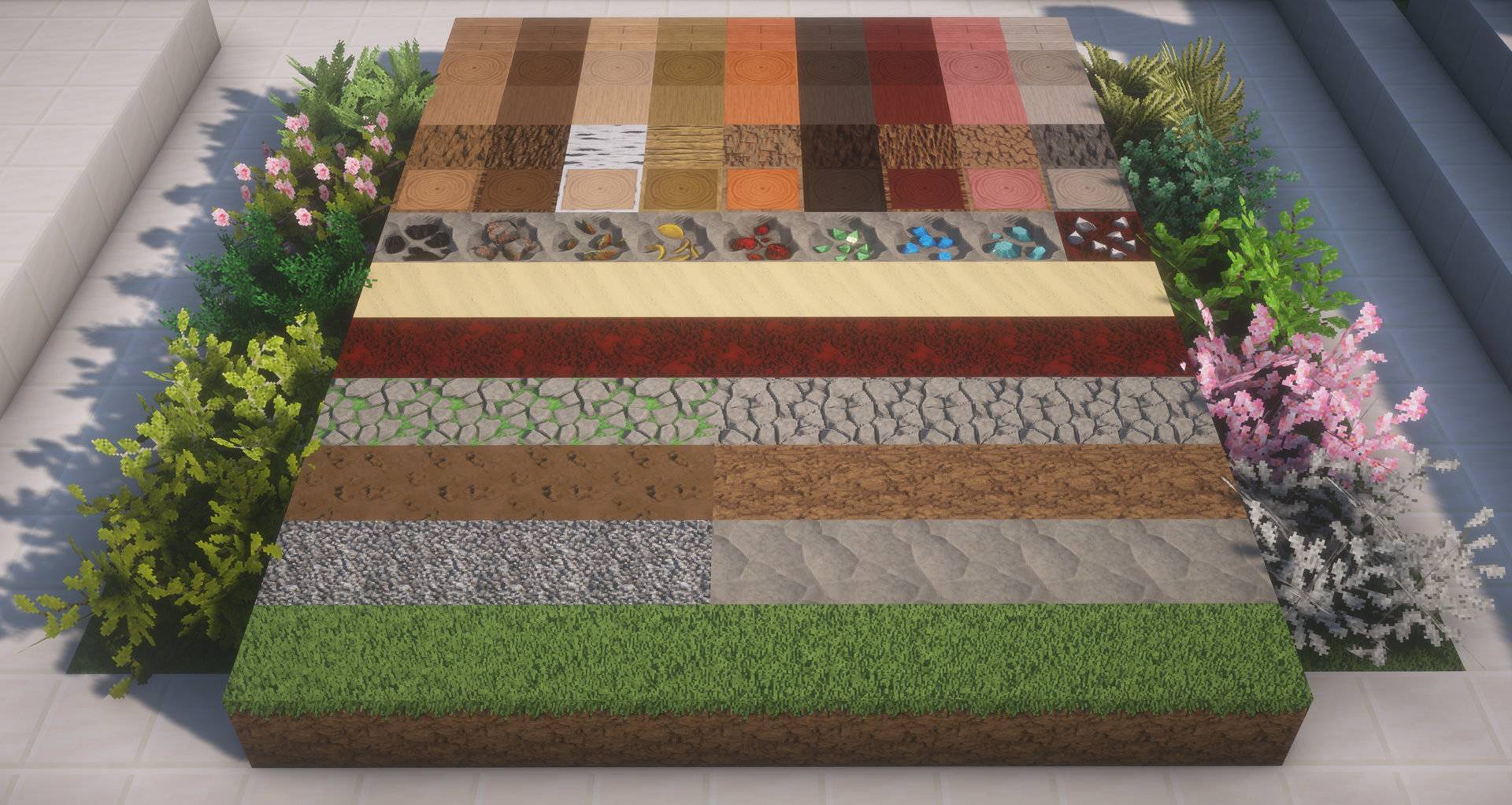
Truce is the definitive resolution to the oldest conflict in Minecraft resorcepacks: the battle between hyper-realism and stylized art. Instead of choosing a side, Truce creates a world where they coexist.
Experience a landscape where materials have the tactile weight of reality, but the vibrant soul of an illustration. This isn't just a resource pack; it’s a balanced ecosystem of design.
Stop choosing between "Real" and "Cartoon." Sign the treaty. Install Truce.
TRUCE | Development & Setup
Truce is built on two core points:
-
Make it the best: Build the pack I’ve always wanted to play. So your feedback is important to make it the best it can be.
-
Performance: My goal is to deliver high-fidelity visuals through smart optimization, ensuring my creative vision doesn't cost you your frame rate.
Resolution Tiers
Standard (Free): x32 | x64
Premium (Patreon Exclusive): x128 | x256 | x512 | x1024


Important Configuration
To experience the 3D effect, this pack requires a shader that supports LabPBR textures. Ensure Parallax Occlusion Mapping (POM) is enabled in your shader settings.
Quick Setup Guide:
| Shader | Configuration Steps |
|---|---|
| BSL | Material > Enable Advanced Materials > Set format to LabPBR. Then, under Normals and Parallax, enable Parallax Occlusion Mapping. |
| Complementary | RP Support > Select LabPBR. Then go to Materials > LabPBR Materials and enable Parallax Occlusion Mapping. |
| Kappa | Terrain > Ensure Parallax Occlusion Mapping is enabled. |
| SuperDuperVanilla | PBR > Set mode to LabPBR. Then open Parallax Occlusion Settings and enable. |
Using another shader? Look for "Parallax," "PBR," or "Advanced Materials" under the Texture or Material settings tabs to enable the 3D effect.
Truce (x64) Team