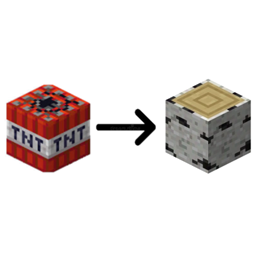
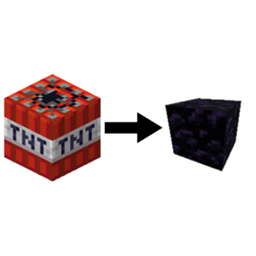
(This template only works with 2 textured blocks)
Steps:
- Move the template folder (found in files tab) to your desktop.
- Extract it
- Choose to delete the pack.png file (inside the extracted template folder) or make your own.
- Go to the minecraft game directory>versions>(any release (not one from a modloader), (1.14+))>open the jar file with an unzip program>assets>minecraft>textures>block>(your blocks side/top texture)>Copy that to clipboard
- Go to the extracted templates folder>assets>minecraft>textures>block>Paste the png file into there. And then if you put a top file in there then name it "tnt_top" if it was a side texture then name it "tnt_side" Repeat this until you have both textures in the block folder with names "tnt_top" and "tnt_side"
- Go to the main zip folder, delete everything inside and put in the stuff from the extracted one.
in the end it should look like
BirchLogTNTResourcePack.zip
├── assets
│ └── minecraft
│ └── textures
│ └── block
│ └── tnt_side.png
│ │──tnt_top.png
├── pack.mcmeta
└── pack.png (optional)