


ThaiFixed
ThaiFixed
Resource Pack แก้ไขปัญหาการแสดงผลภาษาไทยไม่ถูกต้องใน สำหรับ Minecraft Java Edition (Resource Pack fix Thai language display incorrect for Minecraft Java Edition)
- แก้ปัญหาภาษาไทยสระลอย (Fix Floating Thai Characters)
- อ่านง่าย สบายตา ฟอนต์น่ารัก ("Easy to read, eye-friendly, cute font")
Font (ฟอนต์)
Modified from `Itim` font
- ThaiFixed 1.21.3
- ThaiFixed 1.21.4
Modified from `IBM Plex Sans Thai` font
- ThaiFixed 1.13
- ThaiFixed 1.15
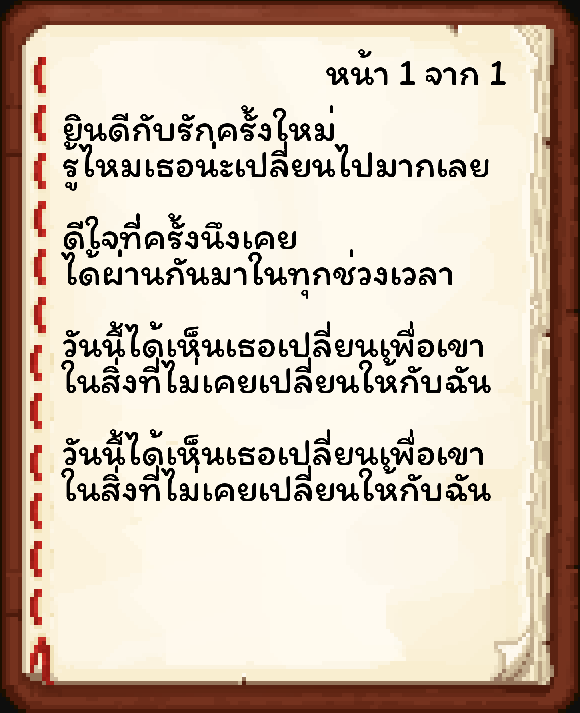
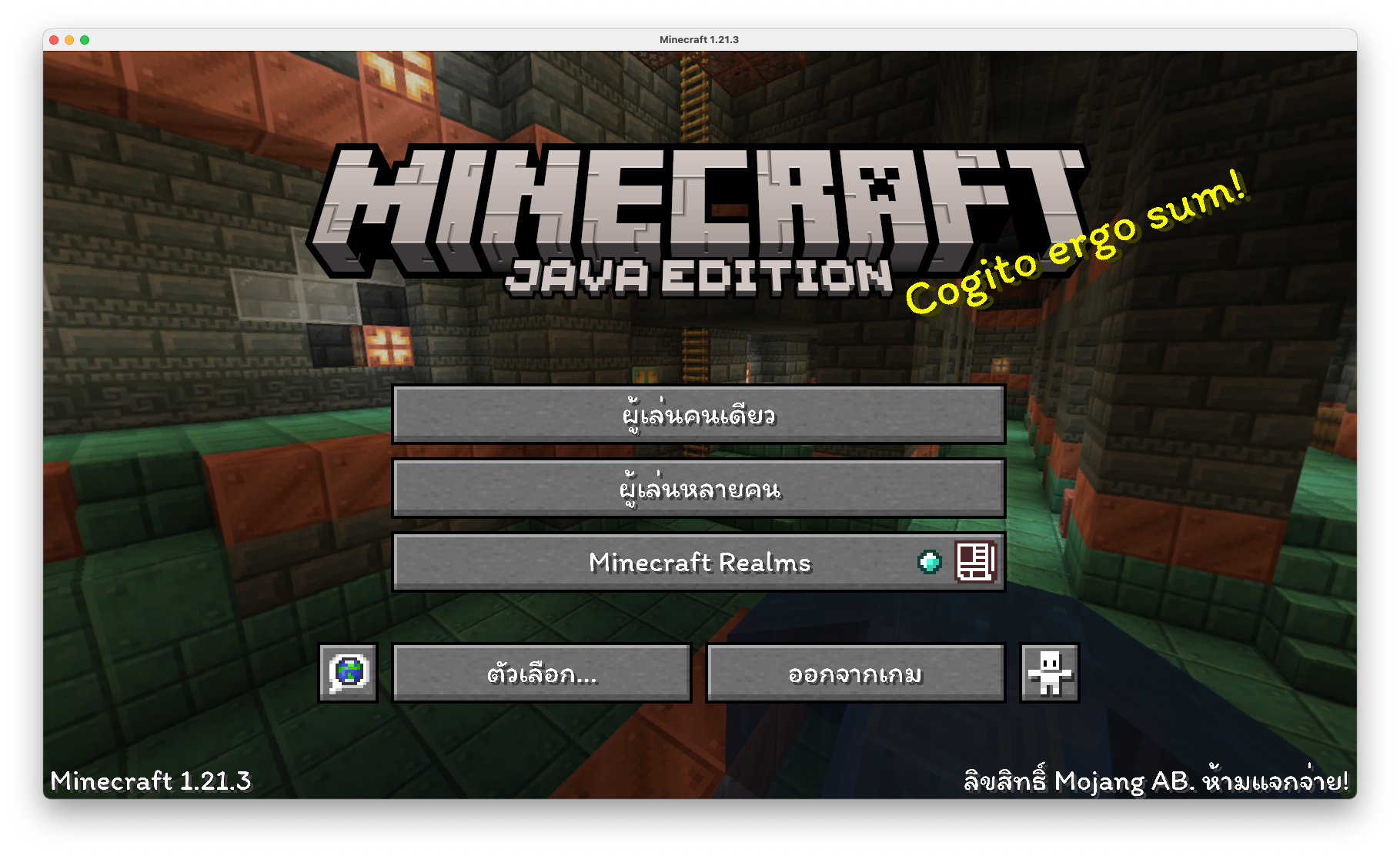
Preview (ตัวอย่าง)
- Original
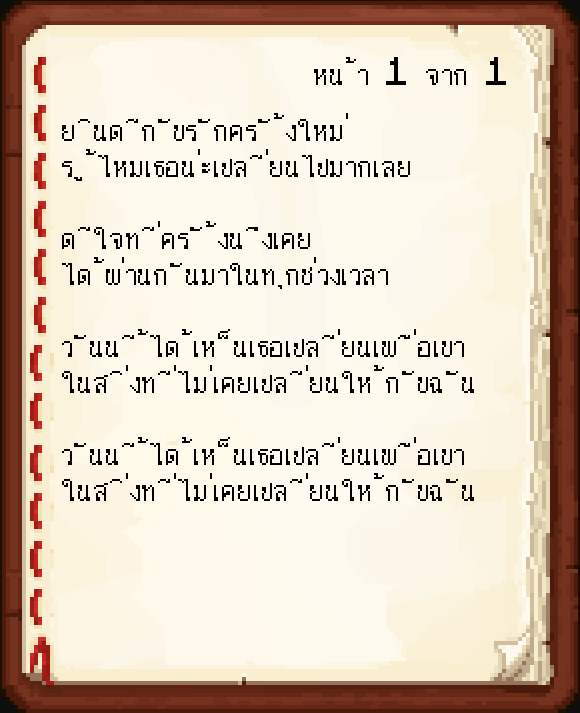
- ThaiFixed
How to Install (วิธีการติดตั้ง)
1. Download ThaiFixed, you should get a .zip file (ดาวน์โหลด ThaiFixed จะได้รับไฟล์ .zip)
2. Open the folder to which you downloaded the file (เปิดโฟลเดอร์ที่คุณดาวน์โหลดไฟล์)
3. Copy the .zip file (คัดลอกไฟล์ .zip)
4. Open Minecraft (เปิด Minecraft)
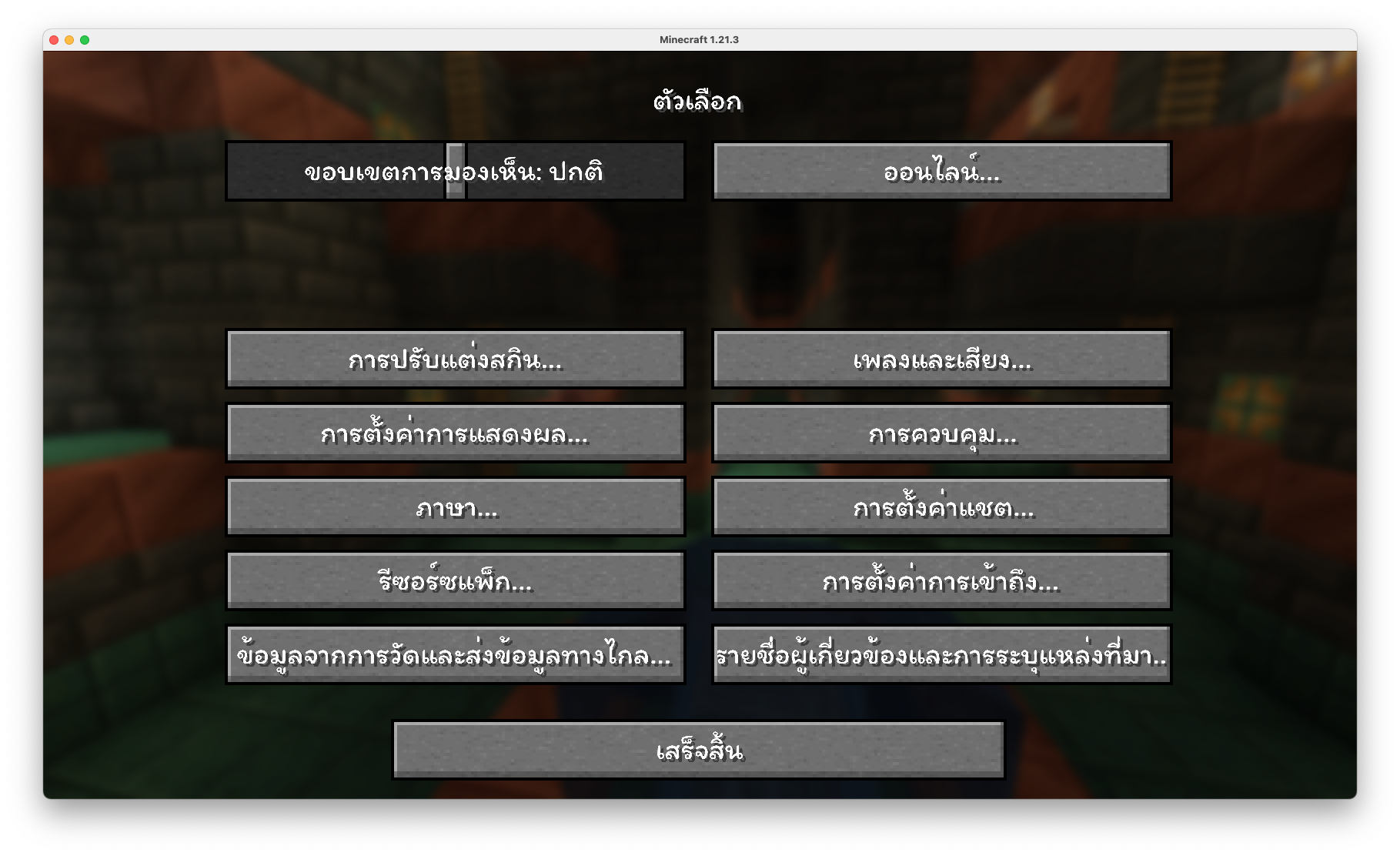
5. Click on "Options", then "Resource Packs" (คลิกที่ "ตัวเลือก" แล้วเลือก "รีซอร์ซแพ็ก")
6. Choose "Open resource pack folder" (เลือก "เปิดโฟลเดอร์แพ็ก")
7. Paste the zip file into the resource folder in Minecraft (วางไฟล์ zip ลงในโฟลเดอร์ resourcepacks ของ Minecraft)
8. Go back to Minecraft, the resource pack should now be listed and you can activate it by choosing it and hitting "Finished" (กลับไปยัง Minecraft หน้า resource pack จะแสดงรายการ ThaiFixed ทำการเปิดใช้งานโดยการเลือกและทำการกด "เสร็จสิ้น")
The ThaiFixed Team
