Texture Switch
- By
This resource pack takes standard vanilla textures and forces them to cycle every 10 seconds.
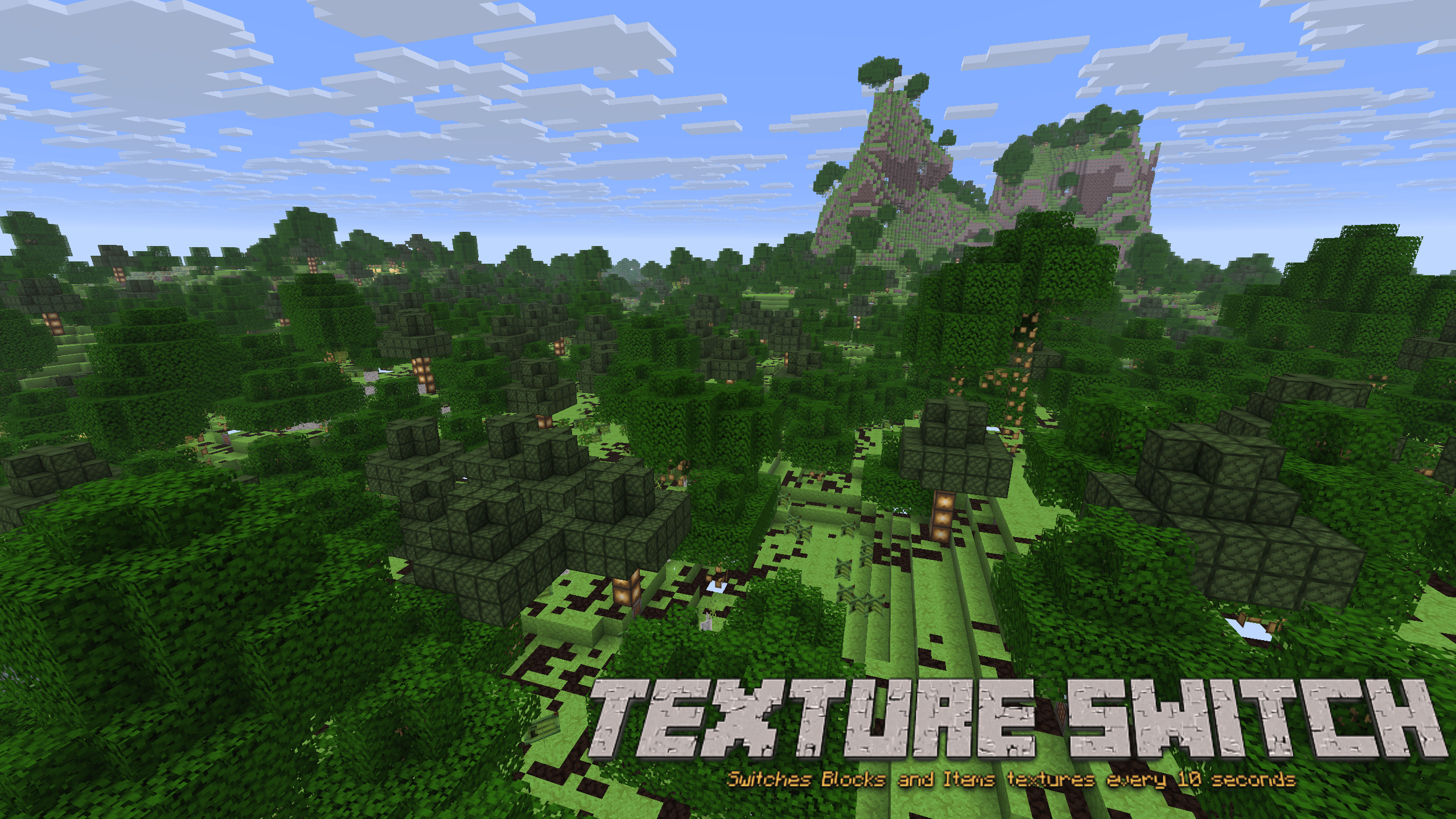
Texture Switch Image
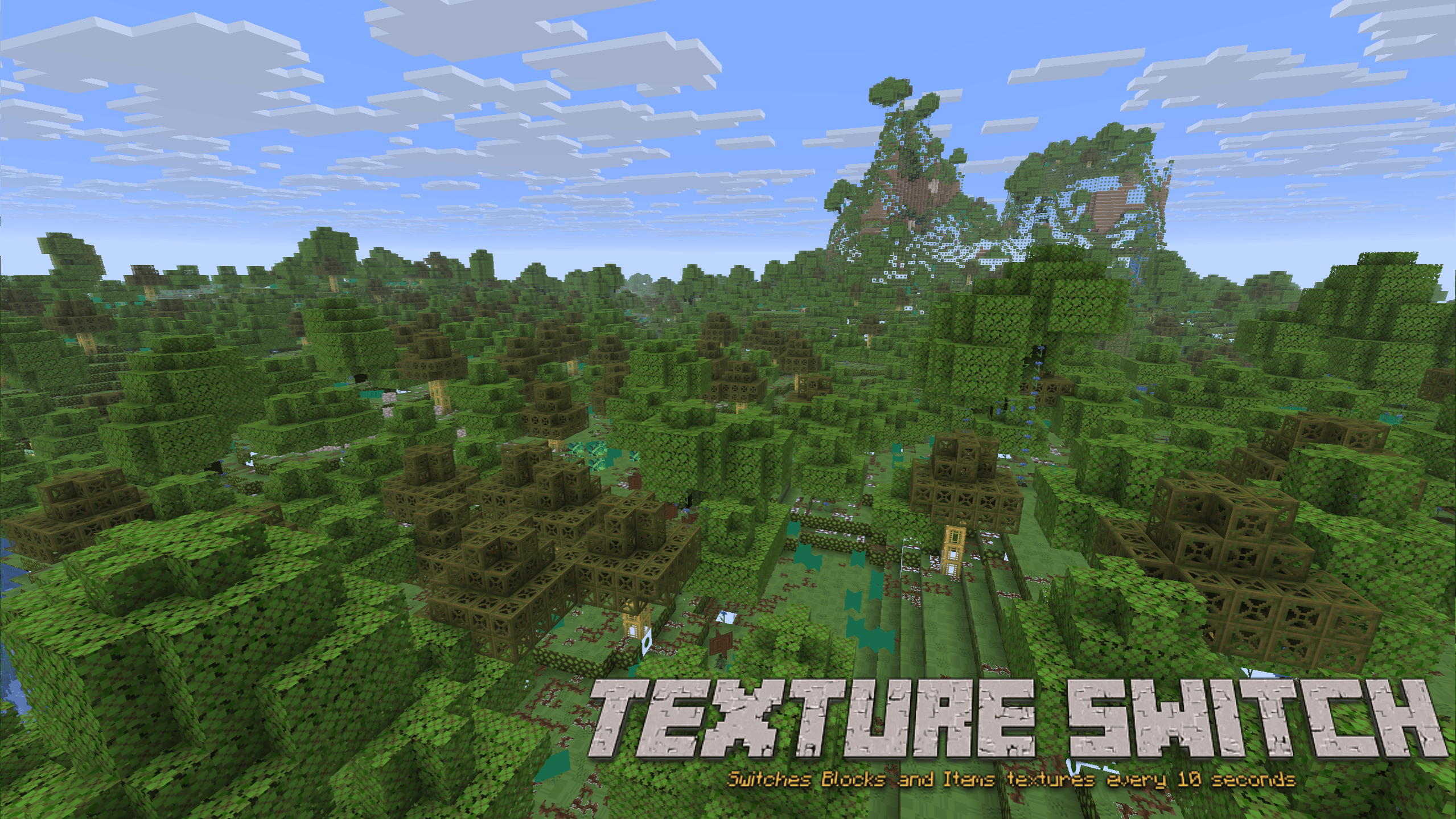
Texture Switch Image
Description
10-Second Vanilla Randomizer
Watch your world constantly shift. This resource pack takes standard vanilla textures and forces them to cycle every 10 seconds (200 ticks).
Features
- Fully Randomized: Applies to both block and item textures.
- Vanilla Friendly: Uses 100% standard Minecraft 16x16 assets.
Installation
- Download the .zip file.
- Place the file into your %appdata%\.minecraft\resourcepacks folder.
- Launch Minecraft 26.1.2.
- Go to Options > Resource Packs and enable the pack.
Texture Switch Team