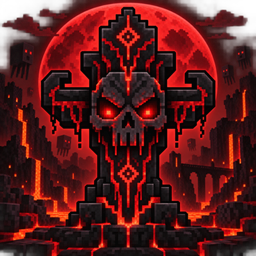
Syez Death Animation Customizable
A customizable resource pack that lets players add their own animations and sounds to Syez Death Animation.
Customization Guide
This resource pack requires Syez Death Animation 1.2.0 and Fabric API.
Installation
-
Download the resource pack.
-
Place the ZIP file in
.minecraft/resourcepacks. -
Open Minecraft and enable it under Options → Resource Packs.
-
Use
/syezdeath testto preview the animation.
Add your own animation
-
Extract the resource pack ZIP.
-
Open
assets/syezdeath/textures/animation/. -
Replace the existing images with your own PNG frames.
-
Name them in order:
frame_001.png,frame_002.png,frame_003.png, etc. -
Use images with transparent backgrounds and identical dimensions.
-
Replace
assets/syezdeath/sounds/death.oggwith your own OGG audio. -
Open
assets/syezdeath/animation.jsonand update the frame count, FPS, width and height. -
Compress
pack.mcmetaand theassetsfolder into a new ZIP.
Make sure pack.mcmeta is located directly at the root of the ZIP.
Reload resource packs with F3 + T, then run /syezdeath test again.
Each player sees the animation from their currently enabled resource pack. If everyone should see the same animation, every player must install and enable the same pack.
The Syez Death Animation Customizable Team