Story Mode TNT
- By
Brings the TNT side texture inspired by Minecraft: Story Mode into modern Minecraft while keeping the vanilla TNT top and bottom.
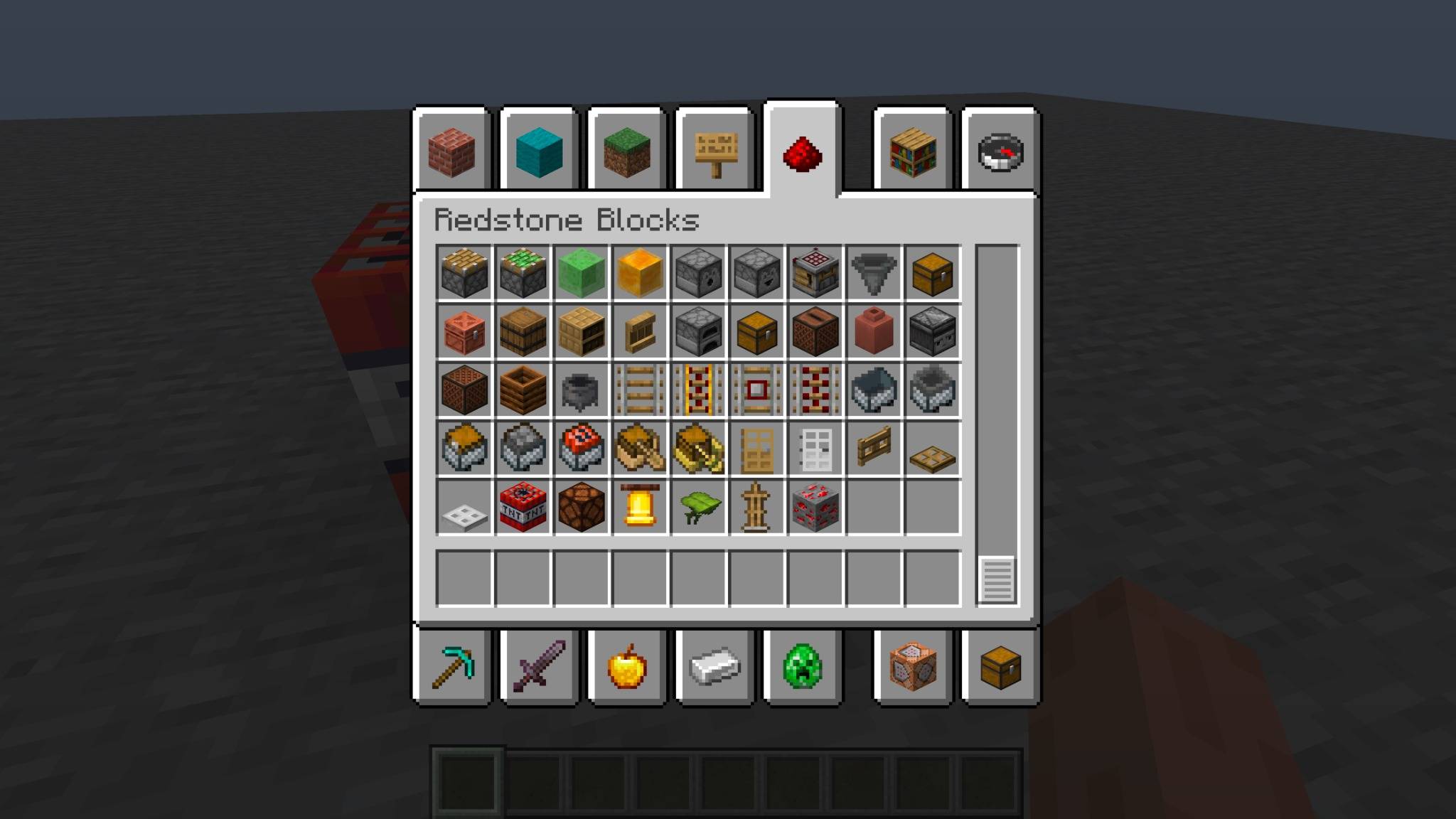
Minecraft_TNT_Inventory_Under_2MiB.jpg
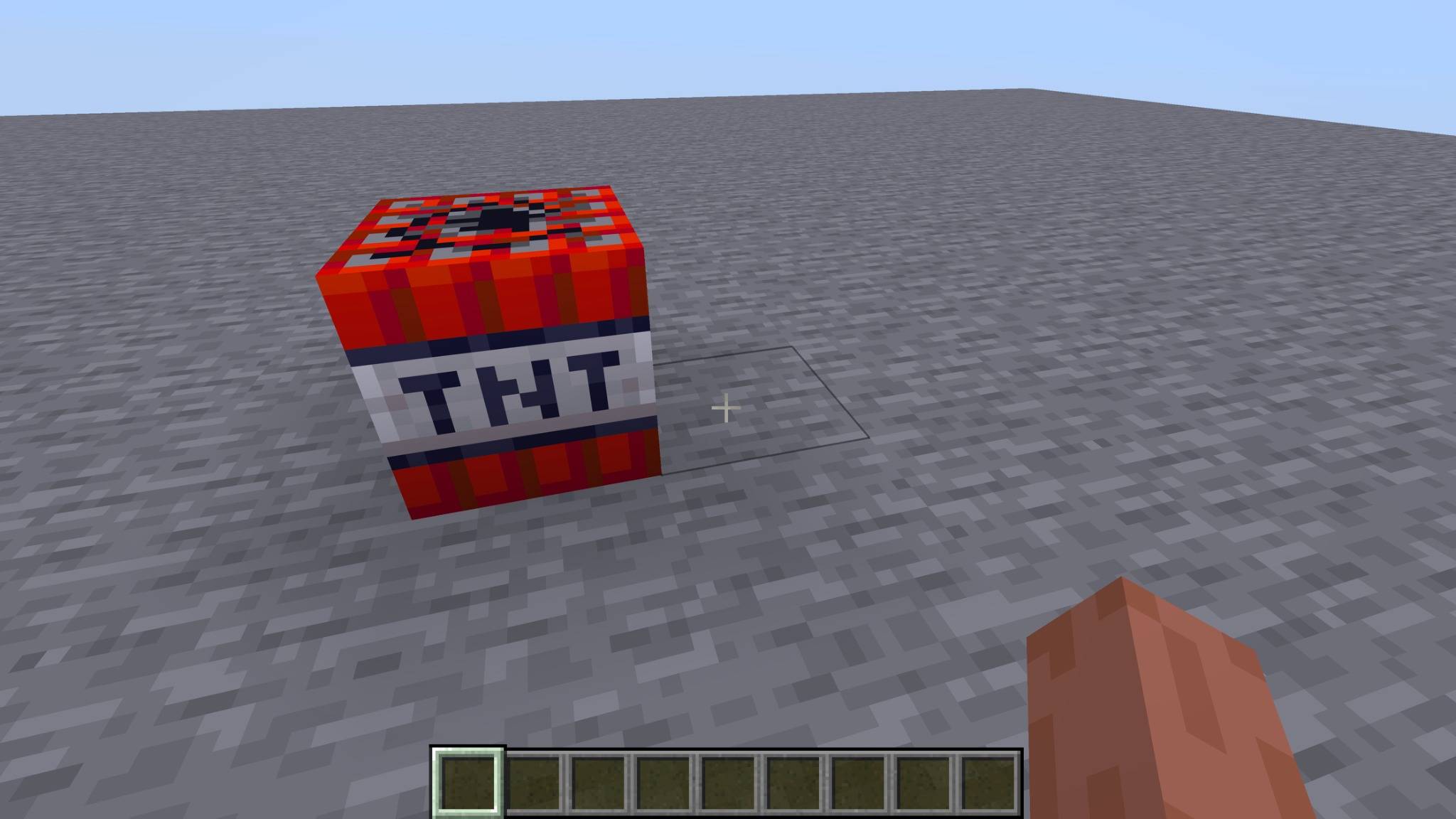
Minecraft_TNT_Screenshot_Under_2MiB.jpg
Description
Minecraft: Story Mode TNT
Bring the TNT from Minecraft: Story Mode into modern Minecraft!
This simple resource pack changes the side texture of TNT to match the TNT style from Minecraft: Story Mode while keeping the normal vanilla Minecraft TNT top and bottom textures.
FEATURES
• Minecraft: Story Mode-style TNT
• Changes the TNT side texture
• Keeps the vanilla TNT top
• Keeps the vanilla TNT bottom
• No mods required
• Works as a normal resource pack
• Lightweight and simple
SUPPORTED VERSIONS
• Minecraft Java Edition 26.1.2
• Minecraft Java Edition 26.2
• Minecraft Java Edition 26.3
INSTALLATION
1. Download the resource pack.
2. Place the ZIP file into your Minecraft resourcepacks folder.
3. Start Minecraft.
4. Go to Options → Resource Packs.
5. Enable Minecraft: Story Mode TNT.
6. Load your world and enjoy!
DISCLAIMER
This is an unofficial fan-made resource pack inspired by Minecraft: Story Mode.
Minecraft is owned by Mojang Studios/Microsoft. Minecraft: Story Mode was developed by Telltale Games.
This project is not affiliated with or endorsed by Mojang Studios, Microsoft, or Telltale Games.
The Story Mode TNT Team