Stennos Dark Mode

Simple Dark GUI Resource Pack, using Vanilla Textures
item image
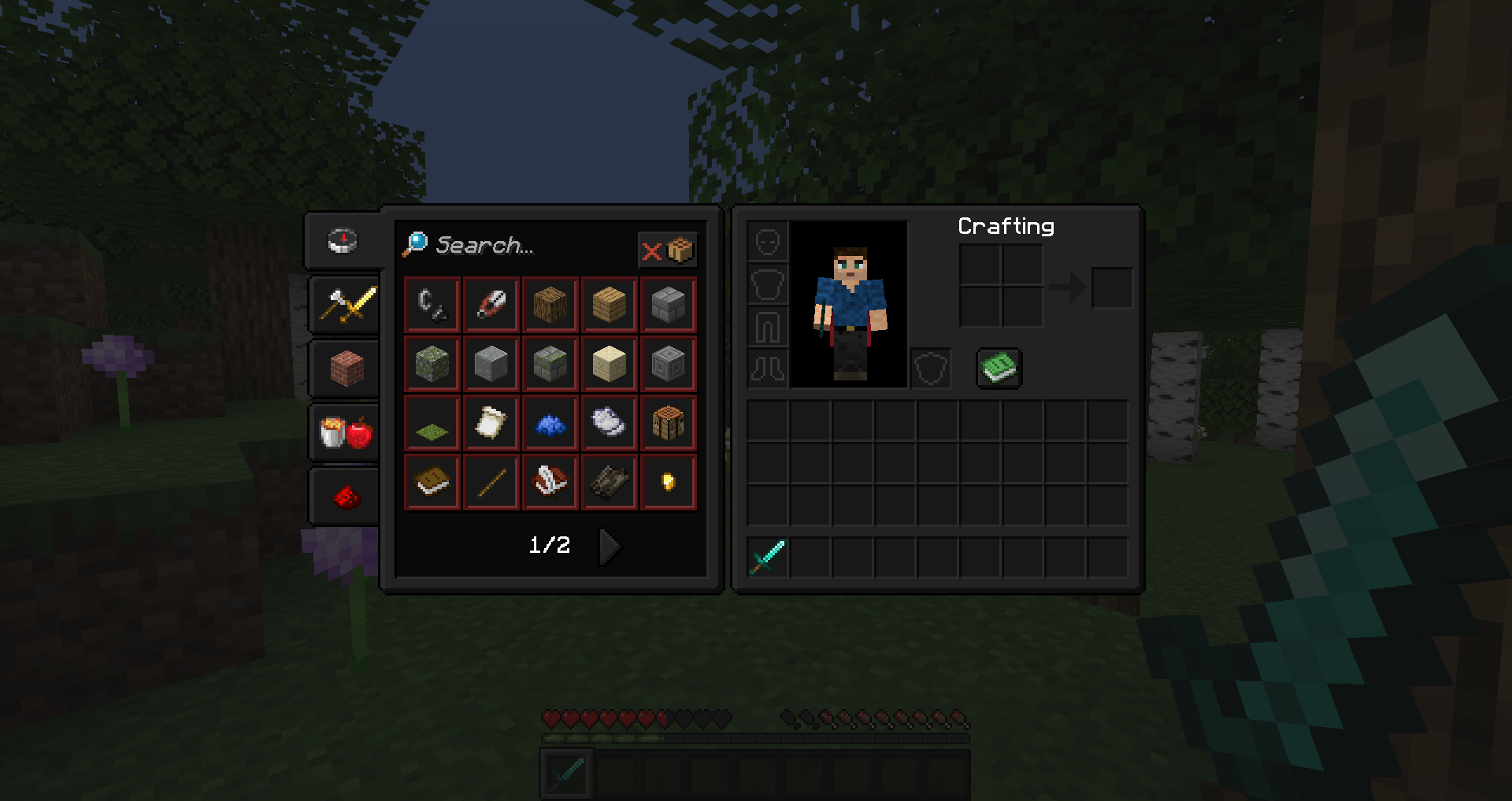
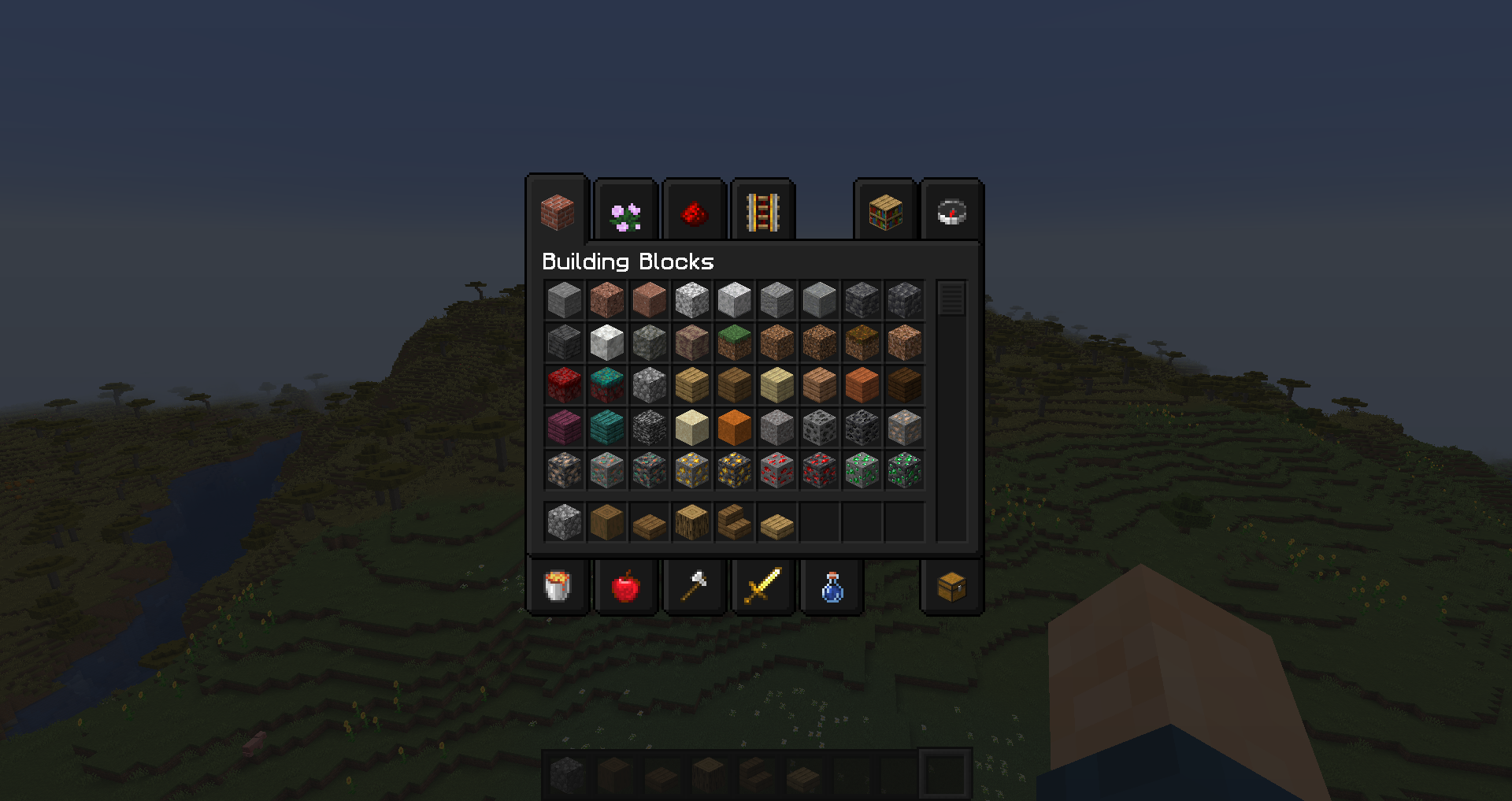
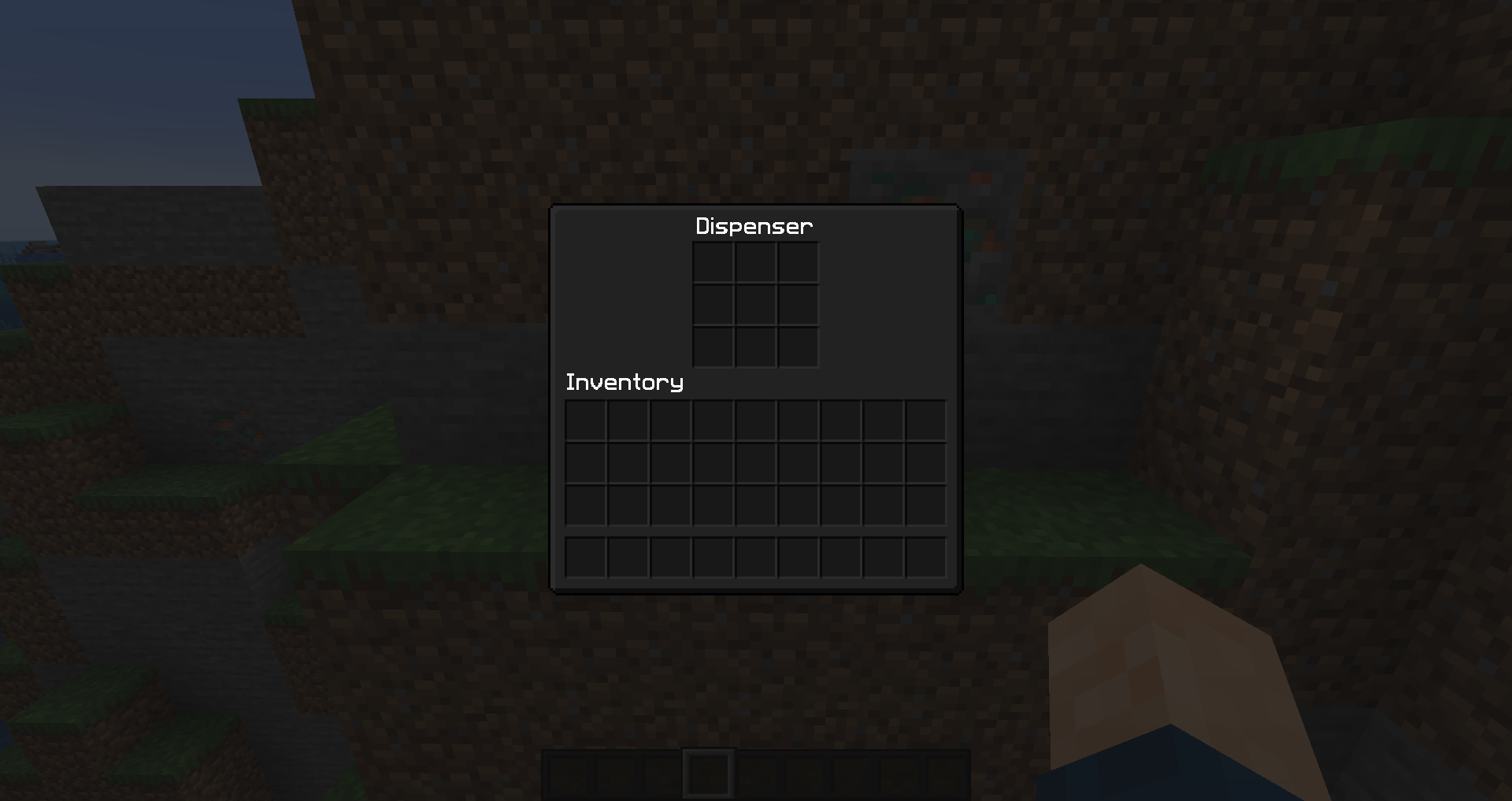
Much darker than most Dark Modes, but not completely black. All items still pop from the background

Much darker than most Dark Modes, but not completely black. All items still pop from the background

item image
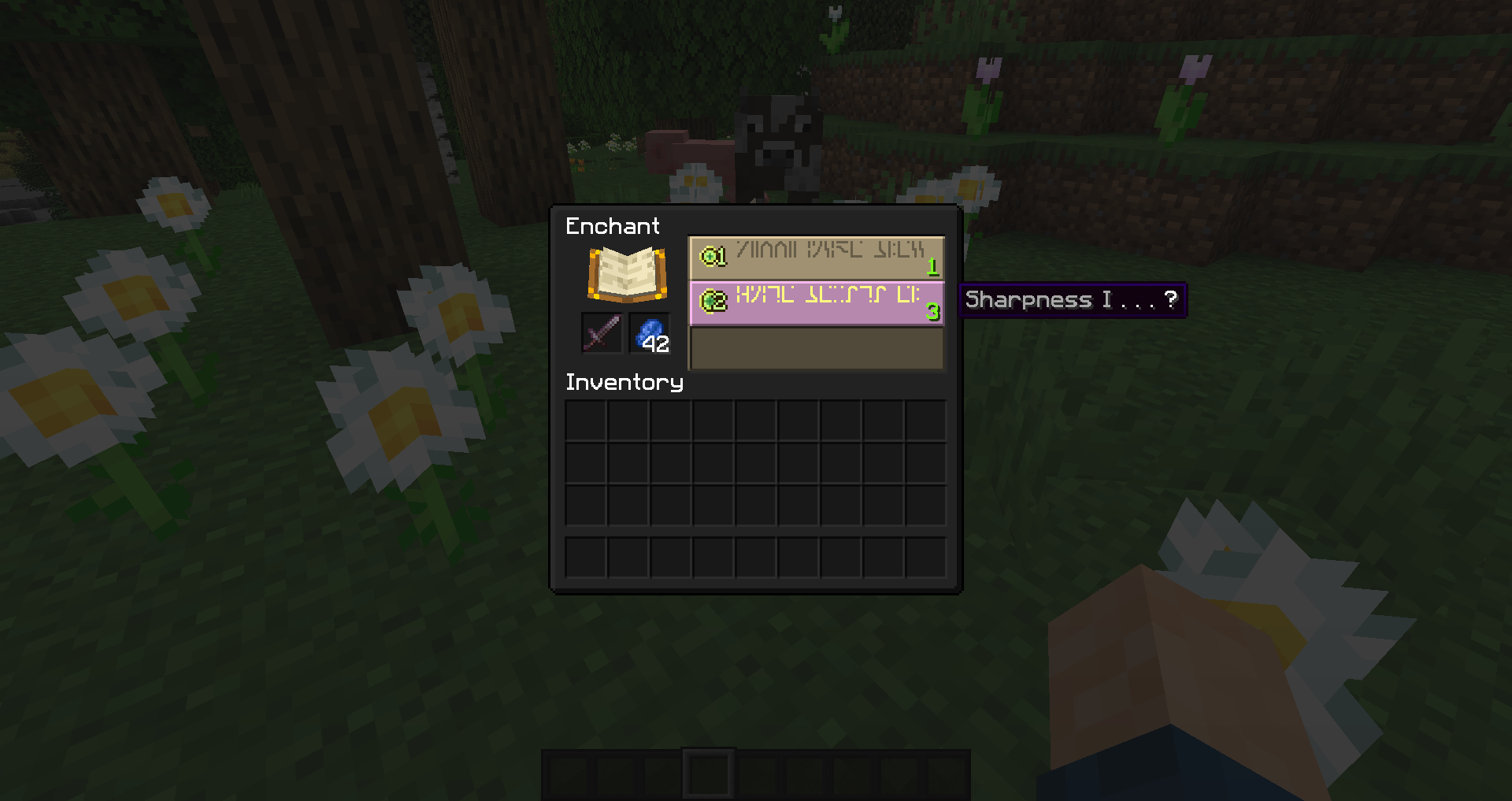
Some menus use default shades of Tan and Purple, still dark shades so they're not jarring in a dark room at home when you open an inventory.

Some menus use default shades of Tan and Purple, still dark shades so they're not jarring in a dark room at home when you open an inventory.

Bright White Texts, only available for English US. All other languages use the default Minecraft light grey, so they're still legible, but don't stand out as much.

Bright White Texts, only available for English US. All other languages use the default Minecraft light grey, so they're still legible, but don't stand out as much.

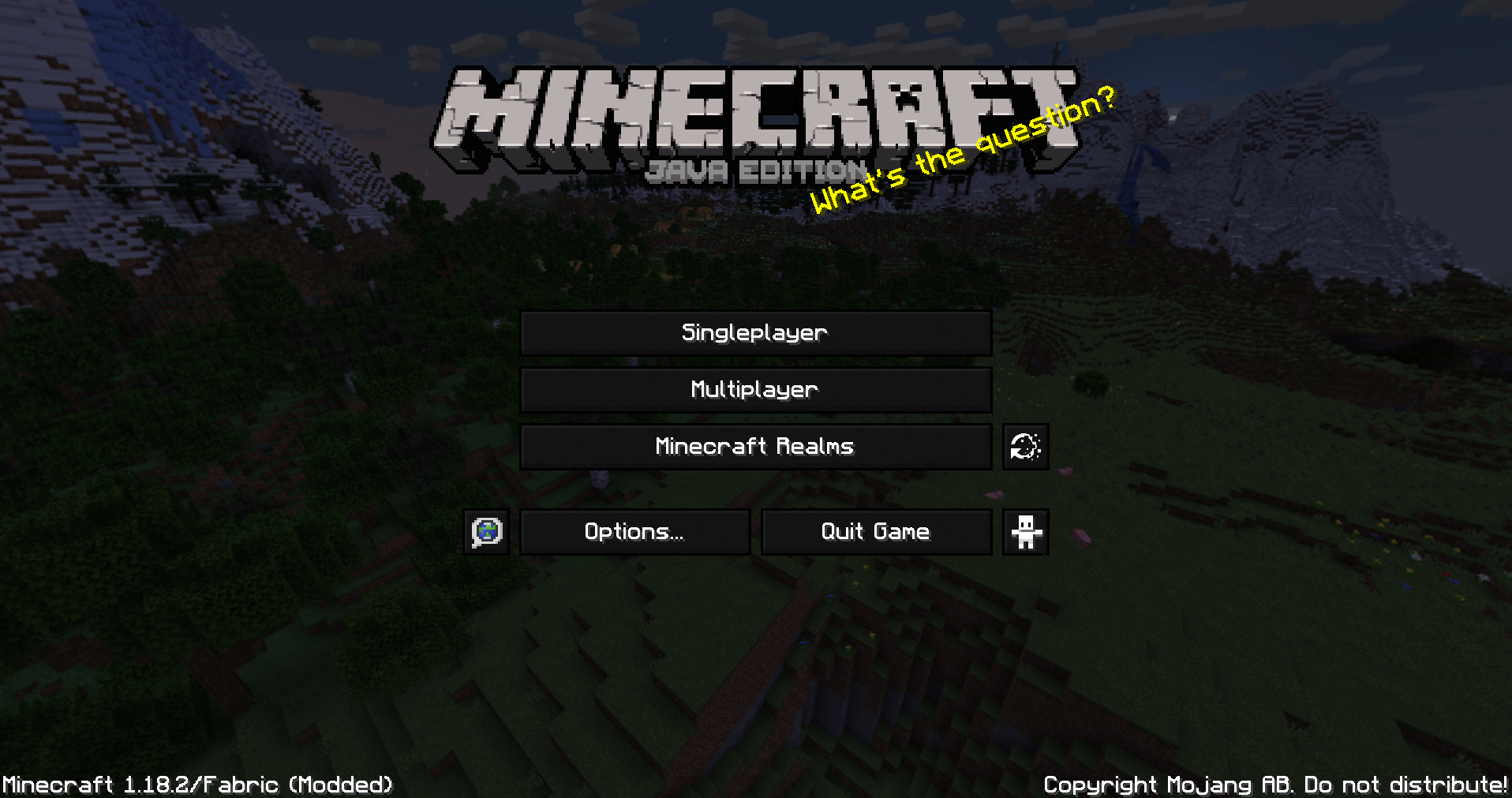
All buttons are updated and colors are consistent, even for client side mods (note ReplayMod on the right)

All buttons are updated and colors are consistent, even for client side mods (note ReplayMod on the right)

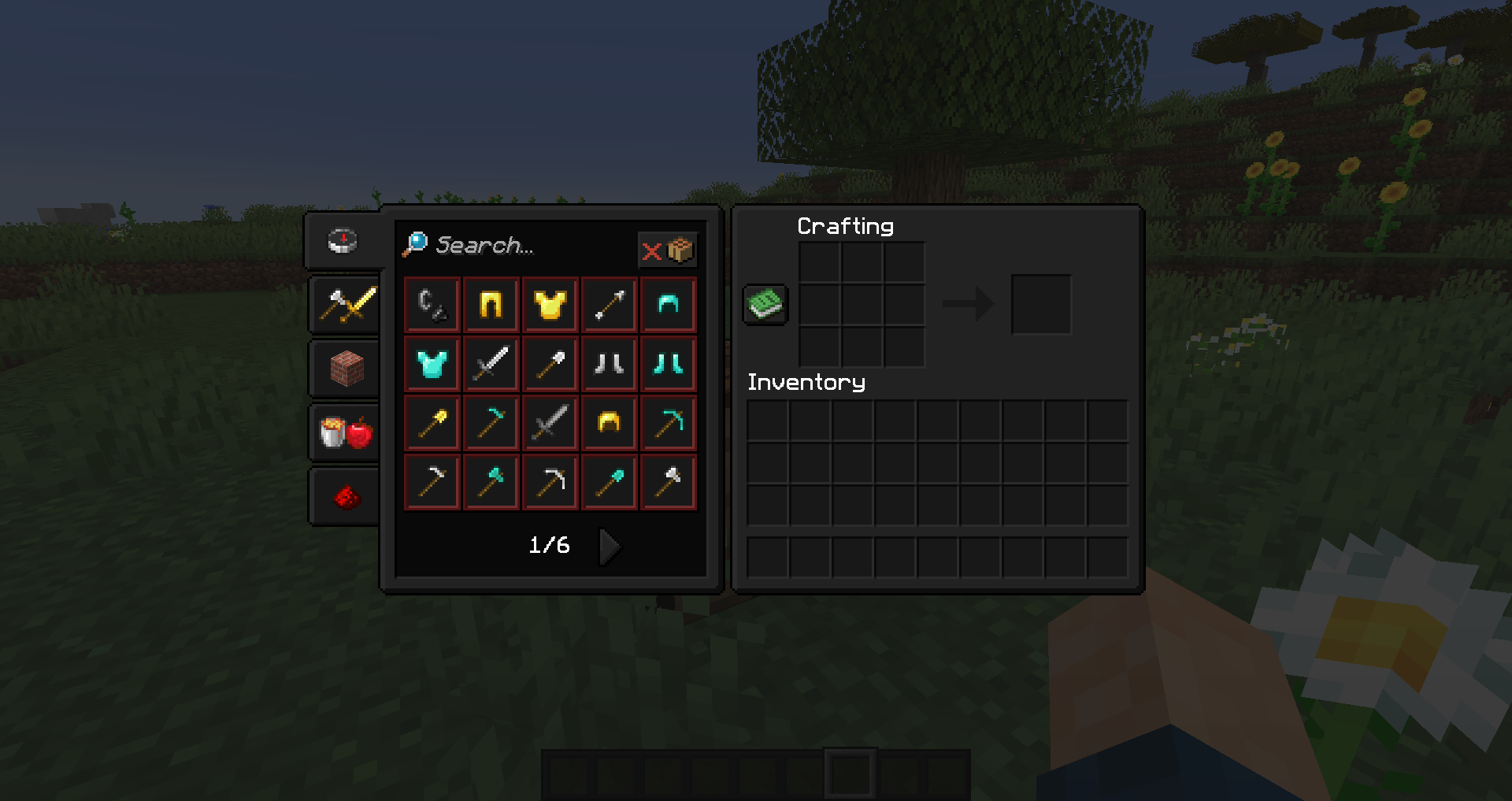
All buttons are updated. Uses the VanillaTweaks updated Recipe Book

All buttons are updated. Uses the VanillaTweaks updated Recipe Book

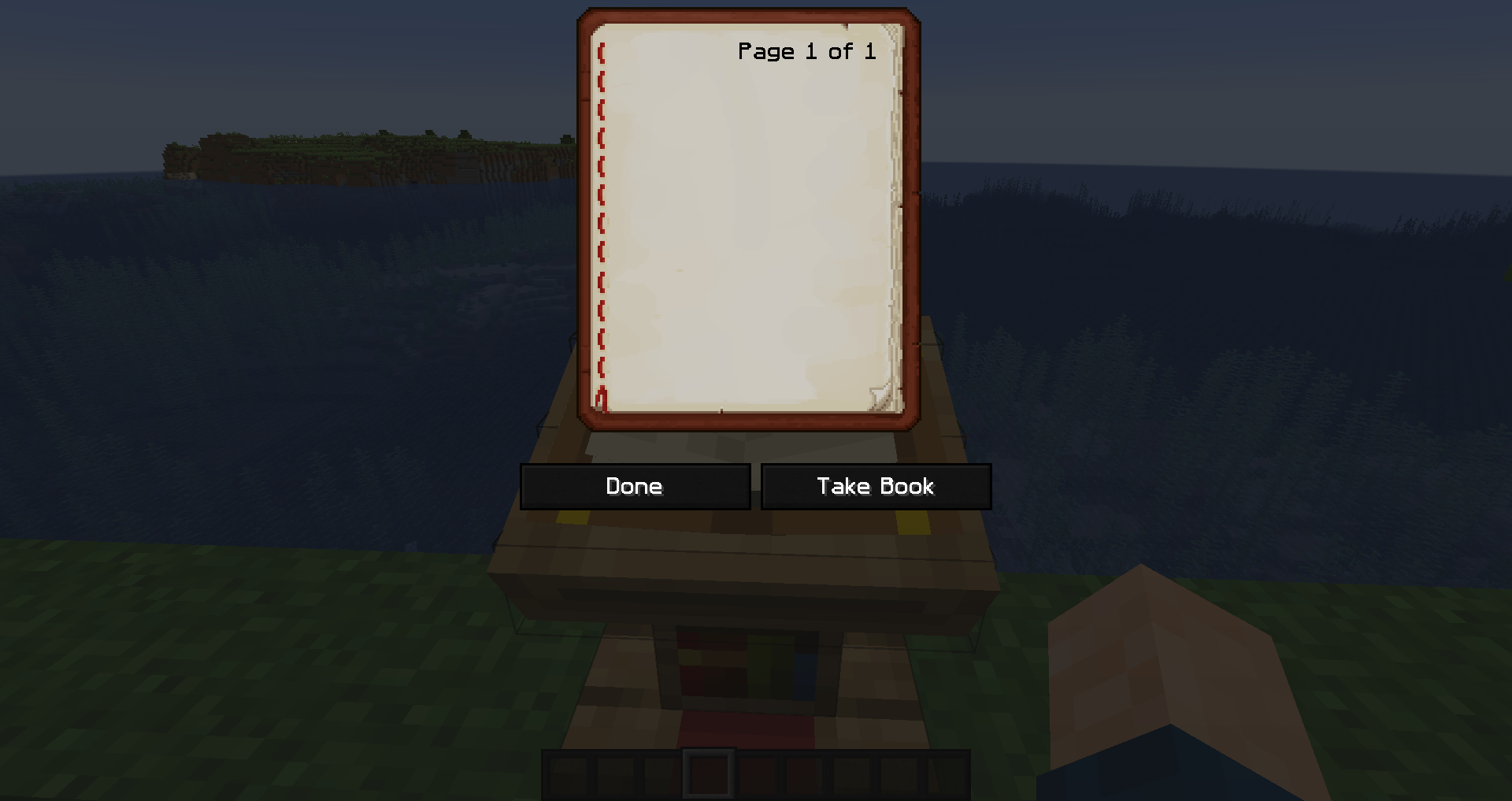
The book is also much darker, as it can be a shock to the eyes to open otherwise. Also, the stitching on the left is fixed 👍

The book is also much darker, as it can be a shock to the eyes to open otherwise. Also, the stitching on the left is fixed 👍

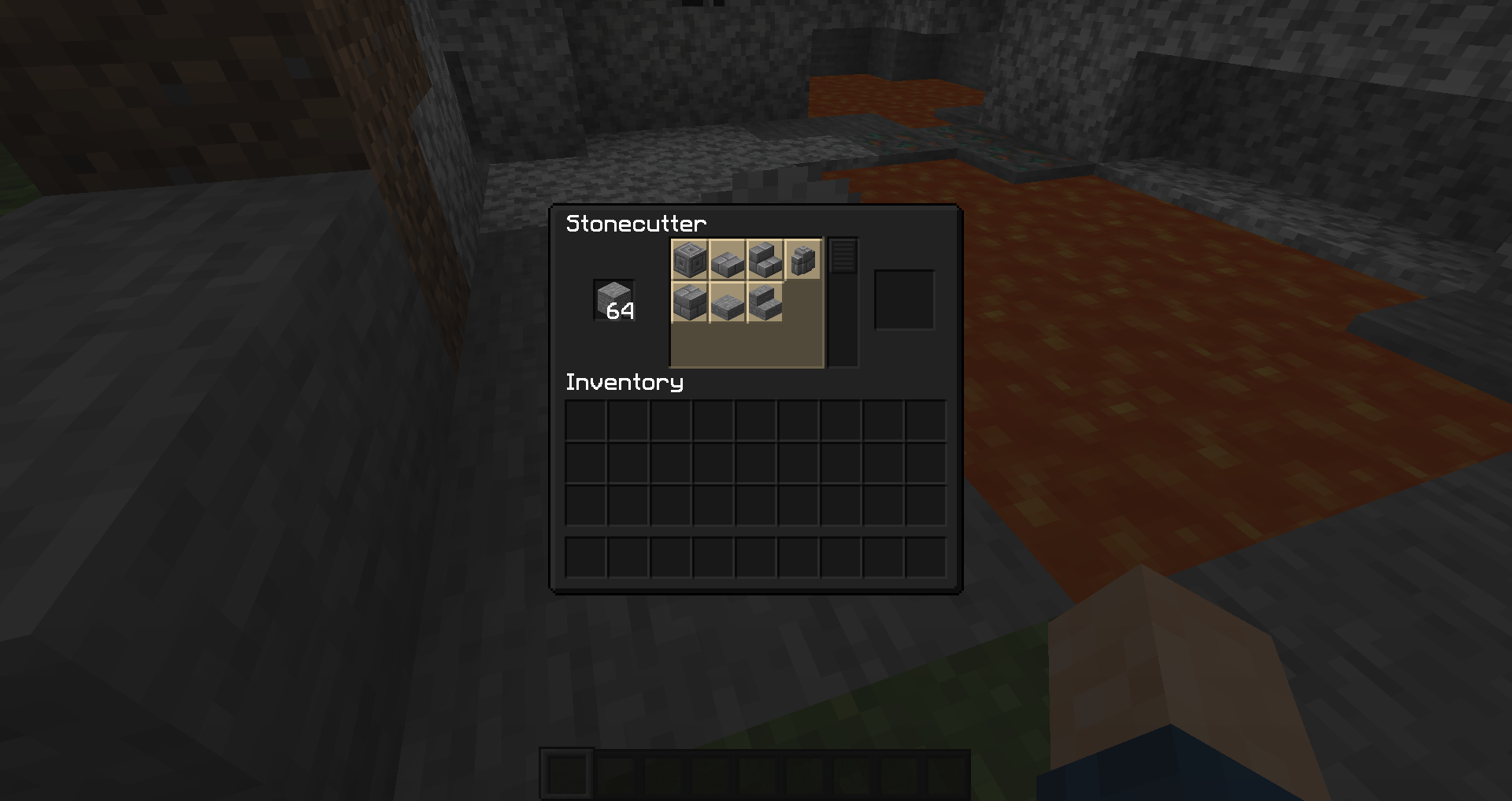
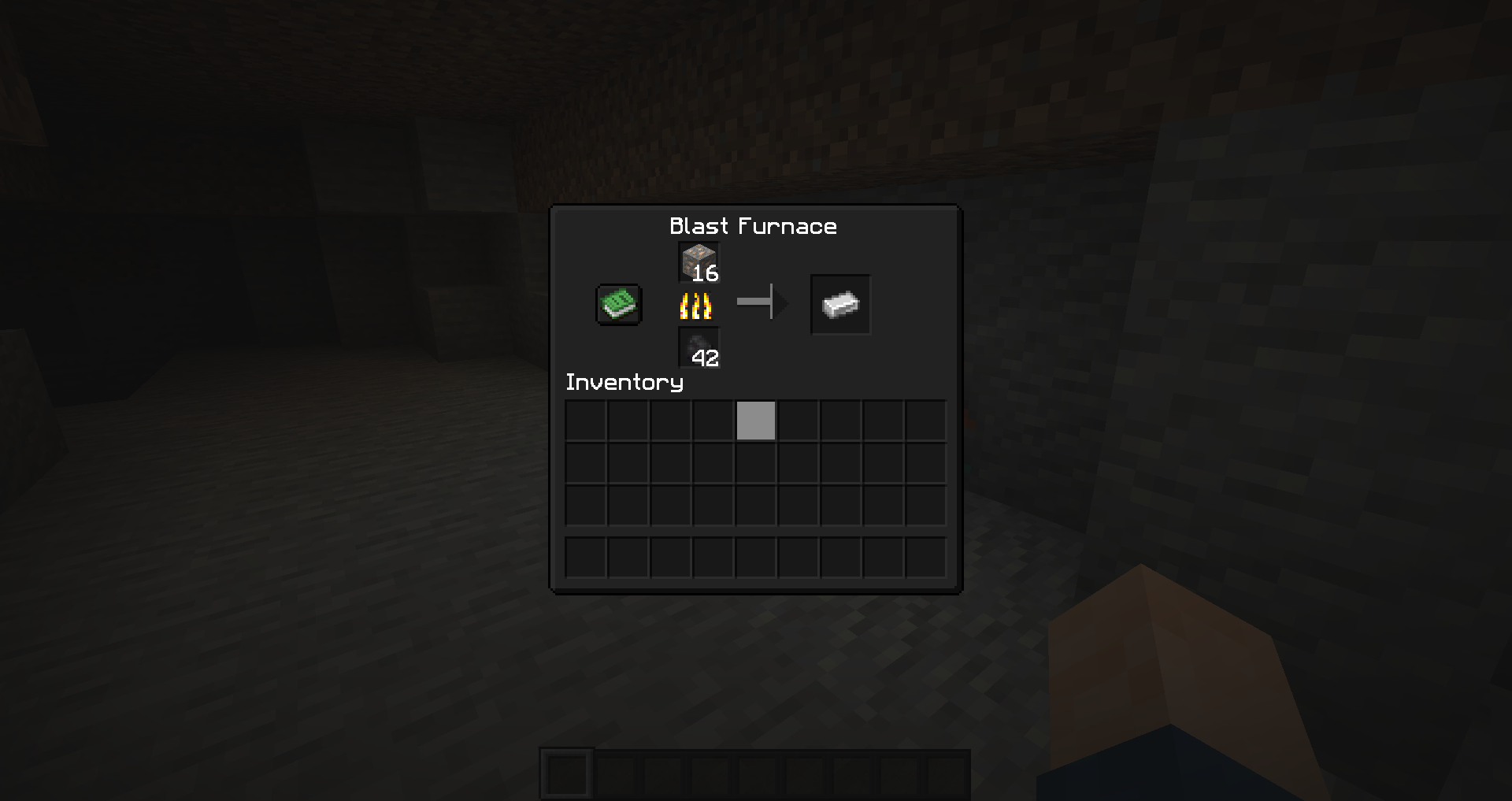
Other packs might change the arrows and flames, but this pack keeps things simple; a Vanilla version of darker GUIs

Other packs might change the arrows and flames, but this pack keeps things simple; a Vanilla version of darker GUIs

item image

Description

Stennos Dark Mode
Resource Pack for Minecraft: Java Edition


A simple Dark Mode / Dark Theme Resource Pack, that only modifies Vanilla Textures
Inventory Textures and backgrounds are darker, with brighter text
Initially designed for use in Streams & YouTube videos by Stennos and his nighttime viewers


Stennos Dark Mode Display


Dark Loading Screen:
Settings > Accessibility > Monochrome Logo


How To Install:
Download > Launch Minecraft: Java Edition > Resource Packs Menu > Open Resource Packs Folder > Copy Resource Pack Downloaded Zip file here > Resource Packs Game Menu > Click Arrow to move “Stennos Dark Mode” to the right side


FAQ:
Is Optifine Needed?
No, this pack works on it’s own, now that we have Monochrome Logo loading screens. Thanks Mojang.

What Languages Are Supported in Bright White Font?
Only the en_us file is included, as I made this for myself and my community. If you really want another language file edited, please let me know and I’ll put it on my to-do list. No guarantees, but it might get done. All other languages should work fine, but will be the default light grey

Mod Support?
I do not play modded, and do not currently plan to add support for mods

Can I Leave Feedback?
Yes, in the comments below, or you can chat with me directly when I’m live on Twitch

Do You Have Other Packs?
Yes I do! You can find all of my public packs in my CurseForge Projects Page and always find them quickly at Stennos.com/packs

Can I Use Your Textures?
You can use these edited files, and edit them as well, just provide credit to “Stennos.com/packs” and do not put the pack behind a Pay Wall
License: CC BY-NC-SA 4.0


Screenshots:

Stennos Dark Mode Title Screen


Stennos Dark Mode Creative Inventory


Stennos Dark Mode Survival Inventory


Stennos Dark Mode Crafting Table


Stennos Dark Mode Barrel Inventory


Stennos Dark Mode Blast Furnace Active


Stennos Dark Mode Stonecutter Active


Stennos Dark Mode Book in Lectern

The Stennos Dark Mode Team

profile avatar
Owner
  • 5
    Followers
  • 6
    Projects
  • 4.8K
    Downloads
Donate

More from StennosView all