Snakes Not Spiders
A resource pack for players with arachnophobia. Spiders and cave spiders are replaced with blocky snakes. Nothing else in the game is changed.
Minecraft: Java Edition 1.20.1 through 26.3
What changes
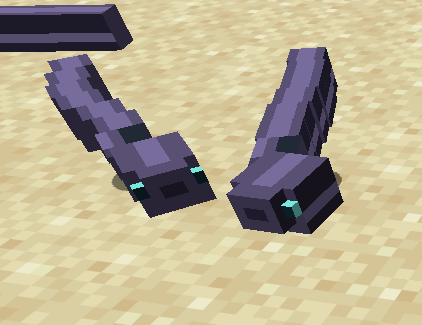
- Spiders become dark snakes with a yellow stripe
- Cave spiders become smaller blue-grey snakes
- Their bodies sit in an S-curve and slither from side to side while they move
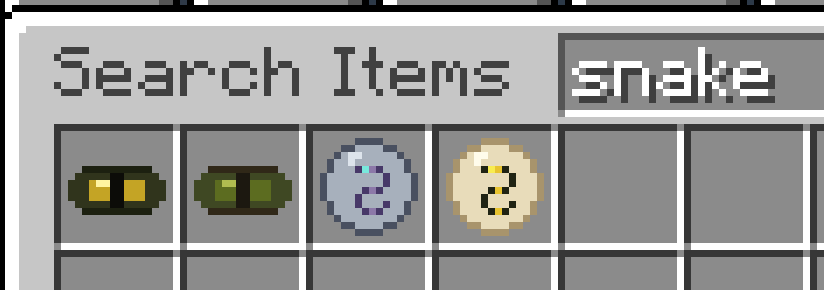
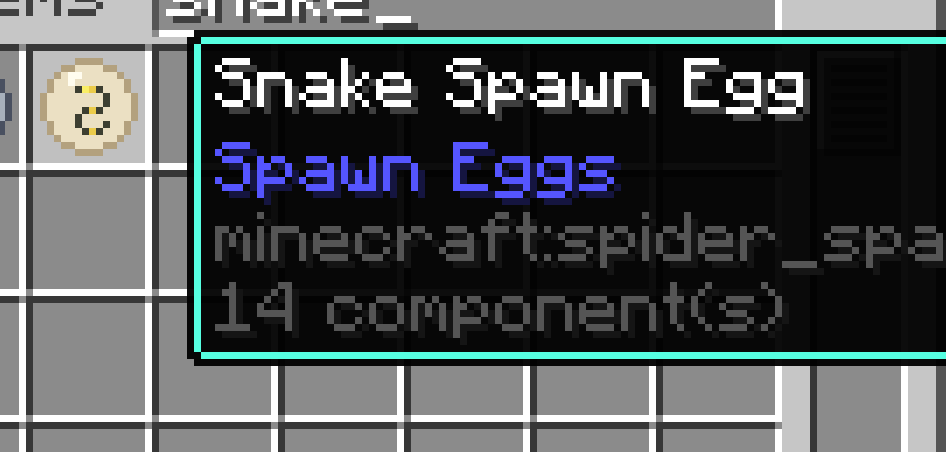
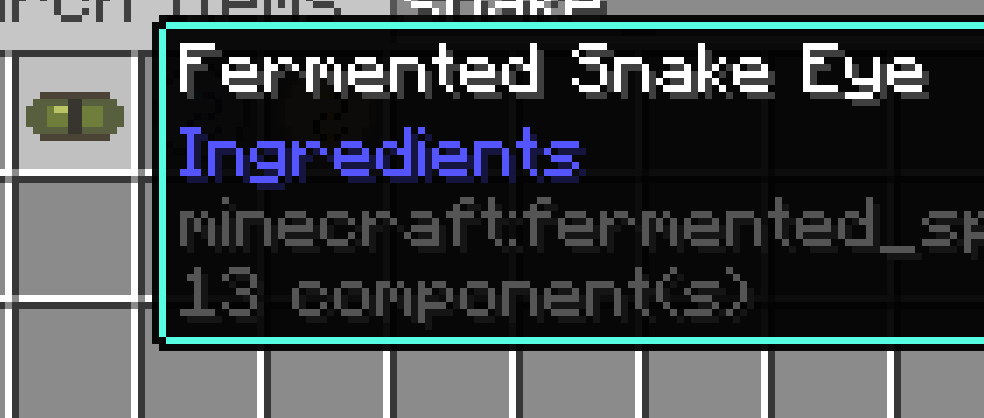
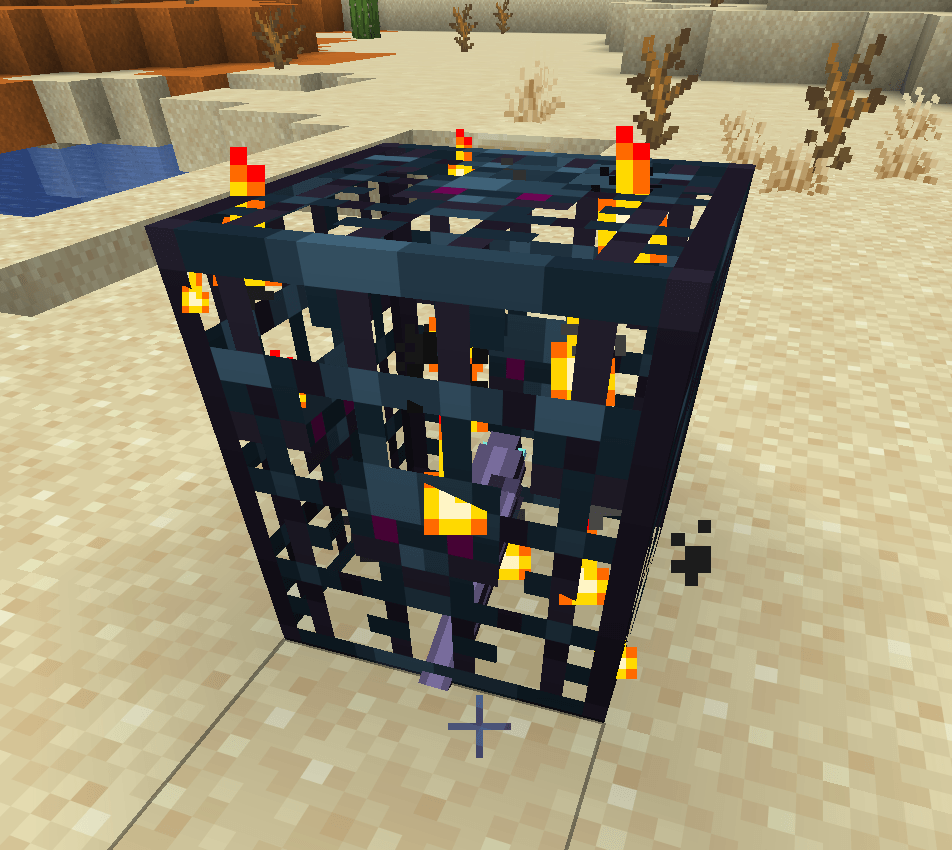
- Names change to match: Snake, Cave Snake, Snake Spawn Egg, Cave Snake Spawn Egg, Snake Eye, and Fermented Snake Eye
- Spawn eggs and both eye items use new icons
Cobwebs, sounds, and other mobs stay the same. Spiders still move, attack, and take up the same space as before. Only how they look and what they are called is different.
What you need
Install one of these. Do not install both.
Entity Model Features (recommended)
Works on Fabric, Quilt, Forge, and NeoForge. Pick the files that match your loader and your Minecraft version (1.20.1 through 26.3).
Or OptiFine
- OptiFine for your Minecraft version
- Turn on Video Settings → Quality → Custom Entity Models
Entity Model Features does not work with OptiFine or OptiFabric.
Without one of these, the pack can still load, but spiders keep their normal shape and only the textures and names change.
How to install
- Install the mods above and launch that version of Minecraft once.
- Download this pack.
- Put the zip in your resource packs folder. Do not unzip it.
- Windows:
%appdata%\.minecraft\resourcepacks
- macOS:
~/Library/Application Support/minecraft/resourcepacks
- Linux:
~/.minecraft/resourcepacks
- In game, open Options → Resource Packs and move Snakes Not Spiders to the selected side.
- Press F3+T if you already have a world open.
You will know it worked when a spider looks like a winding snake instead of a mob with eight legs.