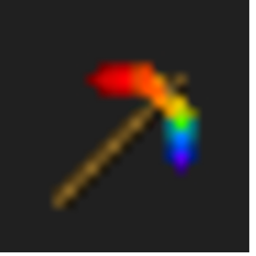
Rainbow Diamond Tools
A beautiful rainbow re-texture for Minecraft's Diamond Sword, Pickaxe, and Axe.
- 306
- May 14, 2026
Rainbow Diamond Tools
A beautiful rainbow re-texture for Minecraft's Diamond Sword, Pickaxe, and Axe.
- 306
- May 14, 2026



Brighten up your combat with the Radiant Rainbow Diamond Sword!
This simple yet beautiful resource pack replaces the standard blue Diamond Sword with a vibrant, multi-colored rainbow design. Perfectly crafted in 16x16 resolution to maintain the classic Minecraft feel while adding a splash of color to your inventory.
Features:
Rainbow Aesthetic: A smooth color transition from red to purple across the blade.
Vanilla Friendly: Designed to fit perfectly with the original Minecraft art style.
Performance: Lightweight 16x resolution that won't lag your game.
How to Install:
Download the RainbowProject.zip file.
Open Minecraft and navigate to Options > Resource Packs.
Click Open Pack Folder.
Drag and drop the downloaded ZIP file into the folder.
Select the pack in-game and click Done.
Note: If the game says the pack is made for an older/newer version, you can safely ignore the warning and click "Yes"—it will still work perfectly!

A beautiful rainbow re-texture for Minecraft's Diamond Sword, Pickaxe, and Axe.
A beautiful rainbow re-texture for Minecraft's Diamond Sword, Pickaxe, and Axe.