SCR-20260306-jkcw.png
SCR-20260306-jkjo.png
minecraft_title.png
Description
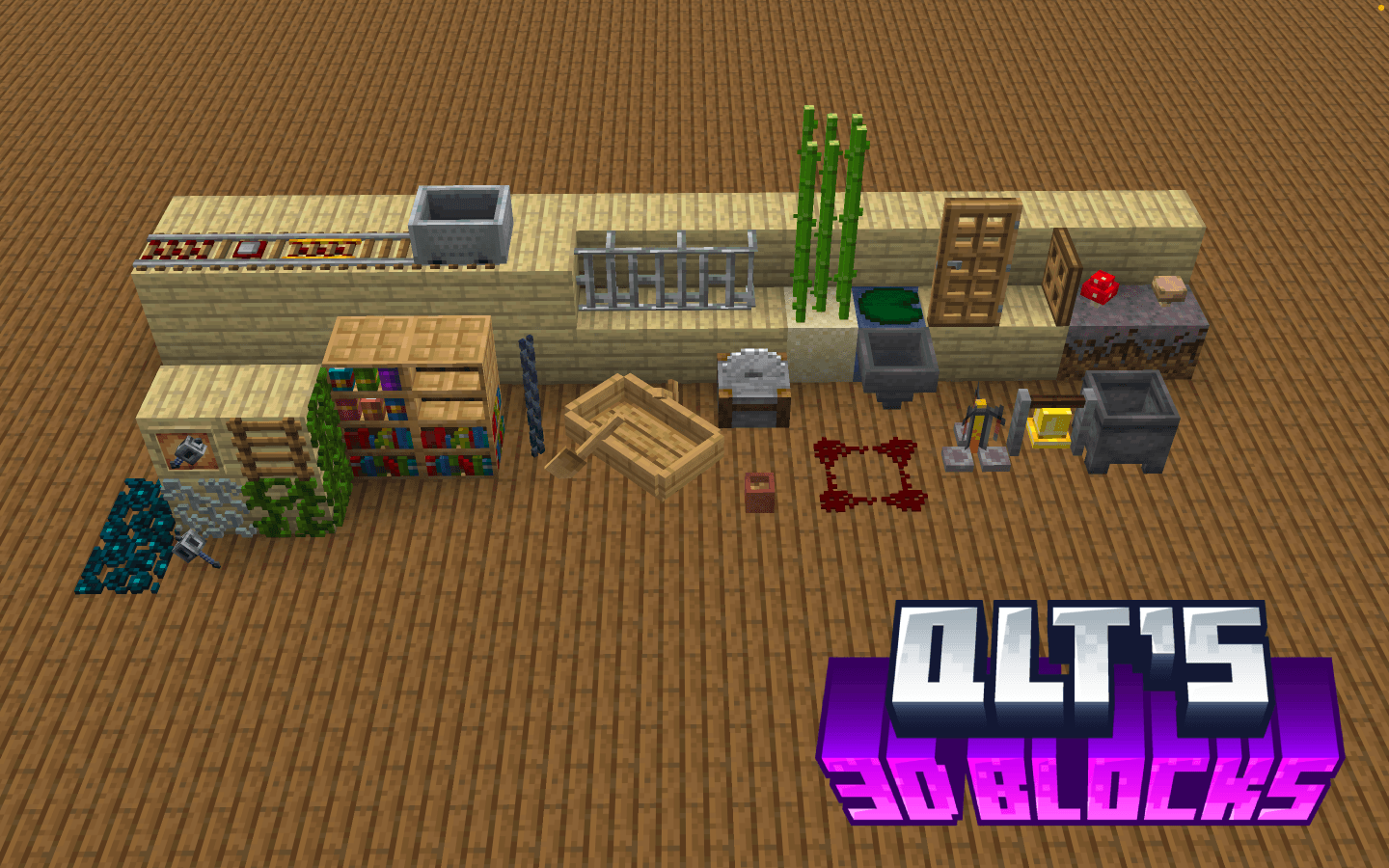
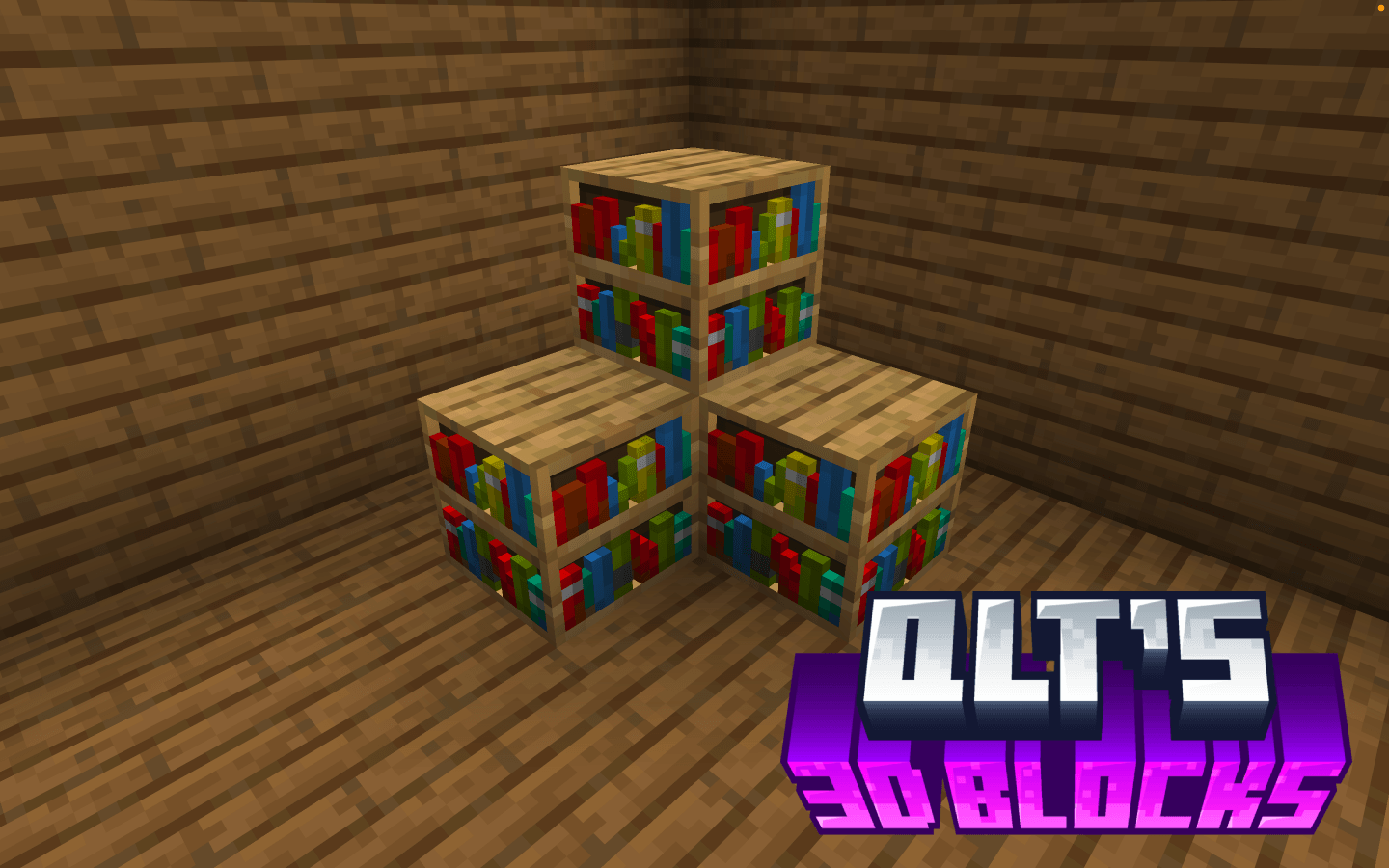
qlt’s 3D Blocks is a lightweight, client-side resource pack that enhances Minecraft’s visuals by converting select flat block textures into detailed 3D models. Many blocks in Minecraft appear completely flat despite representing objects with depth. This pack addresses that by giving certain blocks a more realistic and dimensional appearance while preserving the game’s original style. The result is a cleaner, more immersive world where small environmental details feel more natural without dramatically changing the vanilla aesthetic.
Whether you are building, exploring, or simply enjoying the environment, qlt’s 3D Blocks adds subtle depth that makes the world feel more polished while remaining faithful to Minecraft’s classic look.
Key Features:
3D Block Models: Converts selected flat block textures into detailed 3D models for improved depth and visual clarity.
Vanilla-Friendly Design: Maintains the original Minecraft style while enhancing environmental detail.
Minimal & Lightweight: Only modifies specific blocks; the rest of the game remains unchanged.
Compatible with Any Pack: Works alongside most other texture packs without conflicts.
Installation Instructions:
Download the qlt’s 3D Blocks zip.
Move the qlt’s 3D Blocks folder into your Minecraft resourcepacks directory.
Windows: %appdata%.minecraft\resourcepacks
macOS: ~/Library/Application Support/minecraft/resourcepacks
Launch Minecraft, go to Options → Resource Packs, and enable qlt’s 3D Blocks.
Place it above other resource packs if needed to ensure the models appear correctly.
Notes:
Fully client-side; no server mods required.
Works on all supported Minecraft versions (1.20+ recommended).
Ideal for players who want subtle visual upgrades while keeping the vanilla Minecraft experience intact.
3D Hanging Signs only work with Optifine Mod installed.
qlt's 3D Blocks Team

Owner