

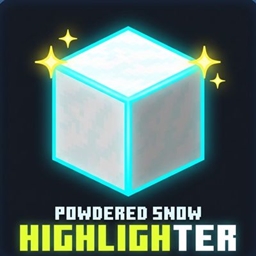
Powdered Snow Highlighter By Legend242900
Outlines and highlights Powdered Snow blocks to prevent you from falling into traps and freezing.
- 208
- November 15, 2026
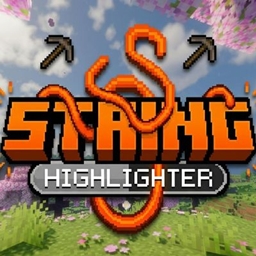
String Highlighter
A simple Minecraft resource pack that turns hard-to-see gray placed string into bright, highly visible neon orange.
- 186
- November 10, 2026

Fullbright Essentials
A lightweight Fullbright resource pack that improves visibility in dark areas, caves, and underground environments while keeping Minecraft's vanilla textures intact.
- 233
- November 8, 2026
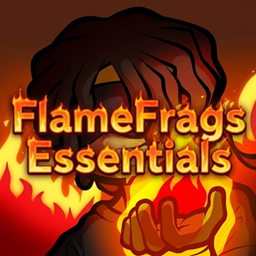
FlameFrags Essentials
A sleek PvP resource pack featuring FlameFrags themed crits, sweeps, and animated totems.
- 404
- November 4, 2026
Powdered Snow Highlighter By Legend242900
Outlines and highlights Powdered Snow blocks to prevent you from falling into traps and freezing.
- 208
- November 15, 2026
String Highlighter
A simple Minecraft resource pack that turns hard-to-see gray placed string into bright, highly visible neon orange.
- 186
- November 10, 2026
Fullbright Essentials
A lightweight Fullbright resource pack that improves visibility in dark areas, caves, and underground environments while keeping Minecraft's vanilla textures intact.
- 233
- November 8, 2026
FlameFrags Essentials
A sleek PvP resource pack featuring FlameFrags themed crits, sweeps, and animated totems.
- 404
- November 4, 2026