
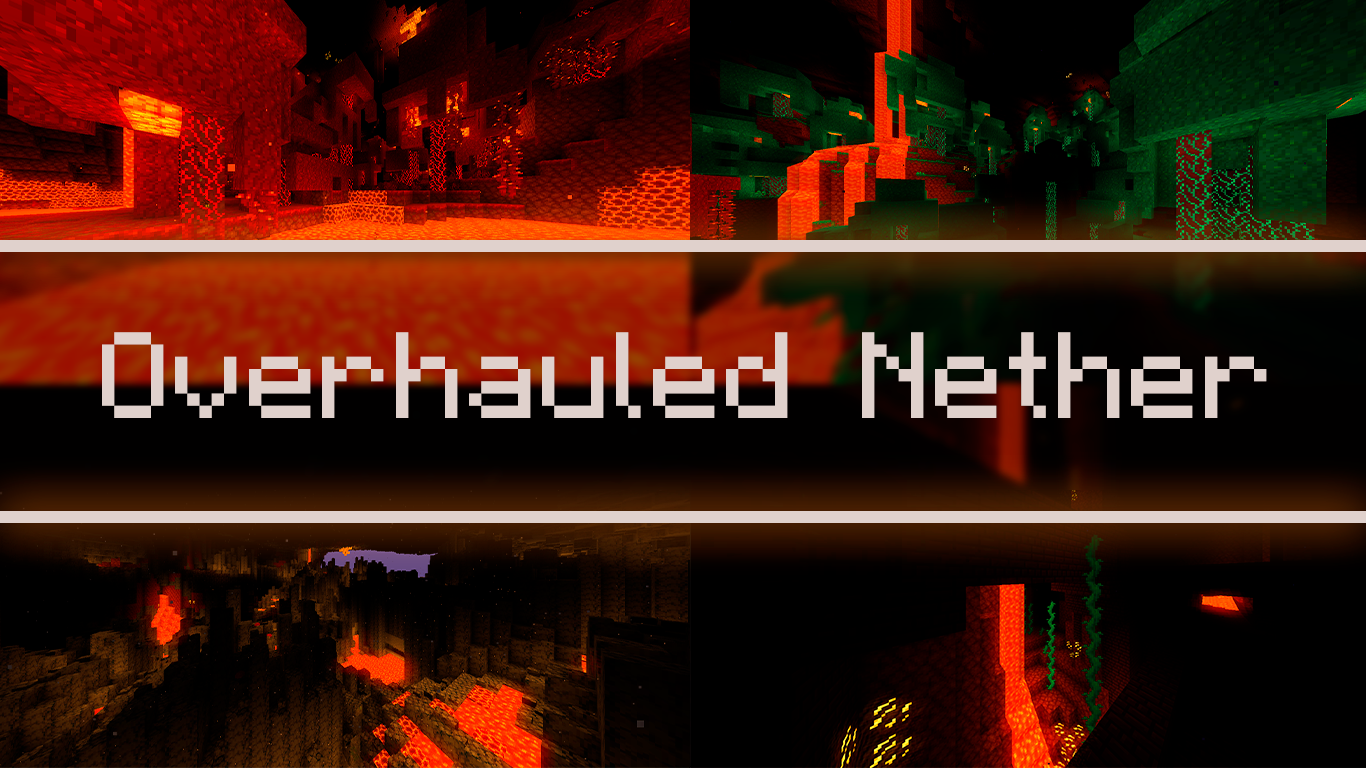
Description

~x~x~x~x~x~x~x~x~x~x~x~x~x~x~x~x~x~x~x~x~x~x~x~x~x~x~x~x~x~x~
ProjectSpiTexture adds some improvements to the original look of Minecraft in some aspects where Minecraft is missing, all without straying too far from the original feel of the game.
~x~x~x~x~x~x~x~x~x~x~x~x~x~x~x~x~x~x~x~x~x~x~x~x~x~x~x~x~x~x~
Make sure to FOLLOW this project so that you're notified whenever I release an update! Always download the latest ProjectSpiTexture update for your Minecraft version for the best experience!
~x~x~x~x~x~x~x~x~x~x~x~x~x~x~x~x~x~x~x~x~x~x~x~x~x~x~x~x~x~x~

ProjectSpiTexture is a texturepack that uses optifine in gamechanging ways.
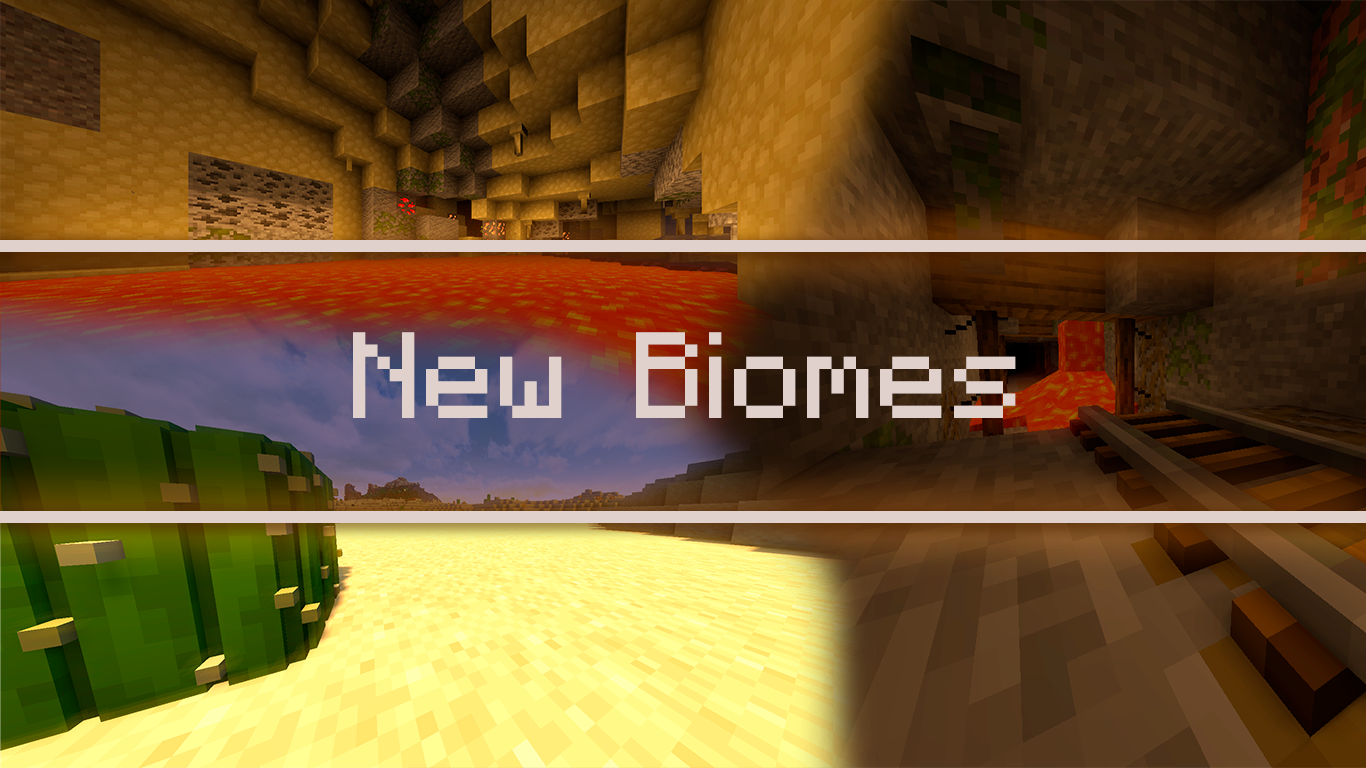
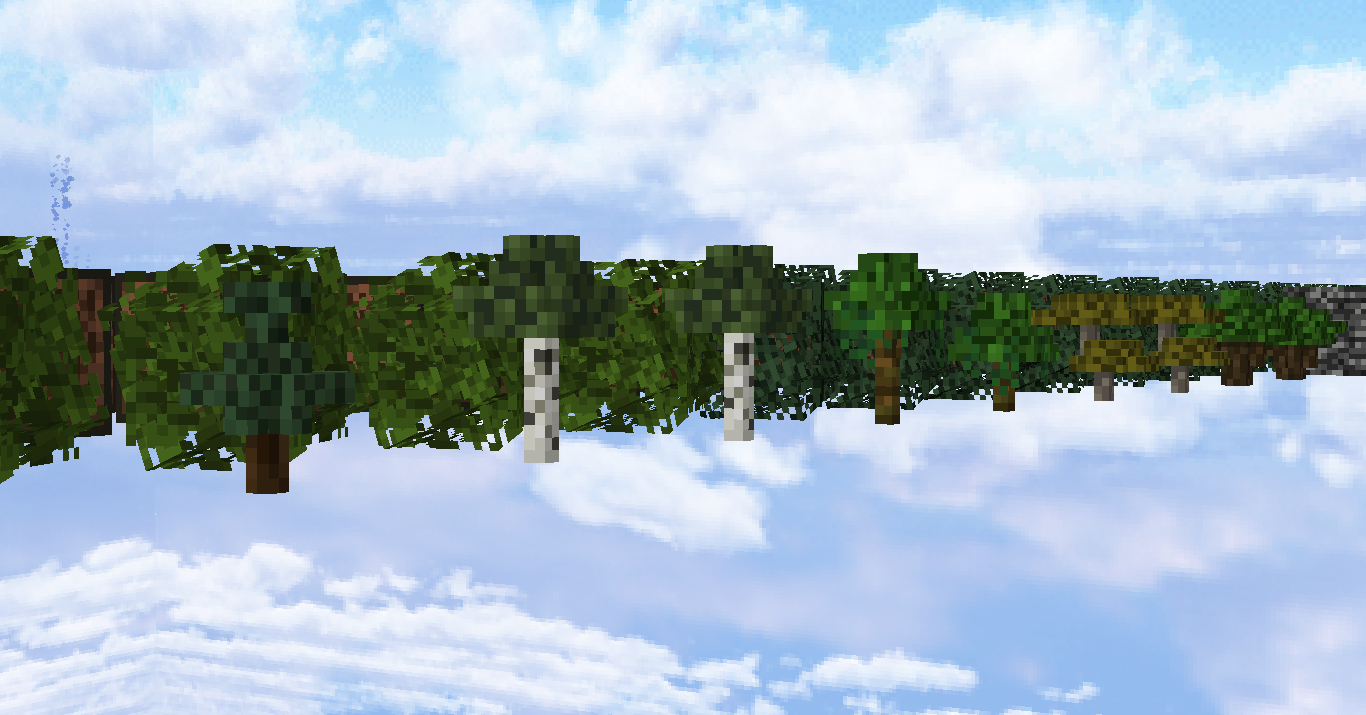
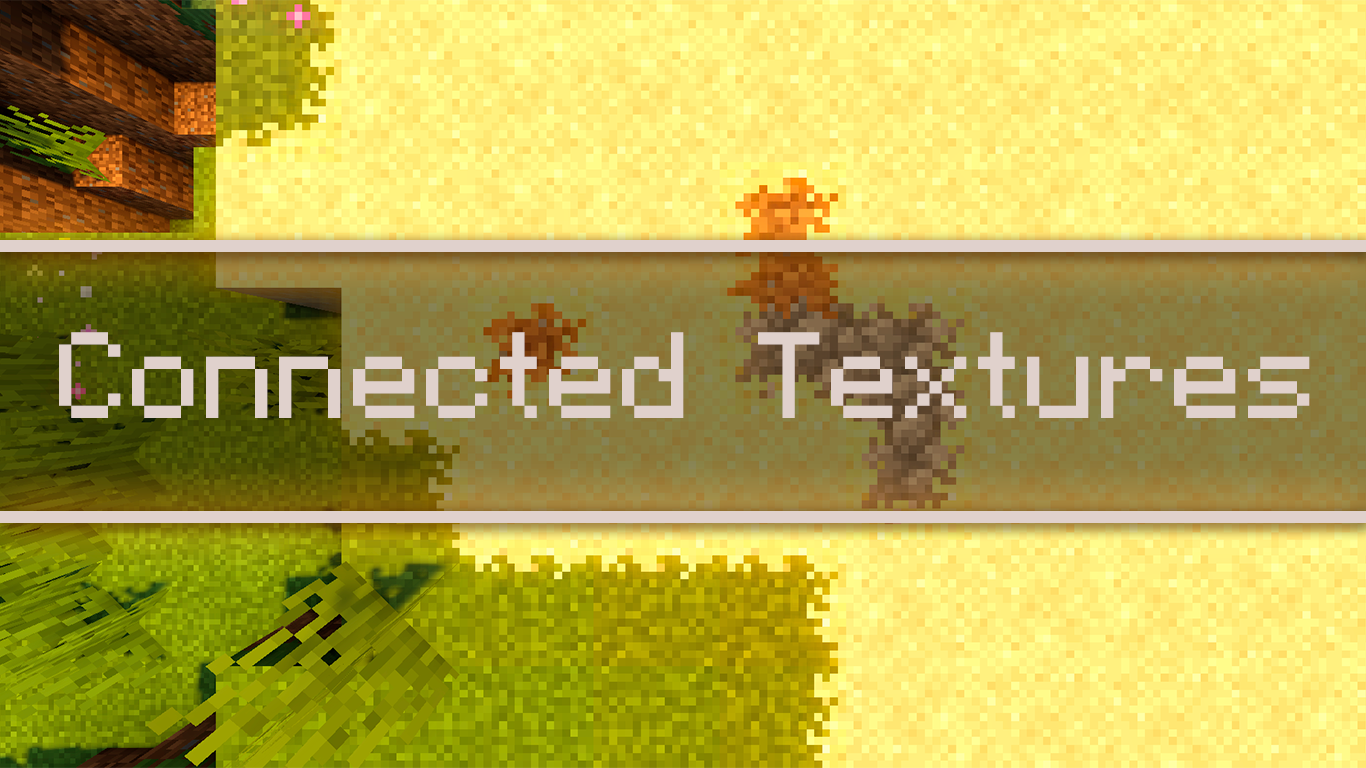
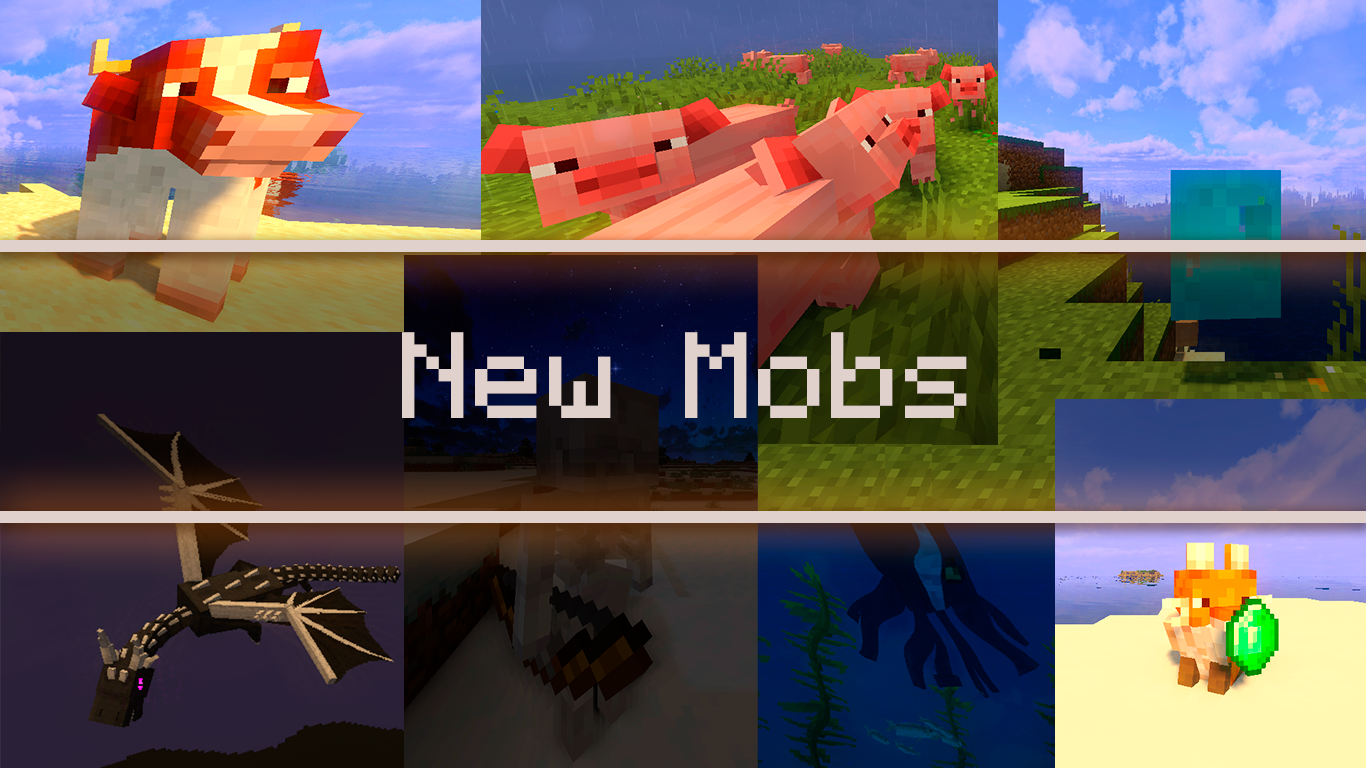
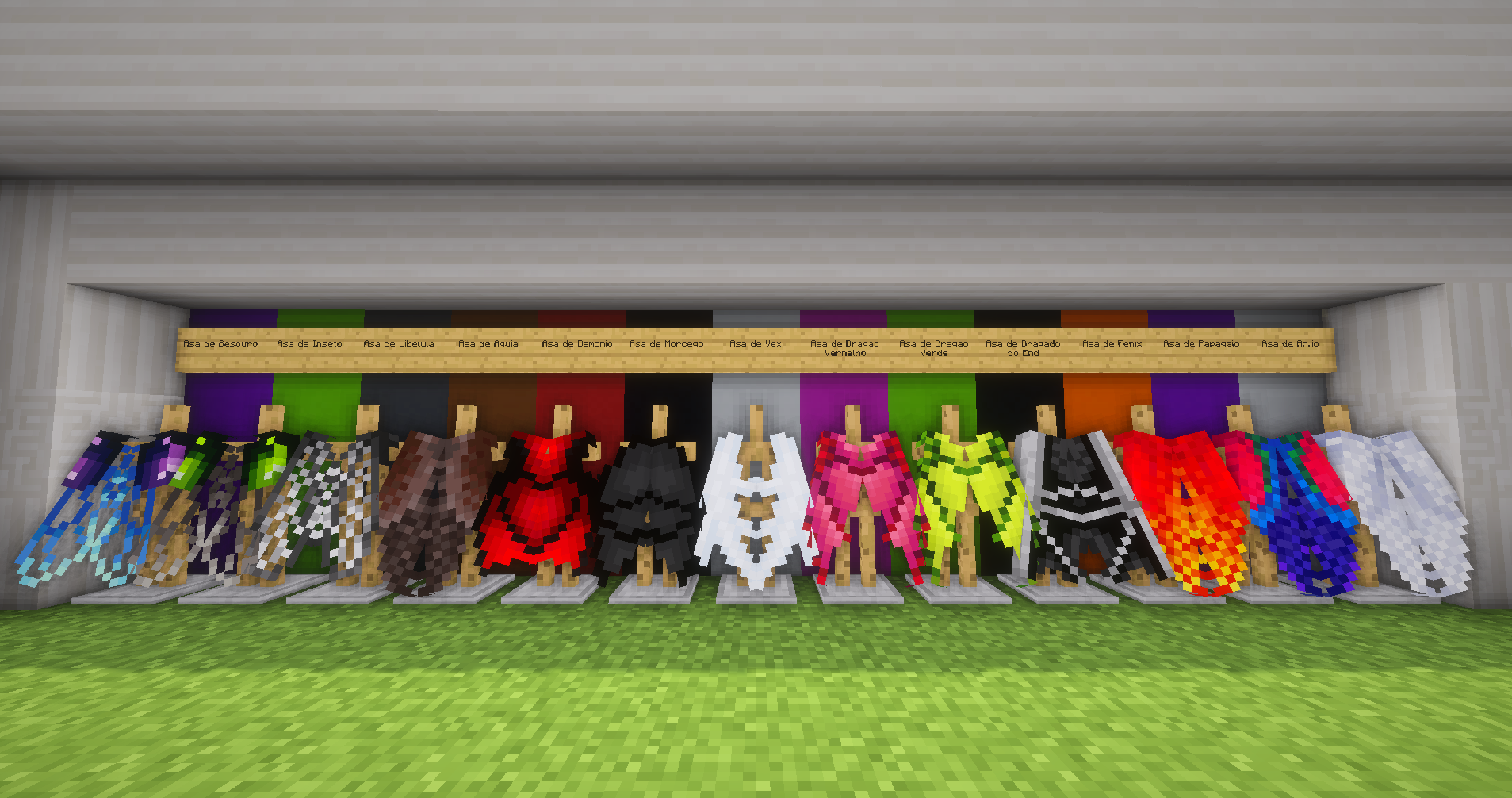
Giving its users access to a new block variations in biomes to explore, new mobs to look at and new armors and tools to wield!
The main goal of ProjectSpiTexture is to enhance the vanilla experience.

___________________________________________________________________________________

___________________________________________________________________________________

___________________________________________________________________________________

___________________________________________________________________________________

___________________________________________________________________________________

How to install Project Spi Texture:
NOTE: Many resource packs require optifine to be preinstalled, so be sure to install it.
1. Download the Project Spi Texture for Minecraft from the download section below.
2. Launch the game client through the Minecraft launcher.
3. On the main menu, click "Options".
4. On the options menu, click "Resource Packs...".
5. Click on "Open Resource Pack Folder".
6. Move the .zip file you downloaded in the first step to the newly opened "resourcepacks" folder.
7. Click "Done".
8. Click on "Resource Packs..." again.
9. Your pack should have appeared in the left window, just hover over it and click on the arrow pointing to the right.
10. Click "Done" again.
11. The pack has now been successfully loaded and ready to be used in your world!

Project Spi Texture Team