# 26.3 Vanilla Look for Minecraft 1.12.2
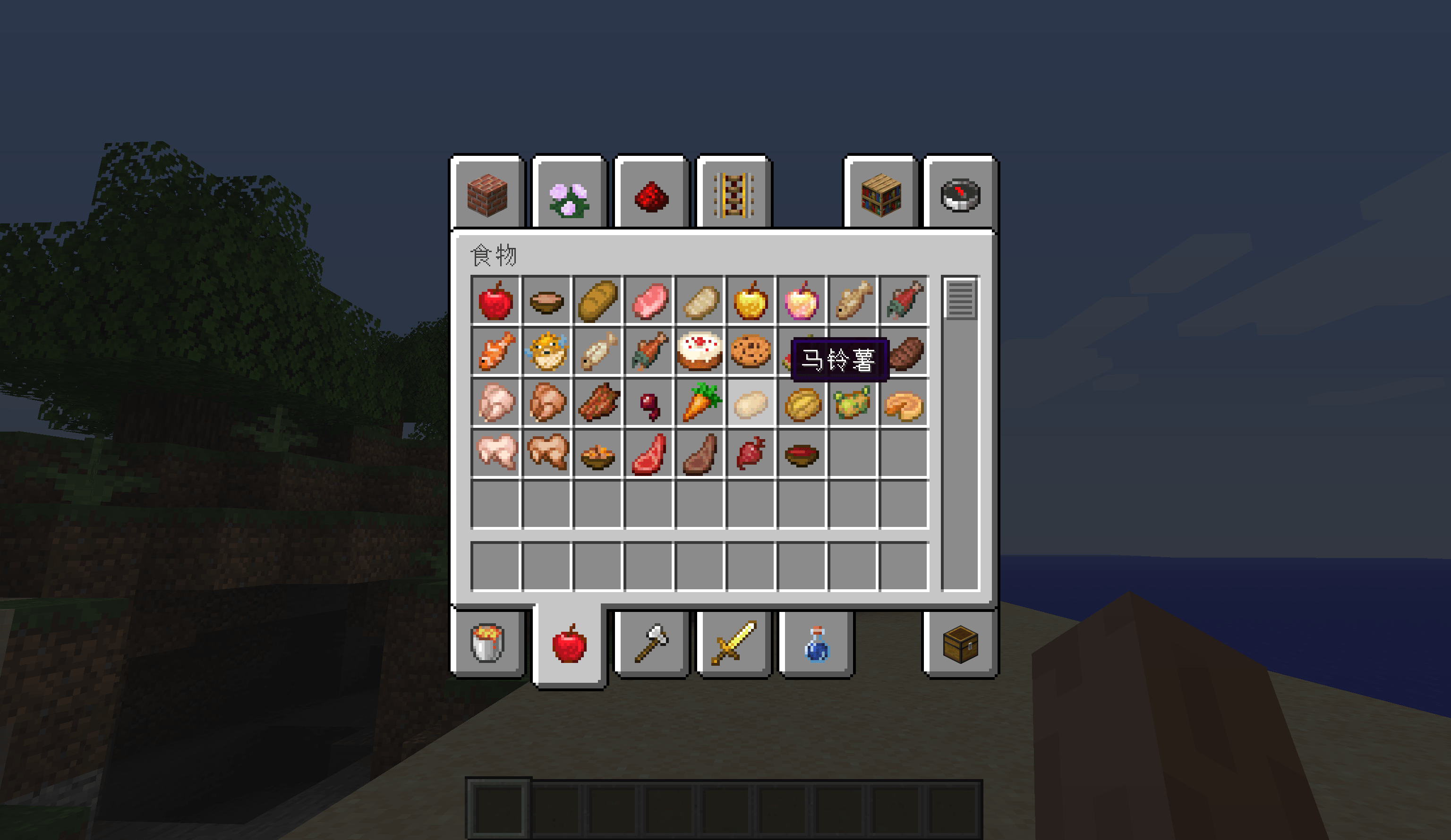
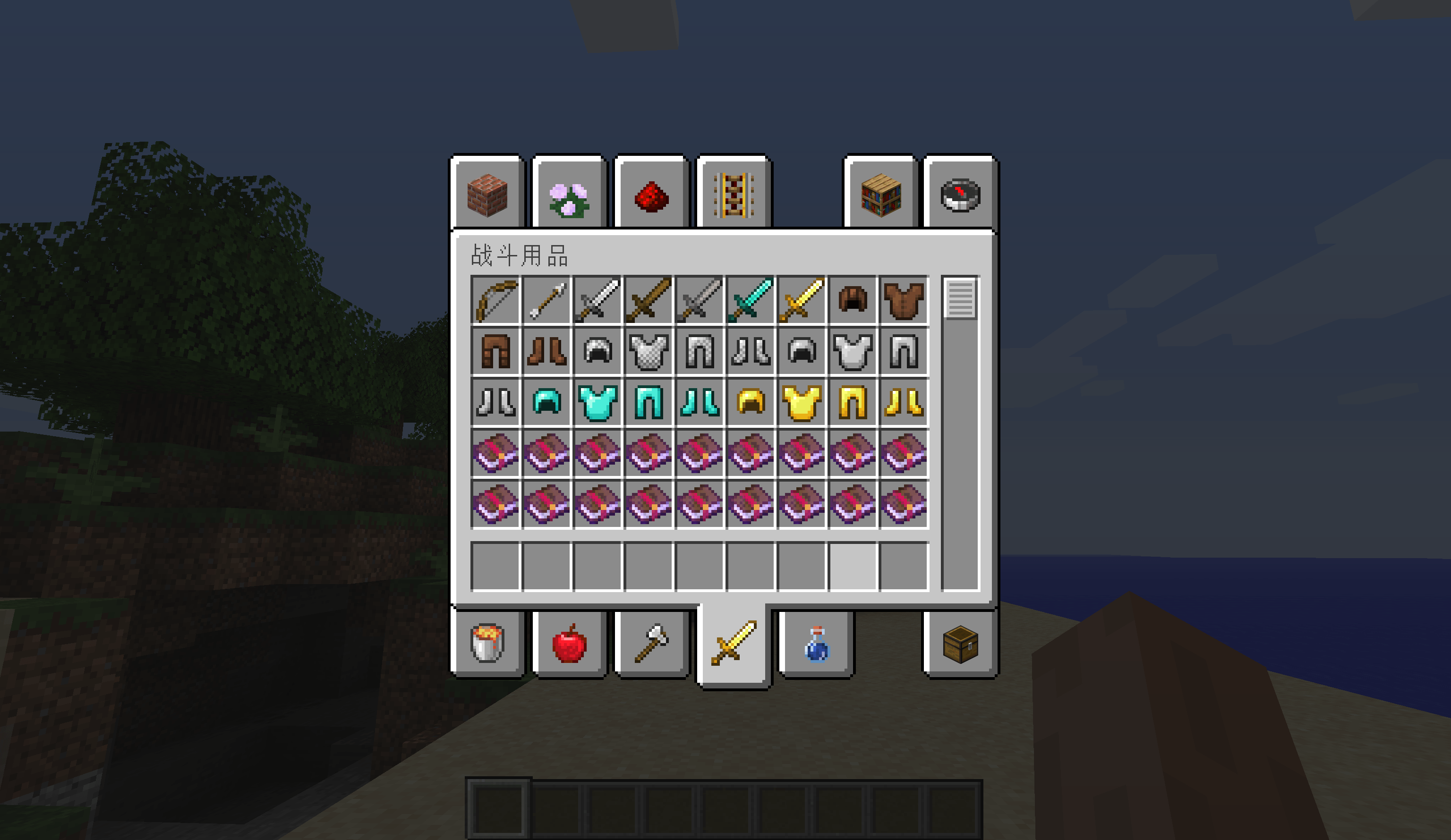
A resource pack that brings the refreshed default textures from Minecraft 26.3 back to 1.12.2.
Minecraft 1.13 renamed and reorganized almost every texture (textures/blocks/ became textures/block/, thousands of files were renamed, and water changed from a baked blue texture to a grayscale texture tinted at runtime). Dropping a modern texture pack into 1.12.2 produces missing textures. This pack does the translation properly: every texture is written to the legacy 1.12.2 path and filename, so the old renderer finds it.
## What is included
- 780+ textures ported from the 26.3 vanilla client: roughly 286 blocks, 331 items, 159 entity textures, plus environment, map and misc textures.
- All 24 status effect icons from 26.3, rebuilt into the 1.12.2 inventory atlas. Their slot order was extracted from the 1.12.2 Potion class bytecode rather than guessed, so speed, regeneration, weakness, poison and the rest all land on the correct effect. Each cell was verified pixel-for-pixel.
- All 24 animated textures ship with their matching .png.mcmeta frame definitions, taken from 1.12.2, so water, lava, fire, portals and other animated blocks play correctly instead of showing the purple and black missing texture.
- Every PNG normalized to 8-bit RGB or RGBA, avoiding palette and grayscale decoding issues in the 1.12.2 texture loader.
- pack_format 3, pack.png and a README included.
## Deliberately kept vanilla
- GUI, fonts, colormaps and particles: 1.12.2 and 26.3 use very different interface layouts. Swapping them breaks menus, so the 1.12.2 originals are kept.
- Water (still, flow, overlay): 26.3 stores water as grayscale and applies the blue tint in code; 1.12.2 has no such tint pass and bakes the blue into the texture. Using the 26.3 file would give you a grey block, so these three textures use the 1.12.2 originals.
- A small number of 1.12.2-only textures that were split or deeply renamed in 26.3 (old door and slab names, for example) fall back to vanilla. Resource packs are additive, so nothing is ever broken or missing.
## Requirements and compatibility
- Minecraft Java Edition 1.12.2 only. Works with vanilla, Forge 1.12.2 and most 1.12.2 modpacks; no mods required.
- NOT compatible with 1.13+ or the 26.x versions. Modern clients use textures/block/, different atlas formats and a different pack_format. Loading this pack in a modern client will cause missing textures.
- Some modded blocks keep their own textures, as usual.
## Installation
1. Put the zip into your .minecraft/resourcepacks folder (do not extract it unless you prefer a folder).
2. In game: Options > Resource Packs, move this pack to the right-hand column.
3. Press F3 + T to reload resources, or restart the game.
4. Upgrading from an earlier build? Replace the old zip with the new one and restart, so cached textures are cleared.
## Credits and legal
Built entirely from the vanilla client assets of Minecraft 26.3 and Minecraft 1.12.2. All Minecraft textures, names and assets are the property of Mojang Studios and Microsoft. This is an unofficial fan-made resource pack and is not affiliated with, endorsed by or sponsored by Mojang or Microsoft. You may use, modify and redistribute it for personal use in line with the Minecraft asset usage guidelines.