
Netherite Fantasy
- By
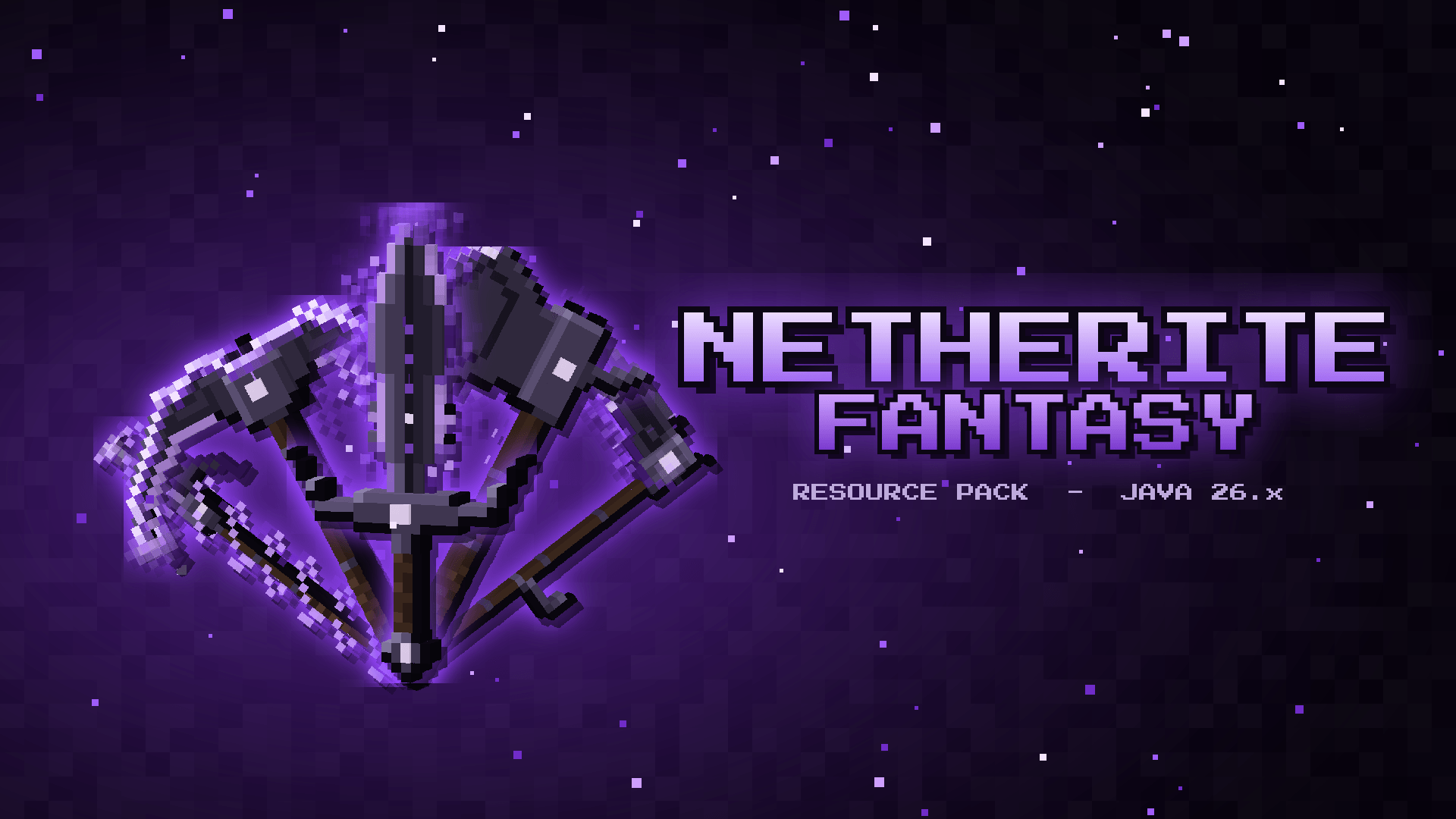
3D netherite weapons & tools with animated violet enchant auras, redesigned armor with open/closed helmets, plus custom bow, trident and shield.
curseforge_banner_1920x1080.png
Description
Netherite Fantasy
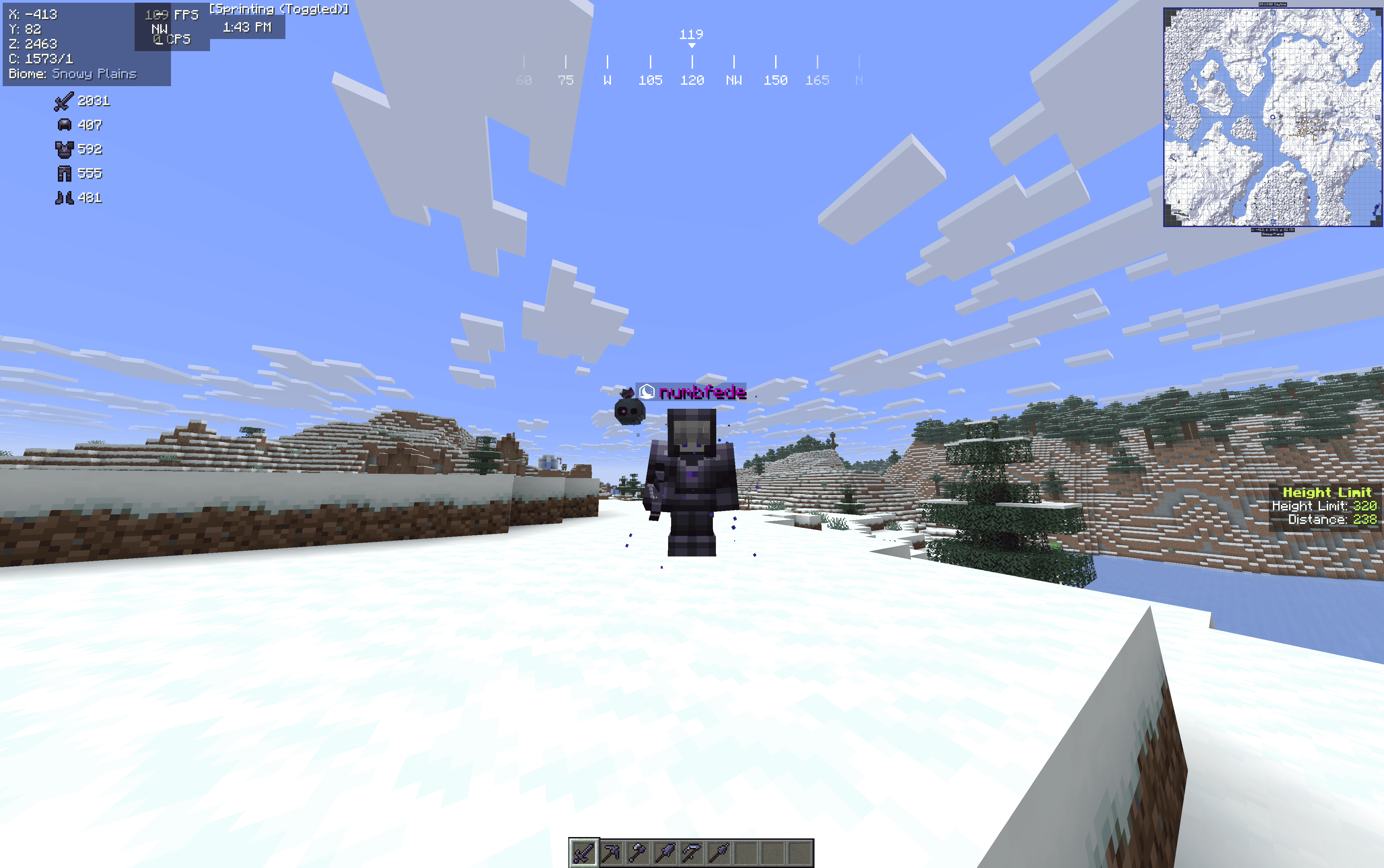
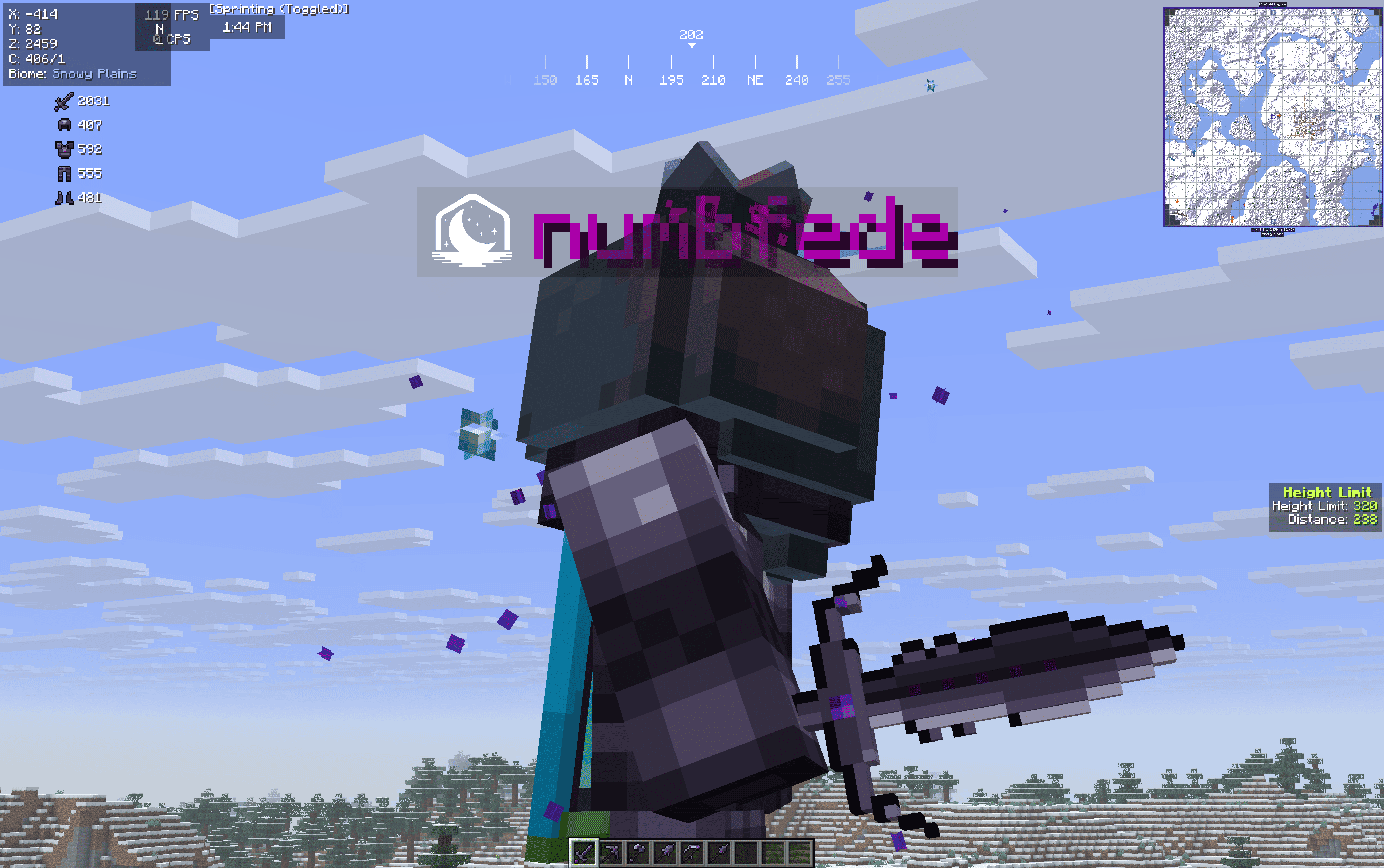
A dark-fantasy makeover for Minecraft's weapons, tools and armor. Every tool is a hand-built 3D model in your hand and a matching 16x sprite in your inventory. Enchanted items get an animated aura in place of the generic glint.
What's included
Netherite arsenal
- Sword, pickaxe, axe, shovel and spear: 3D models in hand, redesigned inventory icons
- Hoe → Scythe: the netherite hoe becomes a full scythe
- Animated violet aura on every enchanted netherite item
Iron, gold and diamond tools
- 3D in hand, in a simpler style that gets more detailed with each tier
- Every material has its own enchanted aura: white (iron), yellow (gold), cyan (diamond)
Armor
- Redesigned armor sets for iron, gold, diamond and netherite, each with its own chestplate design
- Open-face helmets by default
- Fully compatible with vanilla armor trims
Bow, trident and shield
- Netherite bow: 3D in hand across all 4 draw stages, with a violet gem grip and recurved tips
- Netherite trident: new icon and 3D model, with honed prongs, a violet gem ring and a leather grip
- Shield: black netherite wood, iron rim, new heater shape. Shields with banners keep the vanilla shape, with darkened wood
Other
- Neutral silver enchantment glint, so the per-material auras stand out
Closed helmets
There are two ways to close the visor:
- "Closed helmets" version: every helmet is closed. Just install that version instead of the normal one.
- Rename a helmet to
Elmo Chiusoin an anvil to switch it to the closed design.- The inventory icon changes with the resource pack alone.
- The worn helmet also needs the Netherite Fantasy Visiera datapack in your world or server. Remove the name to open the visor again.
Installation
- Download the zip (normal or closed-helmets version).
- Put it in
.minecraft/resourcepackswithout unzipping it. - Enable it under Options → Resource Packs.
- (Optional) For the rename visor, put the datapack zip in your world's
datapacksfolder.
Multiplayer: the resource pack works on any server and only changes what you see. The visor datapack has to be installed on the server by an admin.
Compatibility
- Minecraft Java Edition 26.x
- The pack replaces the vanilla textures and models for these items, so other packs that change the same items can override it, or be overridden. Put this pack where you want it in the list.
Changelog
v1.1
- Shield: removed the top horns, made the iron rim a uniform color
- Iron/gold/diamond shovels: wider base, rounded corners, symmetric shading
v1.0
- First release
Made by numbfede
Netherite Fantasy Team
