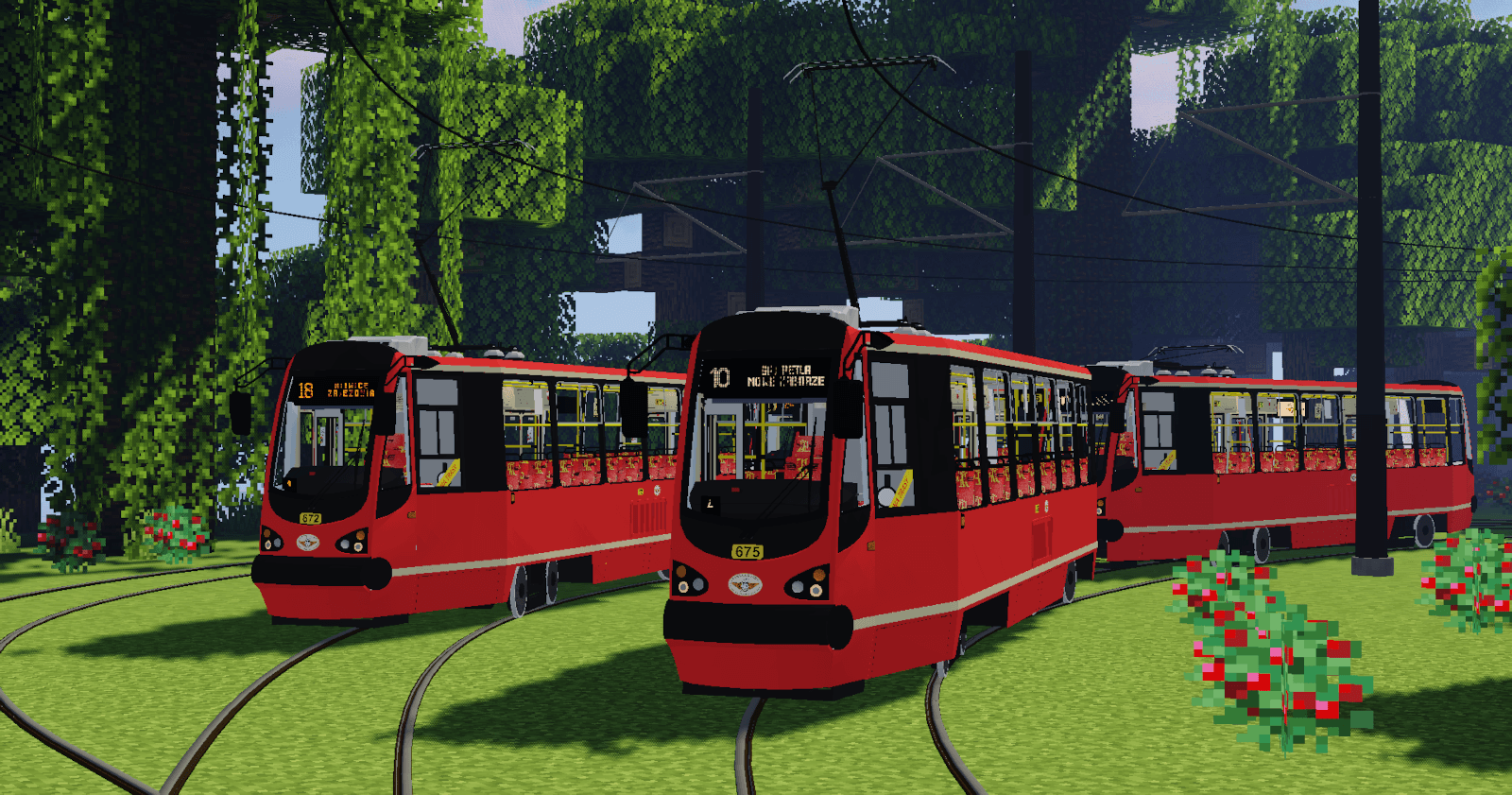
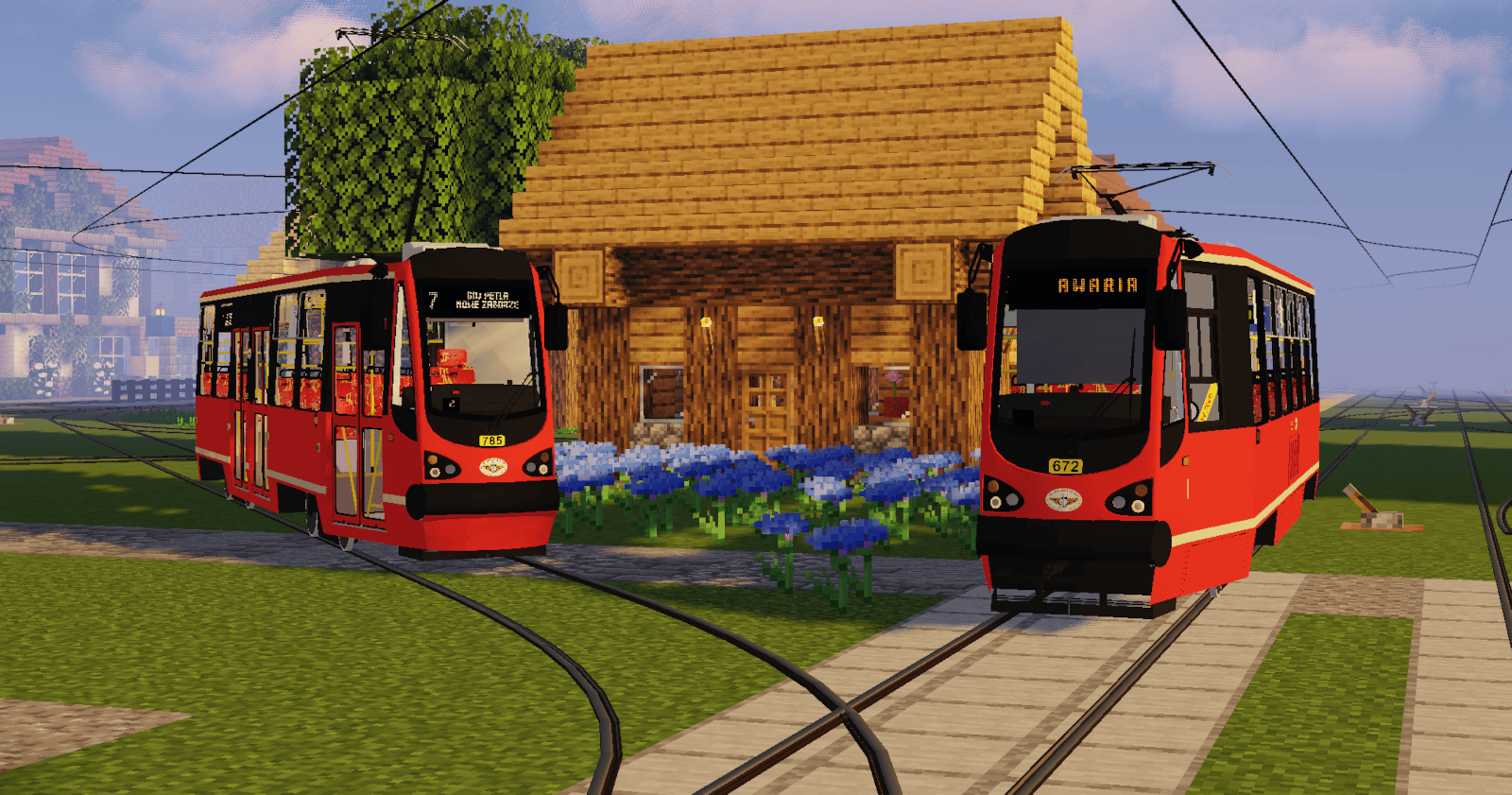
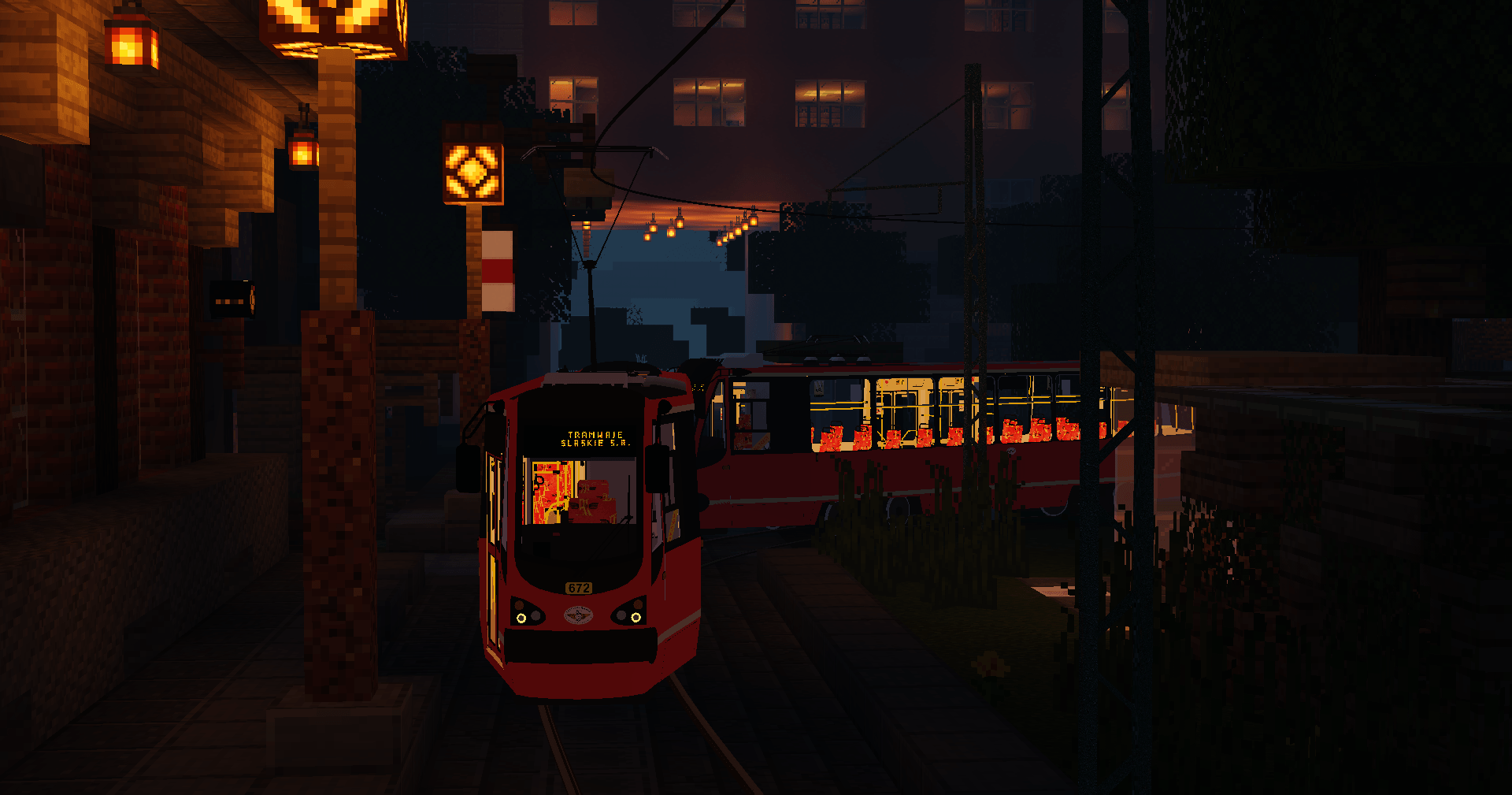
This is a model pack for Immersive Railroading. It adds the Modertrans-upgraded Type 105 trams.
It includes the Polish Konstal 105N-HF11AC tram in the version with orange LED external boards and white LED external boards.
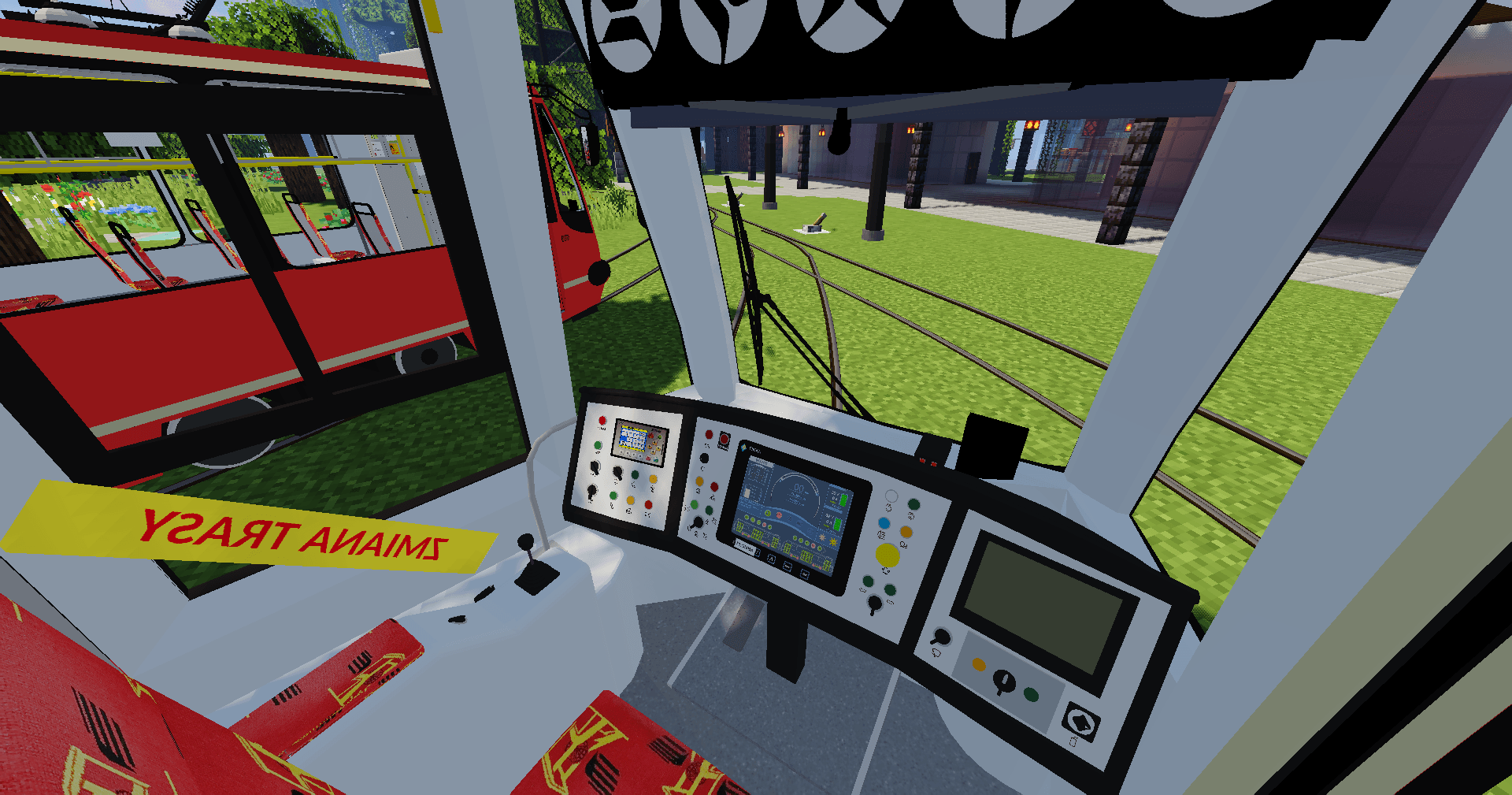
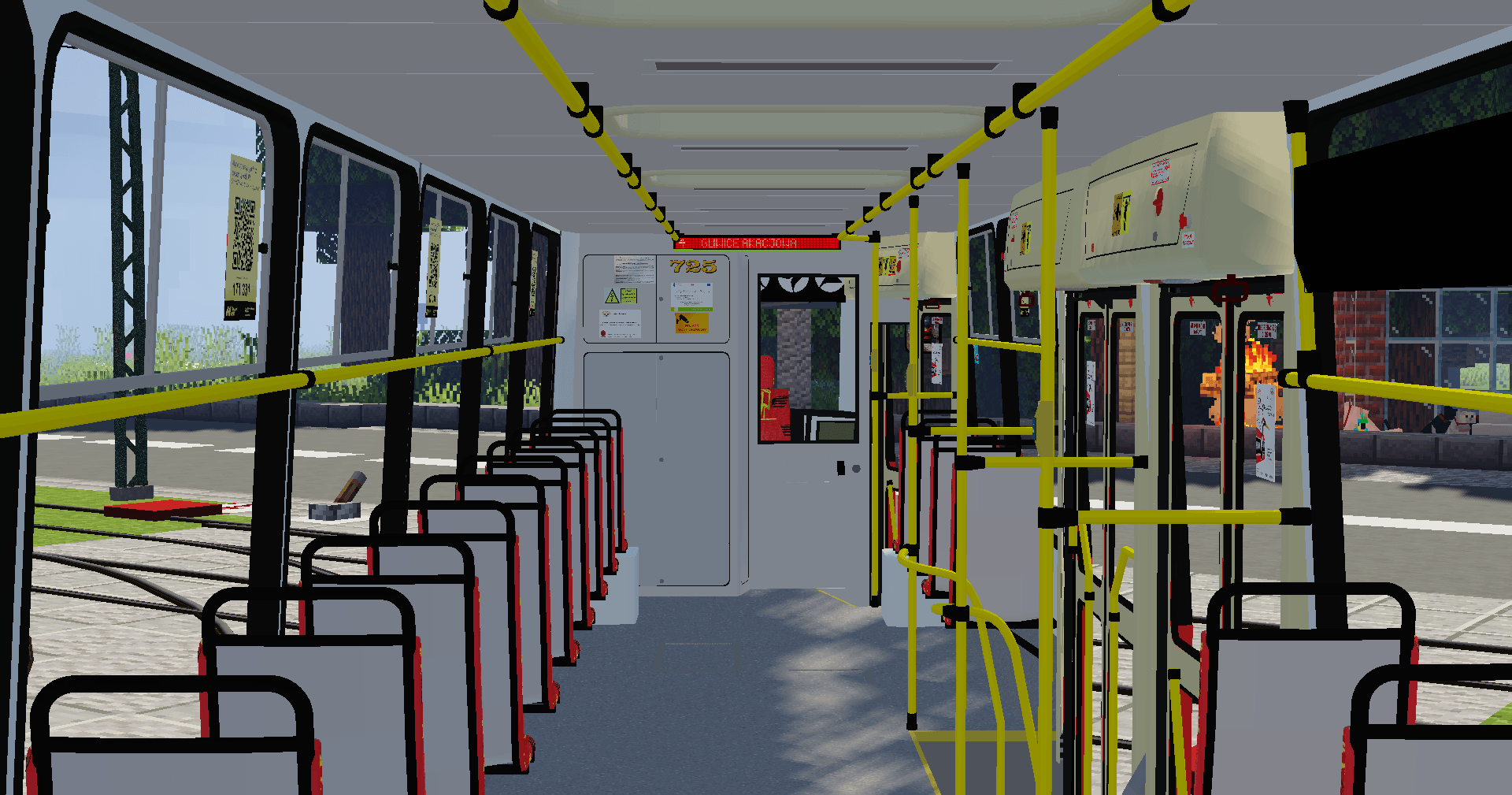
All trams are in the Silesian Trams style. The version with orange electronic displays have an SRG-5000 controller and version with white electronic displays have an Pixel Asterix controller. Both versions have pre-installed voice announcements for numbers 1 to 13.
GUIDE:
1. Setting the travel direction
- Set by right-clicking with the paint brush.
2. Setting the line, vehicle number, and train number
- In the cabinet behind the cab, there are three knobs that allow you to set the next number in 10% increments.
3. Uploading your own voice announcements
- Go to the folder: Moderus_Pack_by_Krzysiek5757.zip\assets\immersiverailroading\sounds\electric\srg5000
You will see 13 numbered .ogg files there - these are your announcements.
To upload your own, simply replace the file with your own. It can be any length, but REMEMBER THAT IT MUST HAVE THE SAME NAME AND BE OGG, otherwise the package may not launch.
4. Uploading your own direction boards
- Go to the vehicle folder:
Moderus_Pack_by_Krzysiek5757.zip\assets\immersiverailroading\models\rolling_stock\locomotives\105nhf
There, you'll see folders for routes 1 through 18. These contain textures that change when the direction is set.
Inside, there are three files: route.png (external orange boards), roudebia.png (external white boards) and routew.png (internal boards). You can replace them with whatever you like, but it's important that they have the same .png format, the same dimensions, and the same name.
5. Uploading your own vehicle numbers, line numbers, and train numbers
- In the main model directory, next to the subfolders with the numbers, there are six files: brygady.png (orange train numbers), brygadybia.png (white train numbers), kwadrat.png (orange line numbers), kwadratbia.png (white line numbers), numery.png (vehicle numbers with orange boards) and numerybia.png (vehicle numbers with white boards).
Replace them with your own files, which will have the same .png format, dimensions, and name.
Have fun riding my trams!


![Moderus Tram Pack by Krzysiek5757 [Immersive Railroading] logo](https://media.forgecdn.net/avatars/thumbnails/1941/159/64/64/639205340220708482.png)
![Stopiatki Tram Pack by Krzysiek5757 [Immersive Railroading] project image](https://media.forgecdn.net/avatars/thumbnails/1728/623/256/256/639099929758268757.png)
![Tram Rails & Poles Pack By Krzysiek5757 [Immersive Railroading] project image](https://media.forgecdn.net/avatars/thumbnails/1525/617/256/256/638990679829168243.png)
![Krystek Tram Pack [Immersive Railroading] project image](https://media.forgecdn.net/avatars/thumbnails/1521/834/256/256/638988334243807876.png)