



MC-Tips_Book
Gives players a colorful, bold-formatted guidebook containing 21 chapters of Minecraft 1.13 tips, tricks, and hidden mechanics. Auto-gives on join and restores after respawn!
- 0
- November 17, 2026

Realistic_interface_GUI_1_14
Replaces default gray container GUIs with realistic block-material textures (wood, stone, iron, obsidian) and adds bold, readable title headers for every workstation, chest, villager profession, book, and inventory!
- 2
- November 15, 2026

Rainbow_Diamond_Pack
is an animated resource pack that replaces every diamond item, block, tool, and armor piece in the game with vibrant, shimmering rainbow textures.
- 141
- November 14, 2026
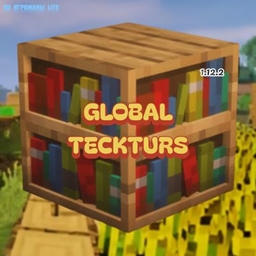
Global_Tecksturs
This texture pack brings the updated 1.14+ textures back to older versions of the game.
- 66
- November 11, 2026
MC-Tips_Book
Gives players a colorful, bold-formatted guidebook containing 21 chapters of Minecraft 1.13 tips, tricks, and hidden mechanics. Auto-gives on join and restores after respawn!
- 0
- November 17, 2026
Realistic_interface_GUI_1_14
Replaces default gray container GUIs with realistic block-material textures (wood, stone, iron, obsidian) and adds bold, readable title headers for every workstation, chest, villager profession, book, and inventory!
- 2
- November 15, 2026
Rainbow_Diamond_Pack
is an animated resource pack that replaces every diamond item, block, tool, and armor piece in the game with vibrant, shimmering rainbow textures.
- 141
- November 14, 2026
Global_Tecksturs
This texture pack brings the updated 1.14+ textures back to older versions of the game.
- 66
- November 11, 2026