



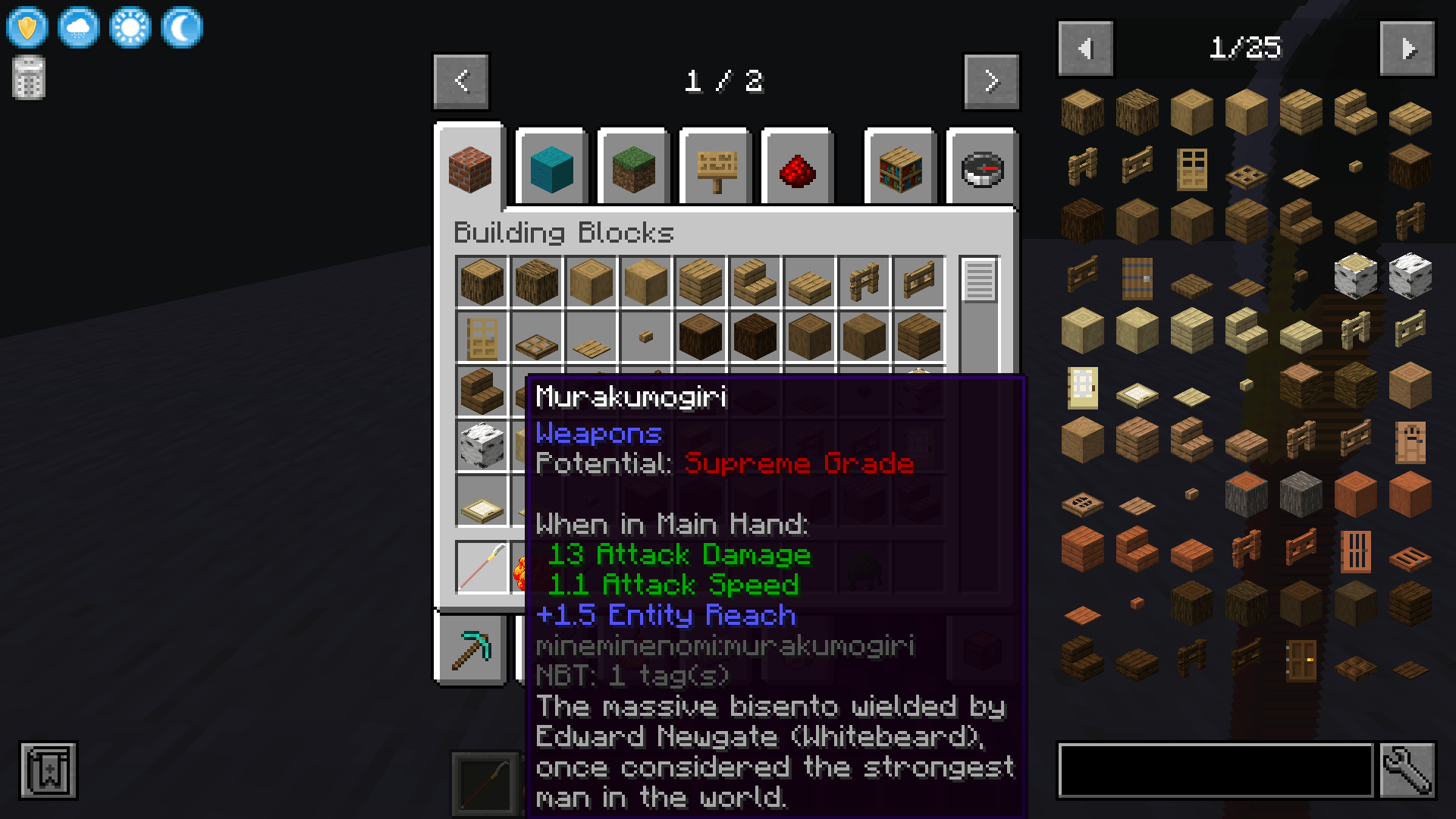
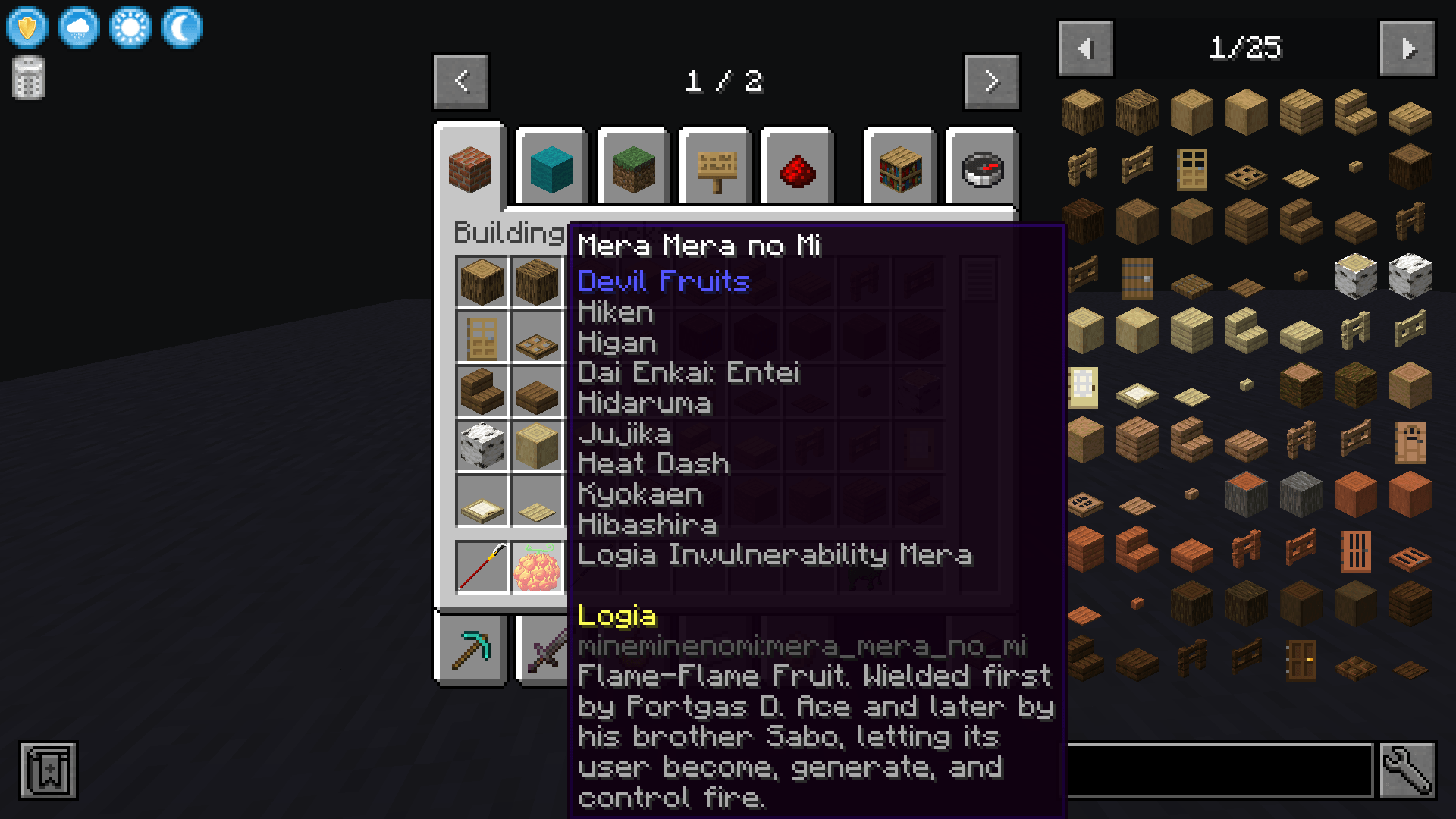
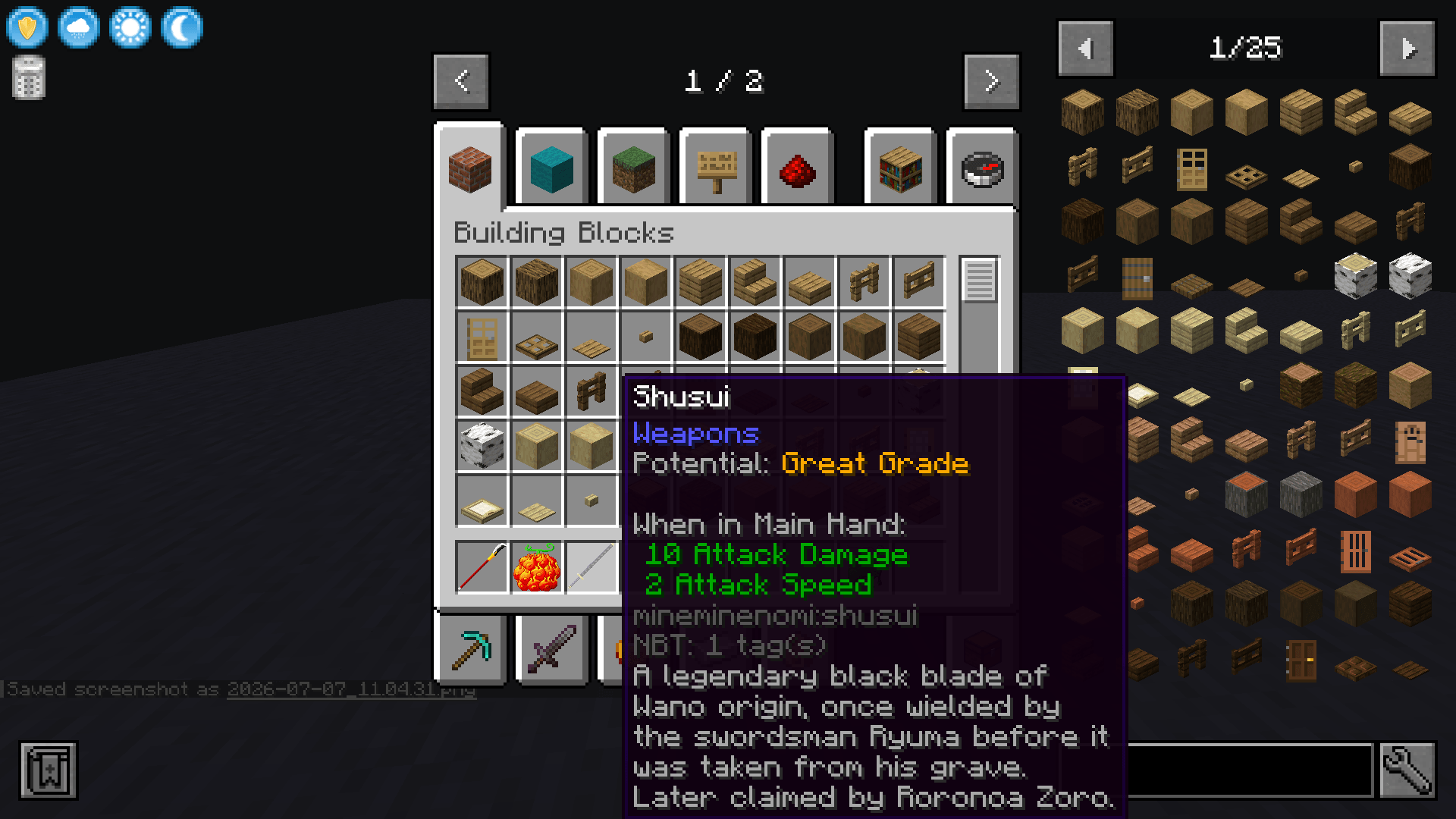
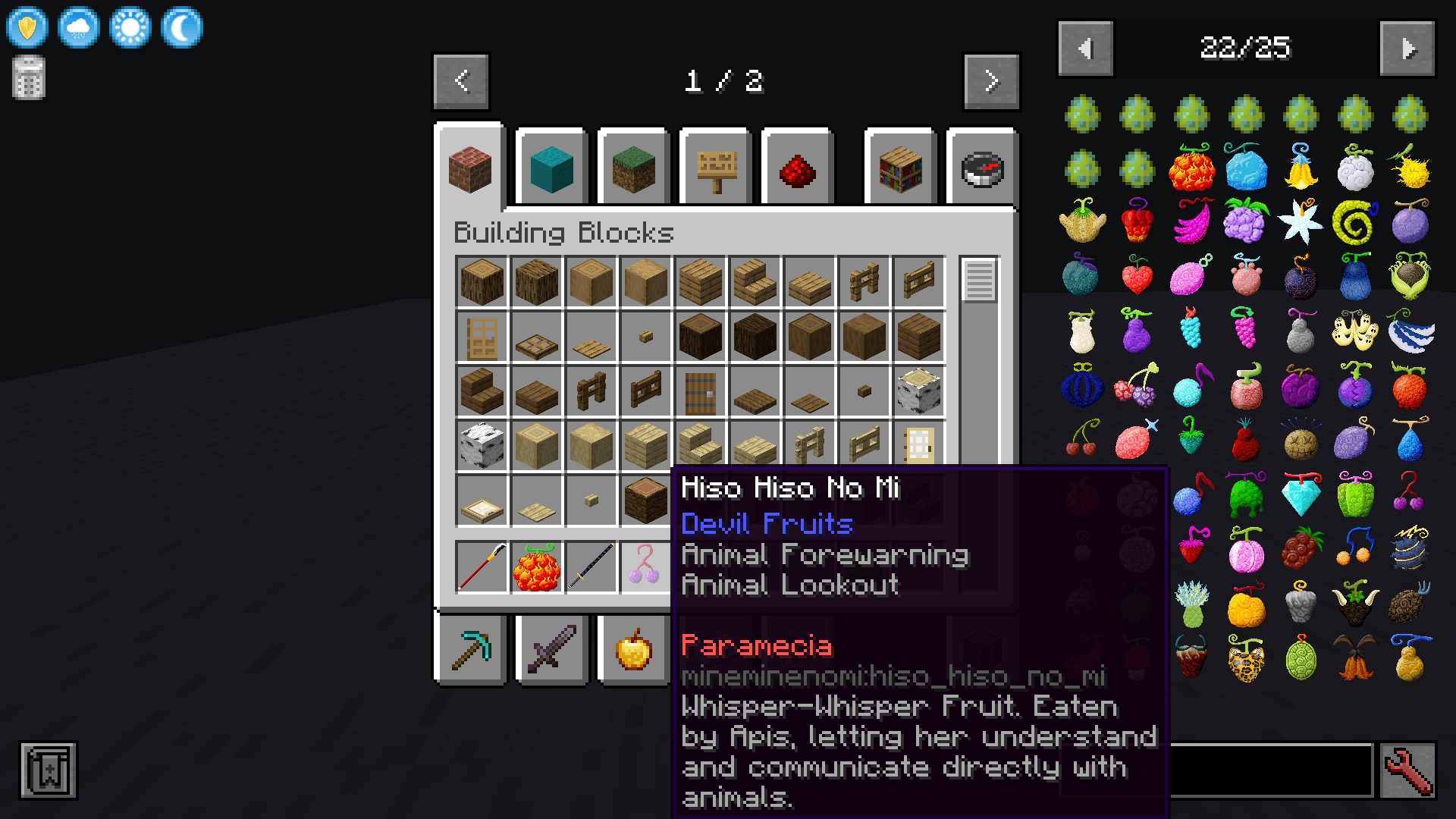
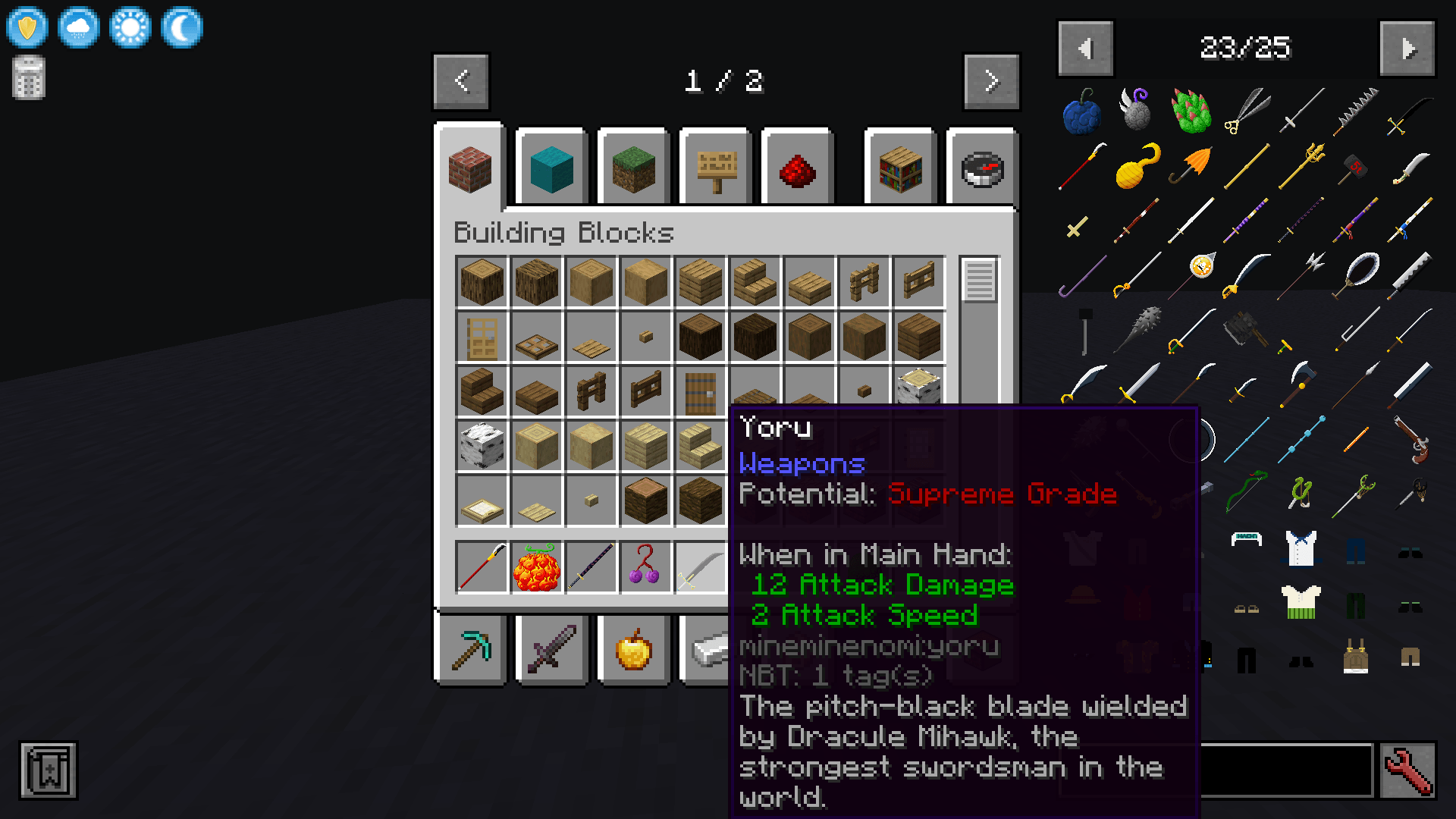
Mineminenomi abilitydescriptions
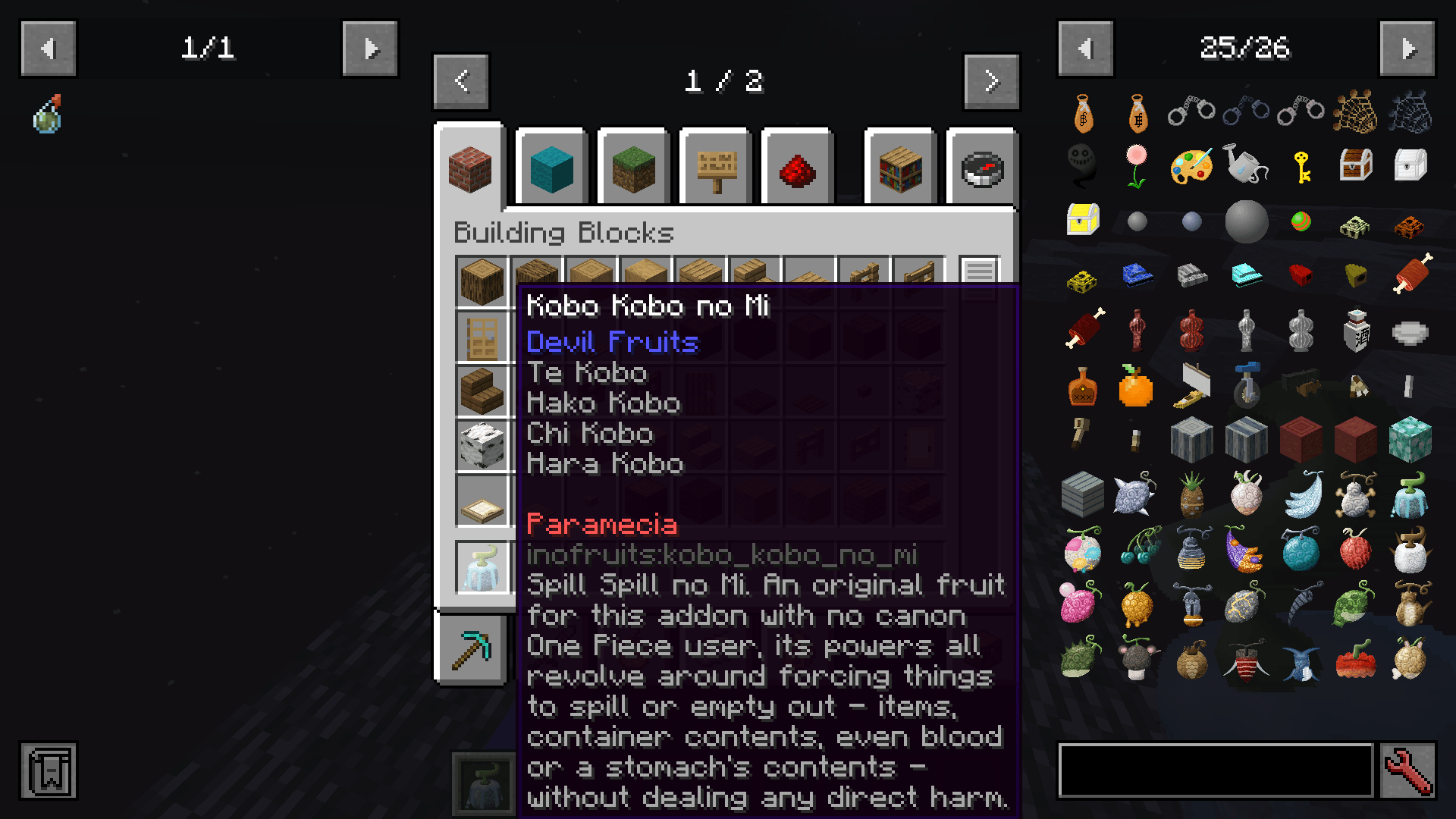
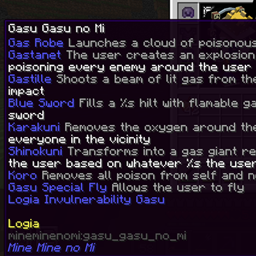
Resourcepack that tells you what devil fruit abilitie do without eating the fruit
- 40
- October 19, 2026
Crafttale balance changes 5, stats for abilities
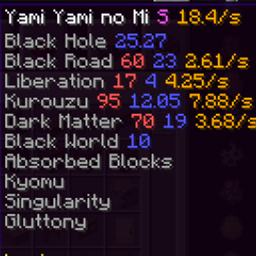
Shows the Crafttale server's balance numbers in ability and Devil Fruit names, so you don't have to open the spreadsheet.
- 25
- October 19, 2026

Kill Tracker: Weapon Growth
Weapons grow stronger with every unique player they kill — each sword, axe, or trident permanently gains +1 Attack Damage per new PvP victim, tracked per individual item. No config needed, just install and fight.
- 35
- August 31, 2026
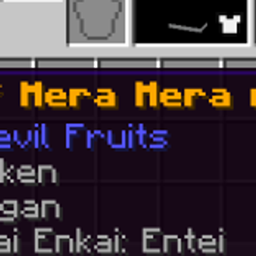
Mmnm Devil Fruit Box Rarity Colors
Recolors Devil Fruit names from Mine Mine no Mi's loot boxes to match rarity — gold for the rarest tier, white for mid-tier, bright green for common, with a flickering enchanted-style effect on the top tier.
- 173
- July 11, 2026
Mineminenomi abilitydescriptions
Resourcepack that tells you what devil fruit abilitie do without eating the fruit
- 40
- October 19, 2026
Crafttale balance changes 5, stats for abilities
Shows the Crafttale server's balance numbers in ability and Devil Fruit names, so you don't have to open the spreadsheet.
- 25
- October 19, 2026
Kill Tracker: Weapon Growth
Weapons grow stronger with every unique player they kill — each sword, axe, or trident permanently gains +1 Attack Damage per new PvP victim, tracked per individual item. No config needed, just install and fight.
- 35
- August 31, 2026
Mmnm Devil Fruit Box Rarity Colors
Recolors Devil Fruit names from Mine Mine no Mi's loot boxes to match rarity — gold for the rarest tier, white for mid-tier, bright green for common, with a flickering enchanted-style effect on the top tier.
- 173
- July 11, 2026