Mark's Wolf and Cat textures (16x16)
- By
Mark's Wolf and Cat textures (16x16) for [MC 1.7.10/14w11b and older]
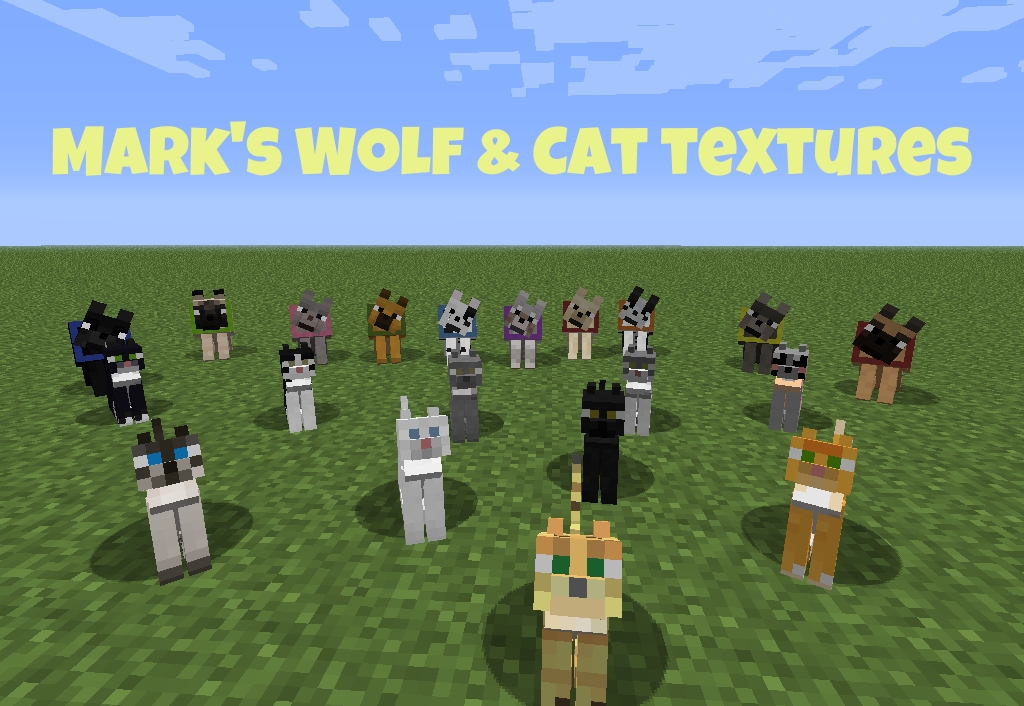
Meow, Meow, Woof, Woof...
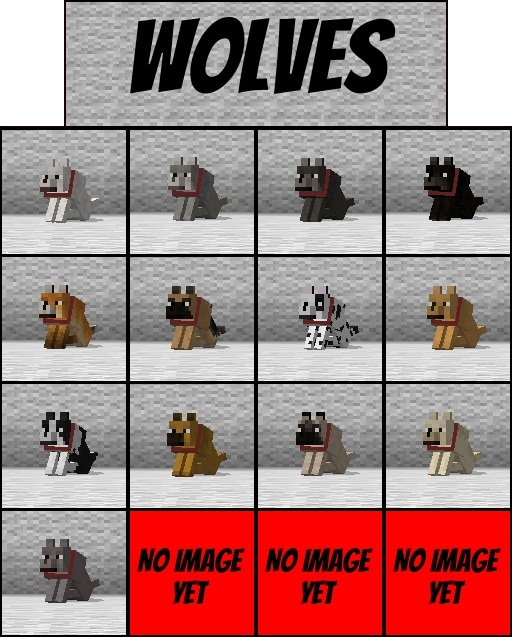
All the wolves for now!
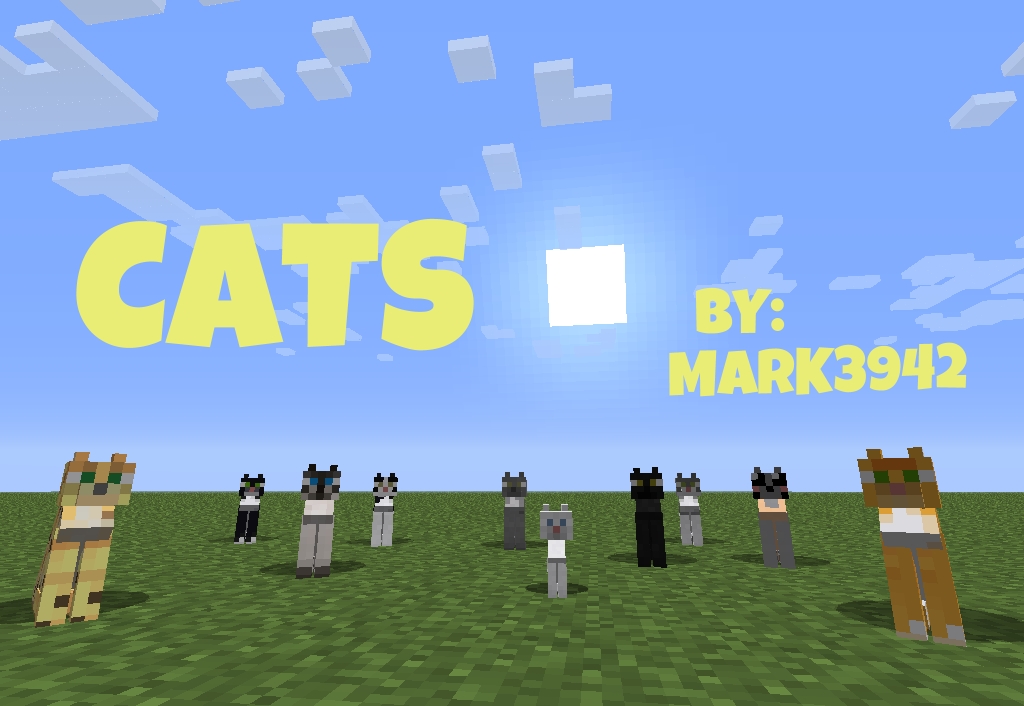
Meow...
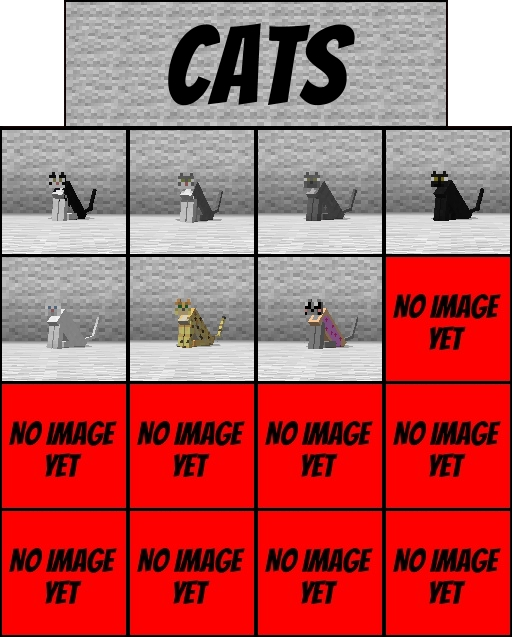
All the cats for now!
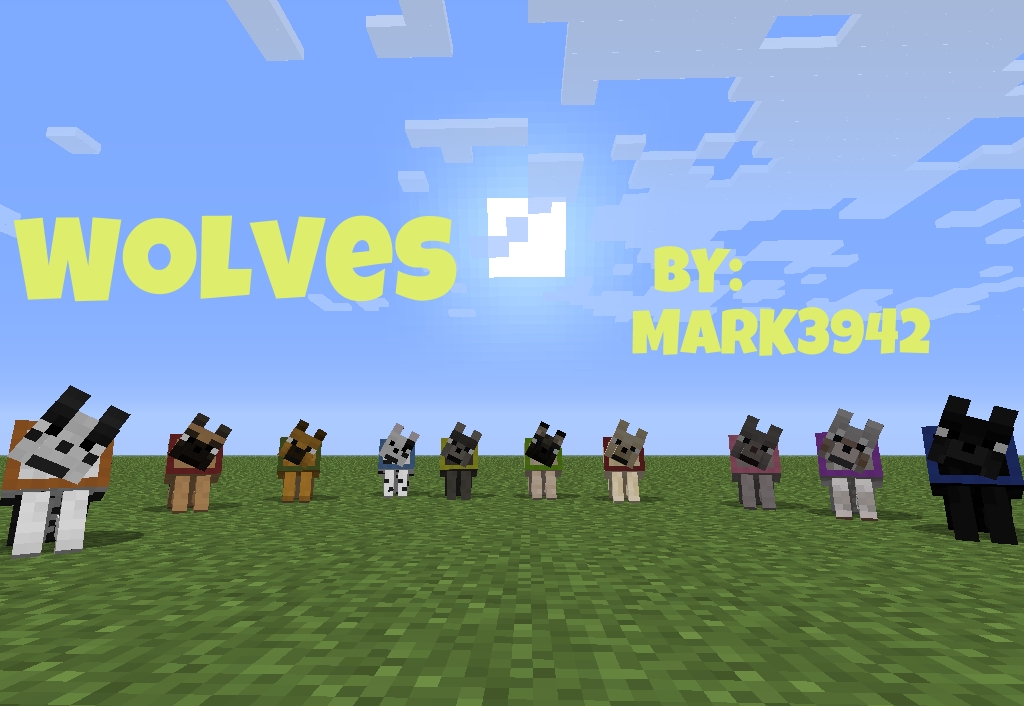
Woof...
Description
Do you like wolves/dogs? Do you like Cats? Yes!? Than this is the right resource pack for you!
Mark's Wolf and Cat textures is a simple resource pack that currantly adds 20 texture varieties of wolves and cats to spice up your minecraft experience! The resource pack is frequently updated, give it a try cause i am sure you are gonna love it Enjoy!
So what are the 20 texture verietis?
- Mark's Wolf and Cat textures
- Mark's Wolf and Cat textures + Nyan
- Mark's Wolf textures
- Mark's Cat textures
- Mark's Cat textures + Nyan
- White Wolf
- Black Wolf
- Gray Wolf
- Light Gray Wolf
- Red Fox
- German Shepherd
- Dalmatian
- Golden Retriever
- Border Collie
- Tosa Inu
- Pug
- Glen of Imaal Terrier
- Weimaraner
- Ocelot
- Nyan Cat
1 - 5 -> Need MCPatcher!
6 - 20 -> Don't need MCPatcher!
What is MCPatcher?
MCPatcher is a some kind of a mod that alows this resource pack to work! If you want to know more about MCPatcher or you want to download it click here! MCPatcher
YouTube previews:
- Not the most accurate review but it is a review ;) Thanks to xbony2! - http://youtu.be/884-3AiDczs
Update log:
- Update /12.21.2013/
- gethered 20 files into 1 file
- updated description
Notes:
- Works with all the snapshots since Minecaft update 1.6+
- It does NOT work on Curse Client!!!
Currant Bugs:
- Keep the wolves and cats aways from the water/rain! It is a bug that makes them lose their texture, they will get it back but it will probably be different! I am still waiting this to get fixed cause it is not my fault! :)
How to install?
- Download the file
- Unzip it in a new folder
- Go to your resourcepacks folder located in \AppData\Roaming\.minecraft
- Choose a file you want to use and put it in the resourcepacks folder
- Start Minecraft, go to resourcepacks chose the resourcepack you chose, play and enjoy!
The Mark's Wolf and Cat textures (16x16) Team