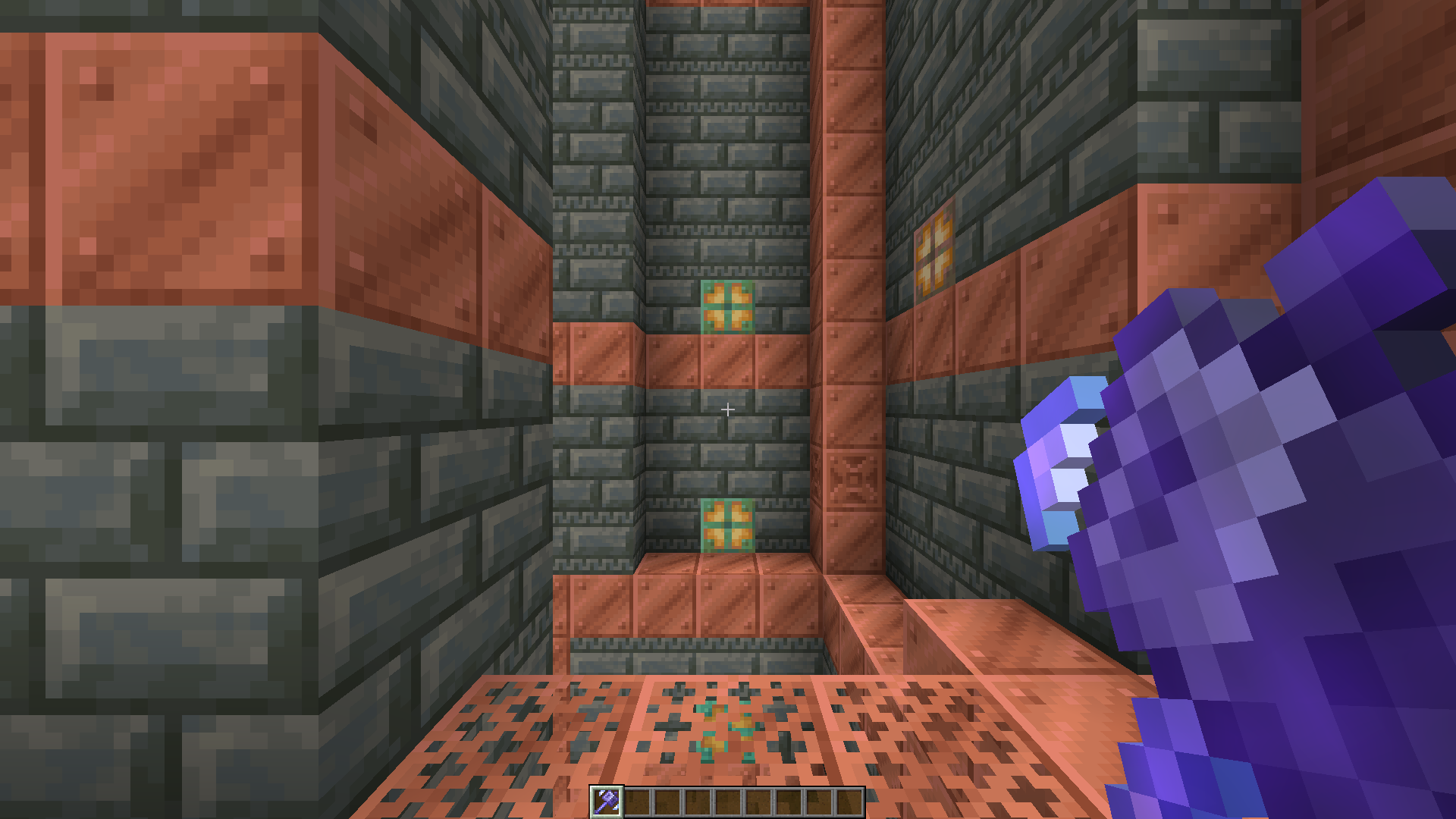
Mace Enchant Indicator is a simple texture pack that changes the colour of the mace depending on its enchantment all in vanilla Minecraft, with no mods required.





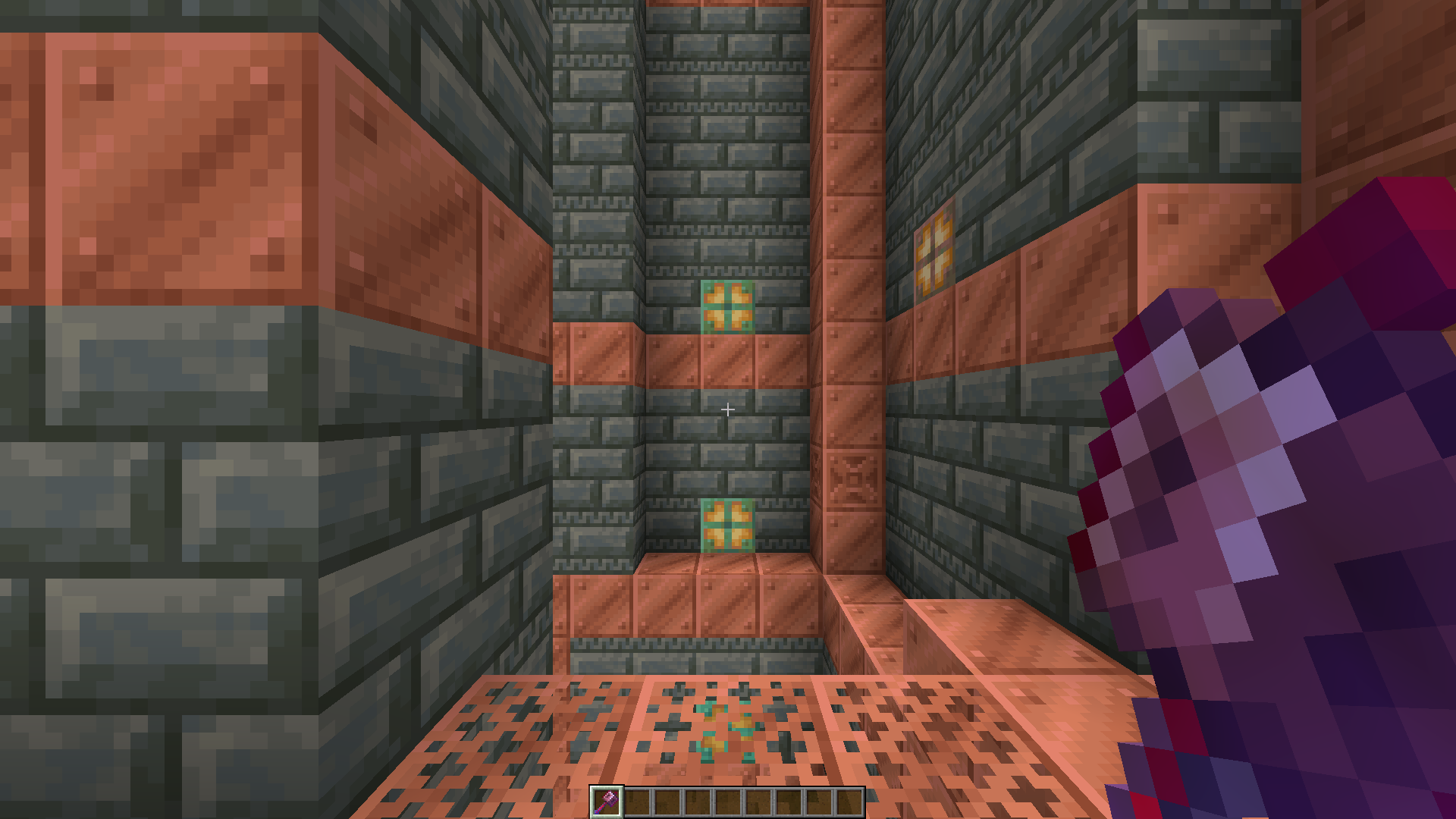
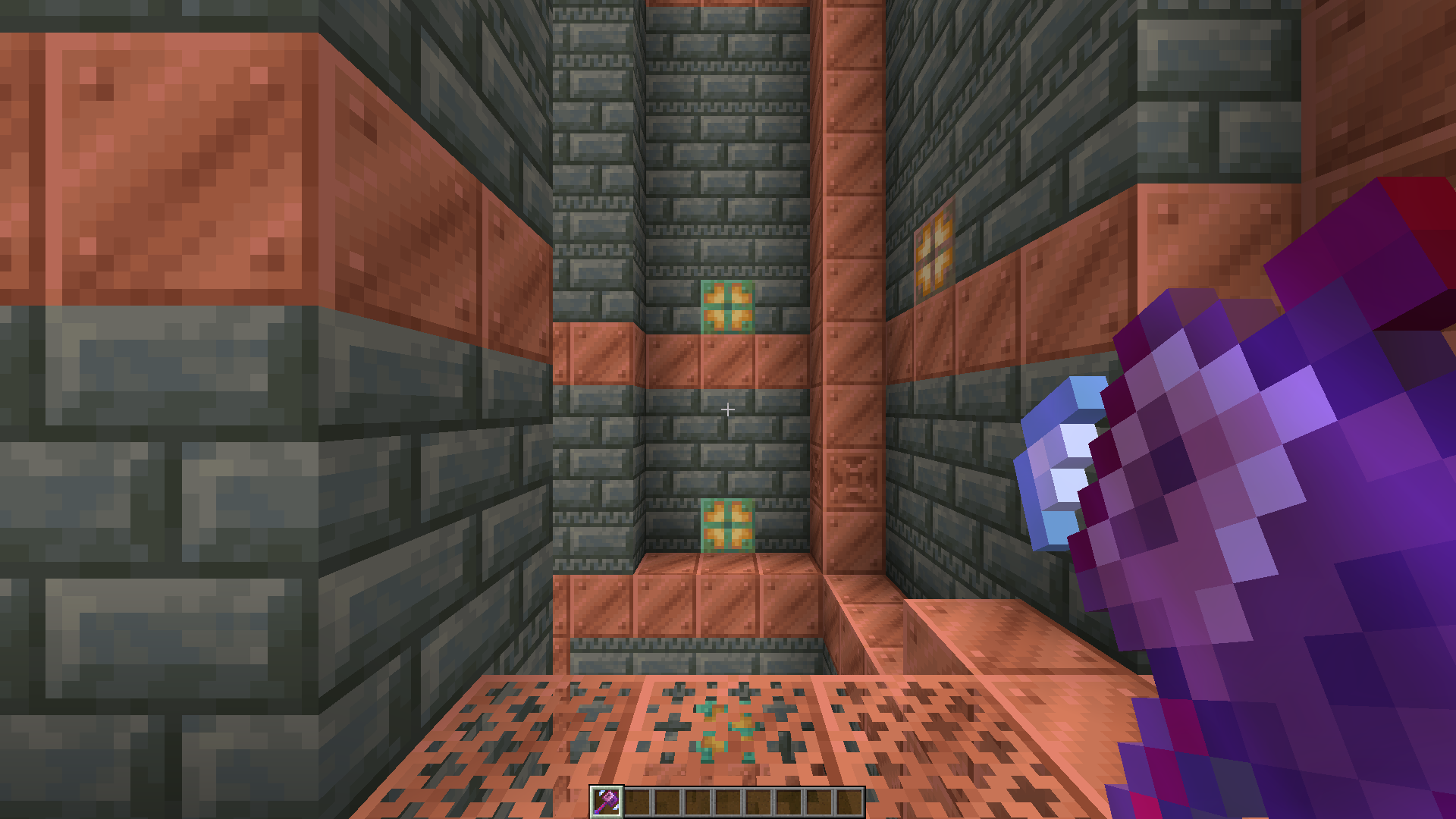
- The mace turns Red when it has Density
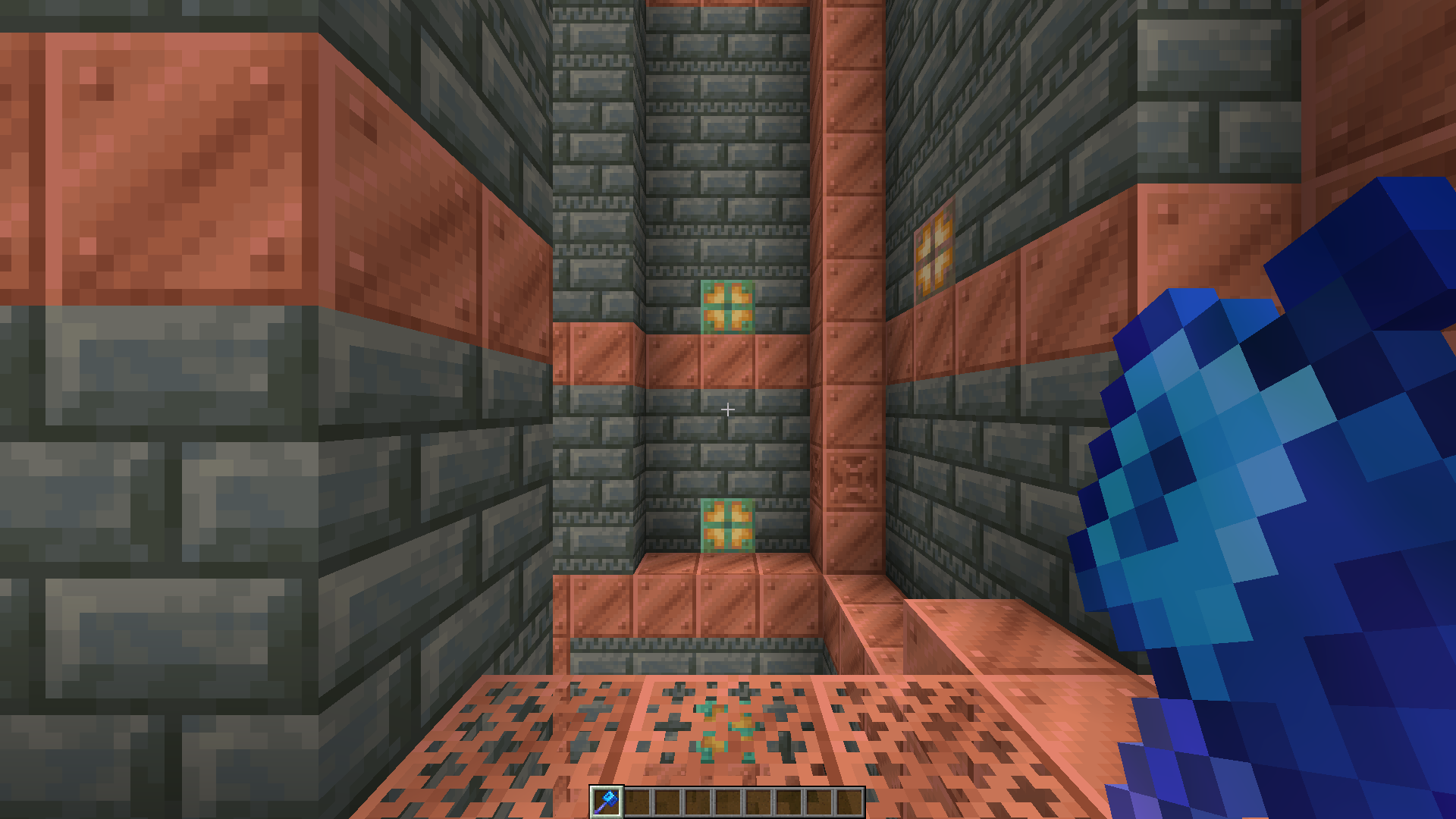
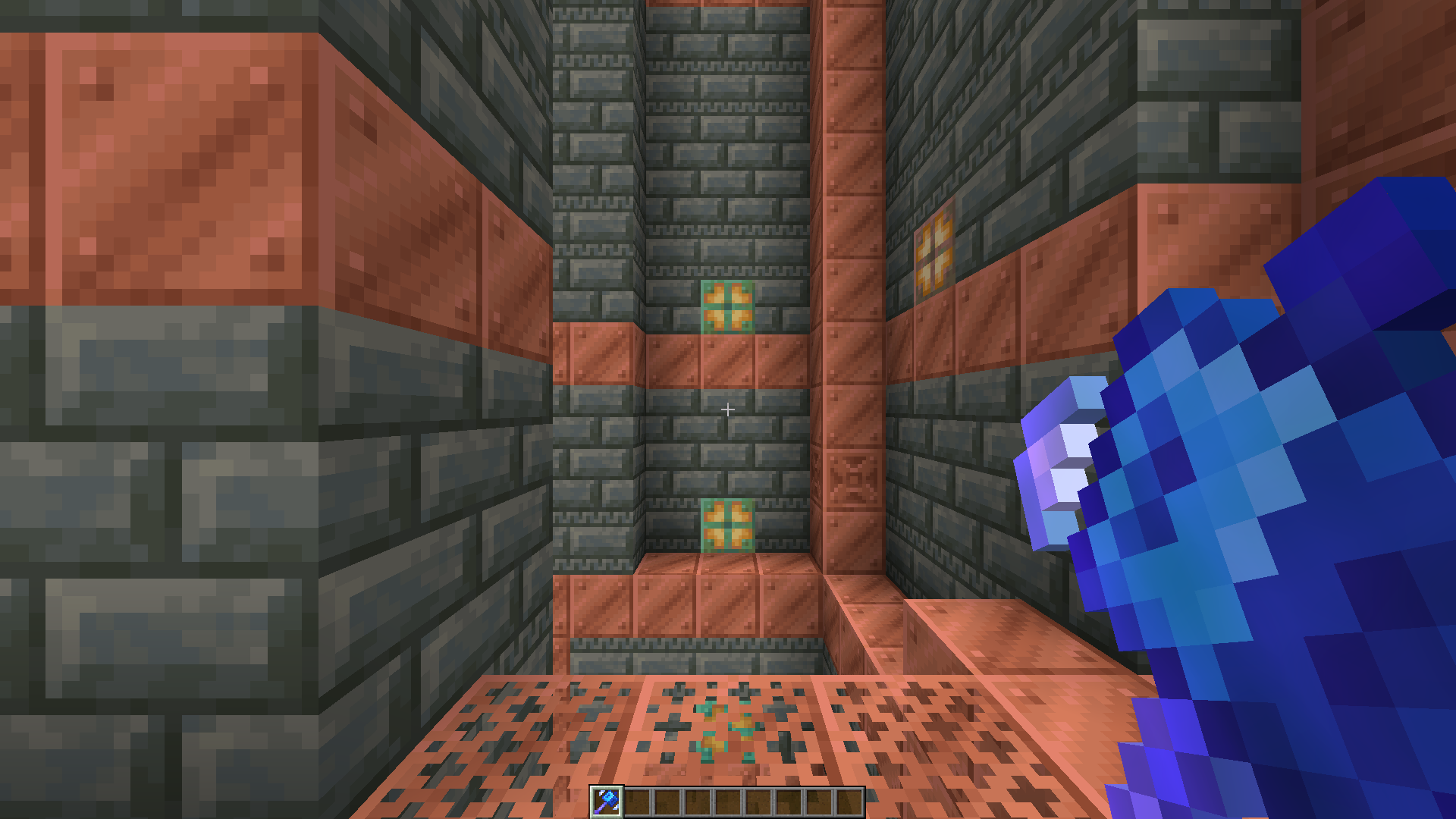
- The mace turns Blue when it has Breach
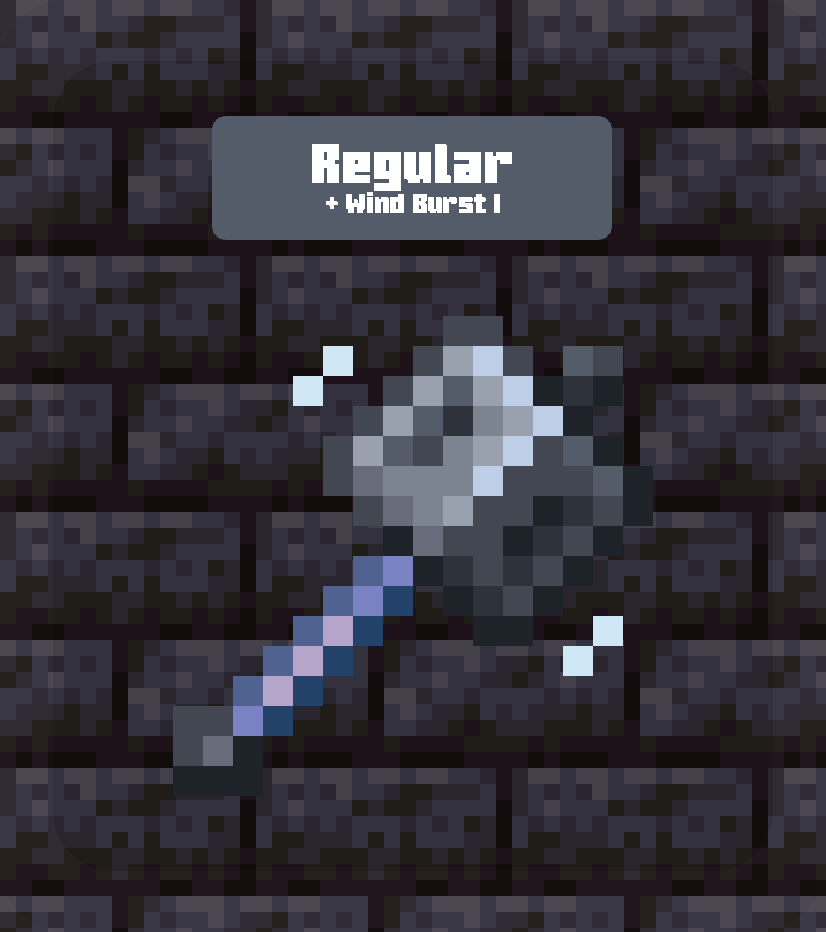
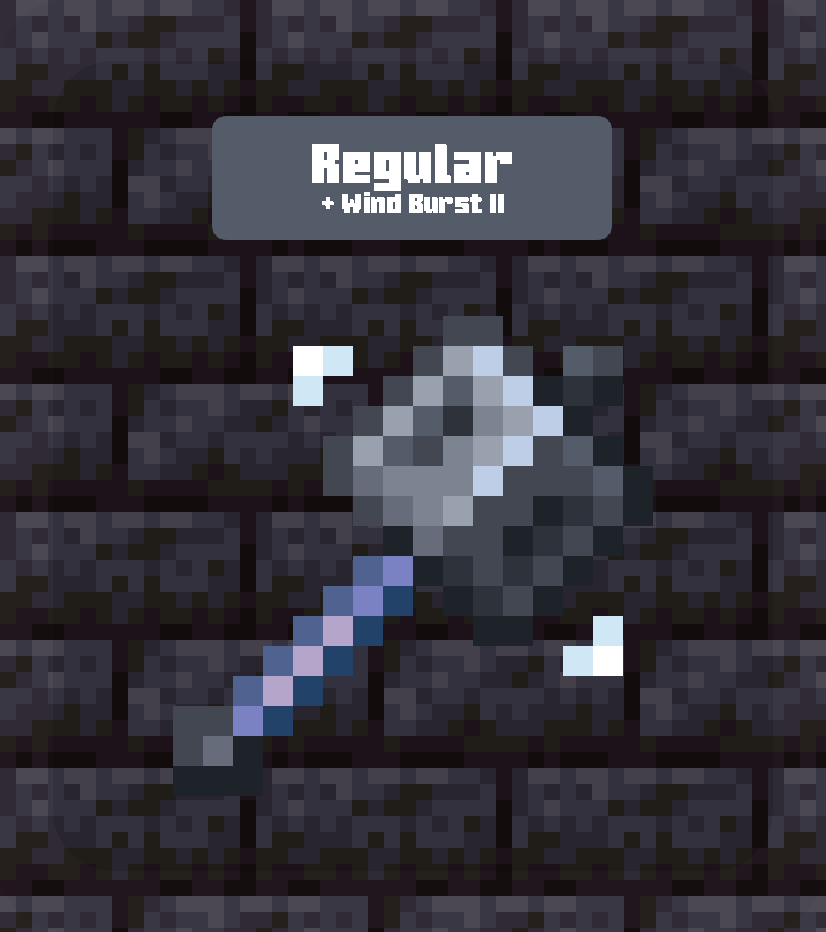
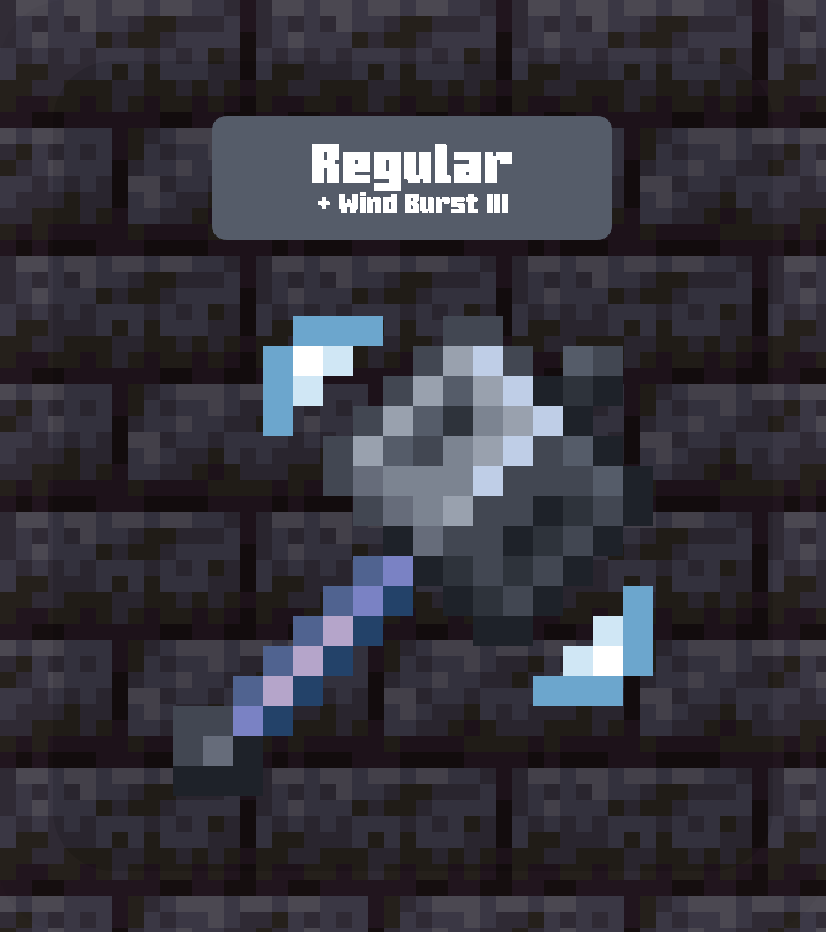
- The mace shows a wave-like indicator near its head when it has Windburst, growing larger as the enchantment strength increases.

We notice colour faster than shape. This pack uses that fact to make enchantments instantly recognizable, so you can tell which mace you’re holding without checking manually.
Mace PvP is situational. By only using two very different colors, you can immediately notice that the mace being held is the correct one for the situation you are in.

Screenshots
Wind Burst
Cards
Wind Burst

Any pack downloaded from PrecisionZero or ChillByte will completely work with all other packs from us. Our texture packs are designed in a way that no pack would clash with each other, ensuring a reliable and seamless experience.
Discover the PrecisionStudios Collection

Requirements
| Pack Version |
Minecraft Version |
Vanilla |
All Modloaders |
| Any |
1.21.5+ |
✔ Supported |
✔ Supported |
Installation
- Download the
.zip file
- Open Minecraft → Options → Resource Packs → Open Pack Folder
- Paste the
.zip file into the folder
- Close and re-open the Resource Packs menu
- Enable Mace Enchant Indicator from the list
Compatibility
- Works with all vanilla-based and modded gameplay
- Not compatible with texture packs or mods that change the shape of the mace (3D maces, short maces, etc.)
- Resource pack only, no mods required
Contact
For any concerns regarding Mace Enchant Indicator, contact me at: precisionzero.creator@gmail.com

Licensed as All Rights Reserved (ARR) under PrecisionZero