Only Updated When Necessary
This resource pack is only updated when changes are actually required. If a new Minecraft version is released and the pack continues to work correctly without any visual or functional issues, no new release will be published.
Unless otherwise stated, the latest available version should also work on newer Minecraft versions.
|
Leaves Recolor by lidwinae
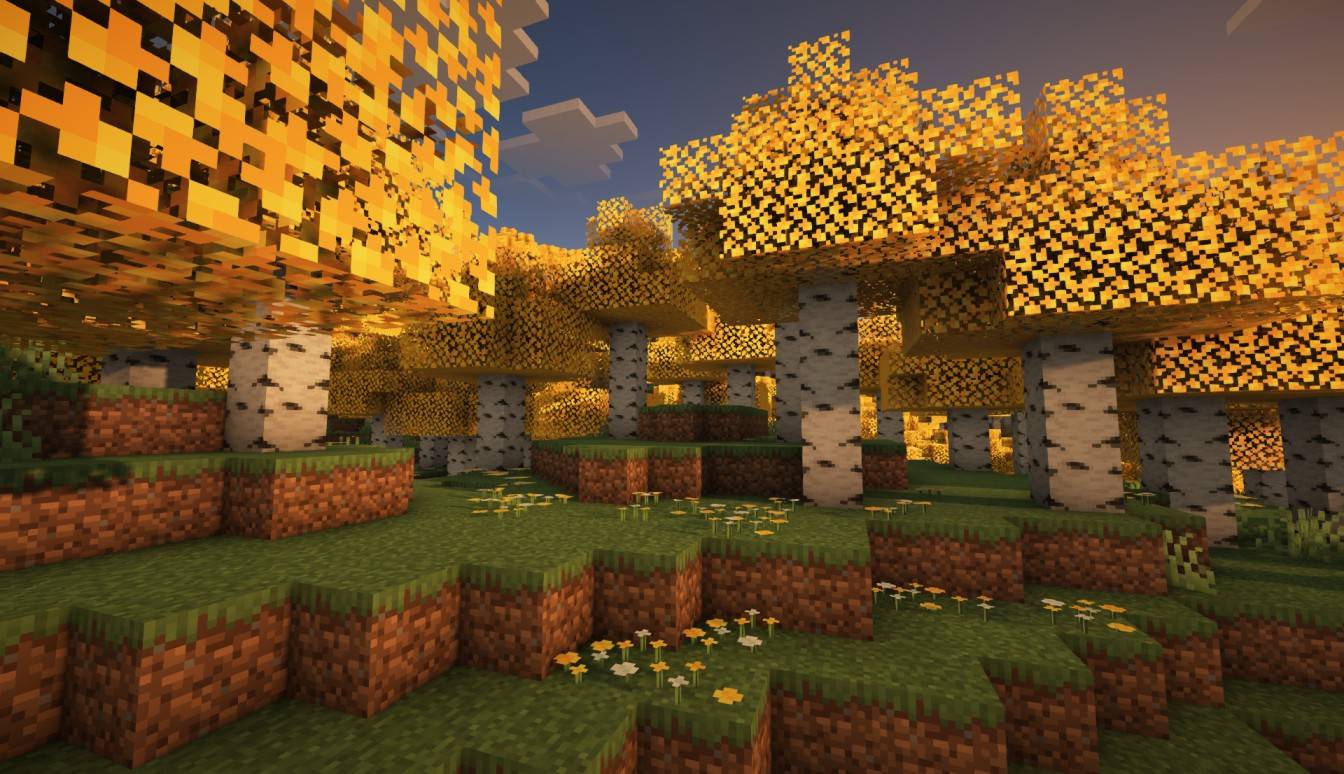
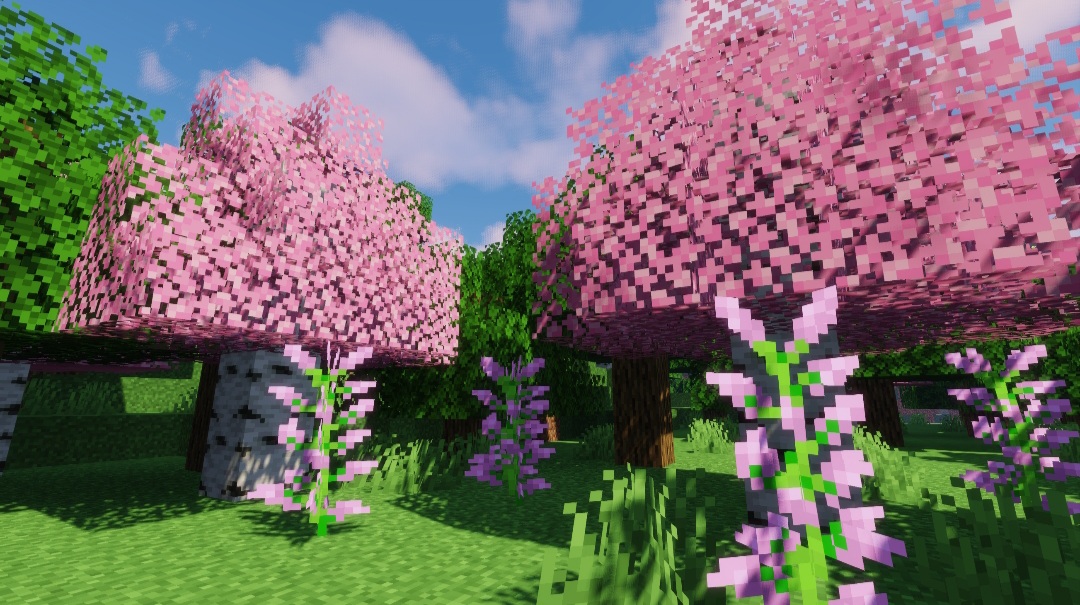
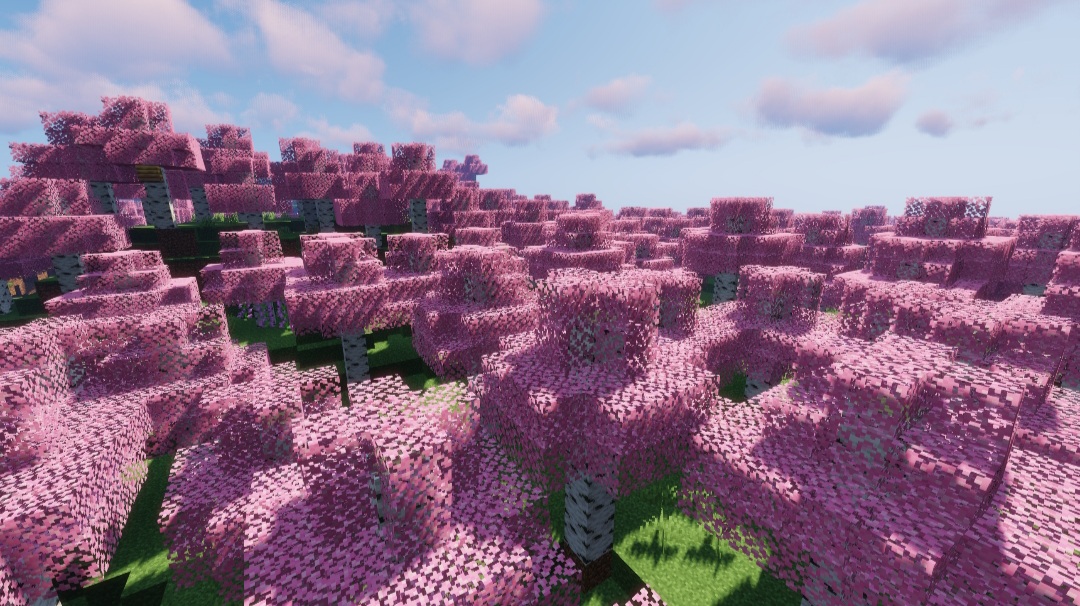
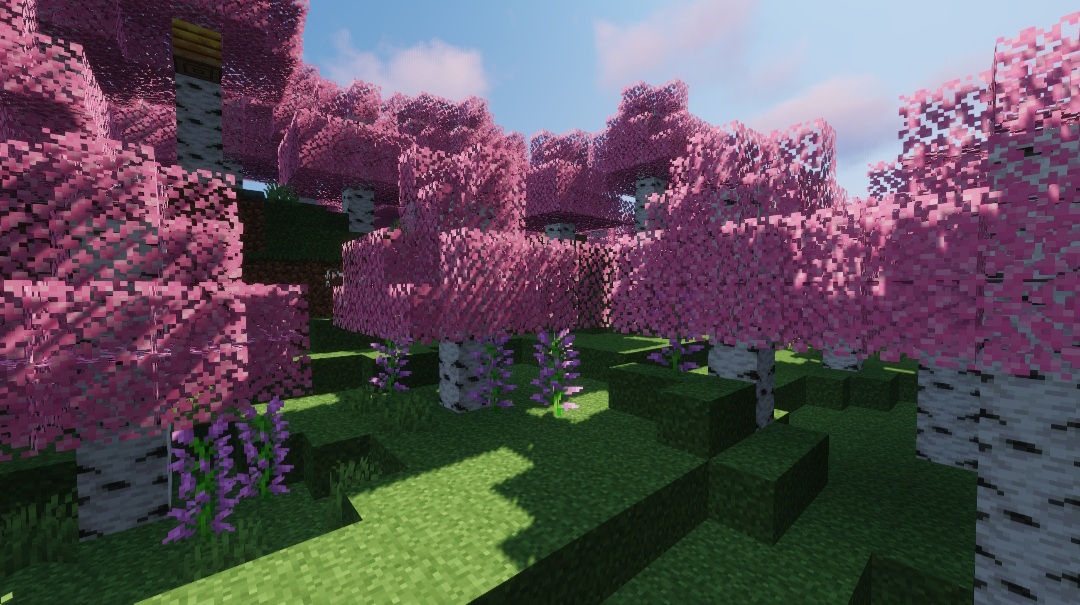
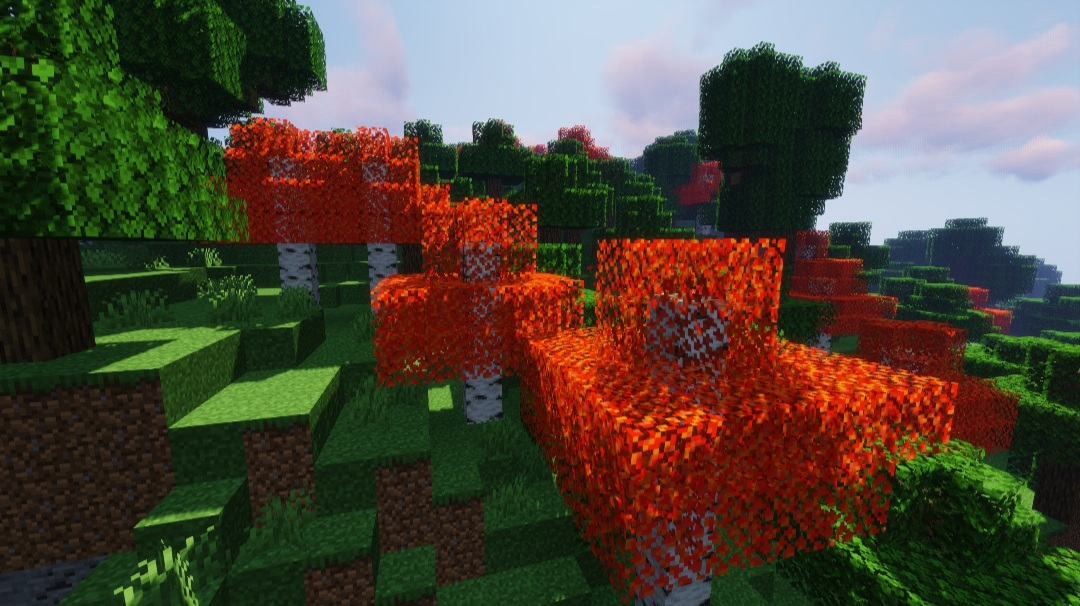
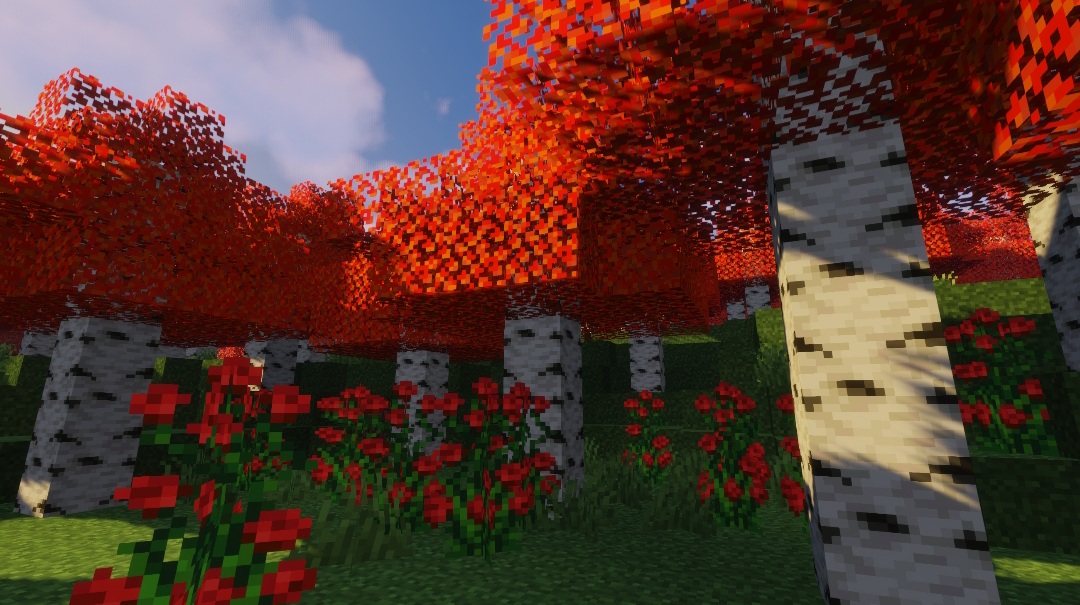
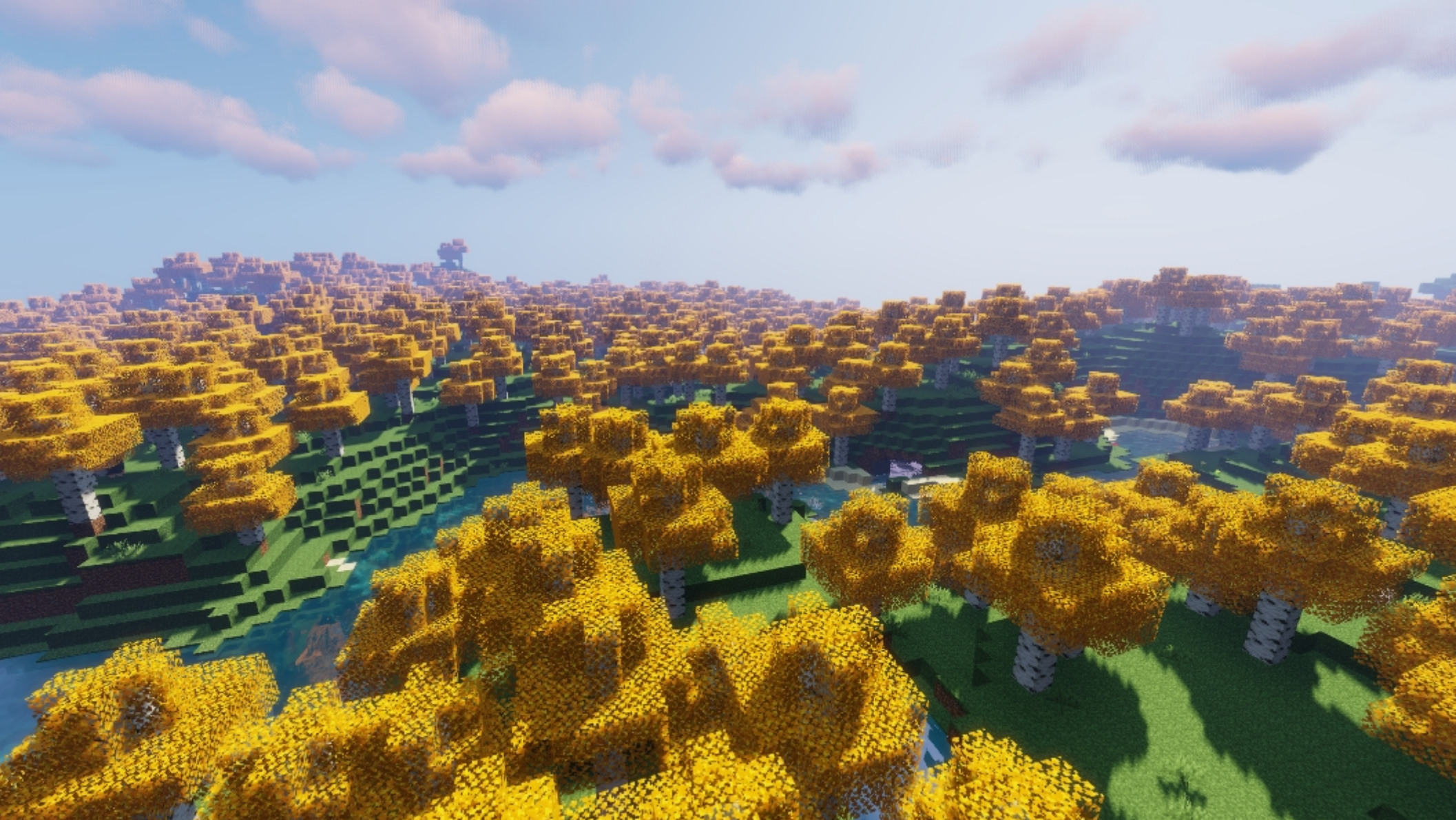
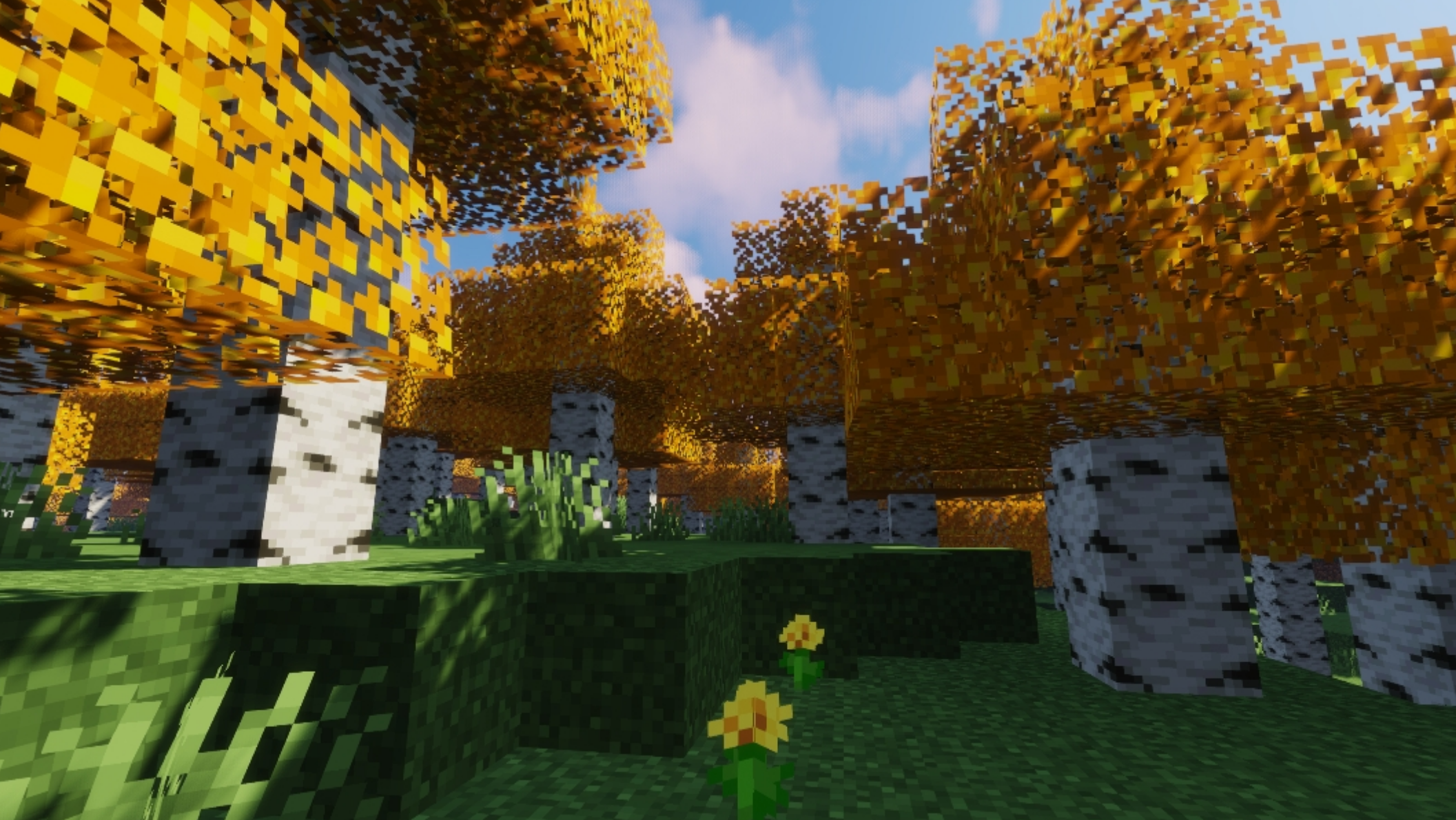
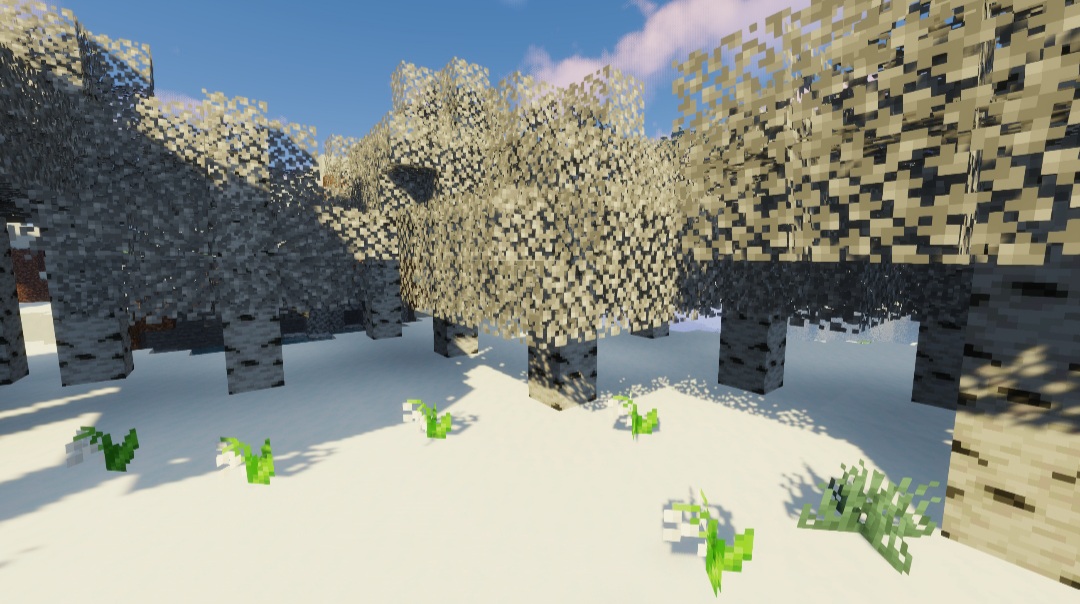
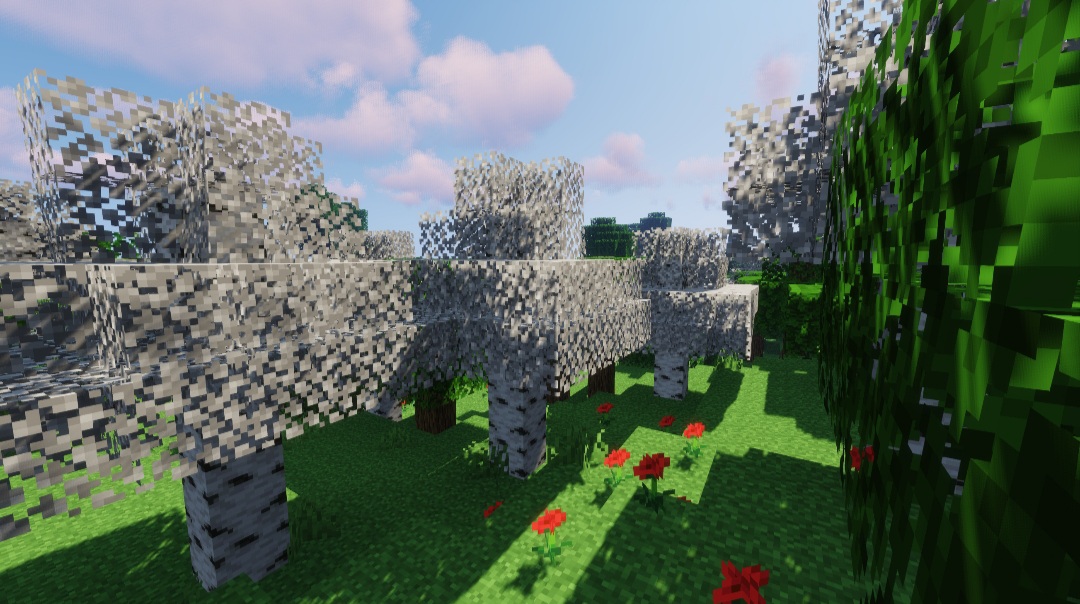
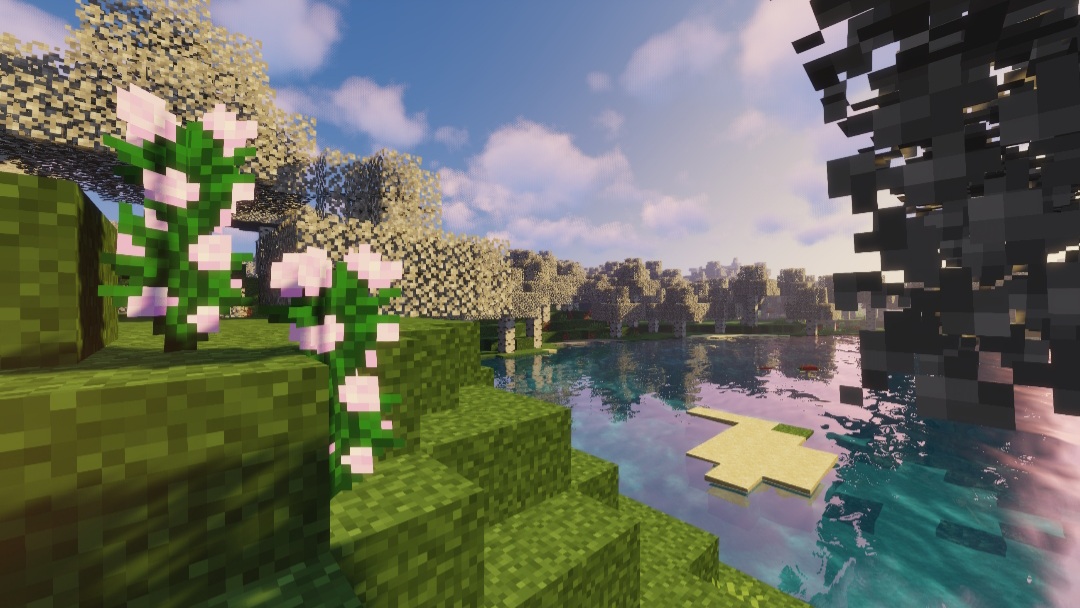
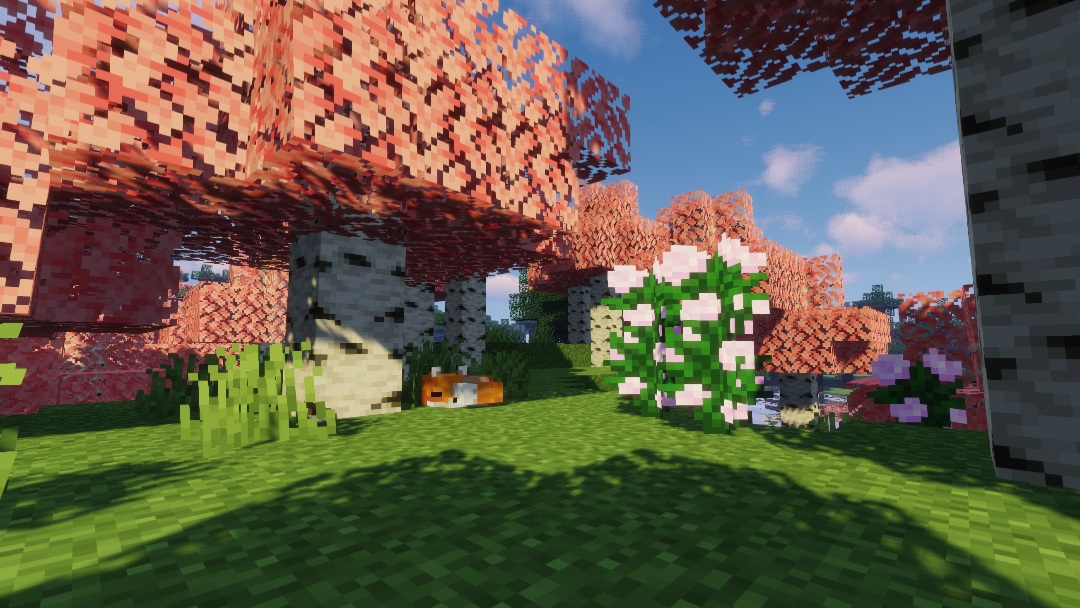
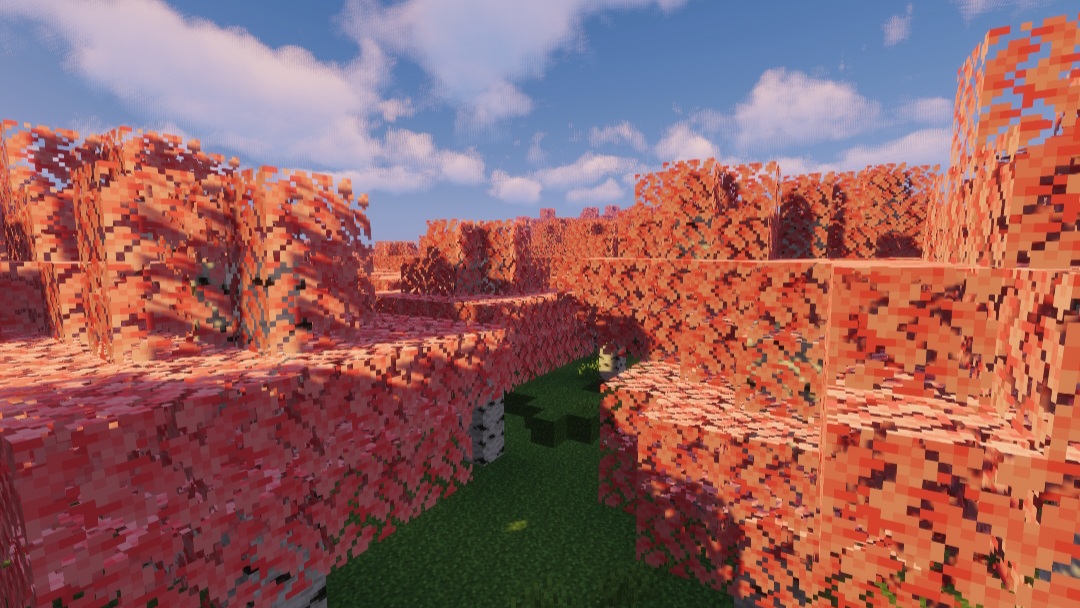
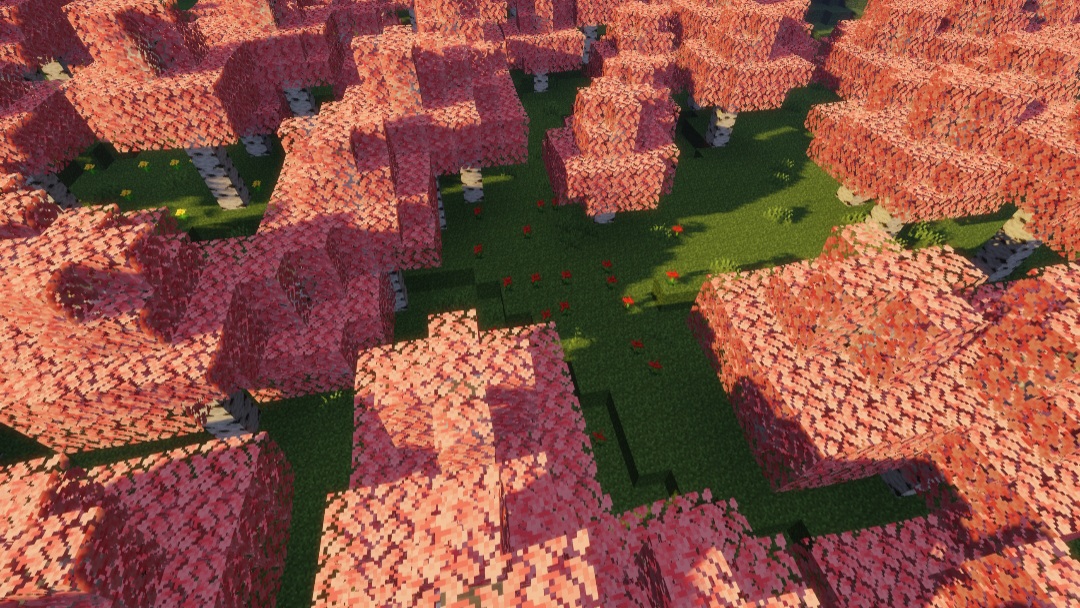
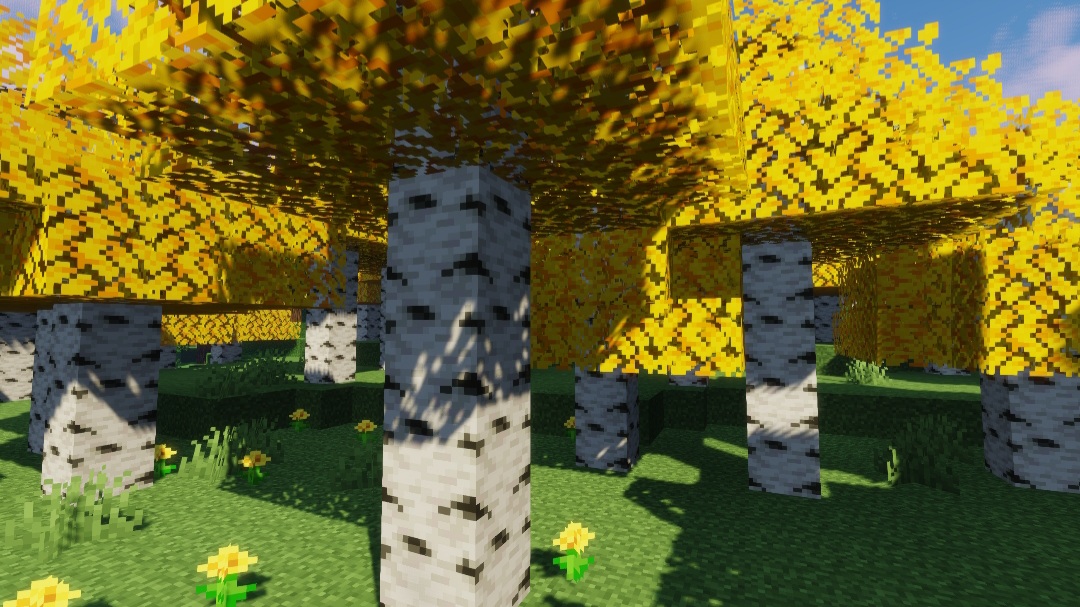
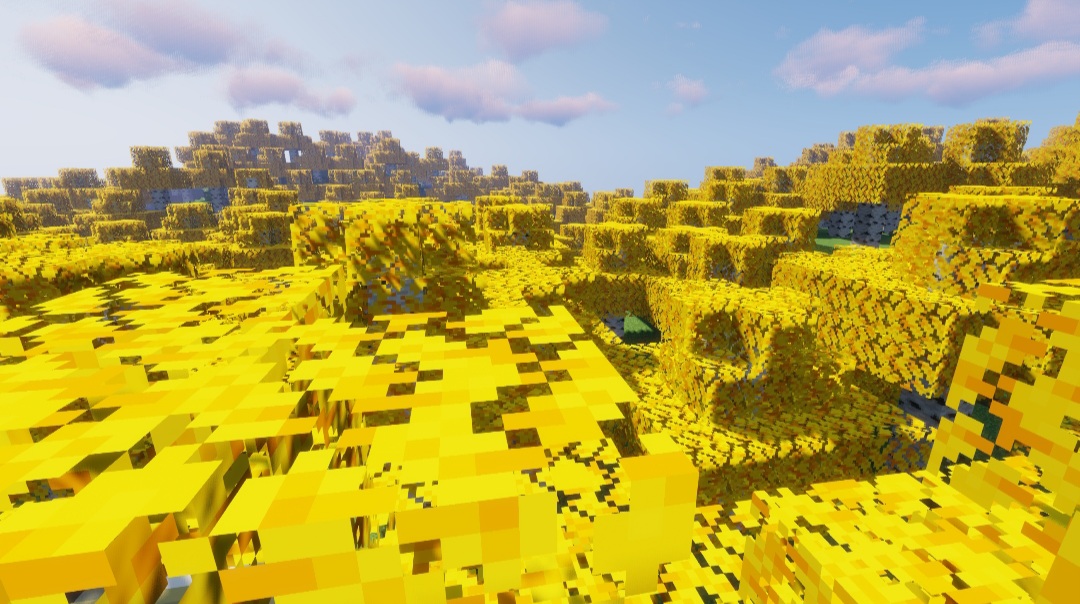
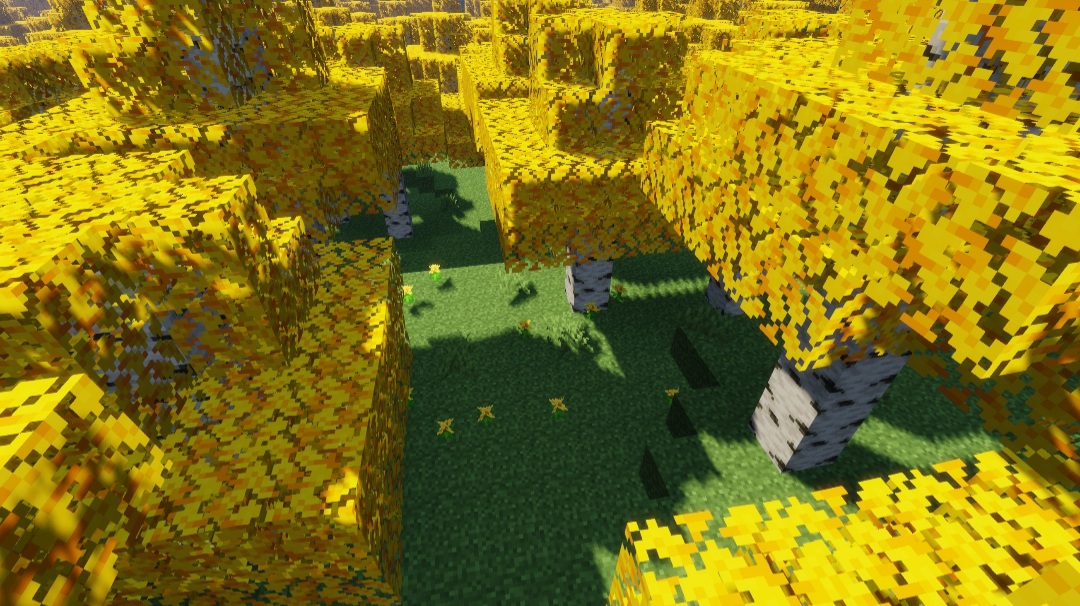
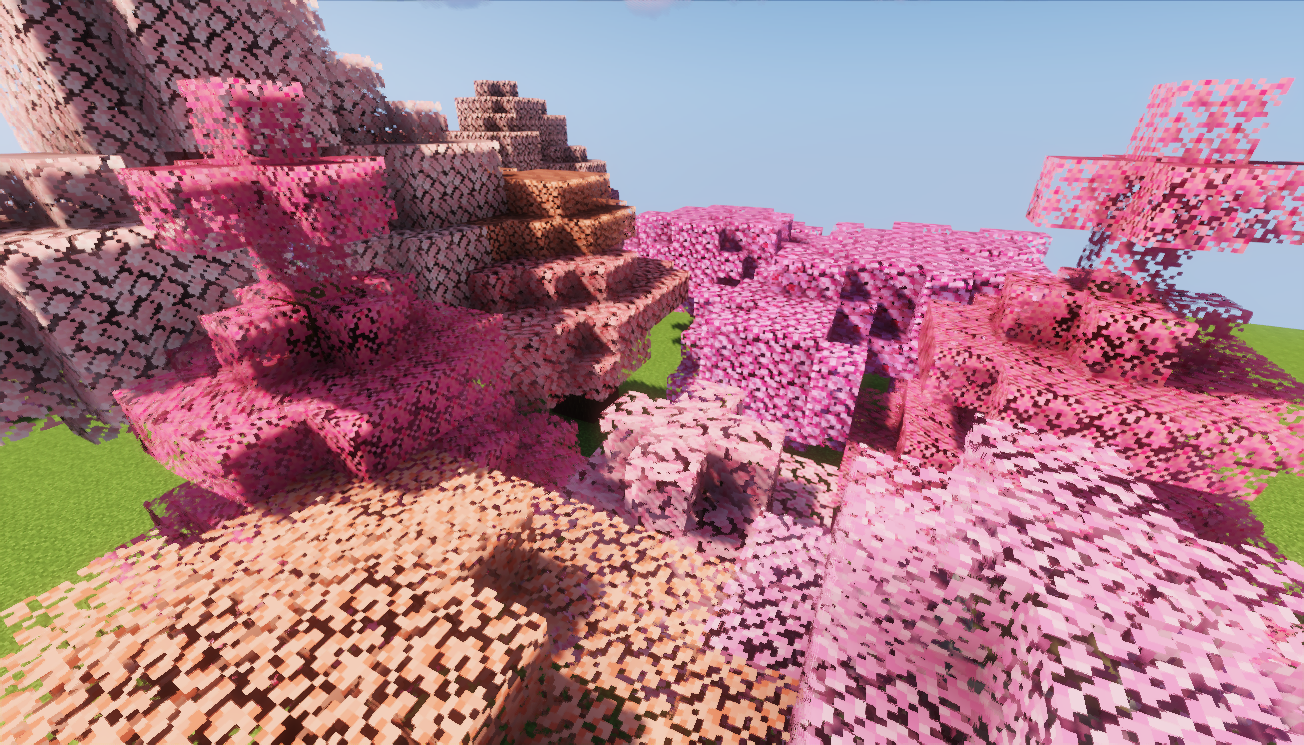
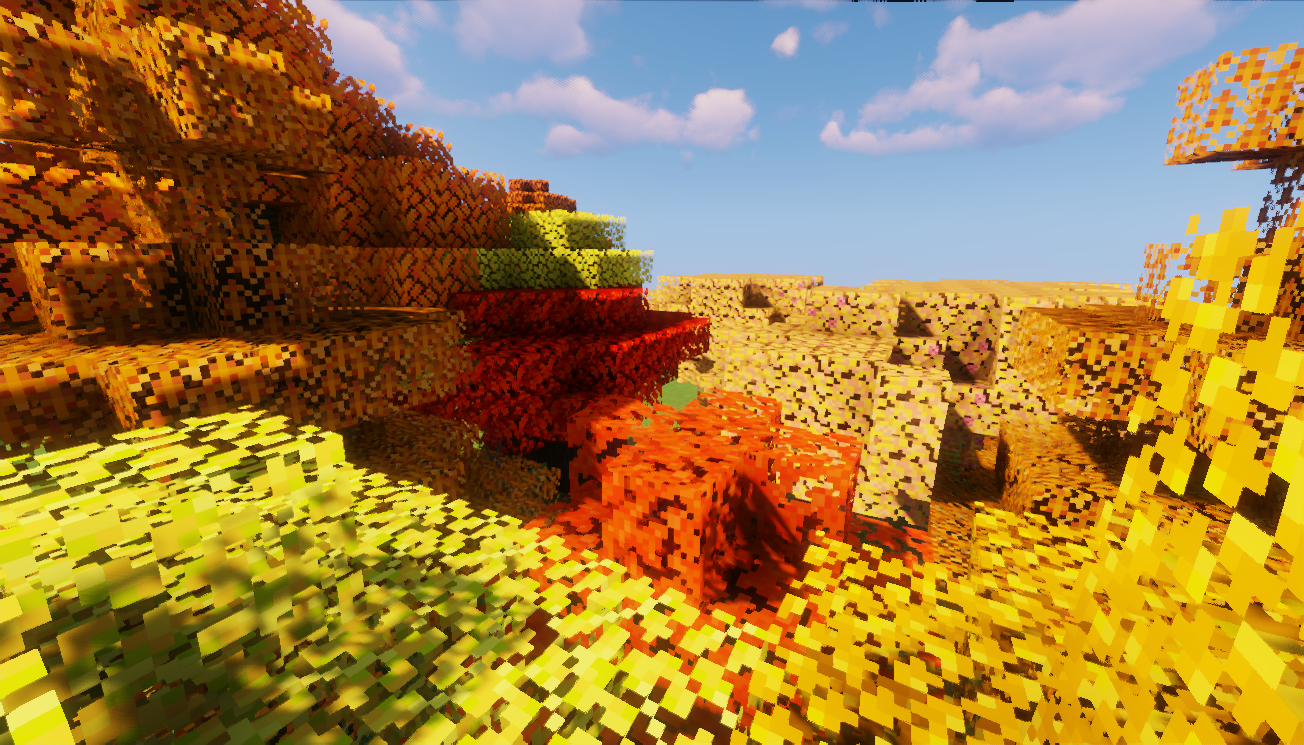
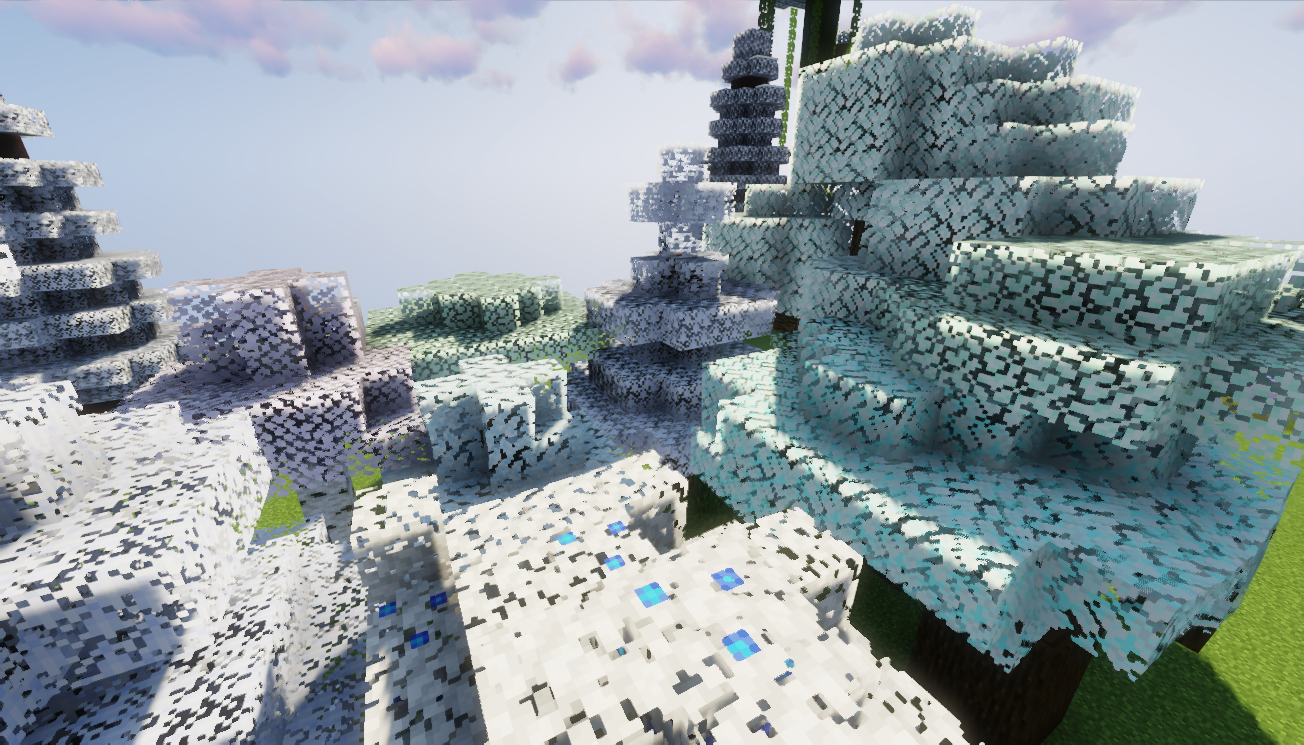
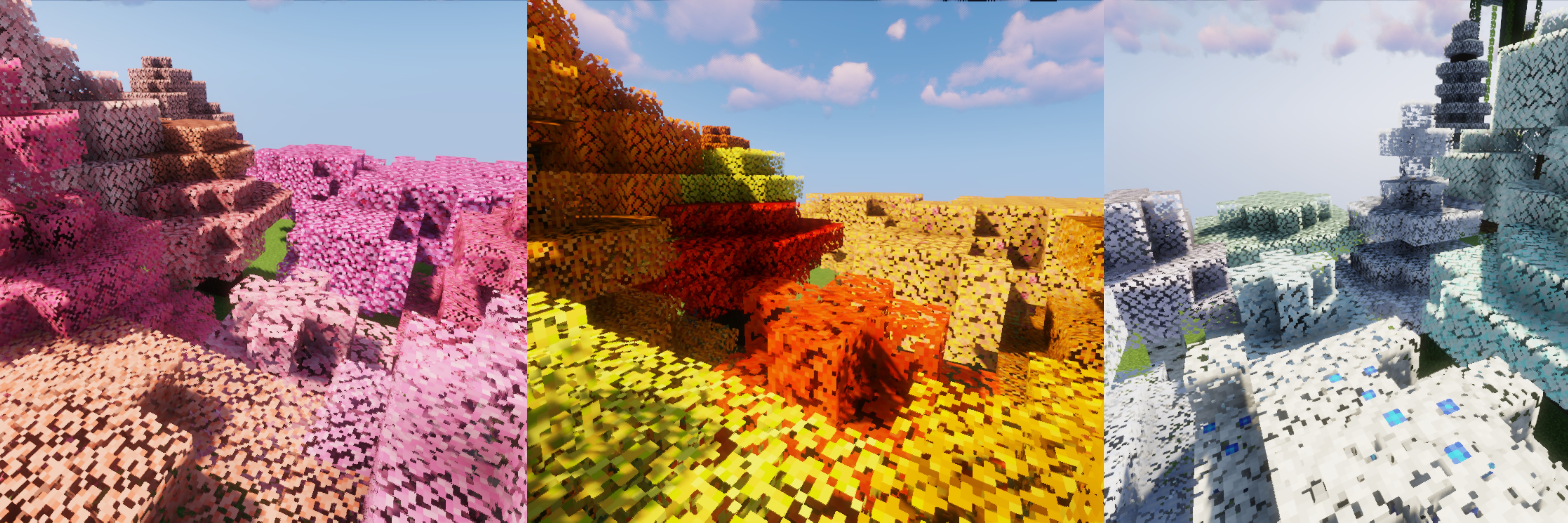
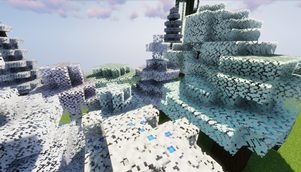
A simple vanilla-style resource pack that changes the colour of Minecraft leaves. This pack focuses on leaves colour changes only. It does not change the leaves model or shape, so it still keeps the vanilla Minecraft look.
Version-Flexible Resource Pack
The Minecraft version does not really matter for this resource pack because it only changes leaves textures.
If Minecraft says the pack was made for an older or newer version, you can still activate it. Since the warning is only related to the pack format, you can ignore it as long as the leaves textures still load properly.
This is a Java Edition resource pack.
Incompatibility
This pack may not work properly with Faithful Resource Pack, Vanilla Tweaks, or other resource packs that also change leaves textures.
If you use another leaves resource pack above this pack, that pack may override the textures from this resource pack.
What does this pack change?
This pack changes the colour of leaves while keeping the vanilla Minecraft style.
It is made for players who want different leaves colours, such as autumn, sakura, snowy, yellow, or other custom colour styles, without changing the original vanilla leaves shape.
How to use
1. Go to the Files section.
2. Choose the colour variant you want.
3. Download the .zip file.
4. Move the .zip file into your Minecraft resourcepacks folder.
5. Launch Minecraft.
6. Go to Options > Resource Packs.
7. Activate the pack.
Resource pack folder location:
%appdata% > .minecraft > resourcepacks
How to customize the leaves colour yourself
You can also edit the leaves colour yourself using Blockbench or any image editor that supports PNG transparency.
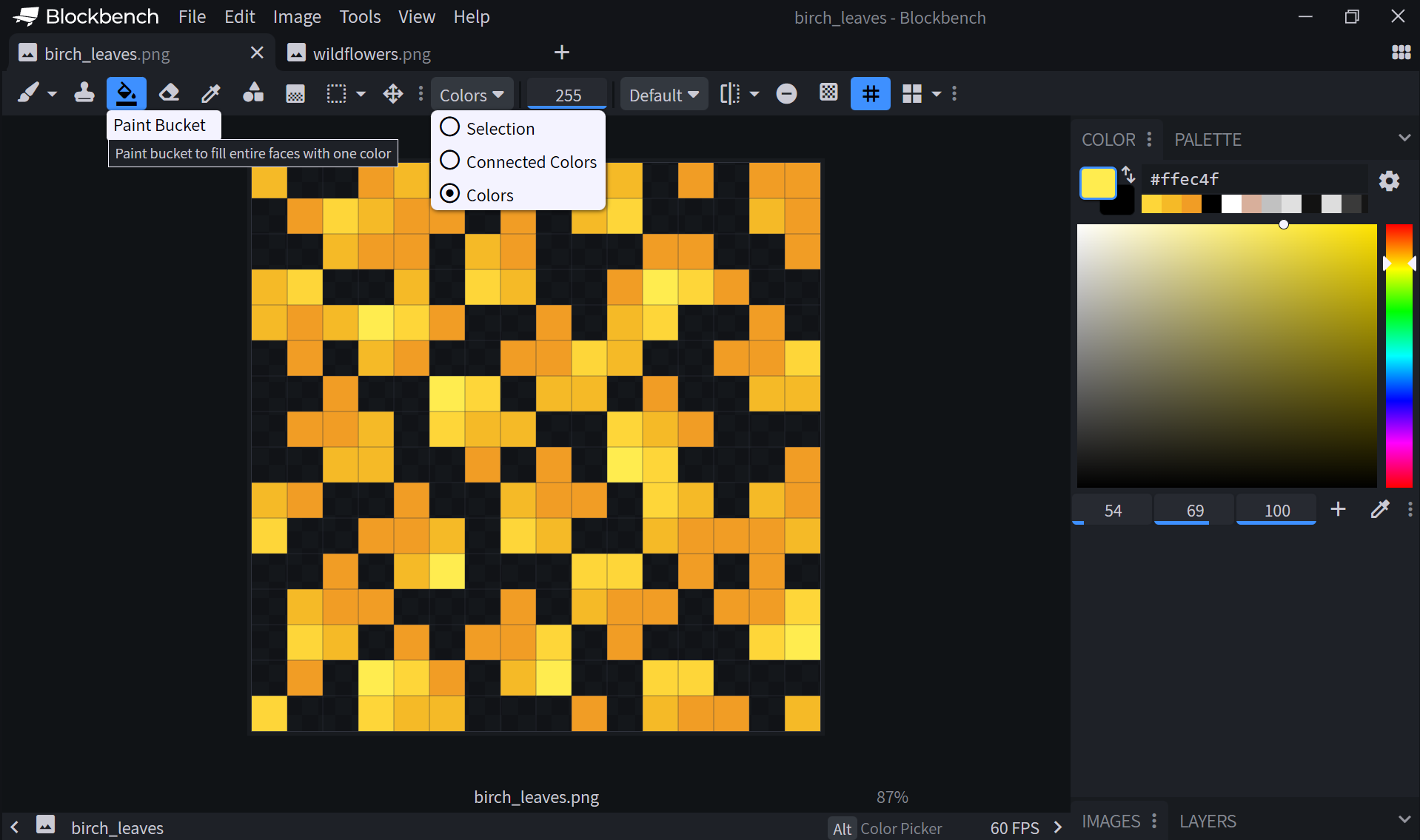
After editing the leaves texture, replace the PNG file in the resource pack directory:
assets/minecraft/textures/block/birch_leaves.png
Important notes when editing:
- Keep the original file name.
- Keep the original folder structure.
- Keep the transparent background.
- Only recolour the leaves if you want the pack to stay vanilla-like.
- Avoid changing the shape too much if you still want it to look like Minecraft vanilla leaves.
Click spoiler below to see video tutorial and review:
More information
You can also visit my Google Sites for more information, extra previews, and separate leaves downloads.