Totems Pack
A collection of 3d Models for Totem of Undying, including animated ones
- 416
- August 12, 2026
Totems Pack
A collection of 3d Models for Totem of Undying, including animated ones
- 416
- August 12, 2026

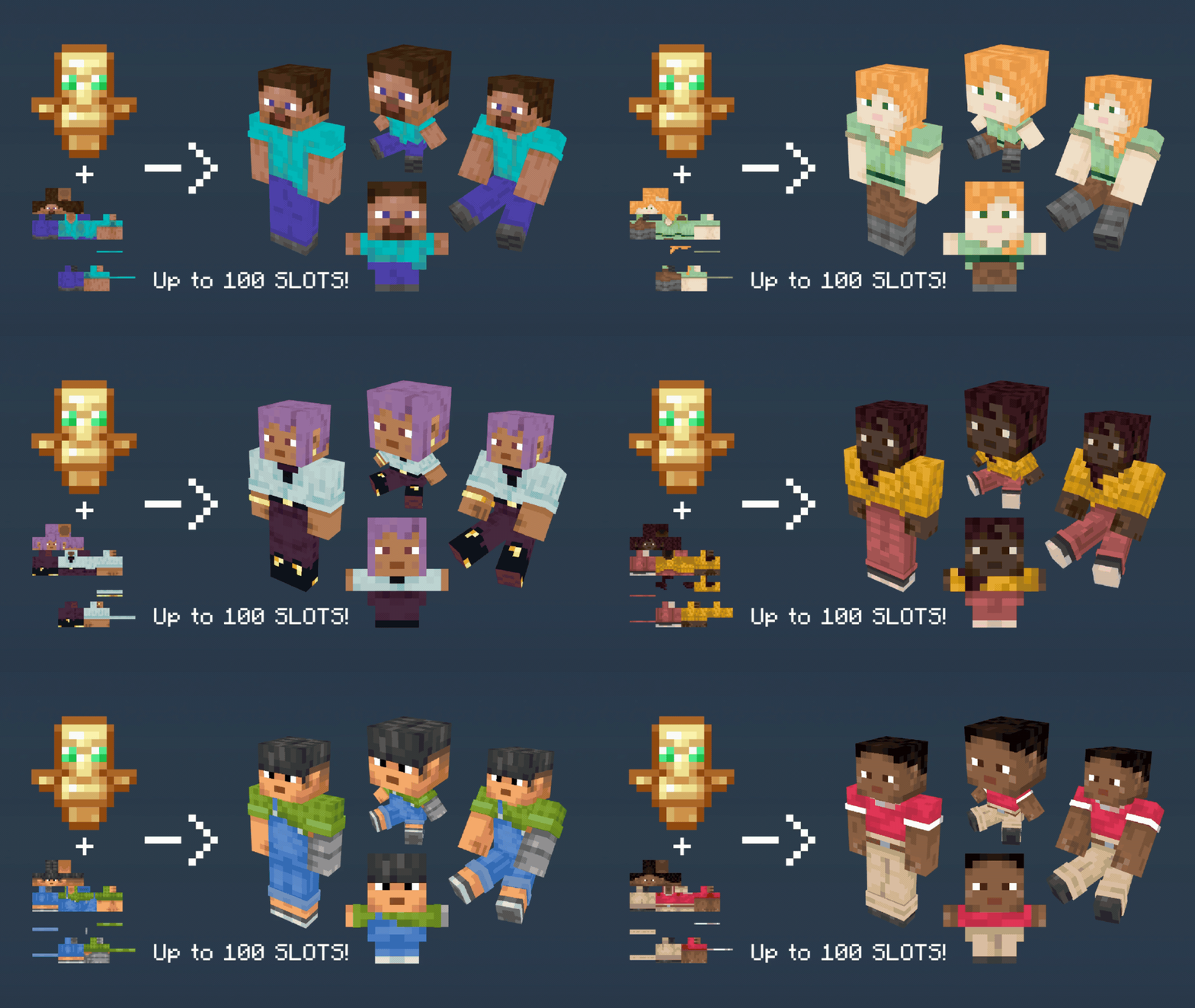
Visualization of the Totem of Undying with a player skin converts into a variety of player models
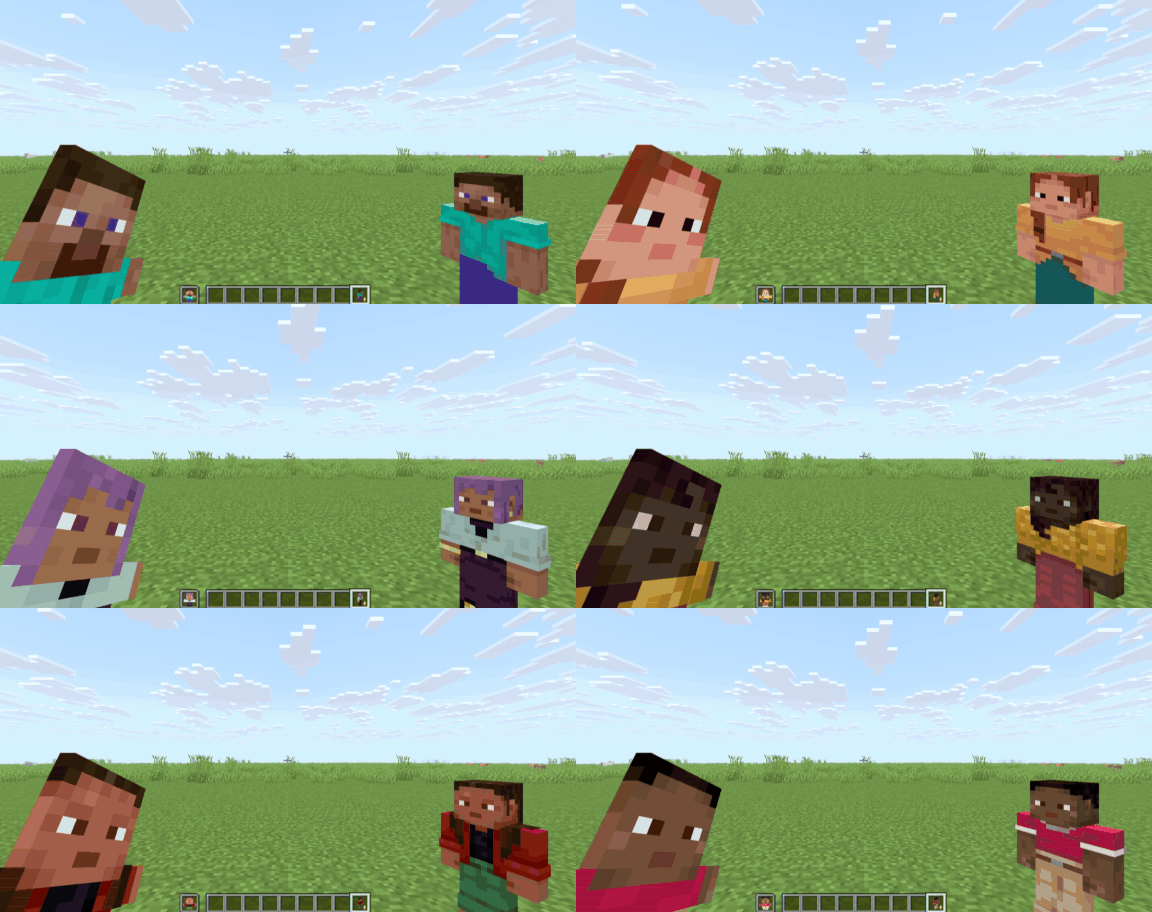
Featuring all the Default skins in the Pack
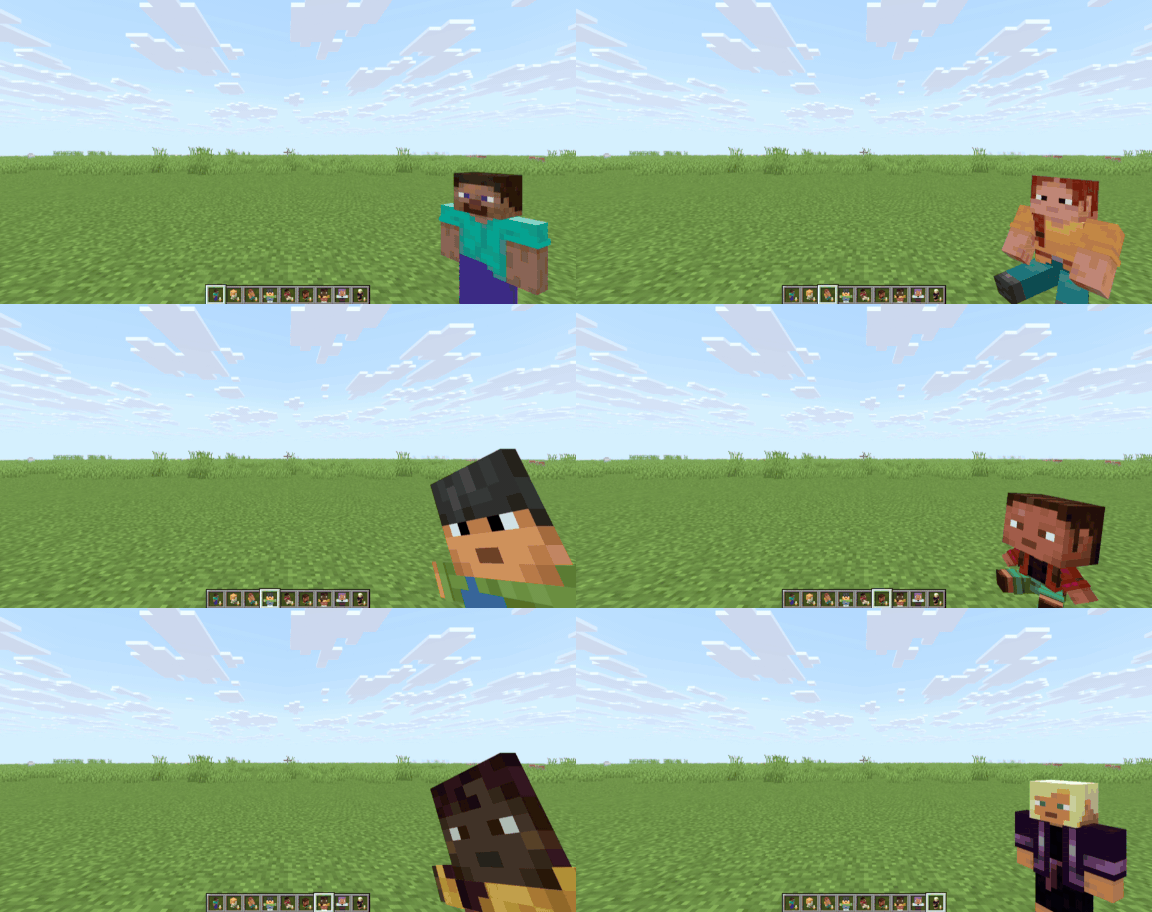
Featuring all models on Version 1.0
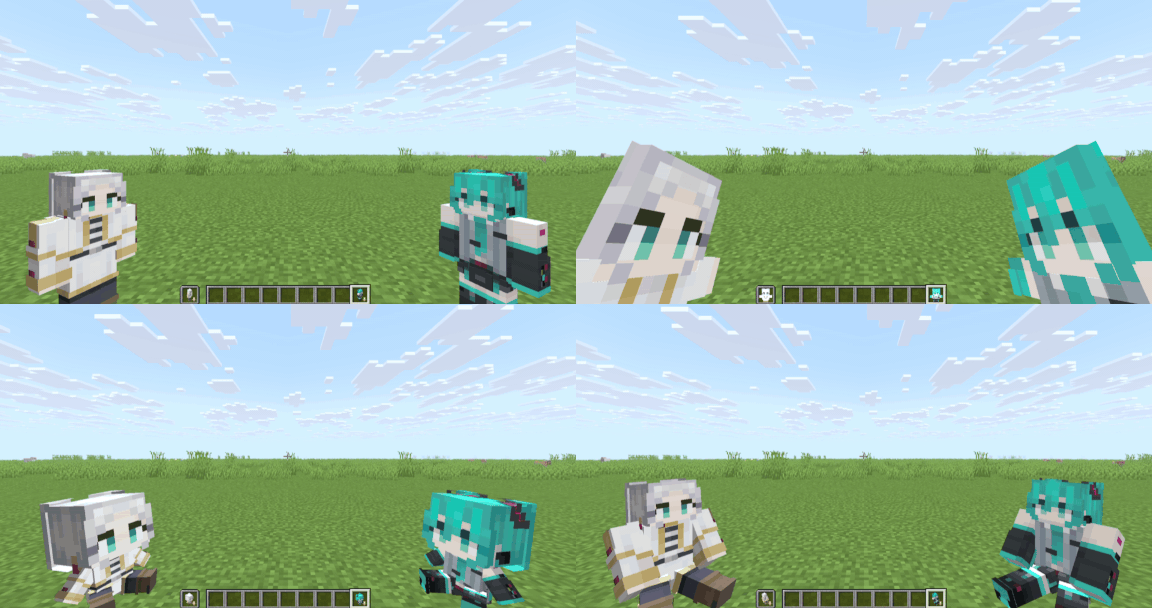
Featuring other custom skins on every model in Version 1.0
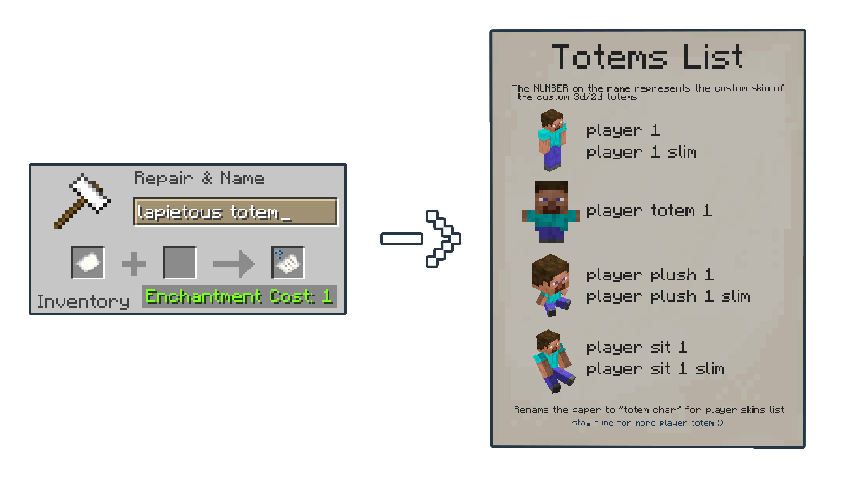
This resource pack will turn your Totem of Undying into a different customized player skin by renaming it with an anvil.
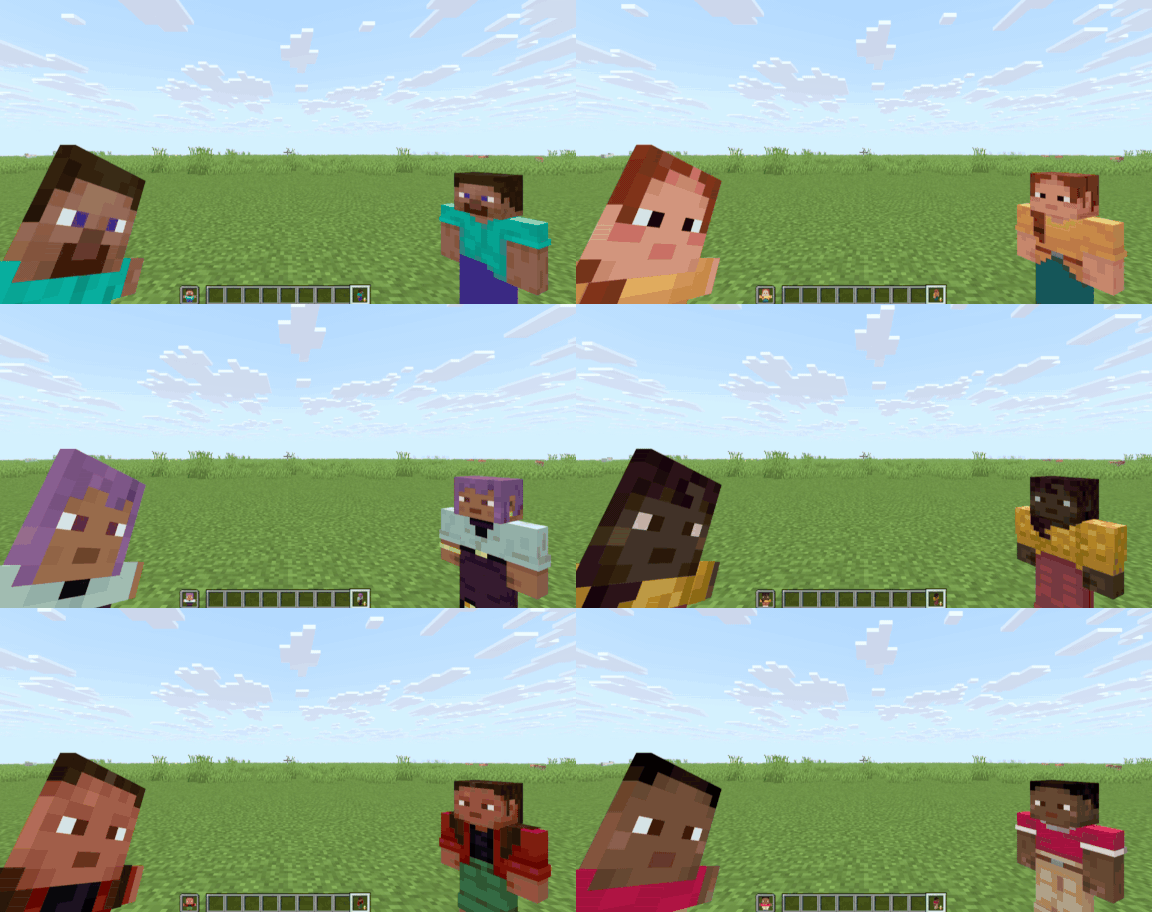
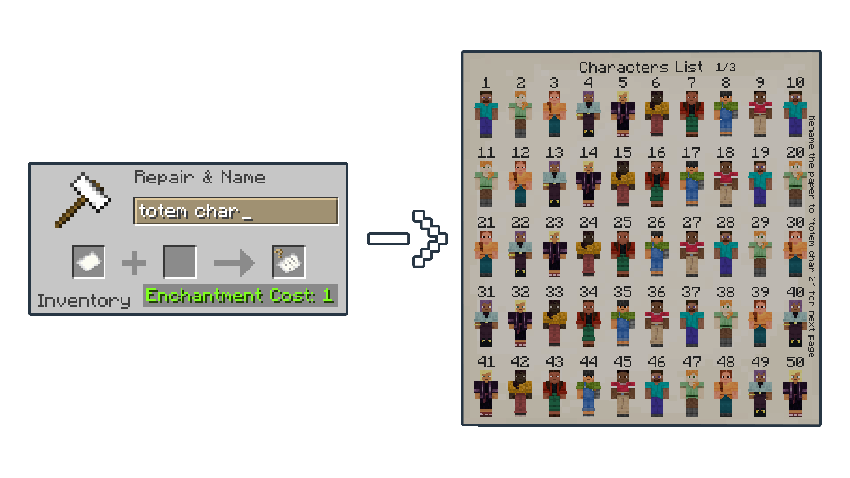
You can find more in the Gallery.
player 1 to change the totem into a Steve standing model or player 2 if you want the Alex skin (the number on the name 1 and 2 represents the skin slot on the pack, which are Steve and Alex by default).player plush 3 to turn into an Ari plush model, player totem 1 for the Steve 2D totem model, and player sit 8 for the Sunny Sitting model (the numbers 3 and 8 on the name are for Ari and Sunny skin by default).slim to the name, for example, player 5 slim, player sit 4 slim, and player plush 7 slim (the number 5, 4, and 7 on the name are for Kai, Efe, and Noor skin by default).| Totem Names | Sample Item | Has Slim Variant? |
|---|---|---|
player 1 |
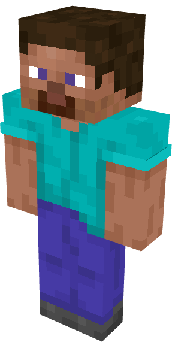 |
YES |
player totem 1 |
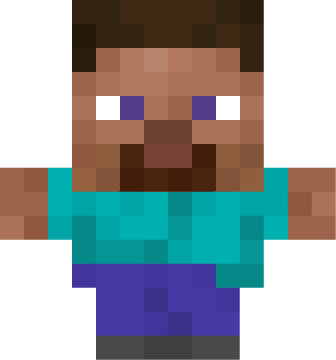 |
NO |
player plush 1 |
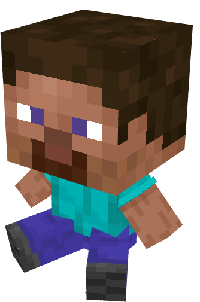 |
YES |
player sit 1 |
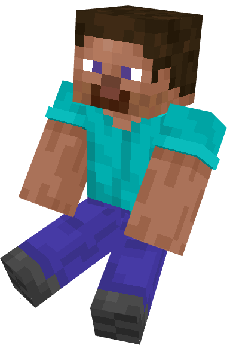 |
YES |
lapietous totem for the Totem's name and totem char for the skins list (the skin list has two pages, so add a number like this totem char 2 for the second page).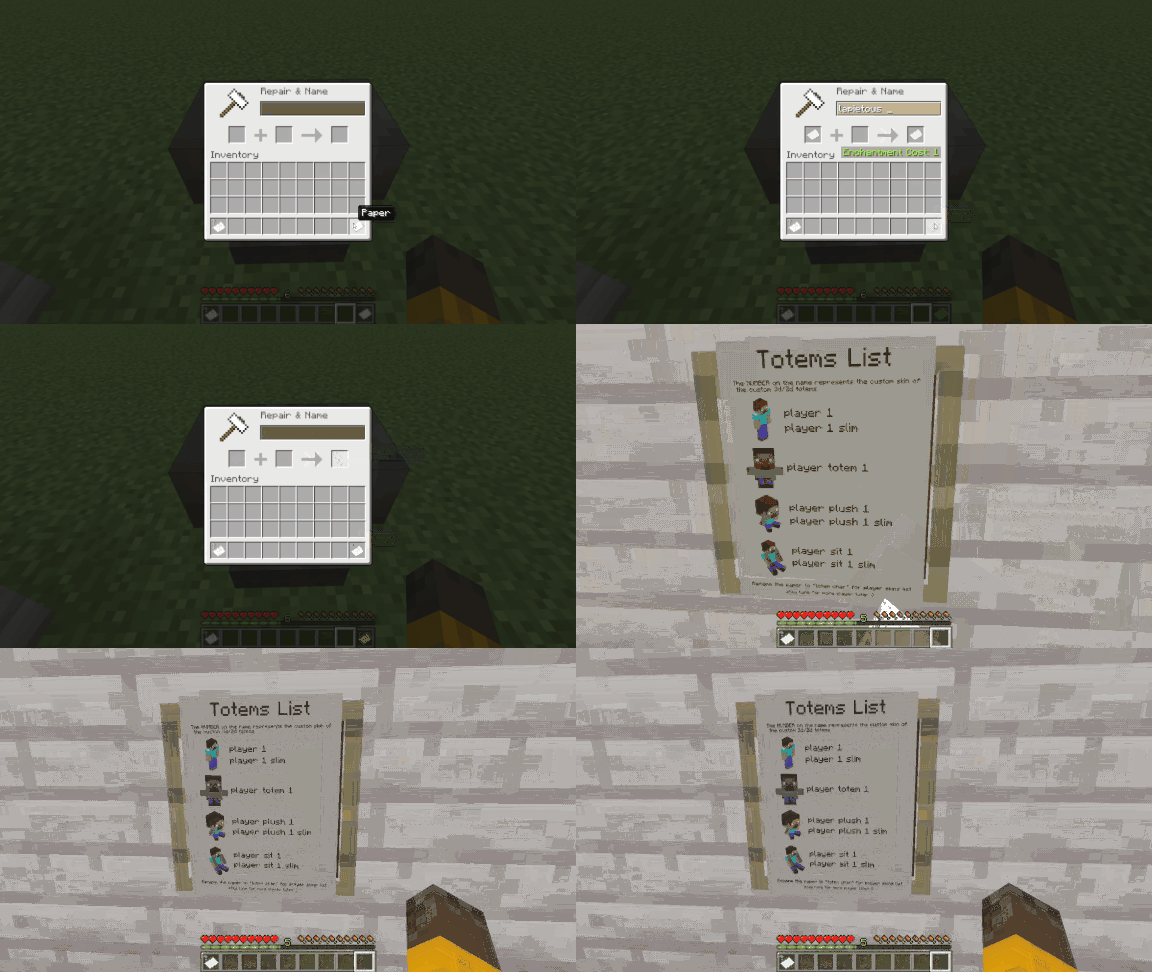
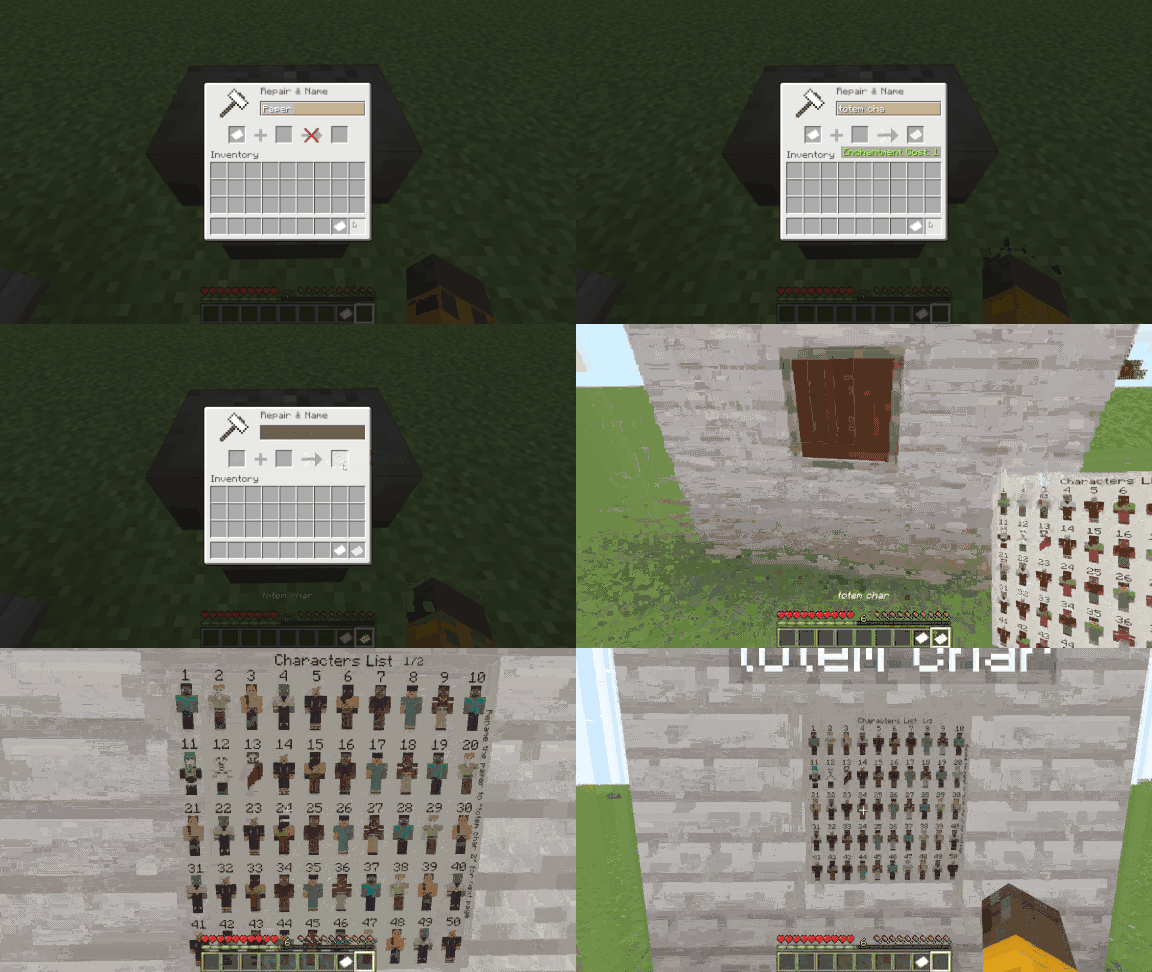
11.png, 1.png, 39.png. 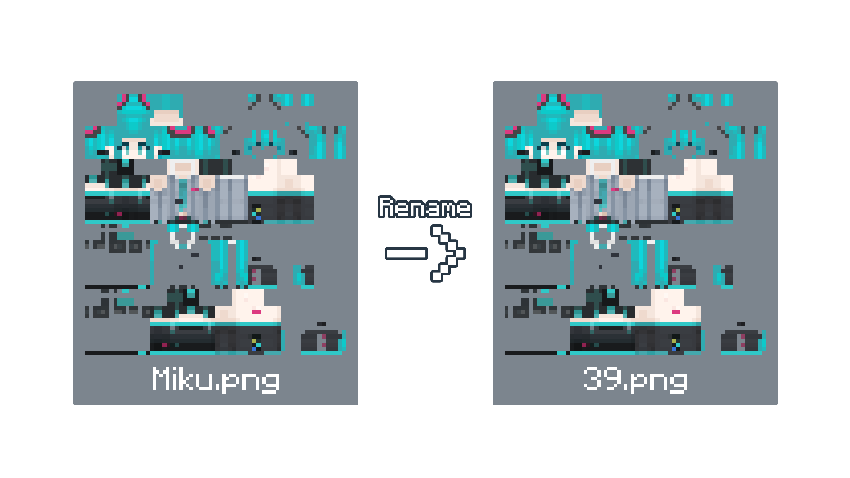
Custom Player Totems [x.x].zip and open the file.\assets\customplayertotems\textures\item\skins and copy and paste your custom skin image file (renamed to the slot number) to the skins folder; it will prompt or automatically replace the default image file with your customized skin image. Alternatively, you can delete the default skin image file and then place your customized skin image. 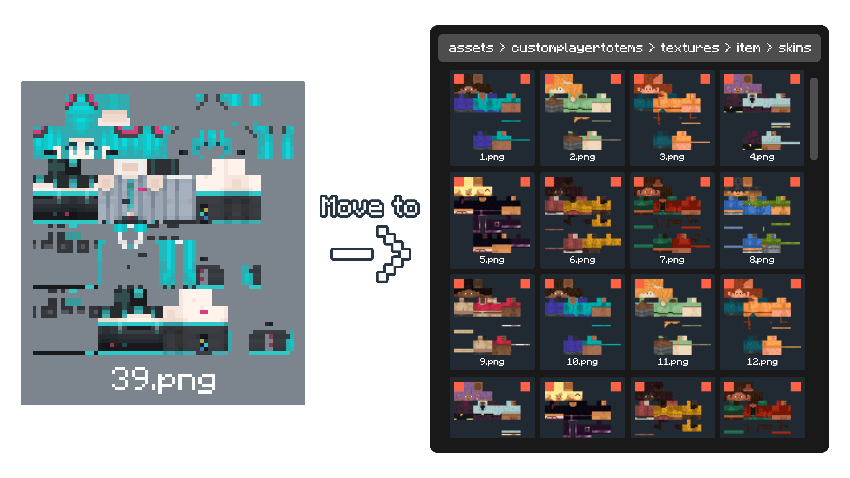
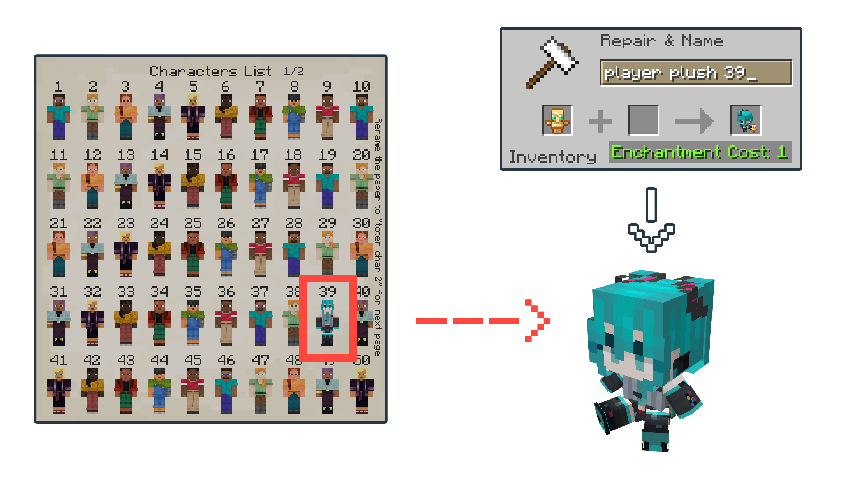
Custom Player Totems [x.x].zip and open the file.\assets\minecraft\models\lapietous.totem_icon.json and rename it whatever you want, or just rename it to no_totem_icon.json or delete the file if you want to remove it permanently.totem_icon_invisible.json and rename it to totem_icon.json.Custom Player Totems [old].zip) with your custom Skins and find the New Fresh Version Pack (Custom Player Totems [new].zip) and Open Both files.\assets\customplayertotems\textures\item and copy the skins folder.\assets\customplayertotems\textures\item and paste the skins folder that you copied, it will prompt or automaticaly replace with your custom player skins.



A collection of 3d Models for Totem of Undying, including animated ones
A collection of 3d Models for Totem of Undying, including animated ones