Inter-Glyphs
Give Minecraft a cleaner, more modern look with Inter.
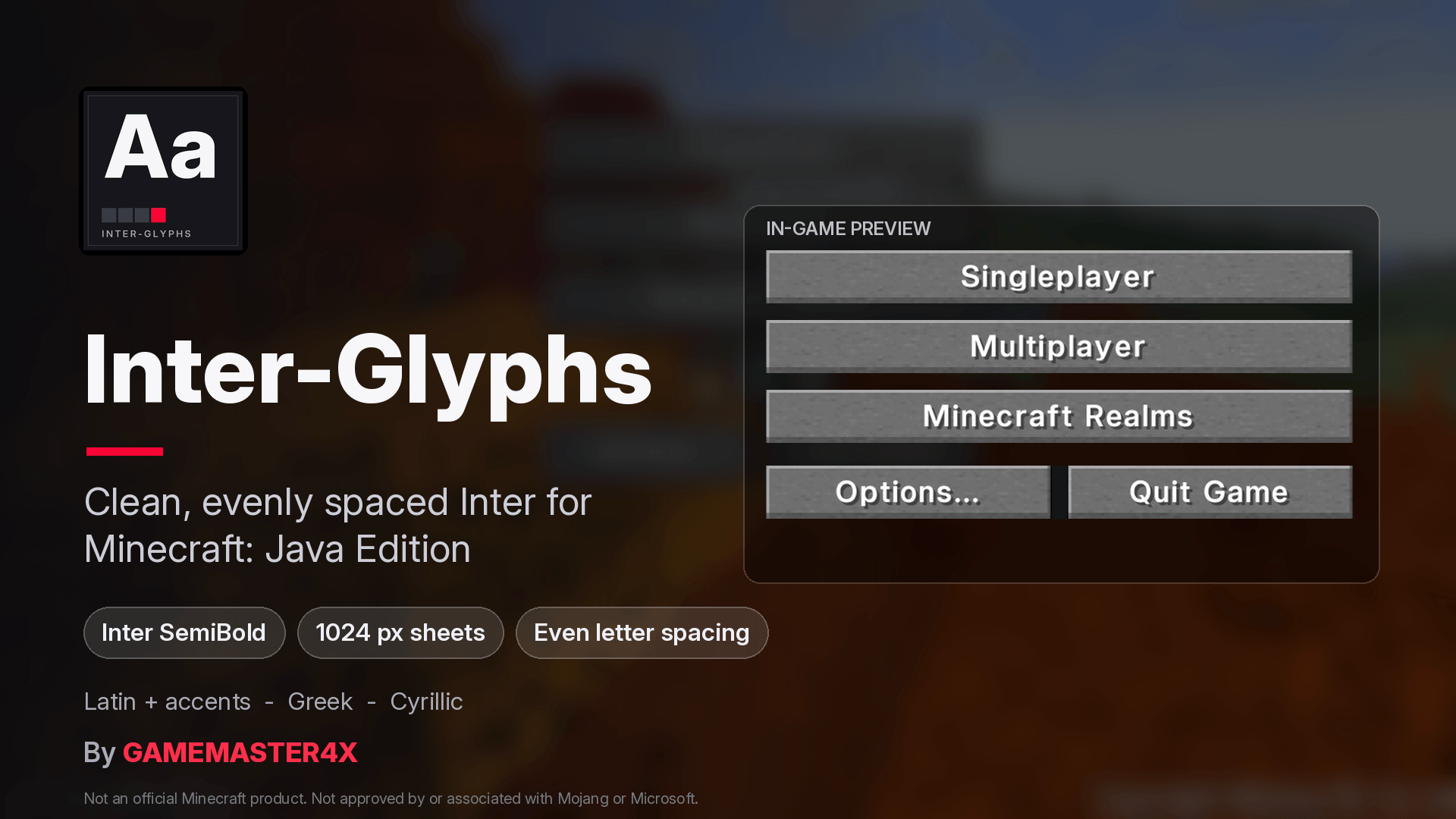
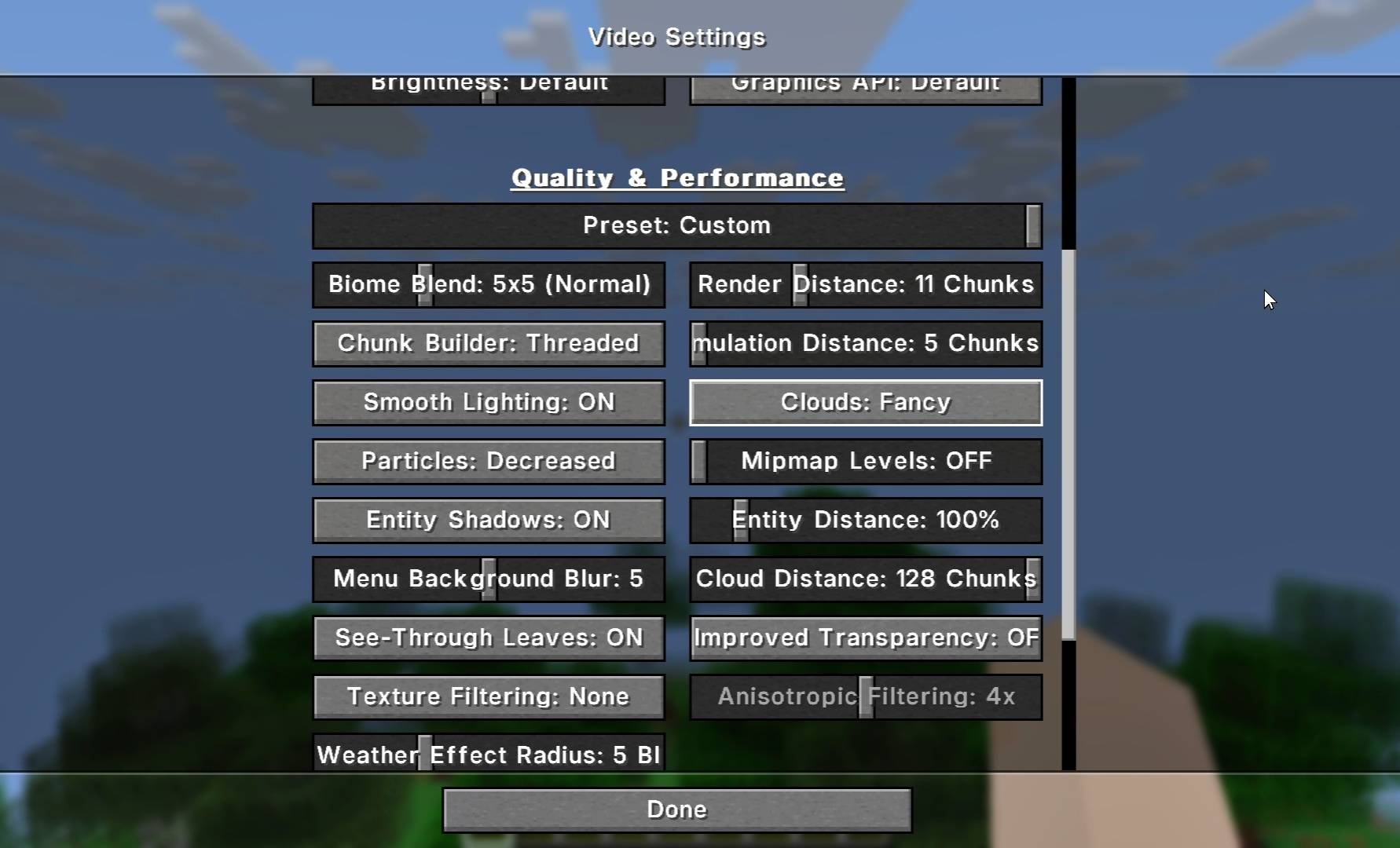
Inter-Glyphs is a lightweight font-only resource pack that replaces Minecraft's default pixel font with Inter SemiBold, a modern typeface designed for excellent readability on screens.
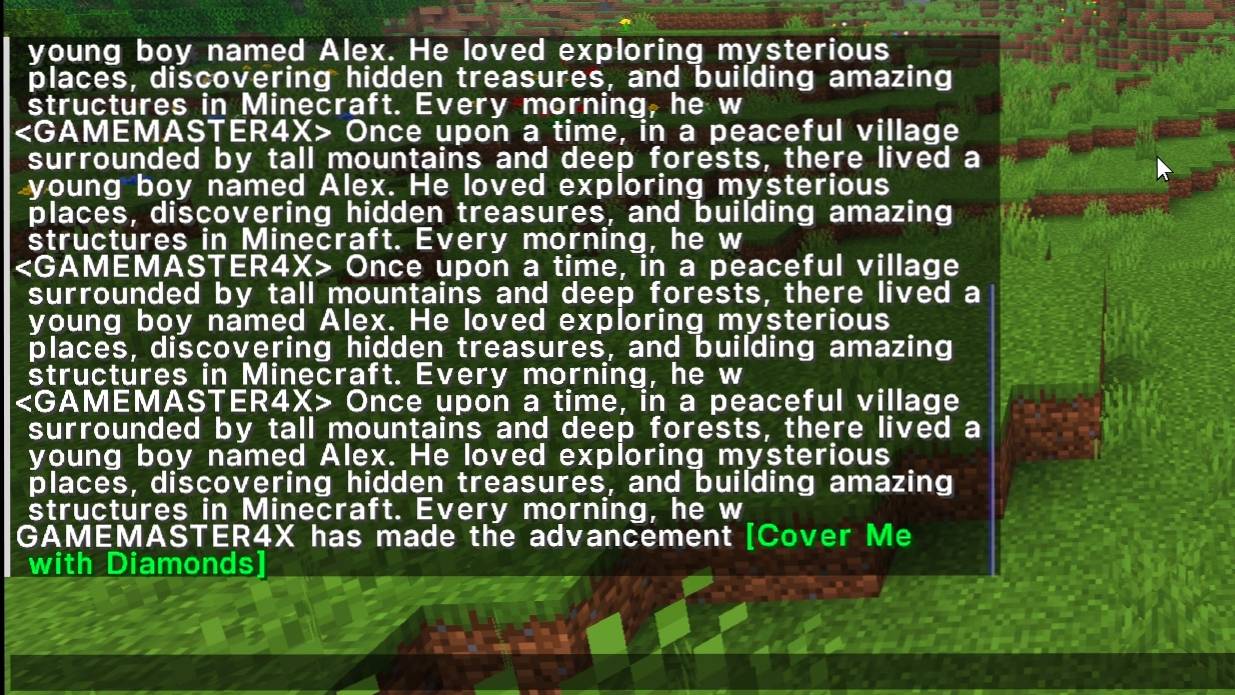
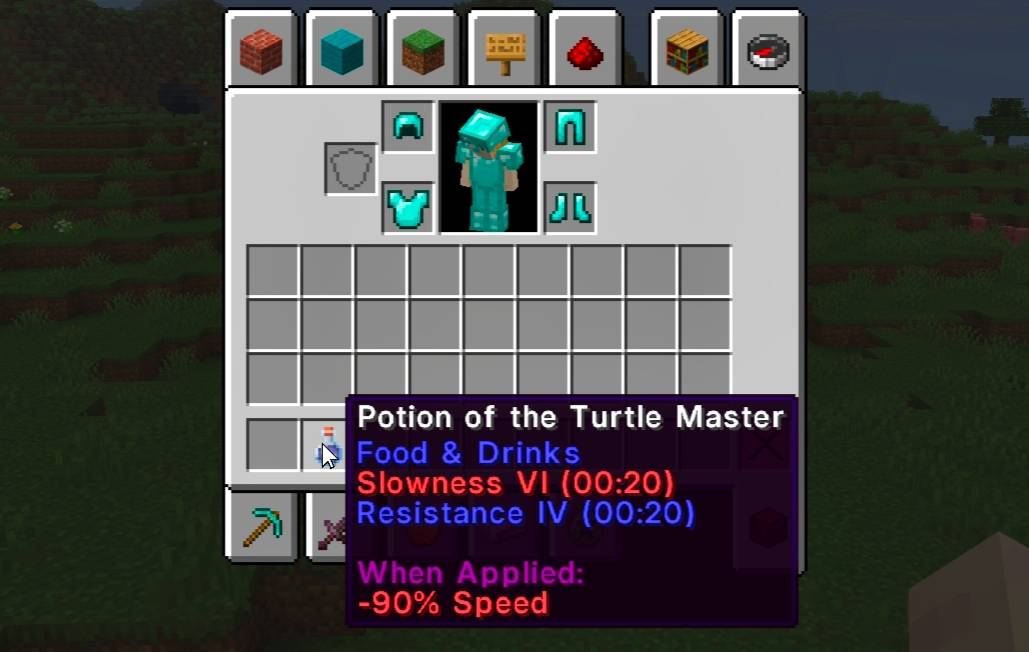
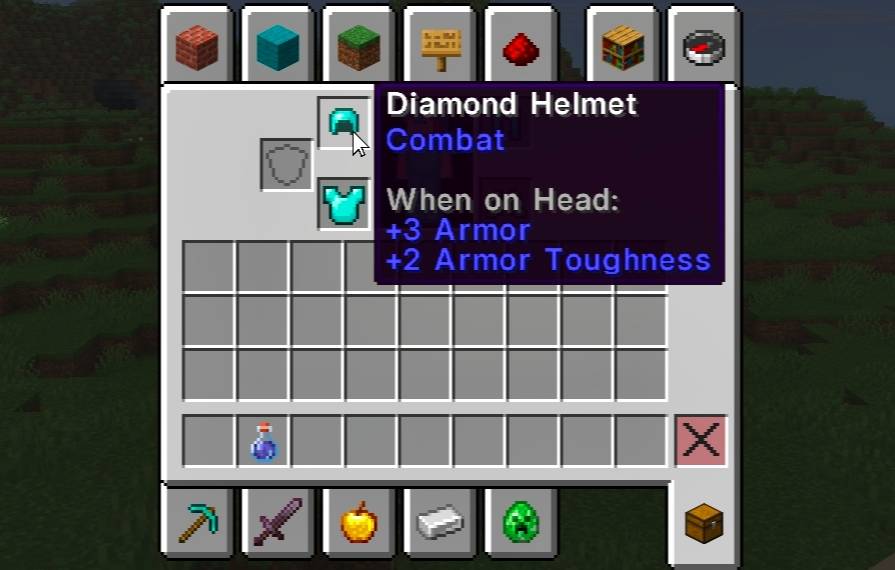
From menus and chat to tooltips, signs, and item names, enjoy a cleaner text experience with carefully adjusted letter spacing and improved readability.
✨ Features
- Modern Typography: Replaces the default Minecraft font with the clean and minimalist Inter SemiBold typeface.
- HD Font Sheets: Uses high-resolution 1024px font sheets for sharper and more detailed characters.
- Optimized Letter Spacing: Carefully adjusted character widths and spacing help letters look balanced and natural.
- Chat-Friendly Layout: Tuned line height helps prevent overlapping text, including characters with descenders such as g, y, and p.
- Clean In-Game Interface: Improves the appearance of menus, chat, tooltips, signs, and item names.
- Lightweight: Approximately 90 KB.
- No Gameplay Changes: Does not modify blocks, items, models, textures, or game mechanics.
⚙️ Compatibility
- Minecraft Java Edition: 1.20 to 26.x
- Vanilla Minecraft: Supported and tested.
- OptiFine: Supported and tested.
- Fabric, Forge and NeoForge: Expected to work as a standard resource pack, but these loaders have not been independently tested.
Character Support:
- 1.20 – 1.21.10: Uppercase and lowercase Latin letters, numbers, and punctuation.
- 1.21.11 and 26.x: Expanded character set with slightly larger text, accented Latin, Greek, and Cyrillic characters where available in Inter.
📥 Installation Guide
Follow these steps to install Inter-Glyphs:
- Download the Inter-Glyphs ZIP file.
- Do not extract or unzip the downloaded file.
- Open Minecraft Java Edition.
- Navigate to Options → Resource Packs.
- Click Open Pack Folder.
- Move the downloaded ZIP file into the resource packs folder.
- Return to Minecraft and enable Inter-Glyphs.
- Click Done to apply the font.
❓ Frequently Asked Questions
- Does Inter-Glyphs work with OptiFine?
Yes! Inter-Glyphs has been tested with OptiFine.
- Does it work with Fabric, Forge, or NeoForge?
It is a standard resource pack and is expected to work with these loaders. However, they have not been independently tested.
- Does it support Hindi or Devanagari?
No. Inter does not include Devanagari characters. Unsupported characters continue to use Minecraft's default font.
- Why does the font look close to vanilla size in older versions?
Older Minecraft versions use a fixed line height. The font size and spacing are carefully adjusted to help prevent overlapping chat lines.
- Will this pack change my world or gameplay?
No. Inter-Glyphs only replaces font images. Your worlds, saves, blocks, items, and gameplay remain unchanged.
💬 Found a Problem?
If you encounter a font issue, please report it with the following information:
- Minecraft Version: Which version are you playing?
- Screenshot: Include an image showing the issue.
- Problem Details: Briefly explain what went wrong.
This information helps identify and investigate compatibility or rendering problems.
❤️ Credits & License
- Font: Inter by Rasmus Andersson
- Font License: SIL Open Font License 1.1
- Resource Pack Creator: GAMEMASTER4X
Inter-Glyphs is not an official Minecraft product and is not approved by or associated with Mojang or Microsoft.
Inter-Glyphs
A cleaner way to read Minecraft.
Created by GAMEMASTER4X