


Ice and Fire Short Swords Rework
makes the dragon steel swords and axes models the same as vanilla minecraft
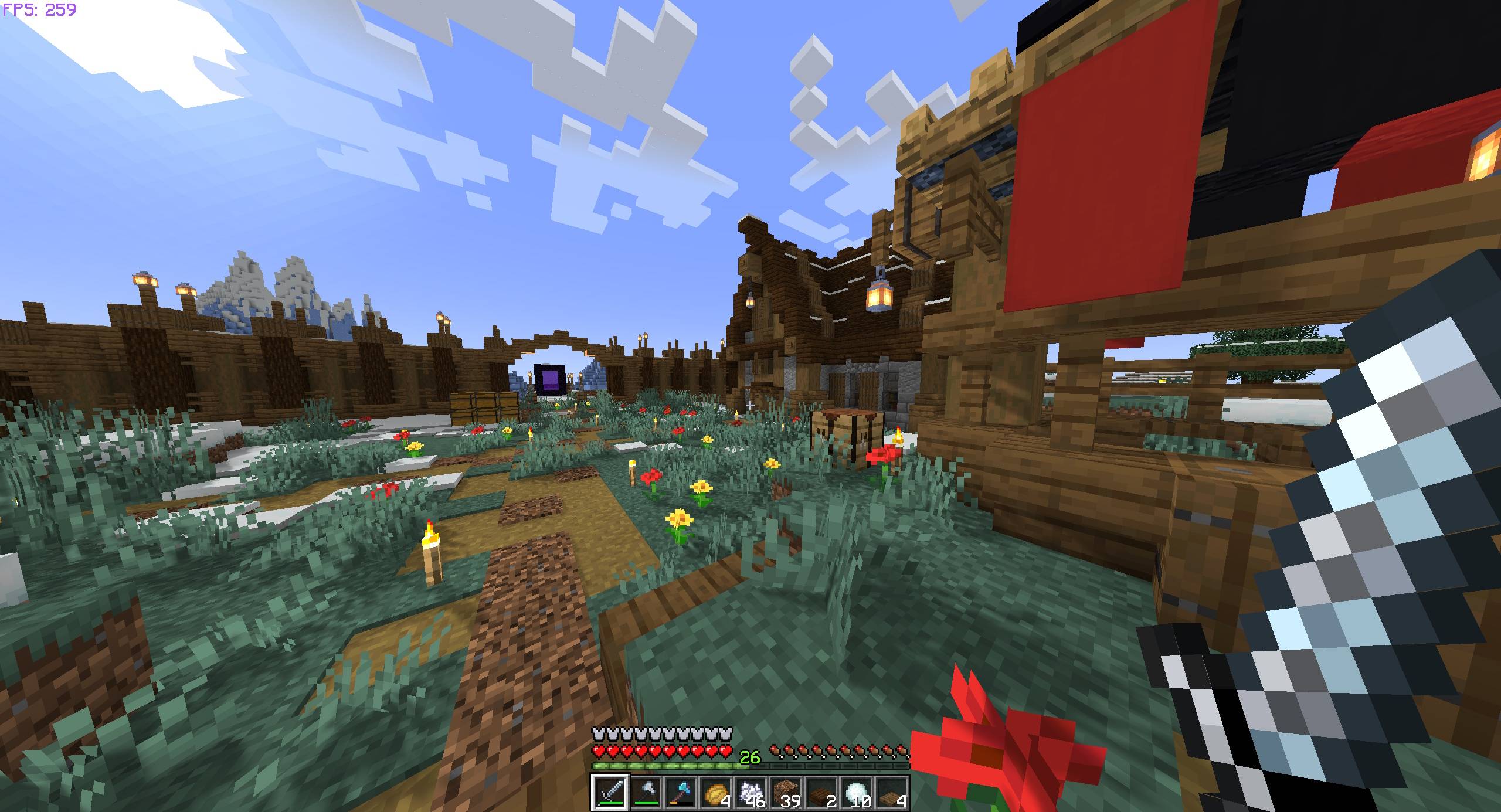
2026-10-16_01.48.52.jpg
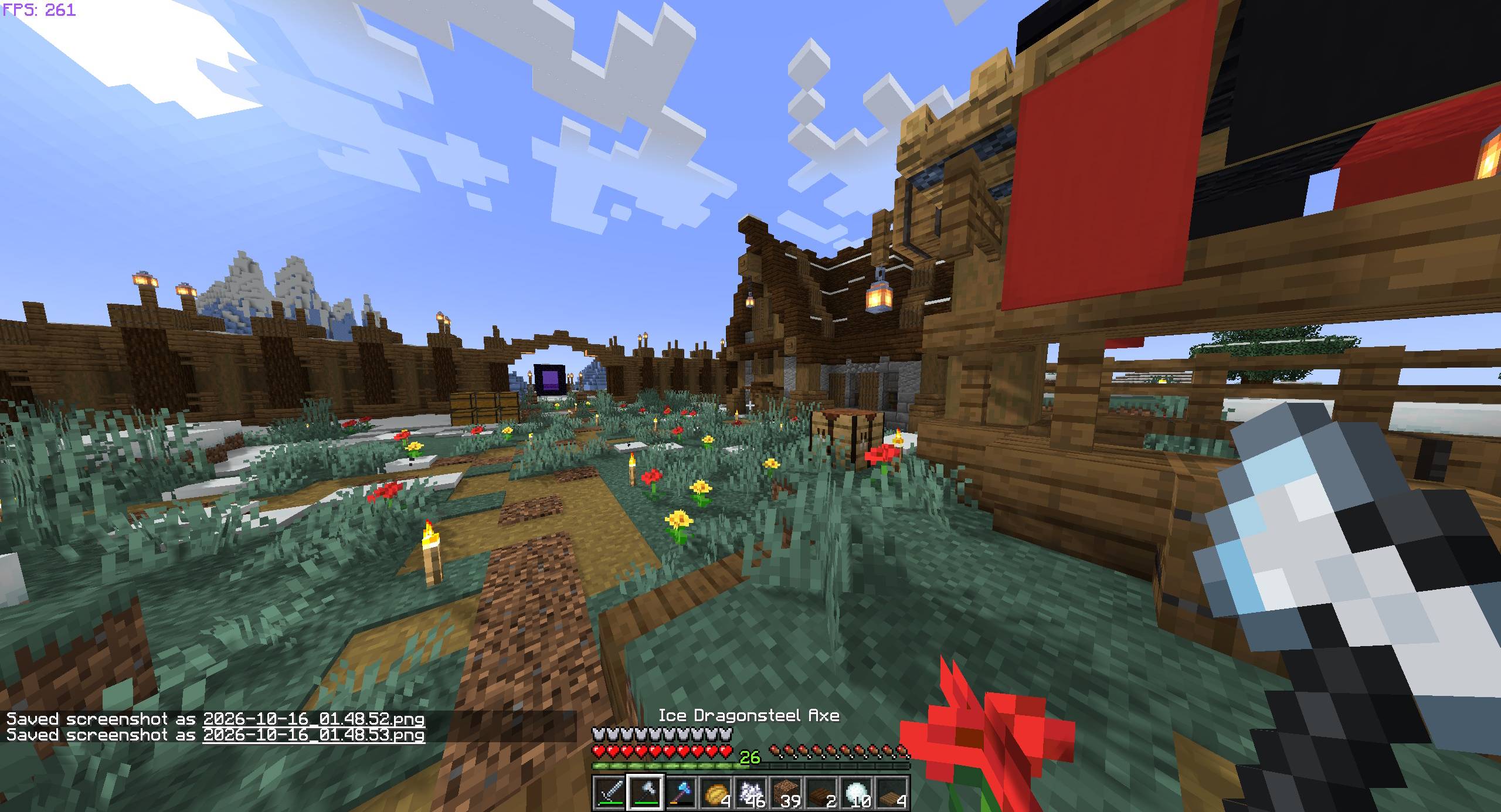
2026-10-16_01.48.54.jpg
Description
If you wish to do this with any other items here is how I did it. <3
- Go to
Ice and Fire (Tyler Rework).zip -> assets -> iceandfire -> models (find your item here) - Now open the .json file in notepad and it may look something like this
Example:
{
"parent": "item/generated",
"textures": {
"layer0": "iceandfire:item/the item"
},
... scaling, numbers and stuff (: - Now change make the entire .json folder just this. Keyword is "handheld" so there should not be scale numbers below this. Or just exactly copy whats in green and change item name.
{
"parent": "item/handheld",
"textures": {
"layer0": "iceandfire:item/the item"
}
}
Ice and Fire Short Swords Rework Team
