Component 48 (1).png
Component 48.png
Description

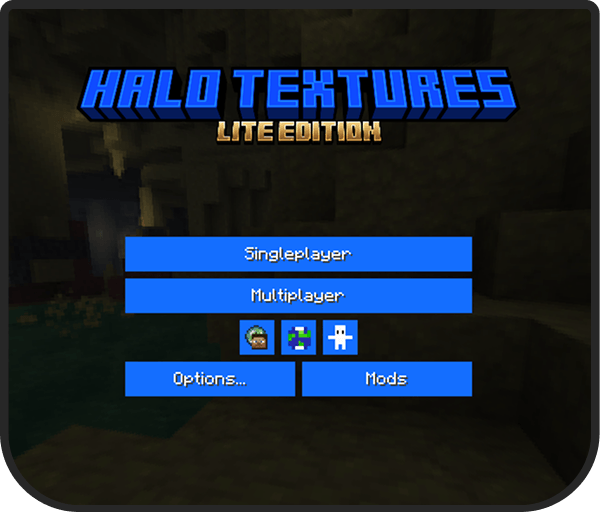
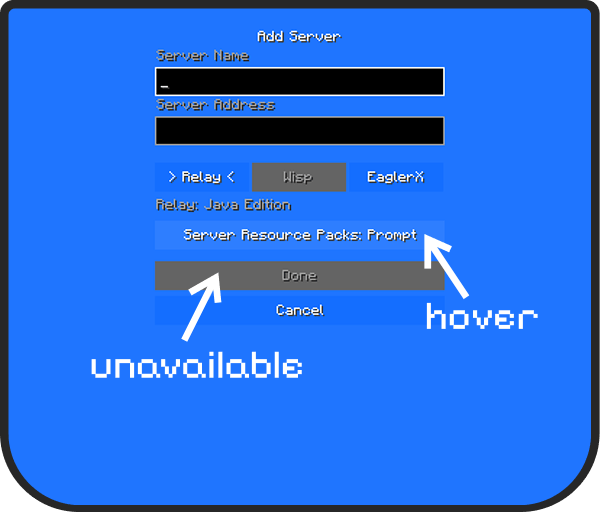
Halo GUI gives Minecraft’s user interface a clean, vibrant blue overhaul. Designed to feel sleek and easy on the eyes, this resource pack refreshes your menus and containers without straying too far from the classic Minecraft aesthetic.

Features
- Complete Blue Theme: Replaces the standard gray menus with custom blue textures.
- Clean HUD & Menus: Title screen and pause menus a greattt look.
- Vanilla-Friendly: Keeps layouts and icons familiar so gameplay stays intuitive.
Installation
- Download the
.zipfile from the Versions tab. - Open Minecraft and go to Options > Resource Packs.
- Click Open Pack Folder and move the downloaded
.zipfile inside. - Select Halo GUI in-game and move it to the Selected column.
Notice
This pack is still in beta, So i'm working on it.
Preview


Halo Textures GUI Team