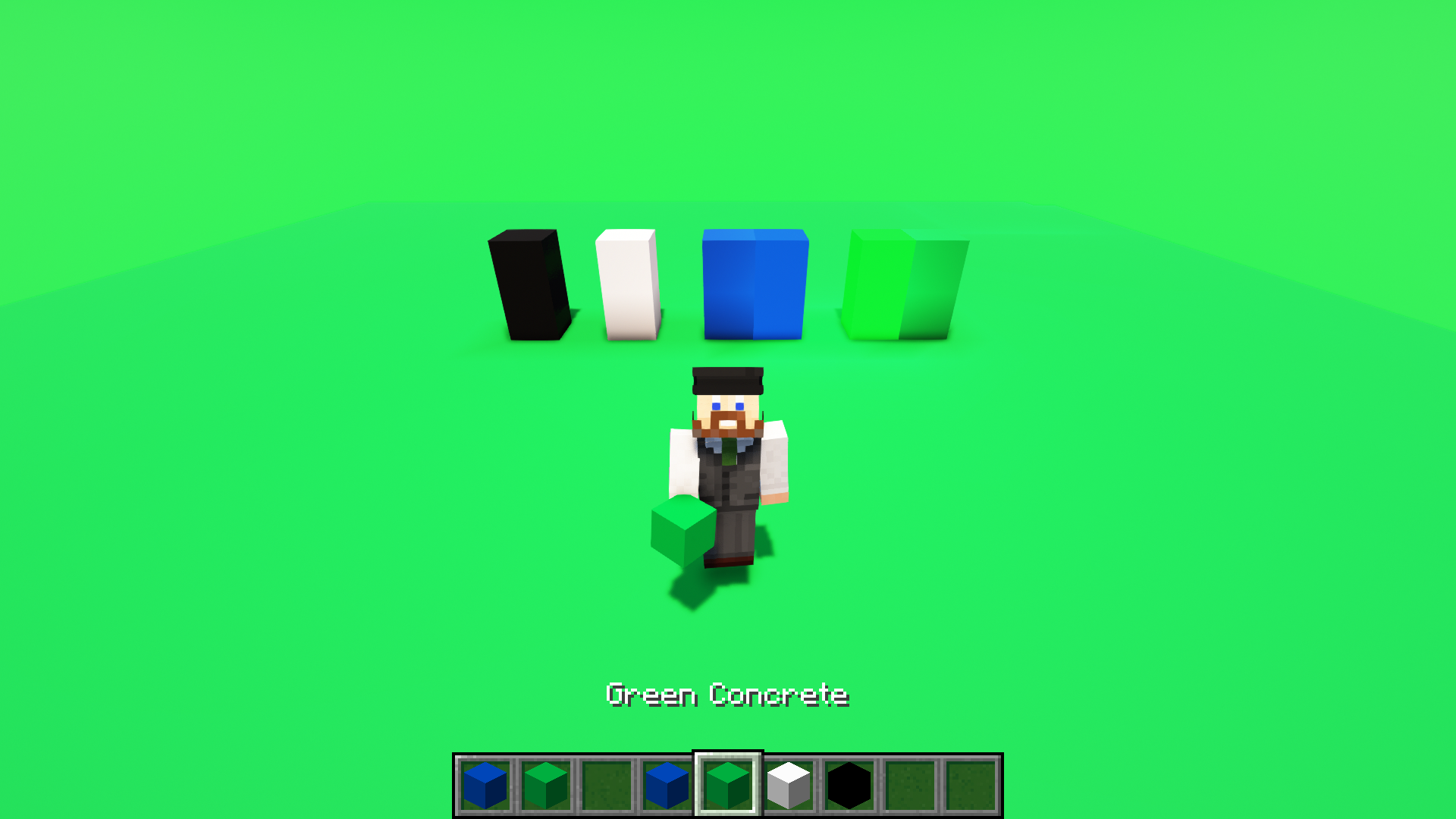
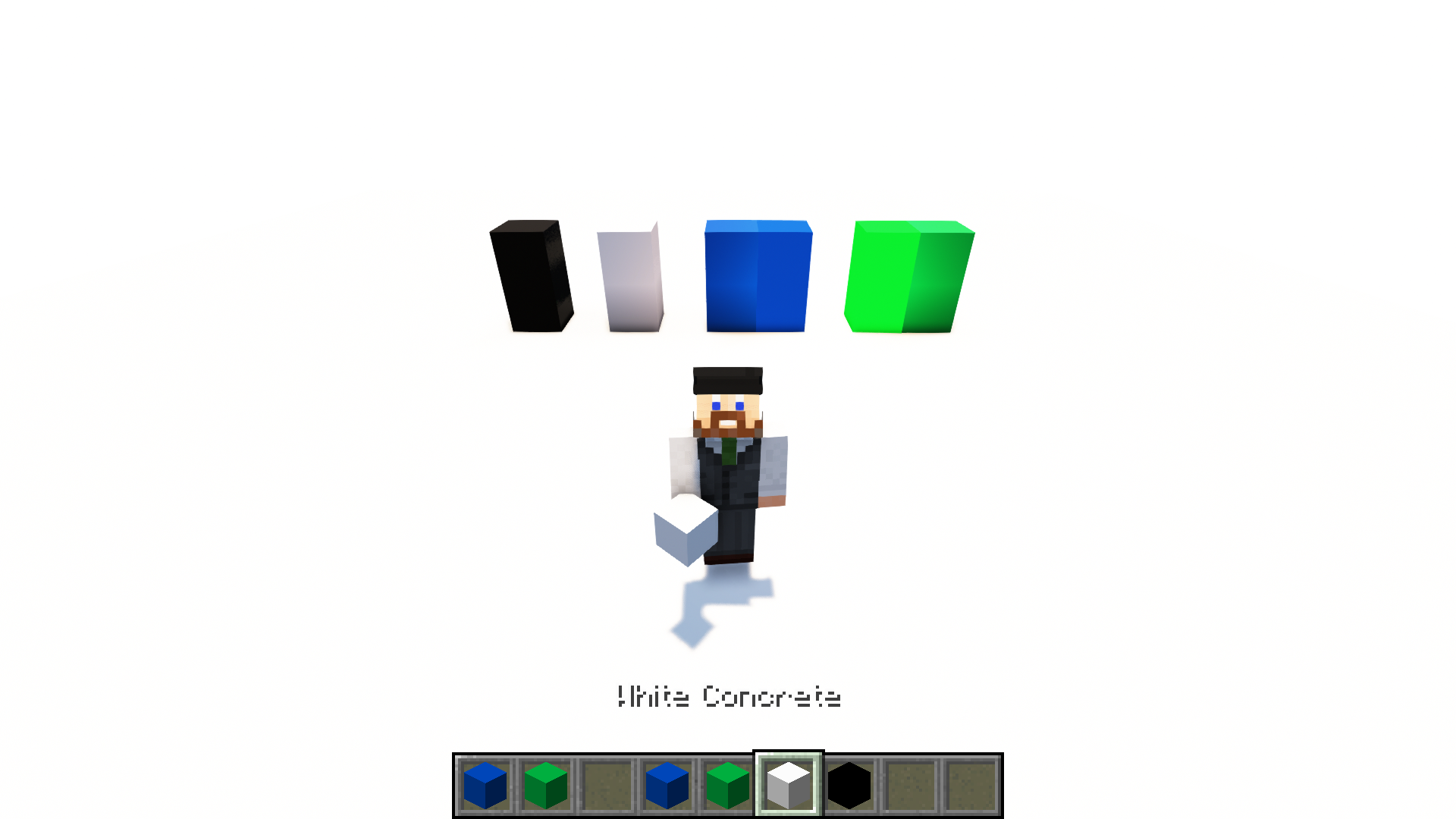
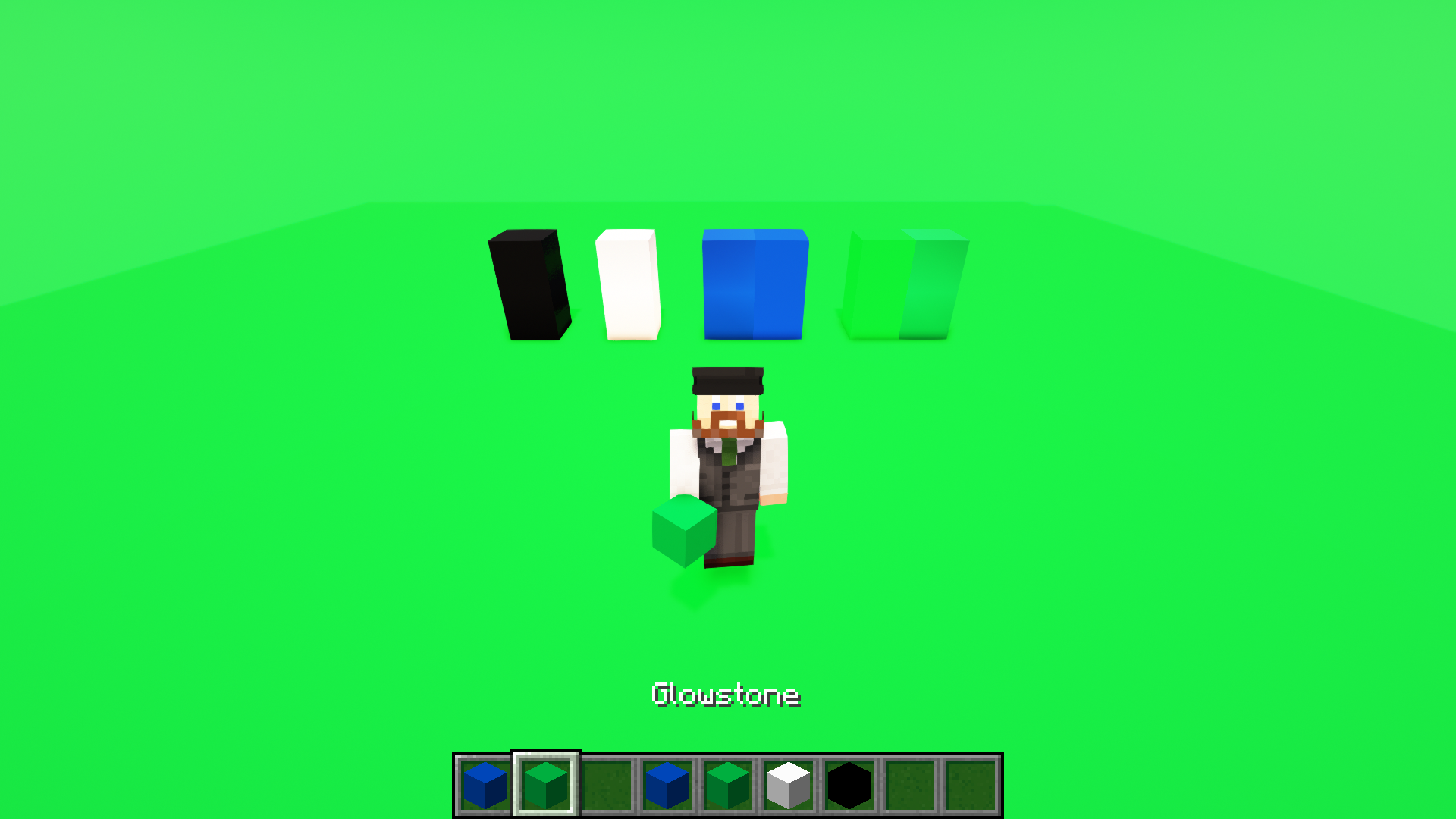
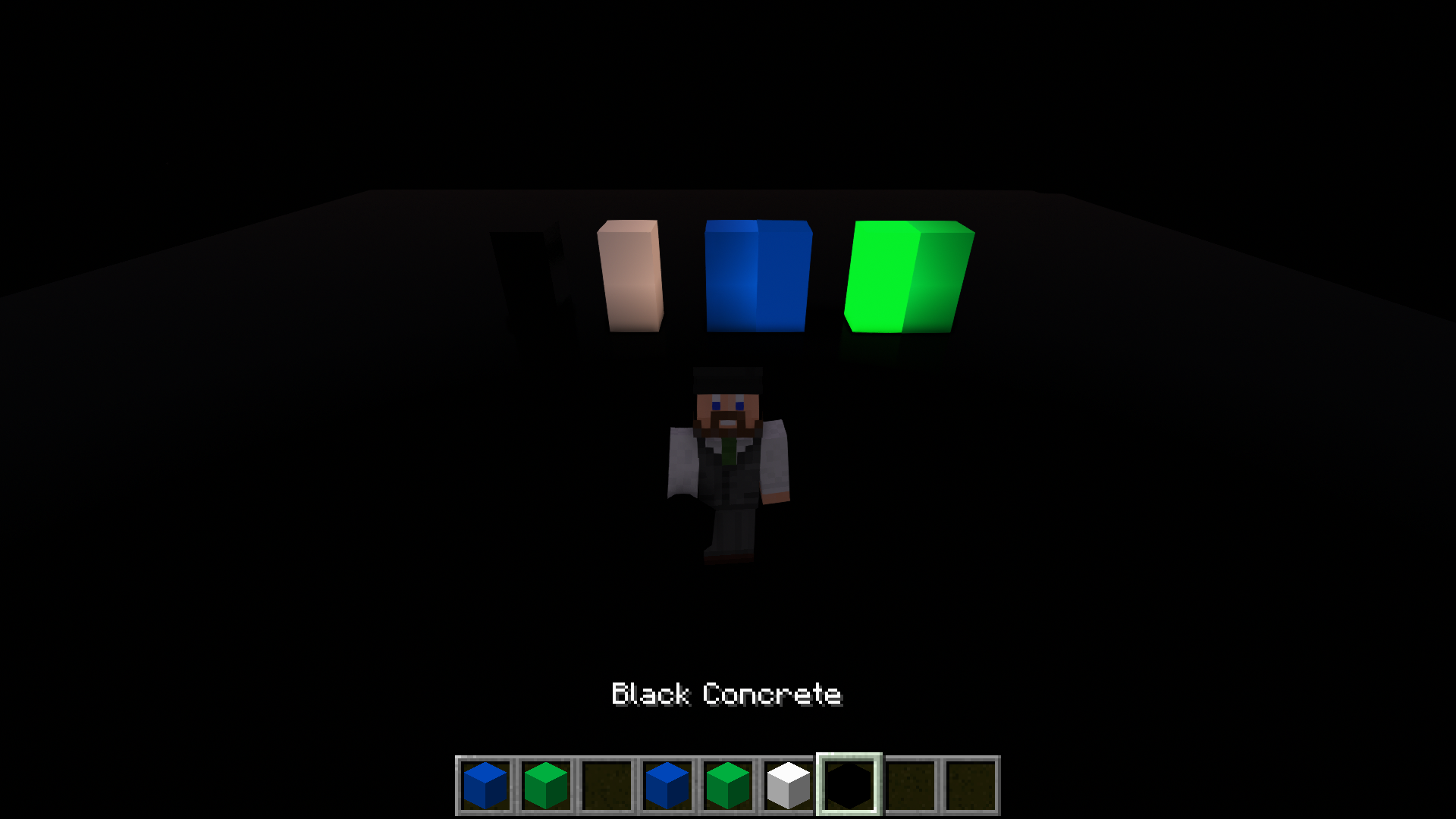
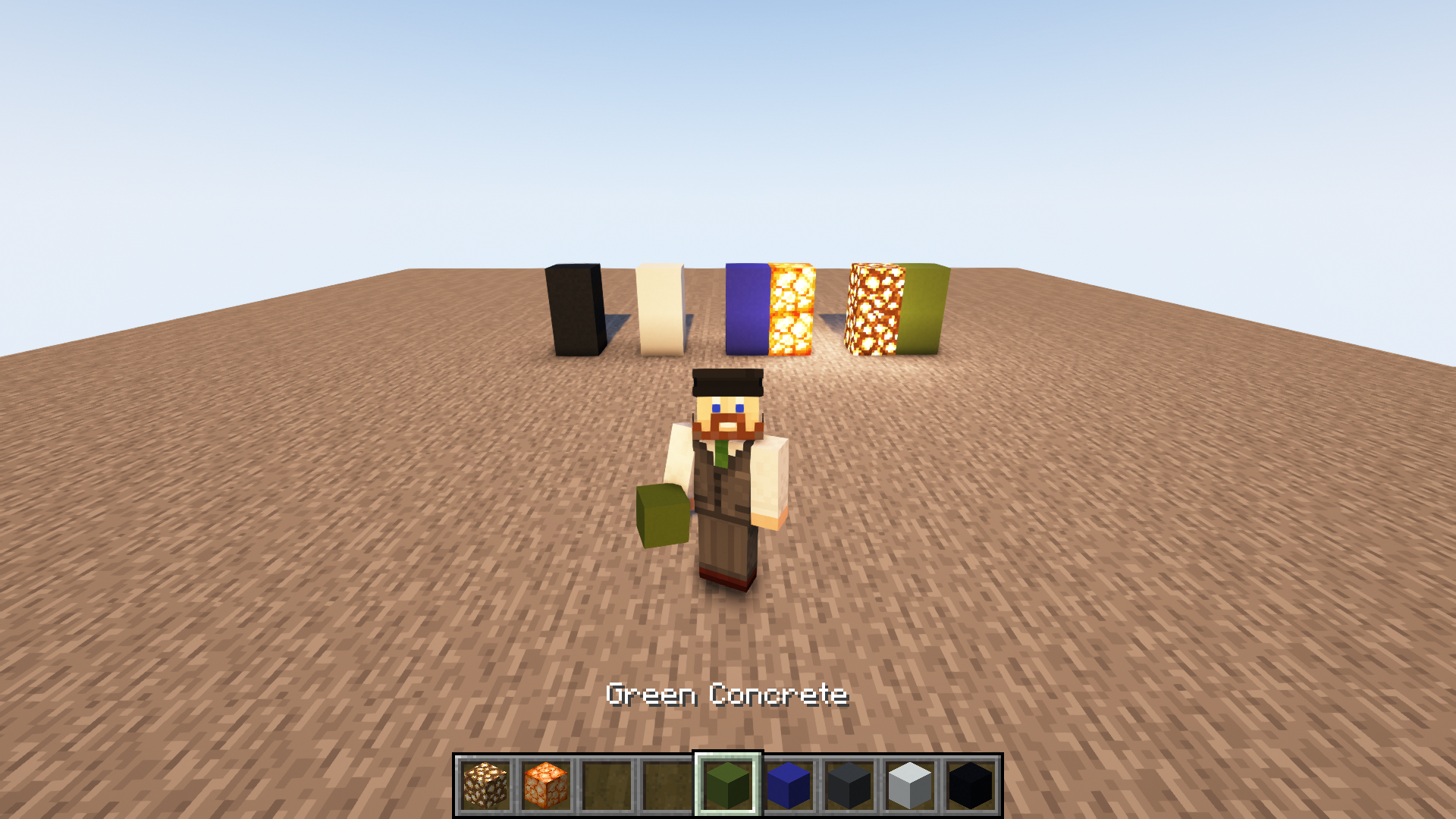
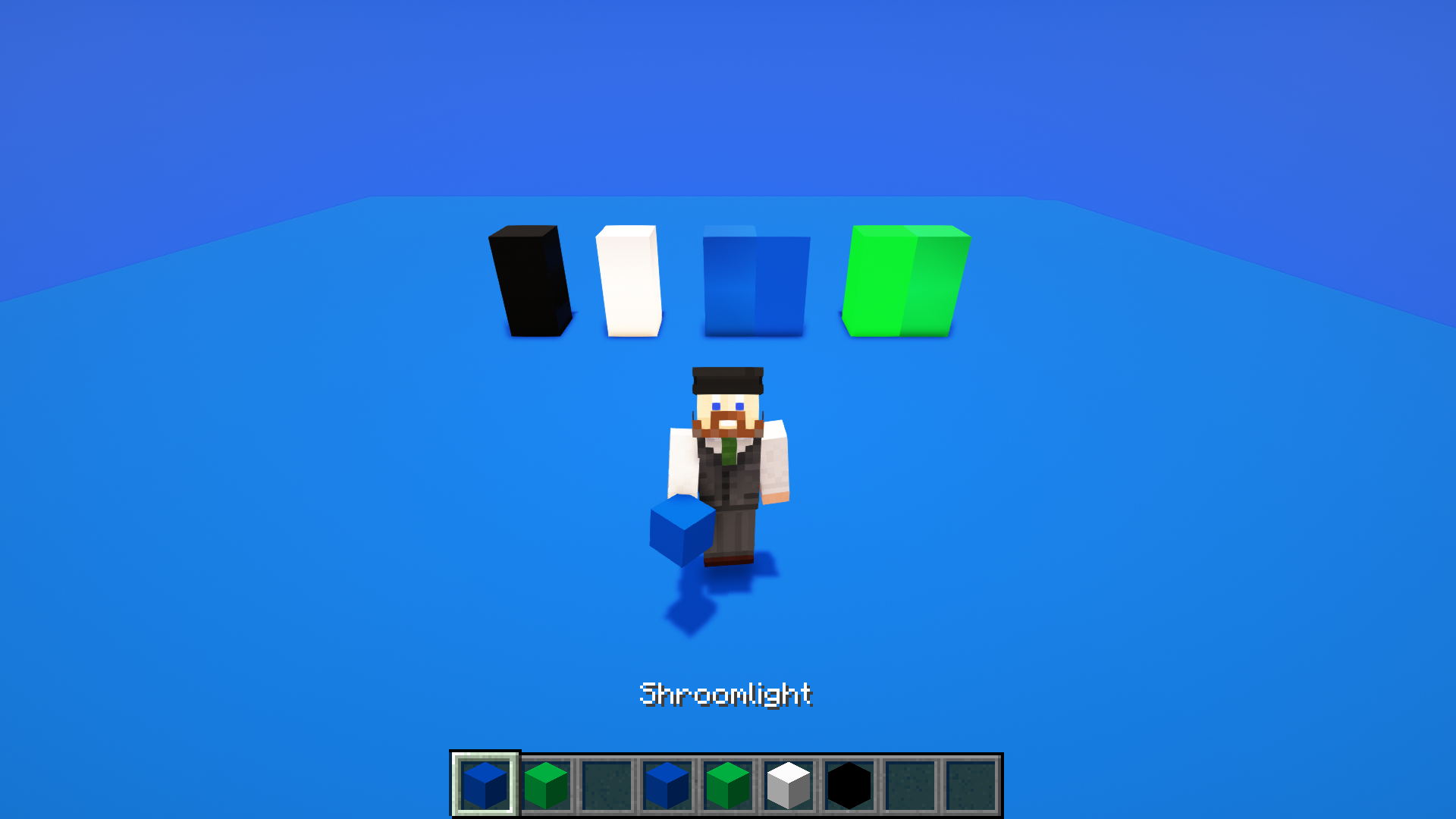
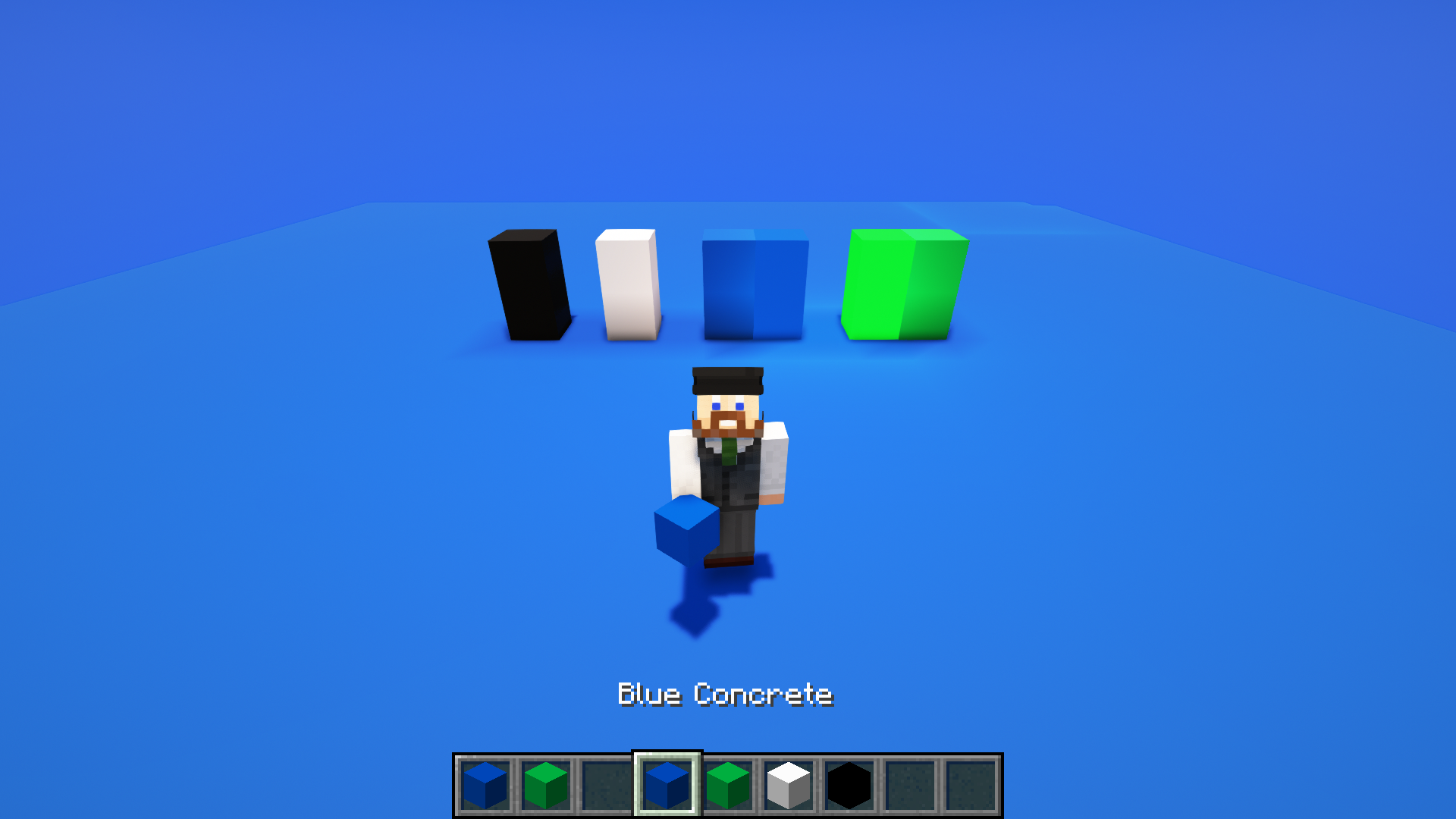
***Note: Version 4 added black, gray, and white backgrounds and blocks. The base blocks were changed to all concrete (green concrete = green screen, blue concrete = blue screen, etc.) to make it more intuitive. If you use an earlier version, the block are different (stone and sandstone). The light blocks remain the same (glowstone and shroomlights). ***
___________
The GreenBlue Screen resource was created to allow content creators to complete builds and then key color remove backgrounds in post-production. It relies on modifying in-game texture and includes new sky textures that are color keyed to the modified block textures.
This pack requires Optifine to render the skies. At the time of release (Jan 2022) Sodium does not support sky textures. Once Sodium is developed to allow custom skies, this pack will either work or will be updated to work with Sodium as well as Optifine. The following set up is intended to create a blank, new void world that can act as a green, blue, white, or black stage for recording. You can also overlay this texture in your world and build with specific blocks to create different color key screen colors if necessary.
The following blocks have been modified:
- Green is HEX #00b140 – Green Concrete and Glowstone (for a lighted block to eliminate shadows)
- Blue is HEX #047bb – Blue Concrete and Shroomlights
- White is HEX #FFFFFF – White Concrete
- Black is HEX #000000 – Black Concrete
Sky textures match color HEX codes for blocks, but there are some environmental characteristics in the game that impacts how the colors render slightly. I recommend adjusting the following:
<esc><options><video settings><details> à Clouds, Sun & Moon, Stars, and Fog set to OFF
_______
Process to create a new, green or blue world:
- From the main menu, create new world.
- Change the follow settings on the first screen:
- Game Mode: Creative
- Difficulty: Peaceful
- Allow Cheats: On
- Select <Game Rules>
- Scroll 3/4 of the way down to "World Updates"
- Turn "Advance time of day", "Update Fire", and "Update Weather" OFF.
- Select <done>
- Select <More World Options> and change the following:
- Generate Structures: OFF
- World Type: superflat
- Select <customize> under World Type
- Select <Presets> and choose VOID at the bottom, then select <Use Preset>
- Select <Done>.
- Select <Done> again and you should be back at the main Create World menu with "World Name" at the top.
- Name the world if you'd like to
- Select <Create New World>
Unless you've activated the pack, the world will generate with the normal default or active resource pack and you'll spawn on a pad of stone with a cobble block in the center.
Hit your <esc> key and go into Options > resource packs and make sure the pack is active (i didn't include how to install the pack in the “resourcepacks” directory assuming you know how to do that already) and at the top of the stack. I recommend temporarily disabling any other packs you have other than default.
When you come back into the world, the pack should be active.
Set time to one of the following:
- For greenscreen - /time set 3830
- For bluescreen - /time set 4830 (3840-4930)
- For whitescreen - /time set 5830 (4940-5930)
- For blackscreen - /time set 13000 or “night”
Now you will have a sky of whichever color you selected, a pad of stone and cobble in the center. You can delete all the blocks and fly around in the void or swap out the blocks to any of the concrete colors, glowstone, or shroomlights for your preferred color.
At the time of the release, this does work with shaders (tested with Complementary Shaders).