




Pixelify Sans Font
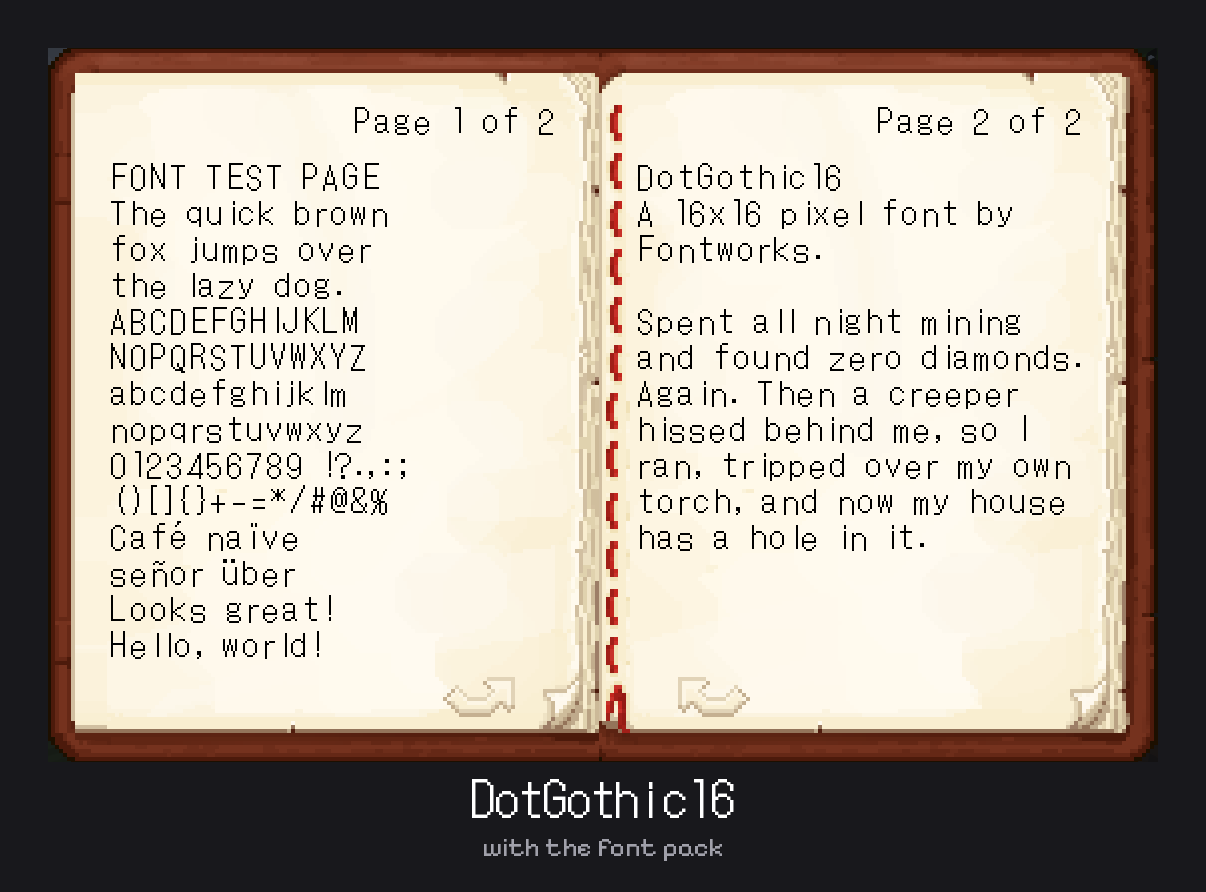
A soft, rounded pixel font for Minecraft. Changes the text in chat, books, menus and item names.
- 3
- October 23, 2026
Tiny5 Font
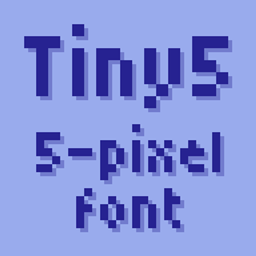
A tiny 5-pixel font for Minecraft. Changes the text in chat, books, menus and item names.
- 3
- October 23, 2026
Moonblight
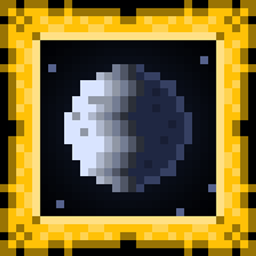
The moon decides what spawns on your Minecraft server. leveled mobs with gear, giant zombies on full moons, invisible sword-wielding blades on new moons, and zombie and skeleton cavalry. Requires LuaCord.
- 4
- October 17, 2026
Mahi's No Pumpkin Blur
- 1.4K
- Resource Packs
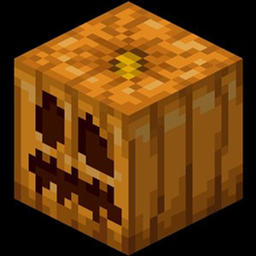
Removes the pumpkin overlay when wearing a carved pumpkin. Supports 1.6.1 – 26.3.
- 1.4K
- October 11, 2026
Pixelify Sans Font
A soft, rounded pixel font for Minecraft. Changes the text in chat, books, menus and item names.
- 3
- October 23, 2026
Tiny5 Font
A tiny 5-pixel font for Minecraft. Changes the text in chat, books, menus and item names.
- 3
- October 23, 2026
Moonblight
The moon decides what spawns on your Minecraft server. leveled mobs with gear, giant zombies on full moons, invisible sword-wielding blades on new moons, and zombie and skeleton cavalry. Requires LuaCord.
- 4
- October 17, 2026
Mahi's No Pumpkin Blur
- 1.4K
- Resource Packs
Removes the pumpkin overlay when wearing a carved pumpkin. Supports 1.6.1 – 26.3.
- 1.4K
- October 11, 2026