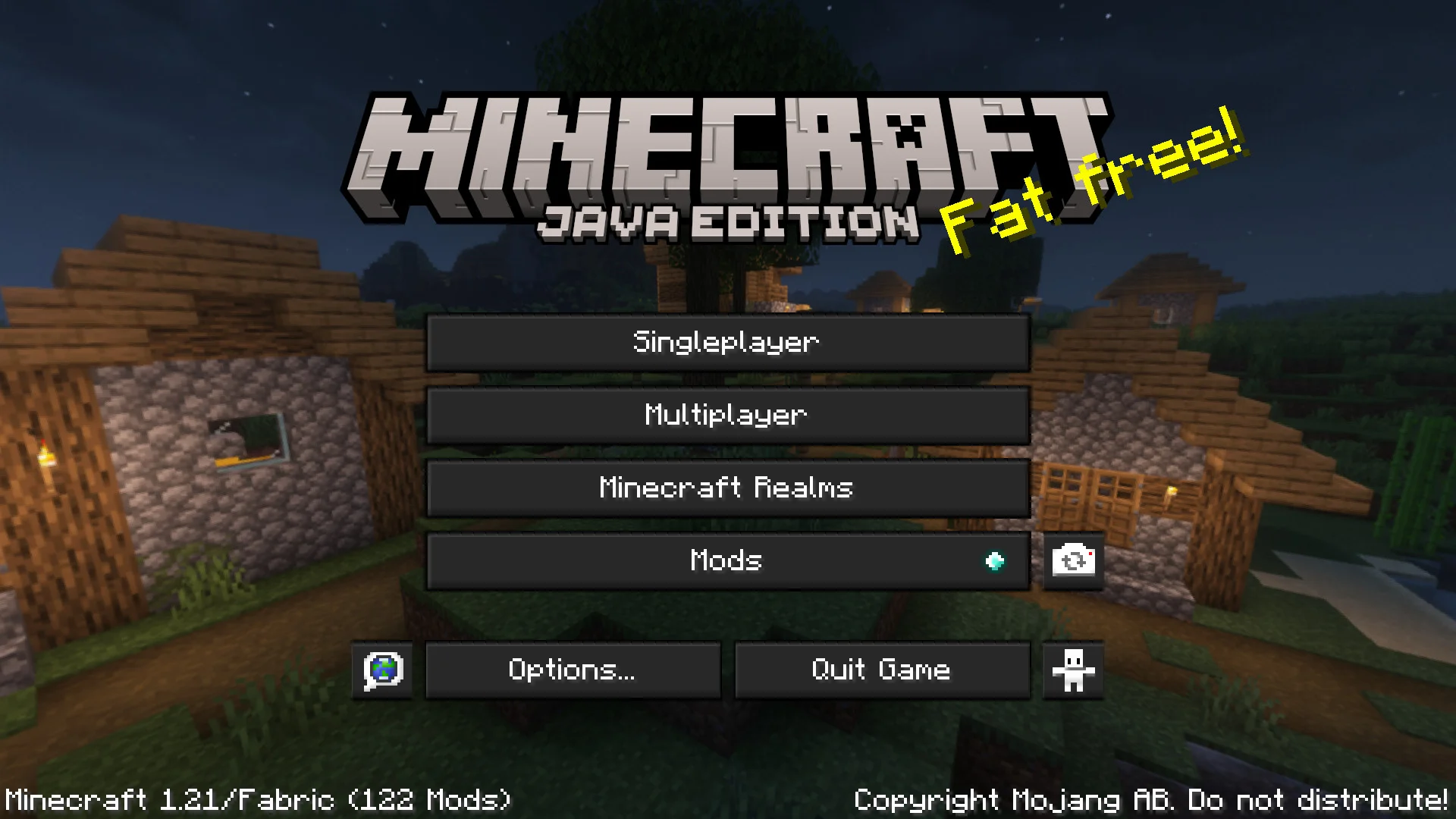
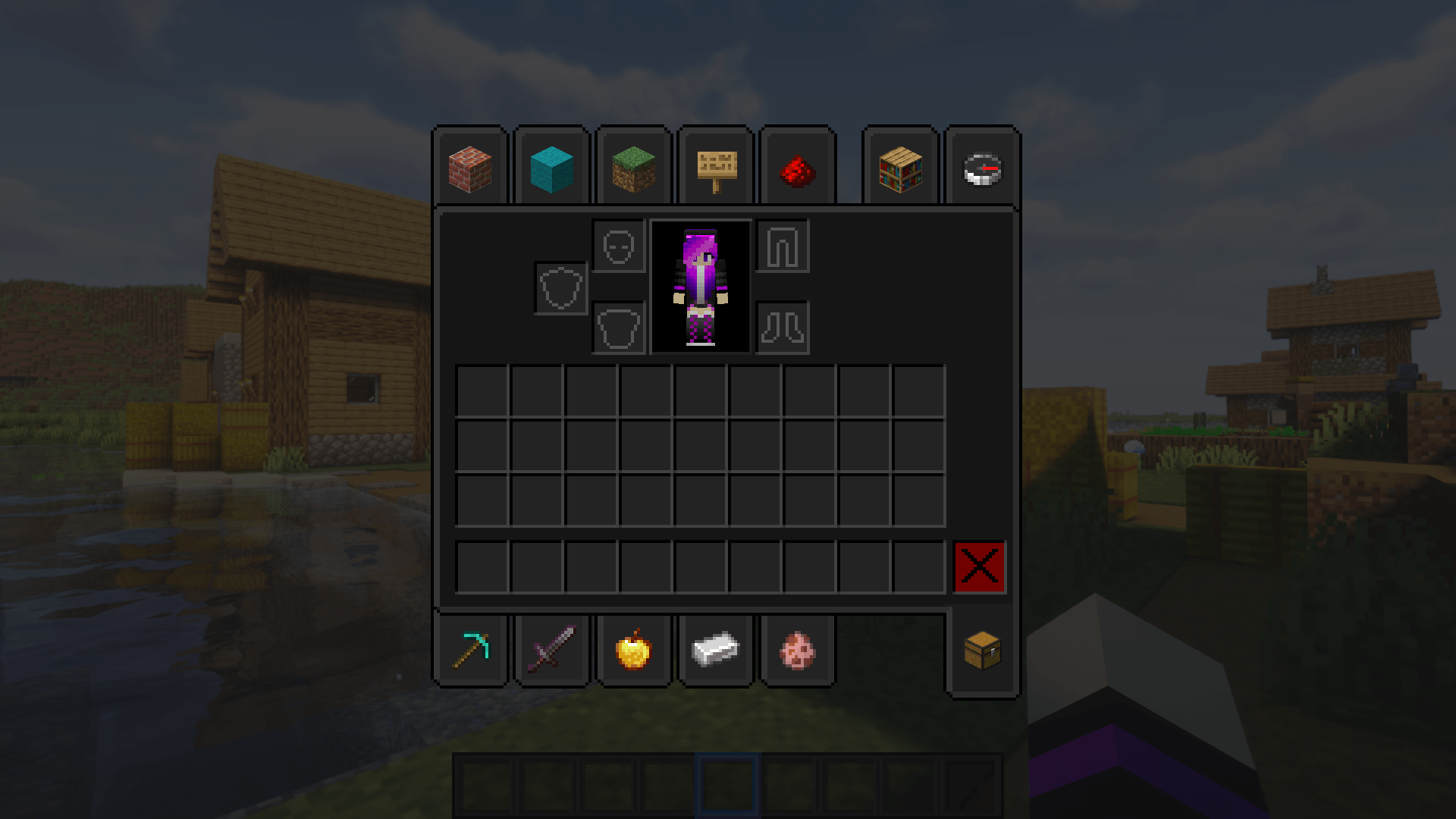
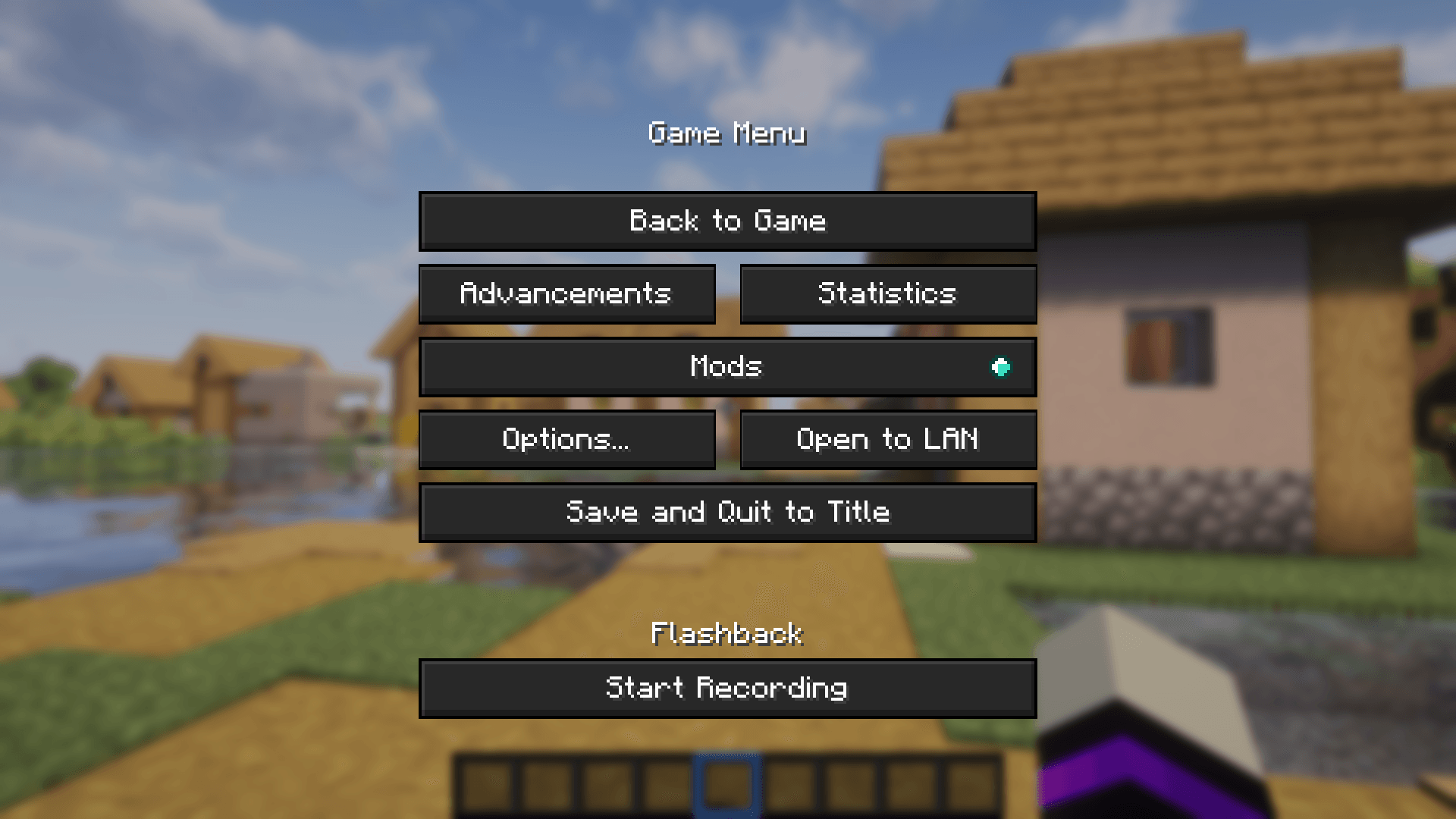
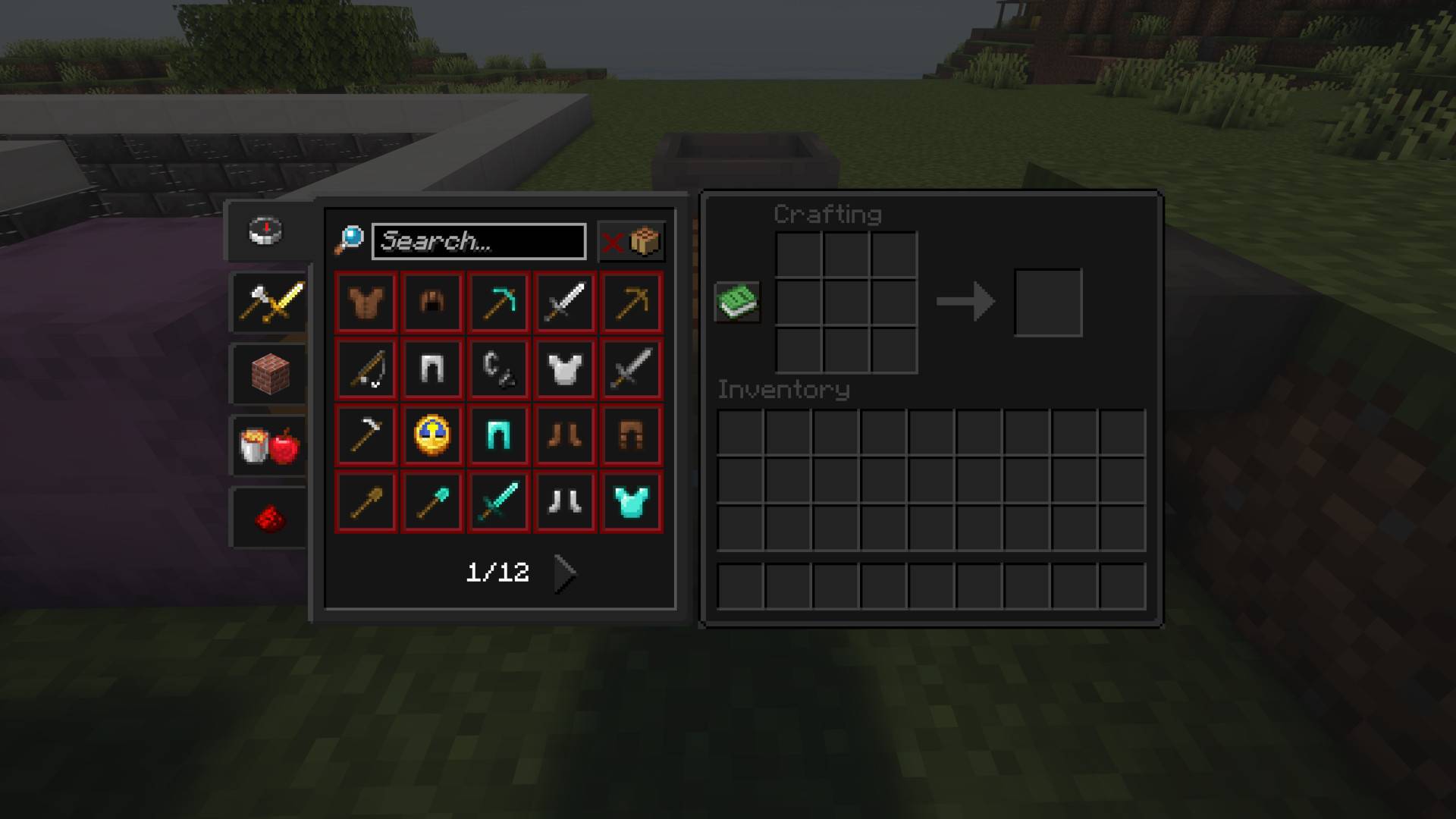
Tired of the classic old-school Minecraft GUI? Give your game a fresh new look with this darker redesign
Dark Mode Ultra transforms Minecraft’s bright GUI into sleek, darker tones for a more modern and eye-friendly experience.

1.21.x
✅ Modmenu
✅ Cloth Config API
✅ Xaero's Minimap
✅ Entity Texture Features
✅ Just Enought Items (JEI)
✅ Simple Voice Chat
✅ Language Reload
✅ Inventory Profiles Next
✅ libIPN
✅ Patchouli
✅ CreativeCore
✅ Shulker Box Tooltip
✅ YetAnotherConfigLib (YACL)
✅ MaLiLib
✅ Better Advancements
✅ Polymorph
✅ Trinkets
✅ Waystones
✅ Fabric
✅ EMI
✅ Traveler's Backpack
✅ Easy Anvils

Most Popular Mods

- Created For Minecraft 1.21-1.21.1, should work with any newer version till new gui elements are added.
- Backport versions added for 1.15-1.20.x
- To change loading screen color to dark just go into settings/accessibilty and change monochrome logo to on.