



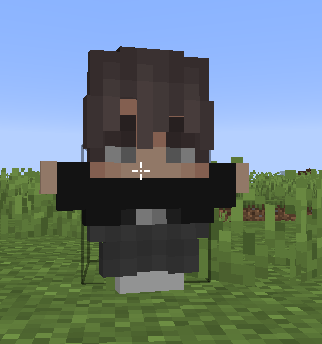

Clean GUI Plus
A clean Minecraft GUI with a minimal HUD, and a smooth, clutter-free design for better visibility and an enhanced PvP experience.
- 134
- October 23, 2026
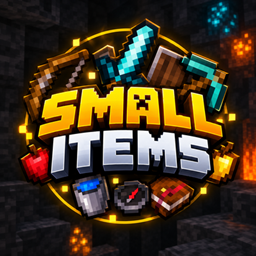
Small Mini Items
Makes items smaller for better visibility, a cleaner screen, and an improved PvP experience!
- 170
- October 21, 2026
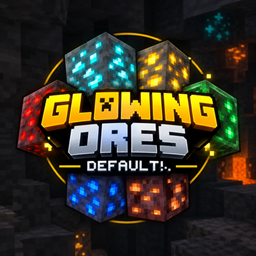
Glowing Ores Default
A clean Minecraft resource pack that makes ores glow brightly while keeping the classic default style.
- 448
- October 2, 2026
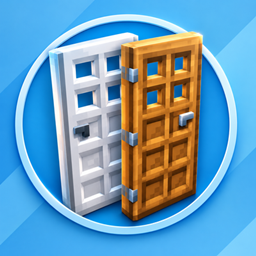
Better Doors 3D
The Resource Pack features detailed 3D doors. Adds depth and a clean, modern look while keeping the original Minecraft style.
- 352
- September 23, 2026
Clean GUI Plus
A clean Minecraft GUI with a minimal HUD, and a smooth, clutter-free design for better visibility and an enhanced PvP experience.
- 134
- October 23, 2026
Small Mini Items
Makes items smaller for better visibility, a cleaner screen, and an improved PvP experience!
- 170
- October 21, 2026
Glowing Ores Default
A clean Minecraft resource pack that makes ores glow brightly while keeping the classic default style.
- 448
- October 2, 2026
Better Doors 3D
The Resource Pack features detailed 3D doors. Adds depth and a clean, modern look while keeping the original Minecraft style.
- 352
- September 23, 2026