
Custom 1-Bit Waypoint Icons for JourneyMap
- By

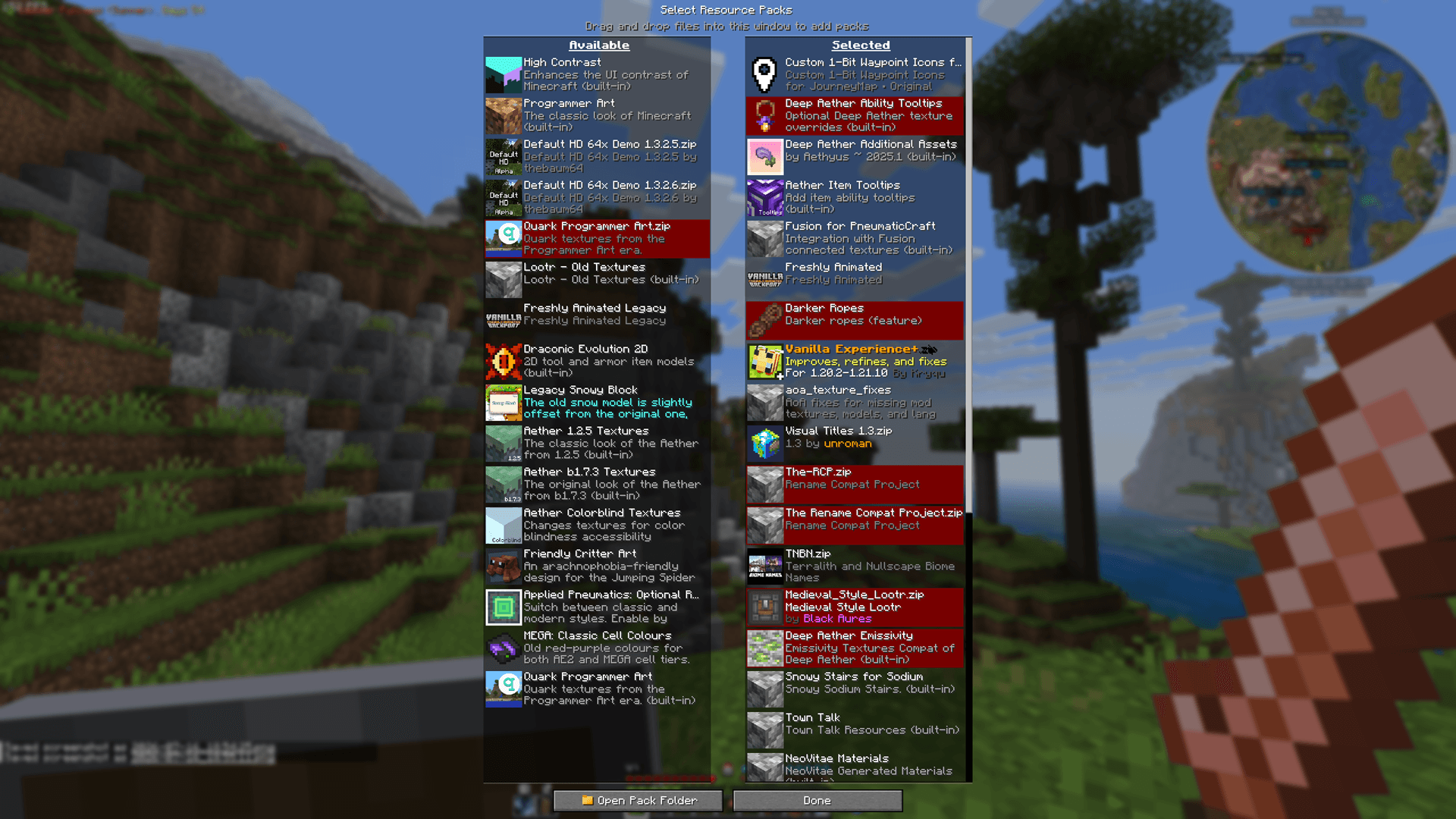
Install and enable the pack through Minecraft’s standard Resource Packs menu. Once active, the complete custom icon library becomes available inside JourneyMap.
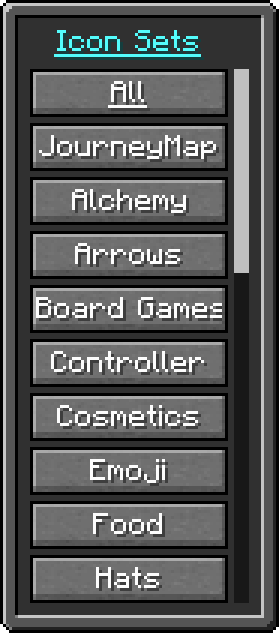
Part one of the complete category list, showing how the 1,476 waypoint icons are divided into focused themed sets instead of one oversized collection.
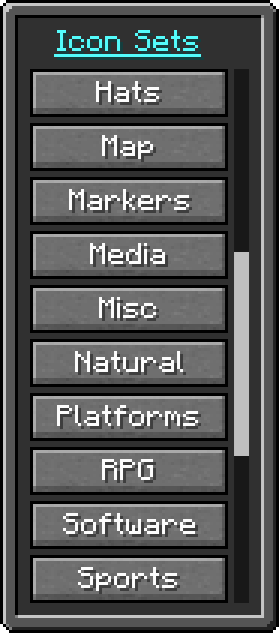
Part two of the complete category list, continuing the organized selection of icon sets available through JourneyMap’s waypoint editor.
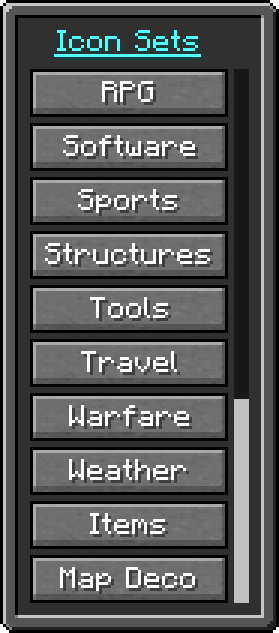
Part three completes the full list of 19 categories included with the pack, making the large icon library easier to browse and navigate.
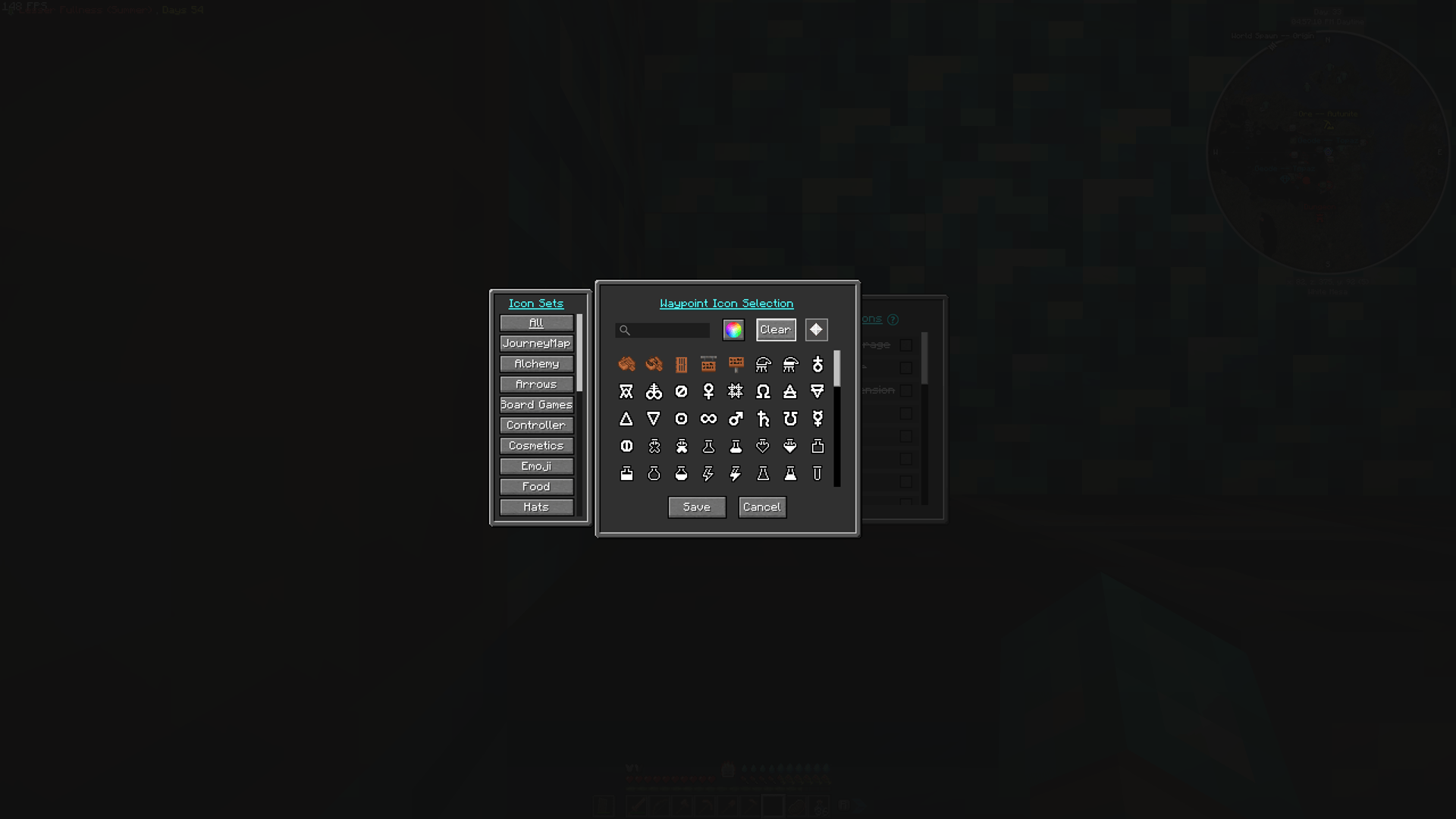
Browse all 1,476 waypoint icons from a single searchable library, or filter them by category.
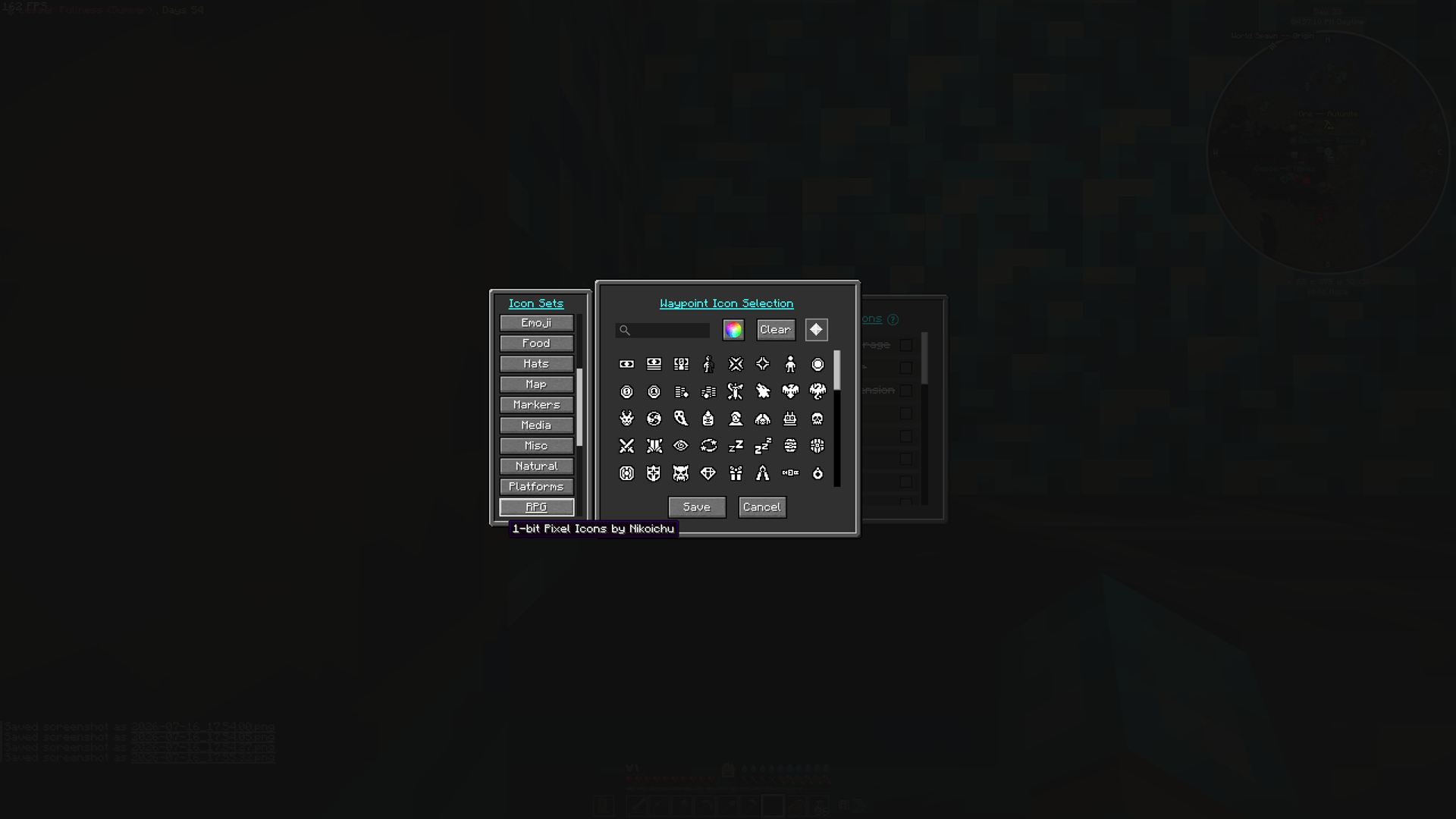
Icons are organized into 19 categories, making it much easier to find an appropriate waypoint without scrolling through the entire collection.
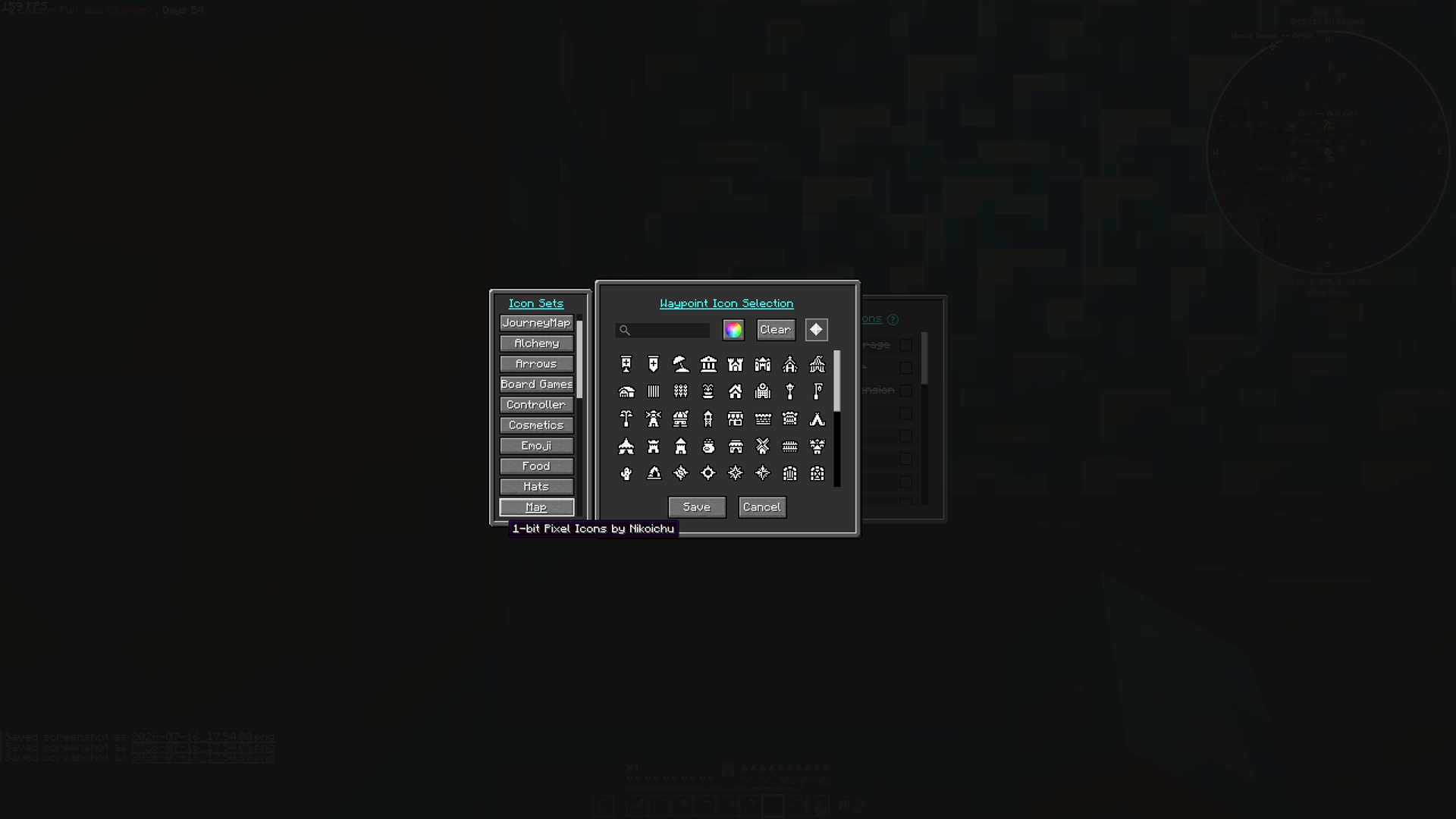
One example category showing a variety of practical icons for common points of interest and landmarks.
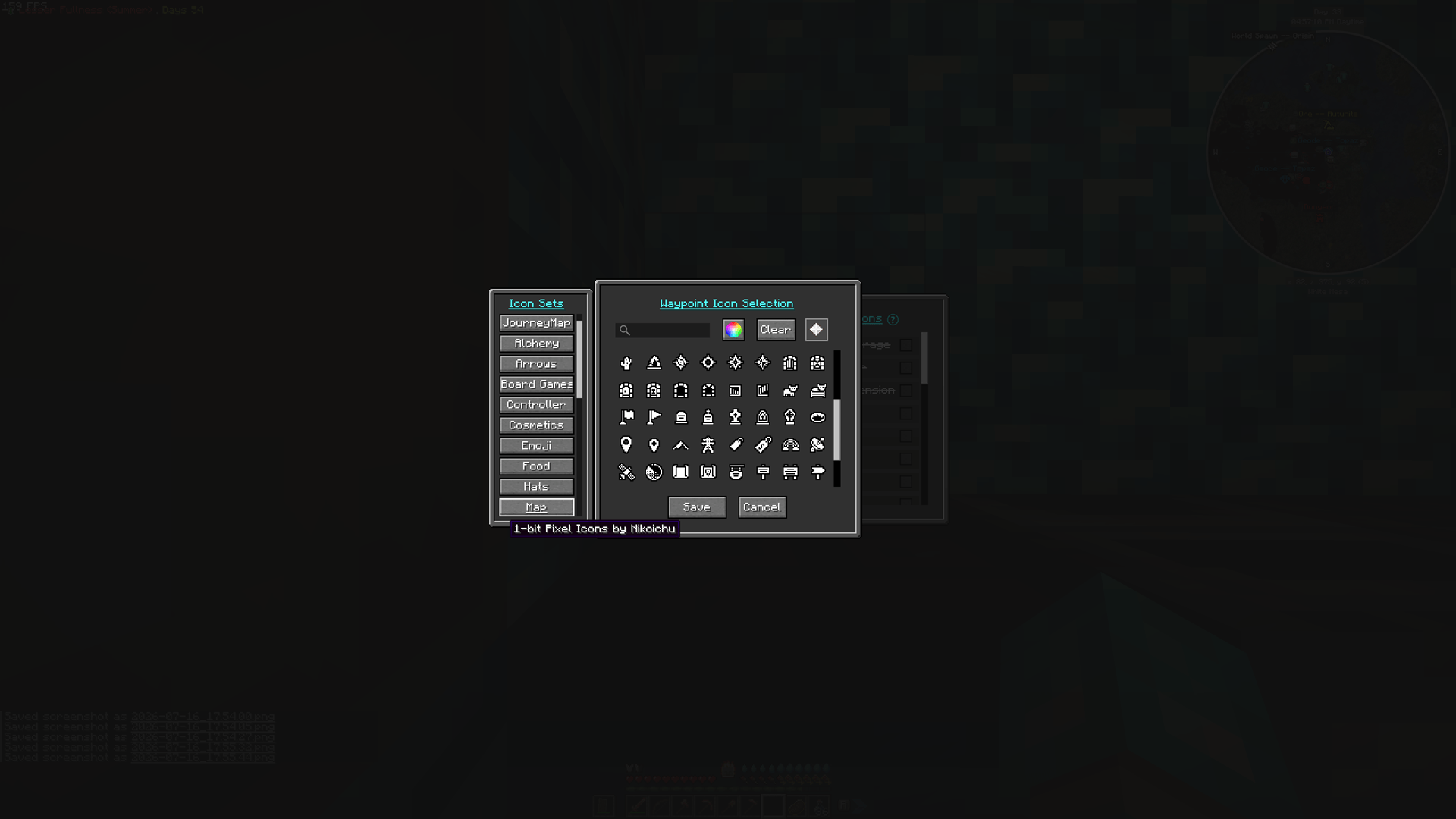
Categories include dozens of related icons rather than only a handful of variations.
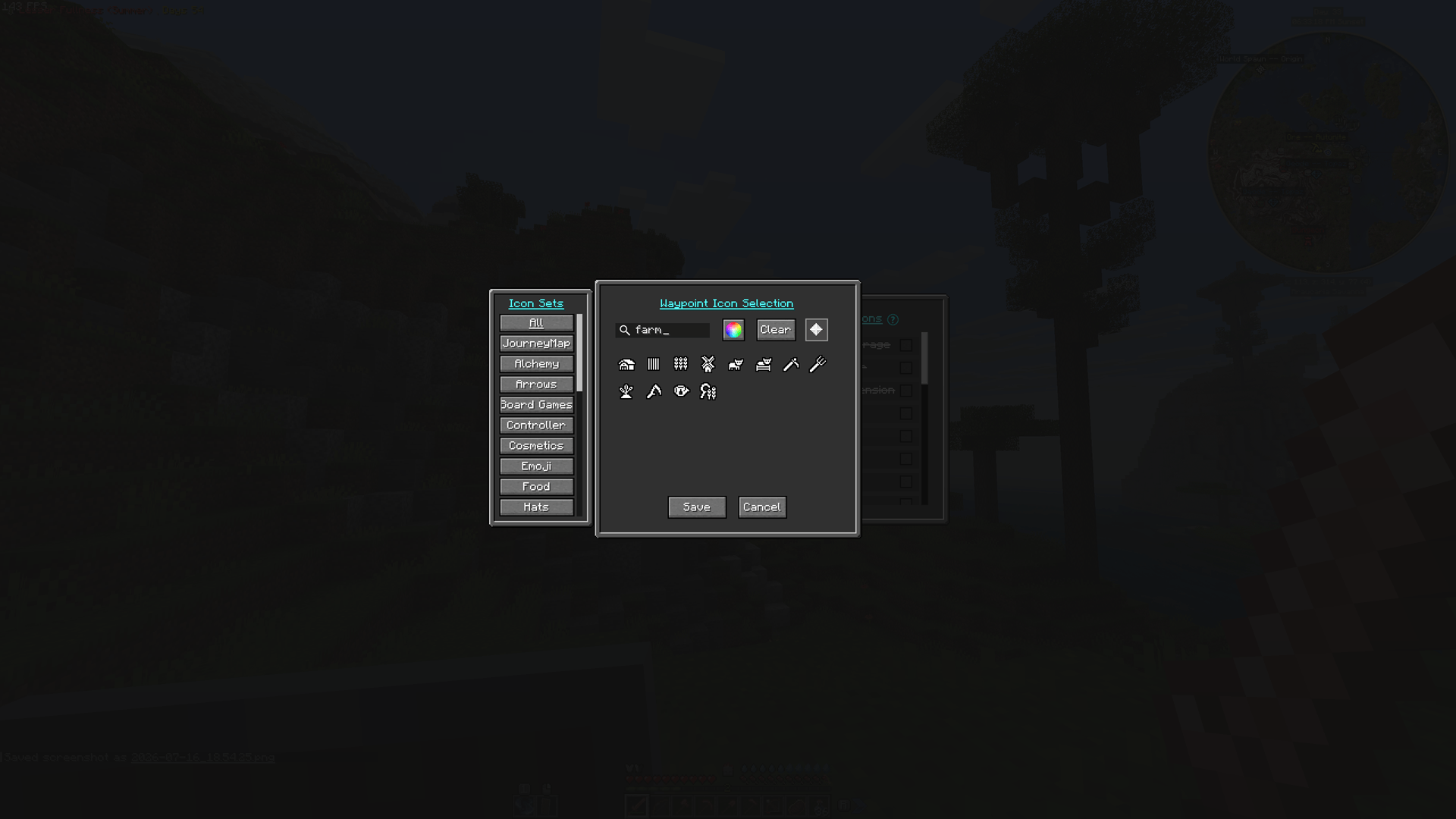
Search across all icon sets using JourneyMap’s built-in search. Descriptive filenames make it easy to find related markers, such as these farming icons, without knowing which category they belong to.
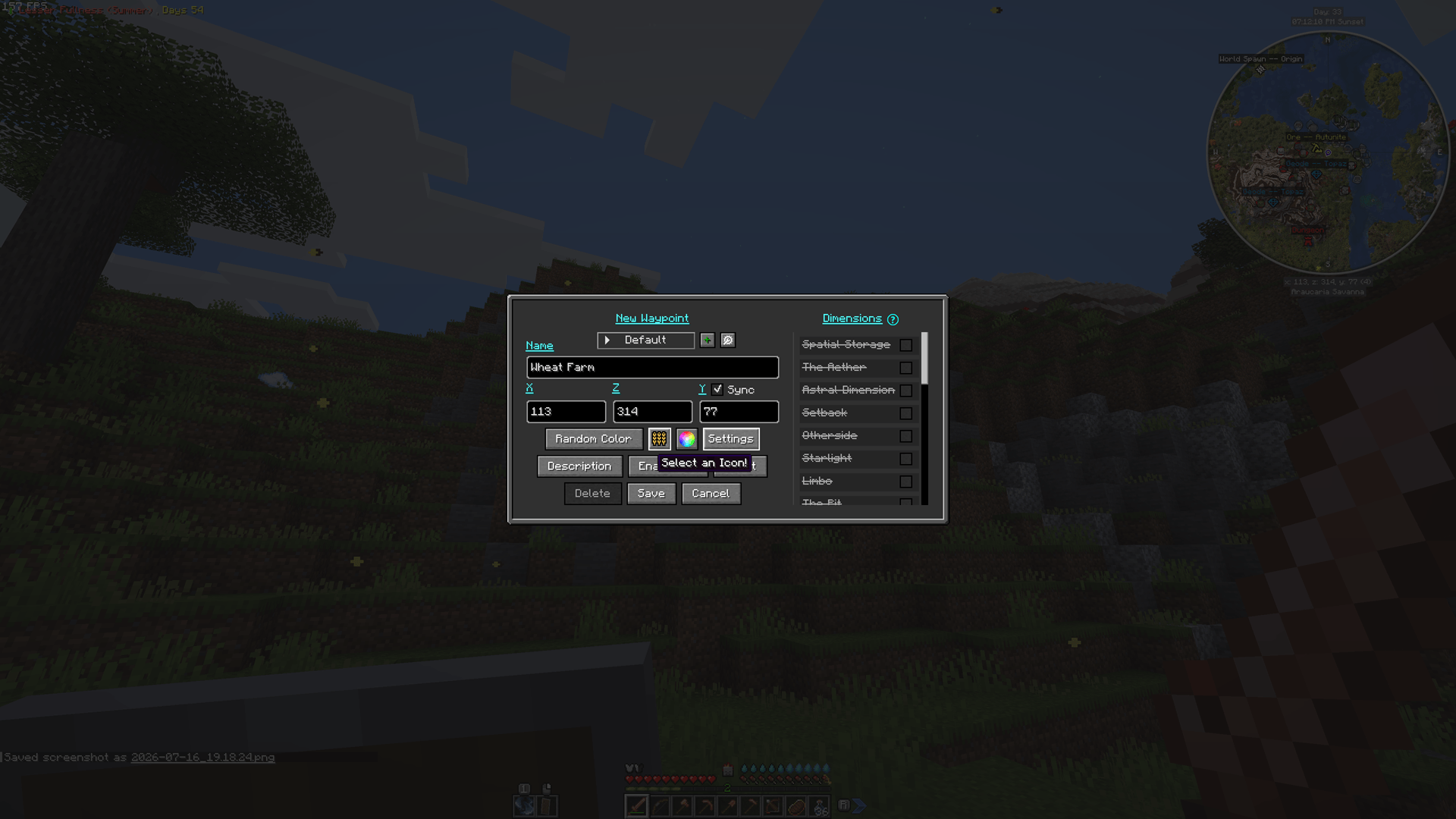
Preview and assign a custom icon while creating a waypoint, with each design remaining clear and recognizable in JourneyMap’s "New Waypoint" editor.
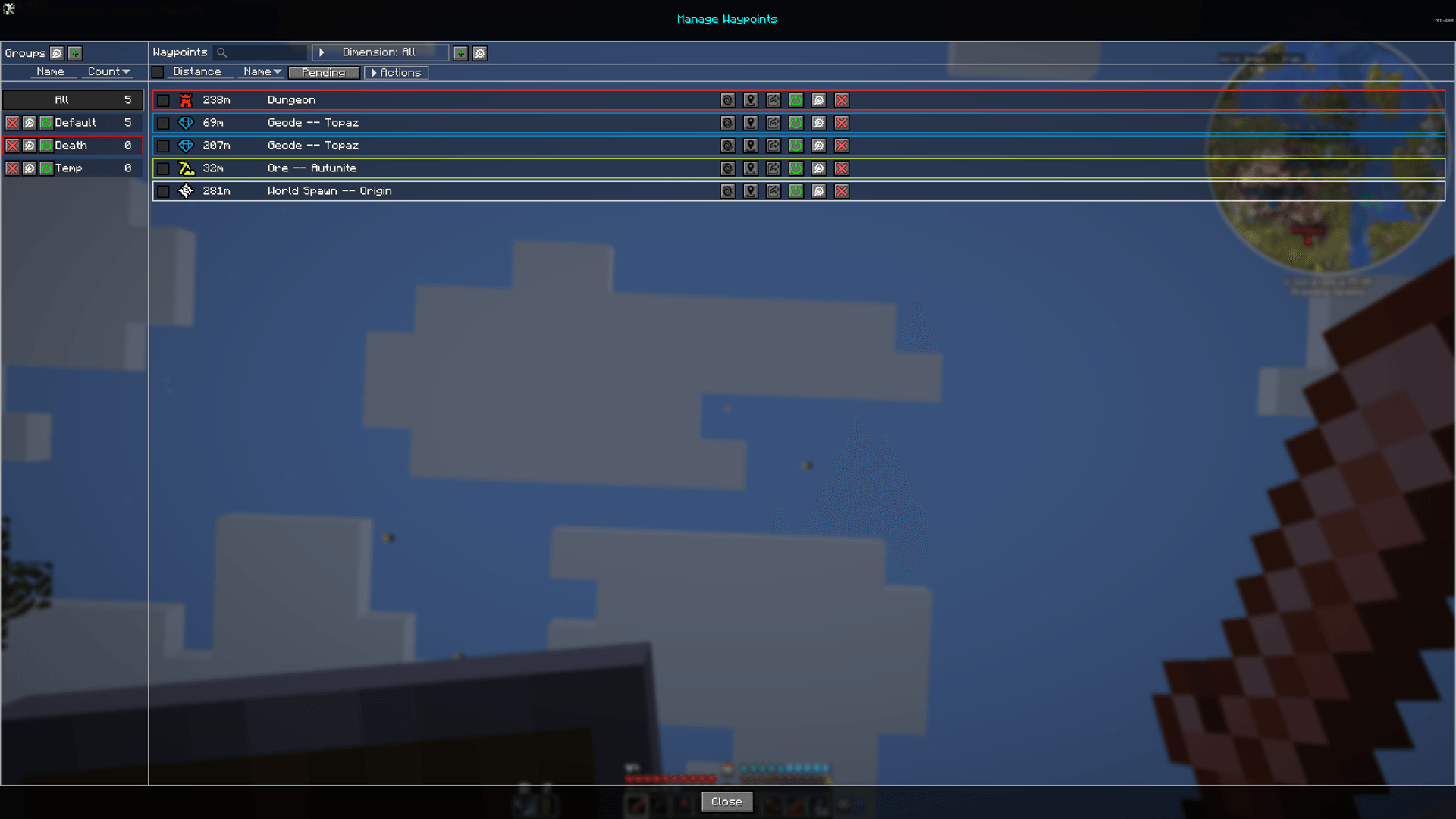
Custom icons remain crisp, recognizable, and easy to distinguish in JourneyMap’s waypoint manager.
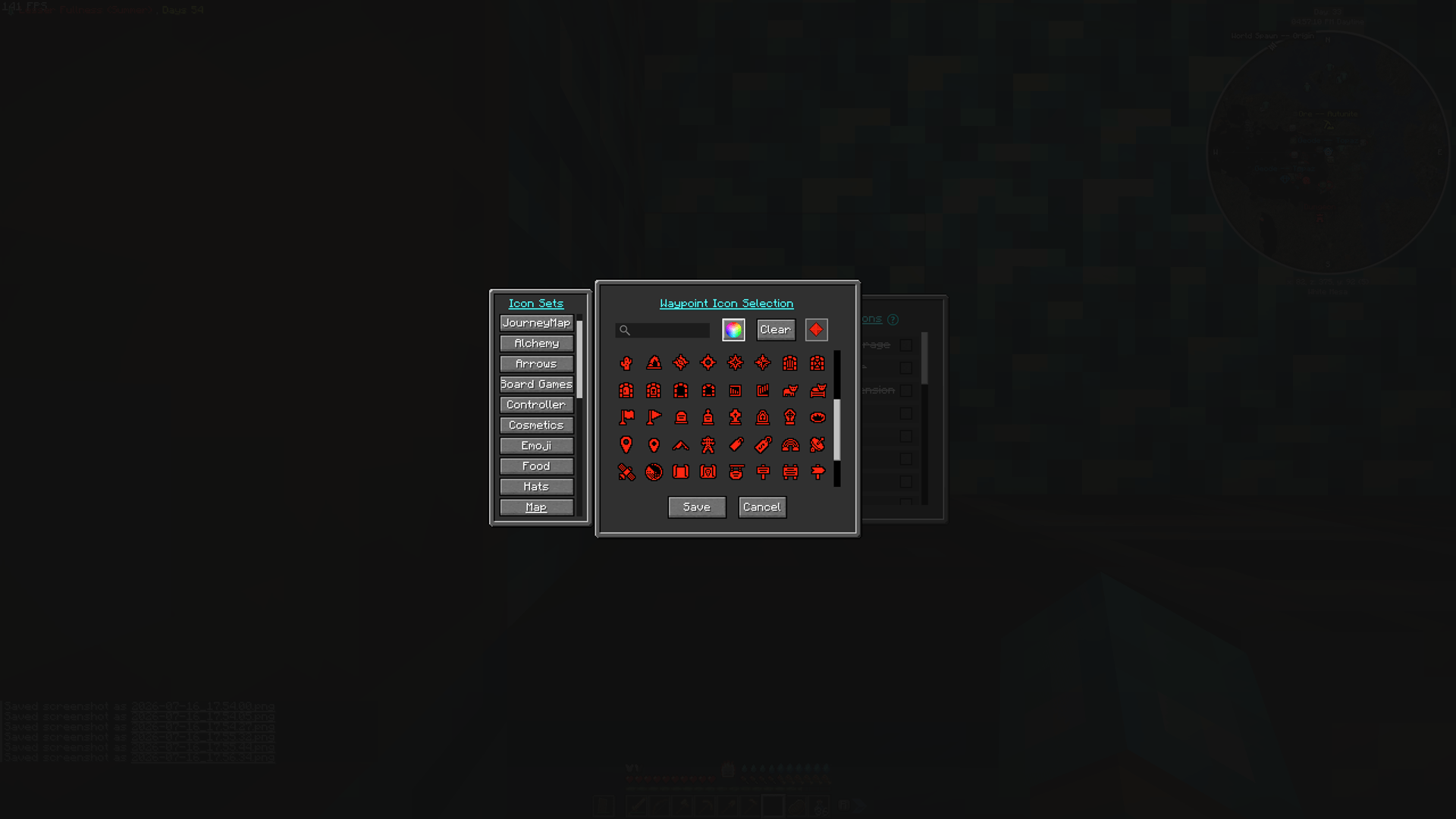
The monochrome icons remain crisp and readable when tinted using JourneyMap's waypoint color picker.
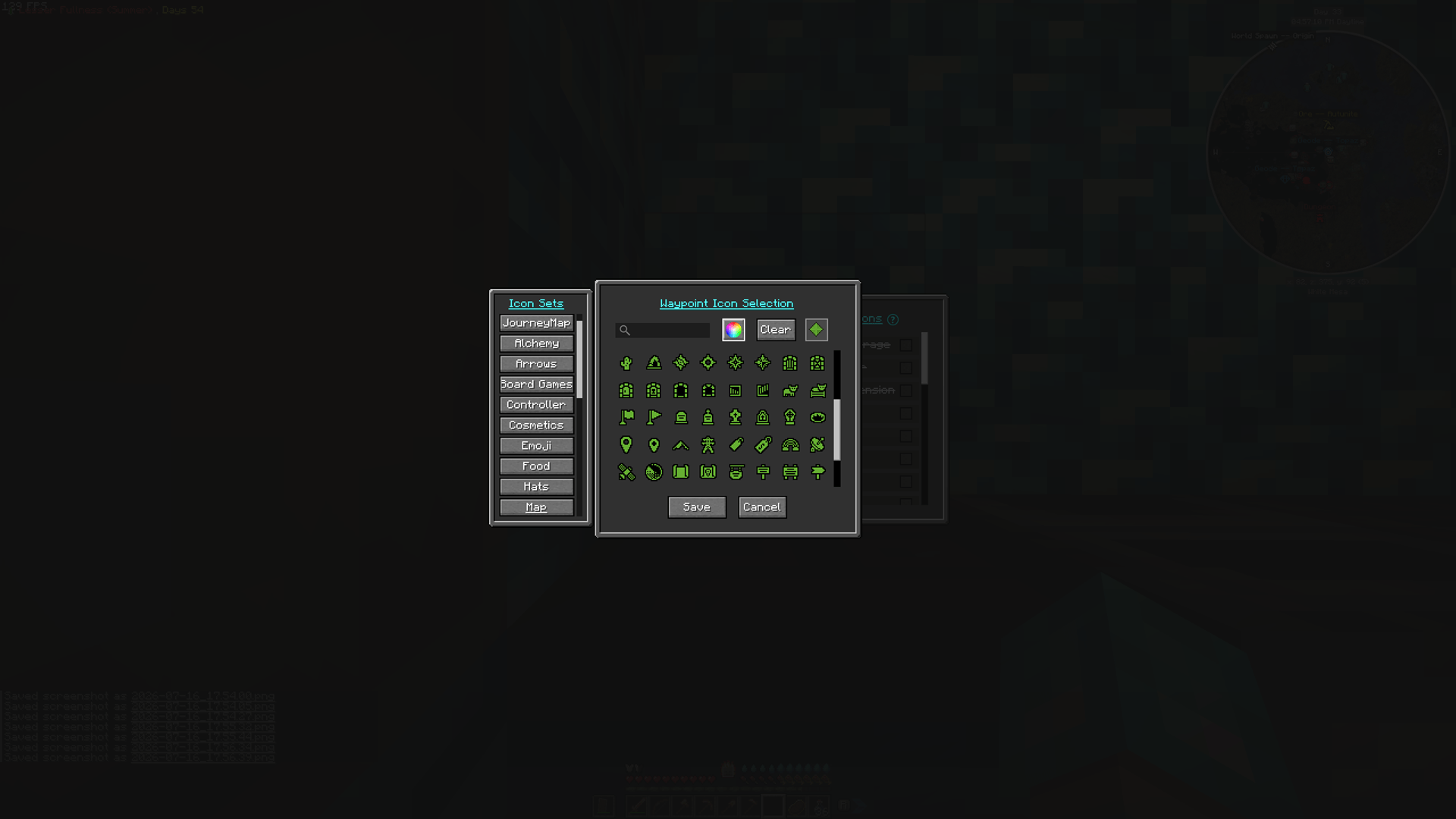
High-contrast artwork preserves icon detail across different waypoint colors.
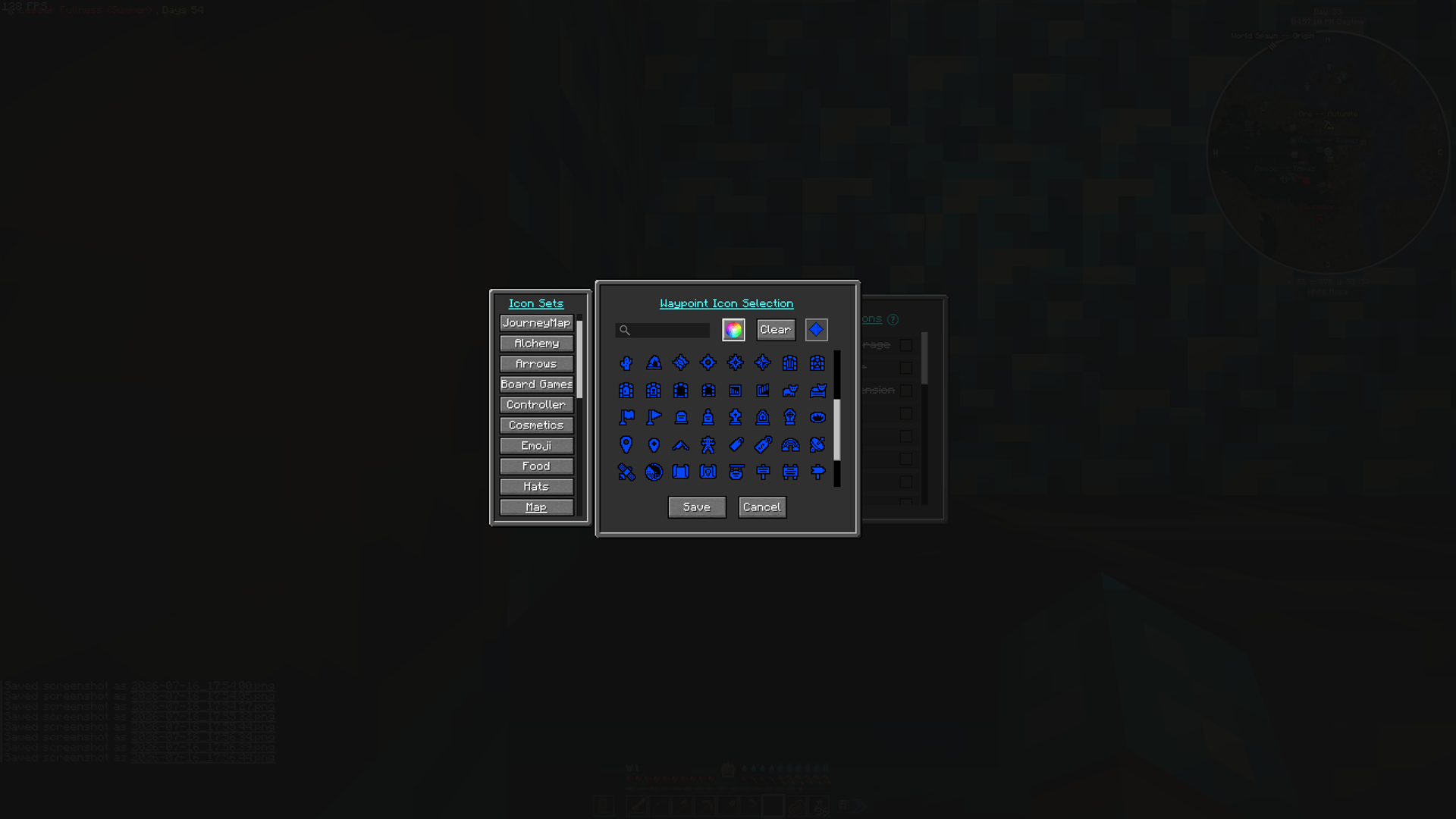
Designed to work naturally with JourneyMap's built-in waypoint color customization.
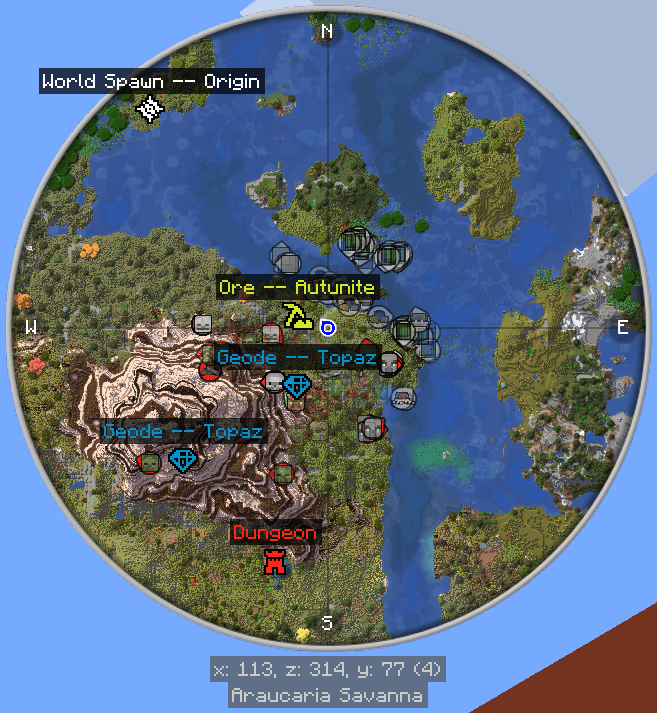
Custom waypoint icons displayed naturally on the JourneyMap minimap during normal gameplay.
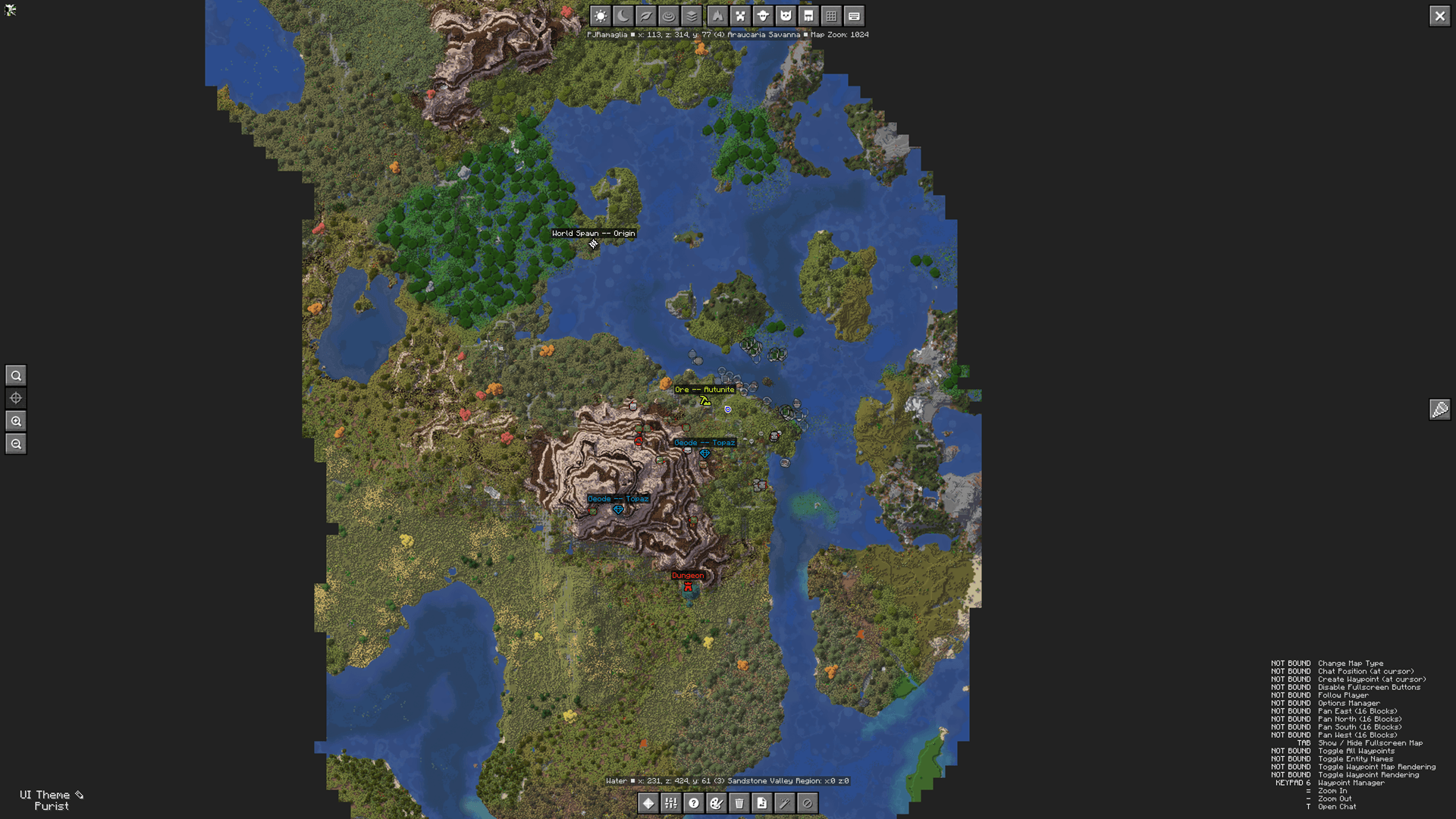
The same custom icons are also visible on JourneyMap's full-screen world map, making important locations easy to identify at a glance.