



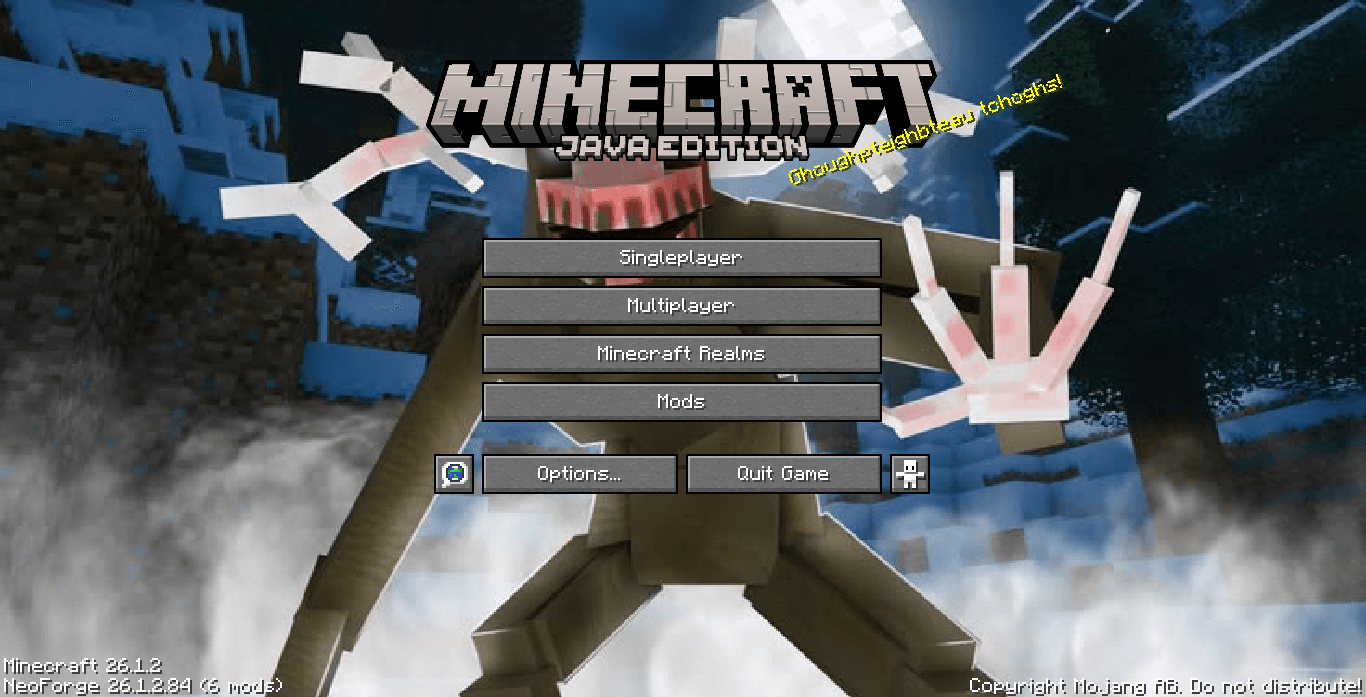
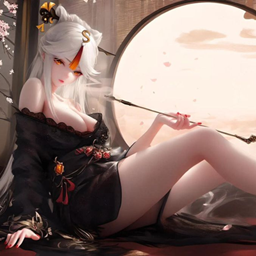
Ningguang - Menu GUI
Replaces the default Minecraft main menu panorama with an elegant artwork of Ningguang resting in a traditional setting. Lightweight & UI-only!
- 297
- August 6, 2026

GTA San Andreas - Menu GUI
"Ah shit, here we go again." Bring legendary 2000s nostalgia right to your title screen!
- 433
- July 30, 2026
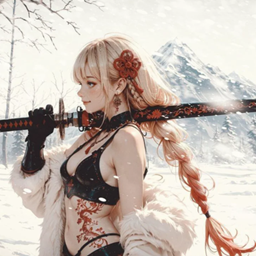
Winter Katana - Menu GUI
Give your title screen a cold, sharp, and cinematic transformation!
- 352
- July 27, 2026
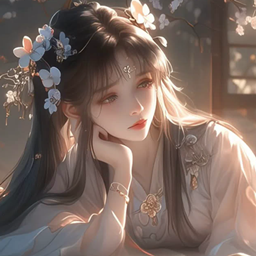
Ningguang - Menu GUI
Replaces the default Minecraft main menu panorama with an elegant artwork of Ningguang resting in a traditional setting. Lightweight & UI-only!
- 297
- August 6, 2026
GTA San Andreas - Menu GUI
"Ah shit, here we go again." Bring legendary 2000s nostalgia right to your title screen!
- 433
- July 30, 2026
Winter Katana - Menu GUI
Give your title screen a cold, sharp, and cinematic transformation!
- 352
- July 27, 2026