🛡️ Clean Armor Bar
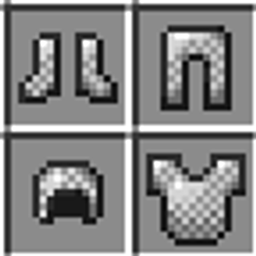
Clean Armor Bar is a simple, lightweight resource pack that completely removes the empty armor icons from your HUD. It declutters your screen when you aren't wearing full armor, giving you a sleek, minimalist interface.
✨ Features
Cleaner HUD: Removes the faint, empty armor slot outlines when you have no armor equipped.
100% Vanilla Friendly: Armor points show up normally as soon as you put on armor pieces.
Zero Lag: Highly optimized pure texture tweak with no performance impact.
Universal Compatibility: Works seamlessly alongside other resource packs (just place it at the top of your Resource Packs list).
📥 Installation
-
Download the
.zipfile. -
Open Minecraft and go to Options > Resource Packs.
-
Click Open Pack Folder and drop the
.zipfile inside. -
Move Clean Armor Bar to the top of your active packs list and click Done!
The Clean Armor Bar Team