Château & Caliber CG
- By
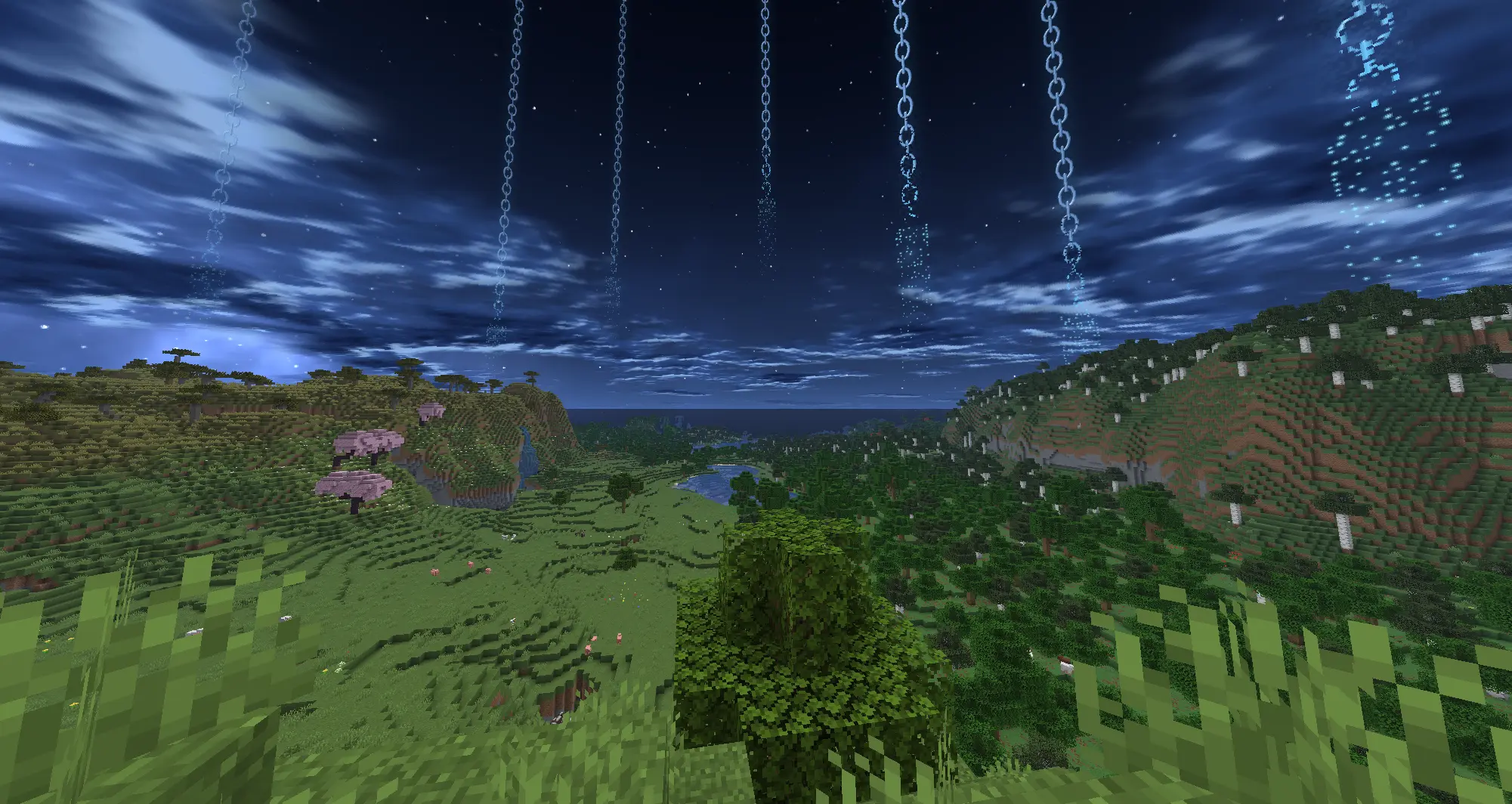
A premium tactical resource pack featuring a protected V6 neon-cyan sky grid with custom movement animations and dynamic lightning flashes. Built for Fabric (Nuit).
71c88748a76715f3b6b33cb36feac0af762dd7e8.webp
356b1d5b0afdd7c1b4d21fede8f92c46e3588f78.webp
ebea1821ba15287bcf8ea1131266c0eeb4fbf7d4.webp
ccecda62c8b681816bcda38aa83438a036205a4d.webp
0de9a2585c3626254e6b0d700dfeb12ae9c57ca7.webp
Description
Château & Caliber - V6 Cyan Grid Edition
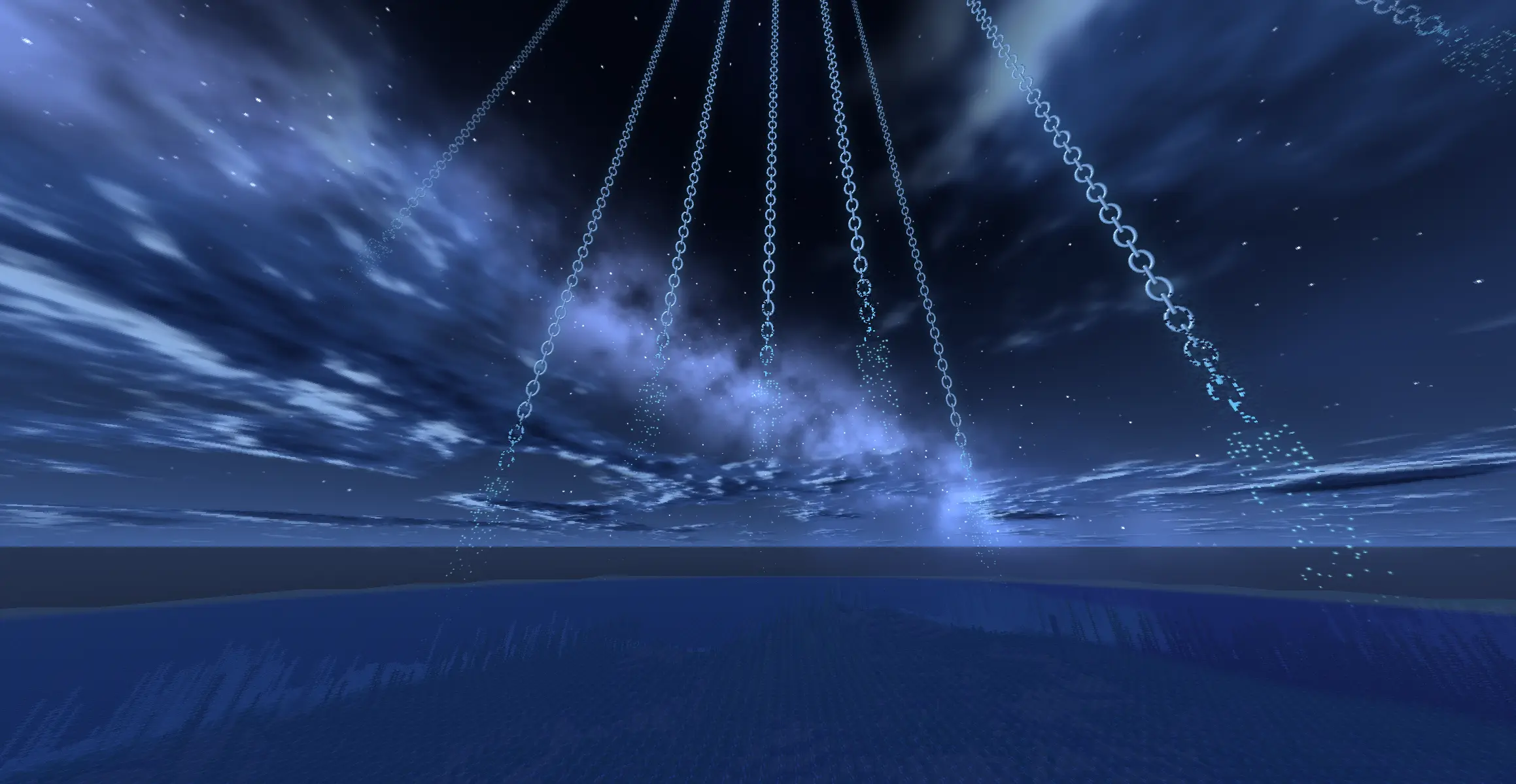
Welcome to the definitive atmospheric overhaul for competitive and tactical gameplay. This specialized edition of Château & Caliber implements a custom-engineered, high-performance skybox utilizing a sophisticated, moving neon-cyan structural grid.
Note: All custom skybox systems, texture mappings, and specific design arrangements within this release are strictly protected under the V6 configuration layout guidelines. Unauthorized redistribution or modification of these assets is prohibited.
⚡ Technical Features:
- Advanced Kinetic Sky Matrix: The structural grid is fully animated. Utilizing precise rotation parameters, the neon-cyan columns smoothly drift across the horizon, creating an ominous, evolving atmosphere without impacting client-side performance.
- Integrated Lightning Modules: Experience heightened immersion with an active environmental flash layer. Randomized, high-frequency lightning strikes rapidly illuminate the background storm clouds, casting sharp, realistic highlights onto the moving grid pillars.
- True Alpha Permanence: Engineered to bypass standard Minecraft day/night fading artifacts. The emissive blue structures maintain full visibility and crisp contrast across all time cycles—remaining perfectly readable during peak daylight and absolute night.
- Micro-Scale Density: Fine-tuned texture tiling ensures the vertical structures appear thin, intricate, and densely scattered along the horizon, eliminating clipping issues and stretched pixels.
🛠️ Required Setup & Dependencies:
To render this pack natively without breaking any existing custom item models (CIT), you must install the following client-side frameworks:
- Nuit (The core engine required to register and render custom JSON skybox layers on Fabric)
- Nuit Interop (Ensures full compatibility with Iris/Oculus shaders and handles modern asset redirection)
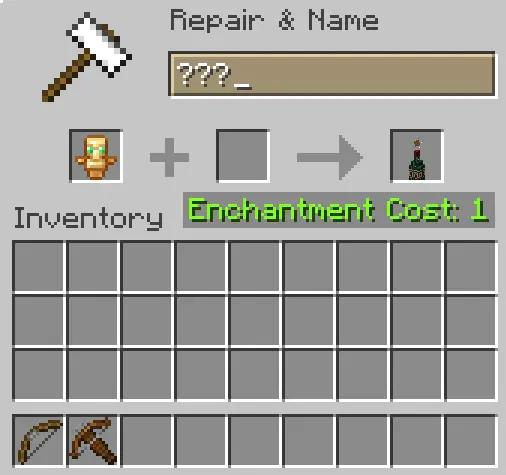
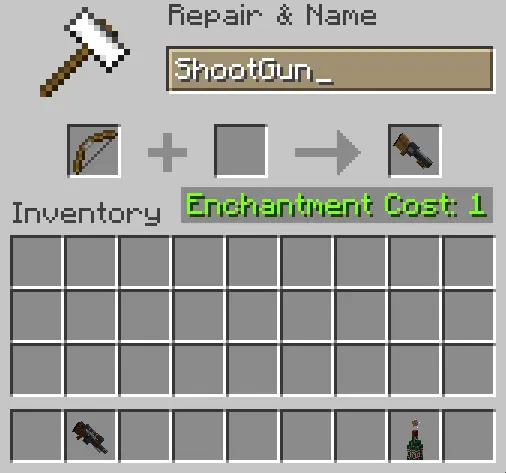
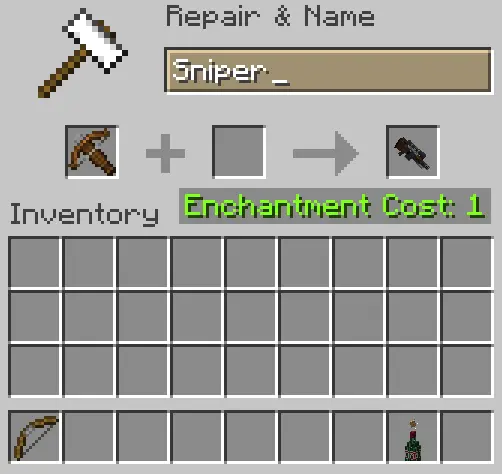
- CIT Resewn (Re-implements the legacy OptiFine Custom Item Textures API natively on Fabric, allowing the specialized 32x tactical weapon models, custom item textures, and specific item variants to load correctly without the need for OptiFine)
📂 Installation Guide:
- Download the .zip archive from the Versions tab.
- Drop the file directly into your
.minecraft/resourcepacks/directory. - Verify that Nuit, Nuit Interop, and CIT Resewn are active in your Fabric mods folder.
- Enable the pack in-game via the Resource Packs menu.
Engineered for competitive visibility, fully server-safe, and highly optimized for modern Fabric rendering pipelines. ~~~
Château & Caliber CG Team