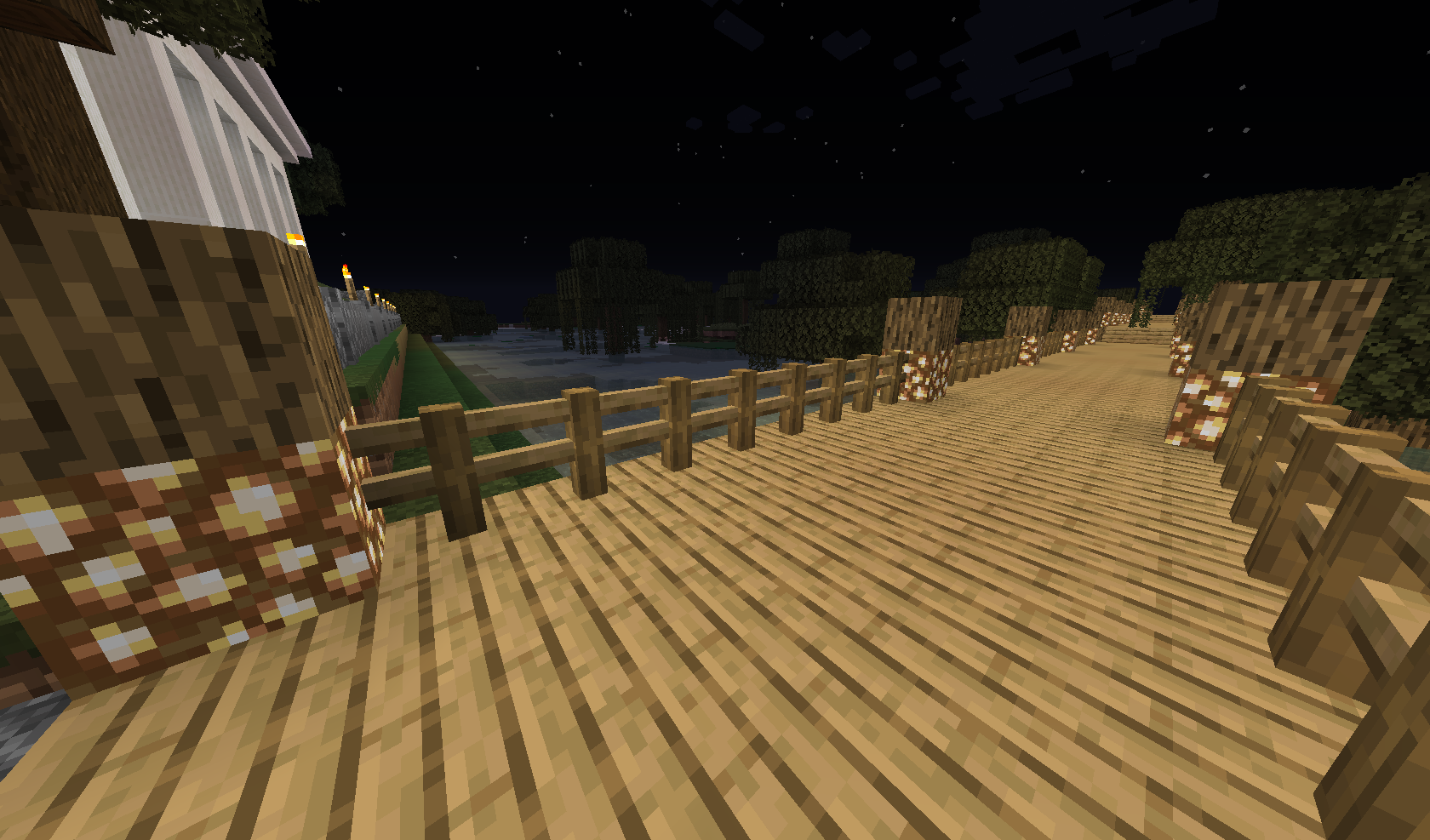
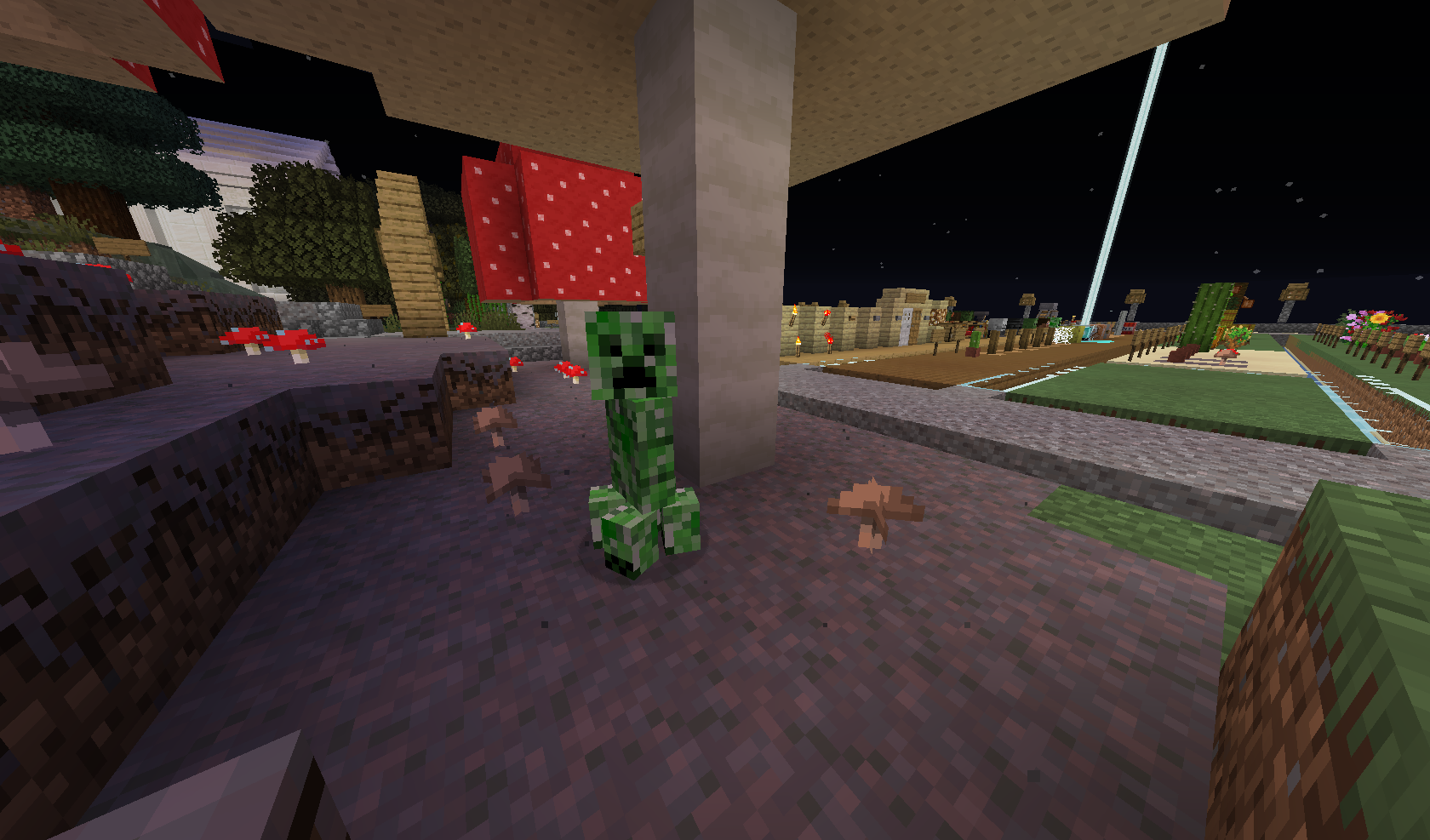
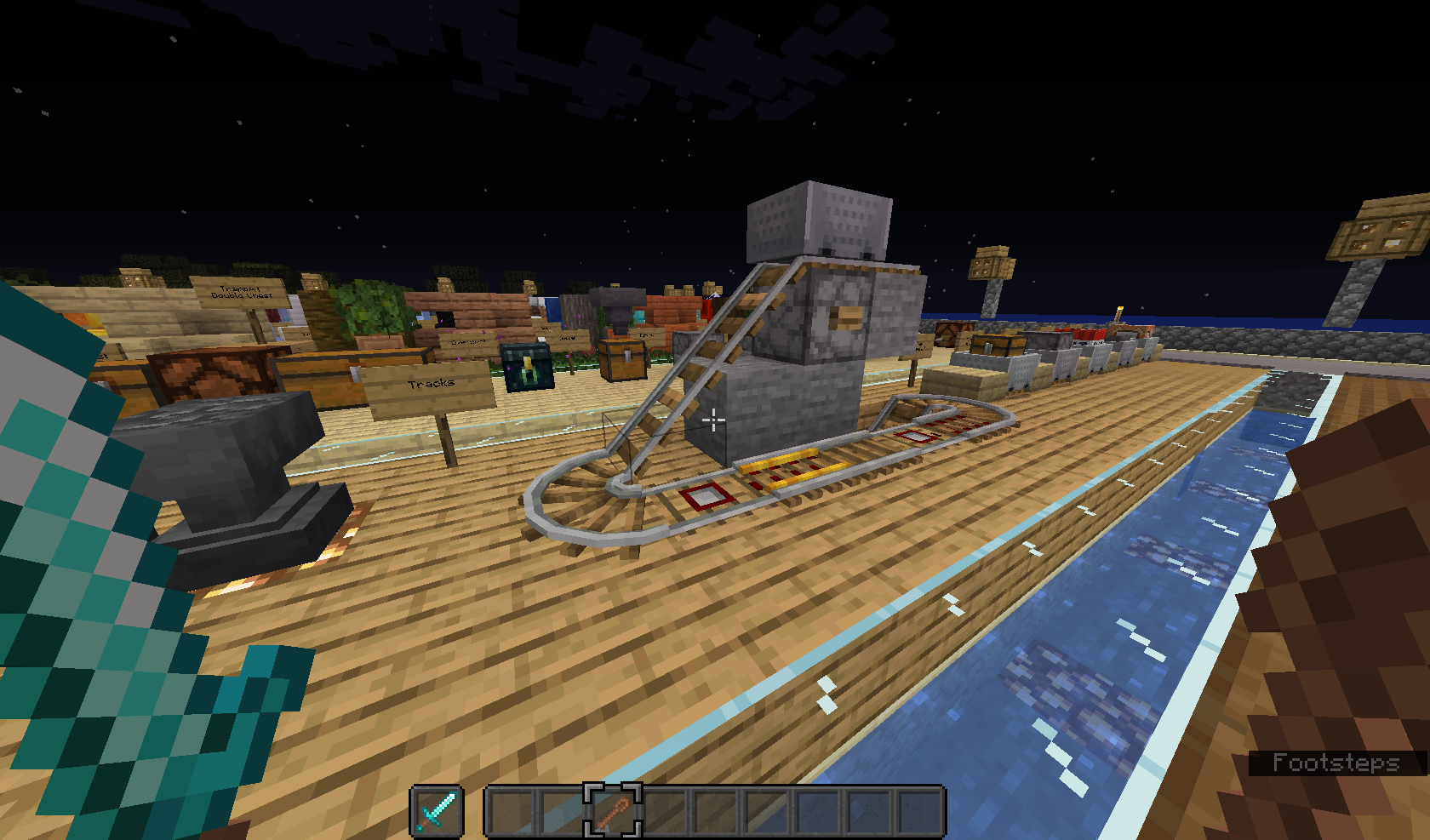
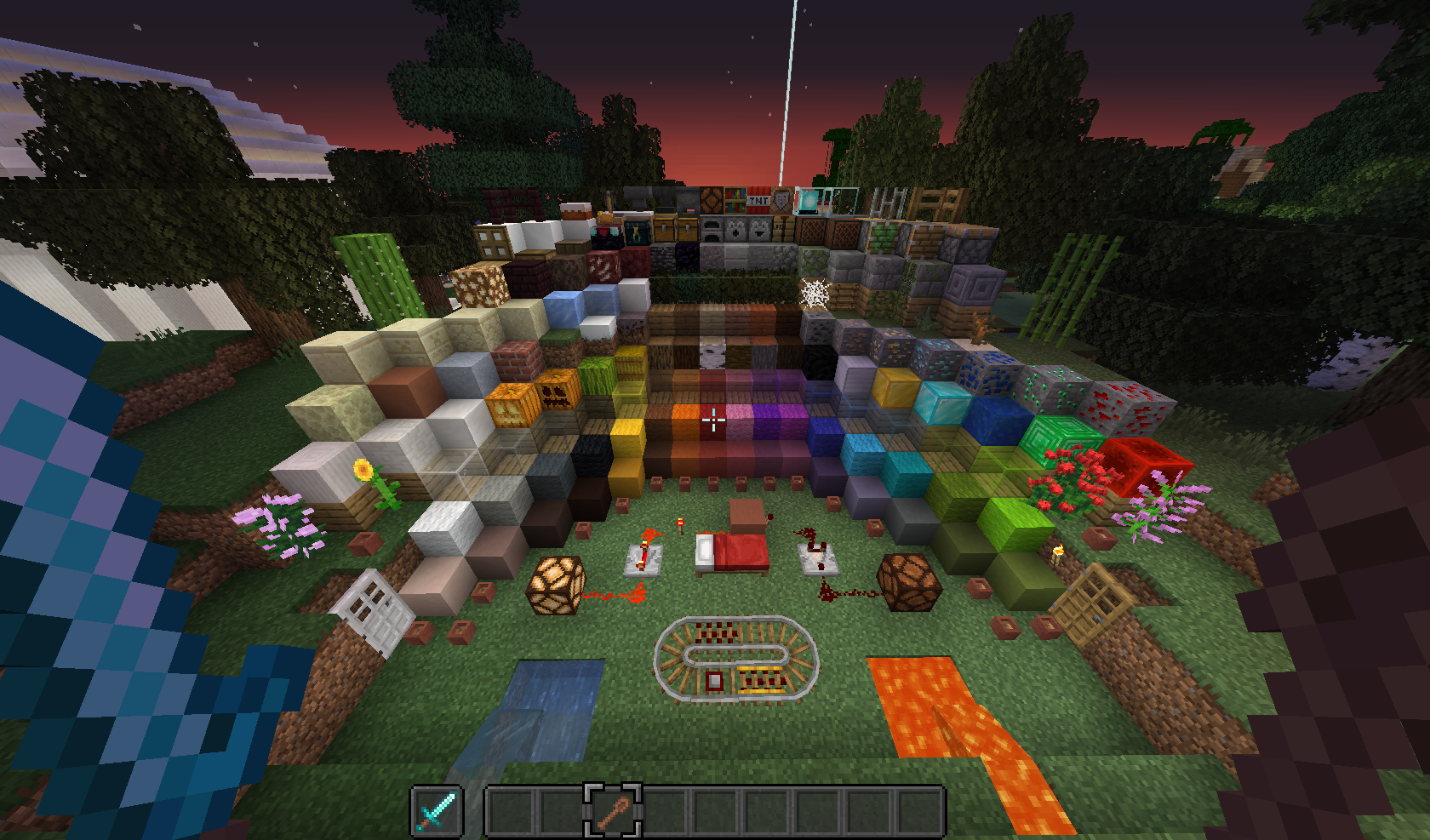
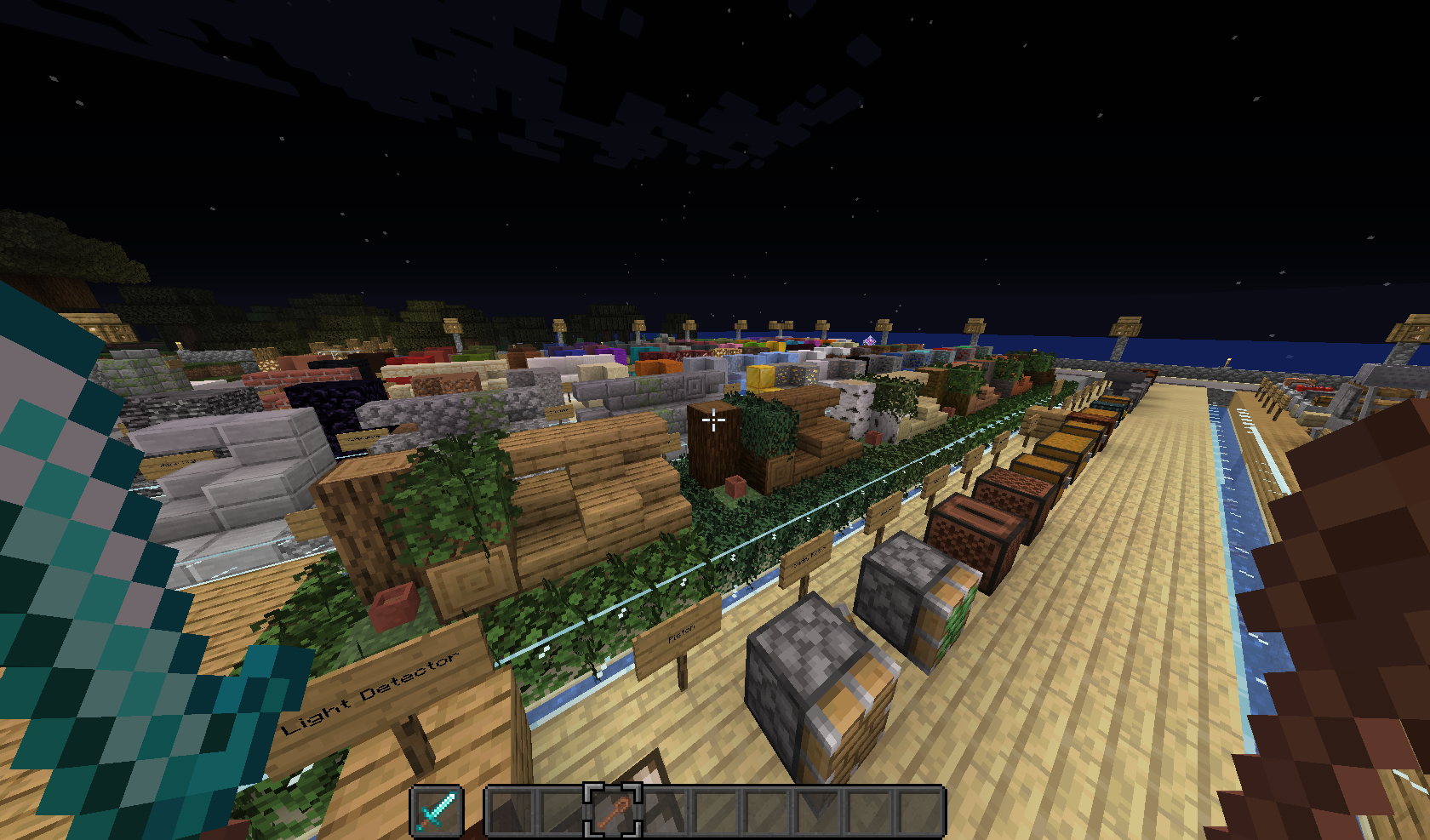
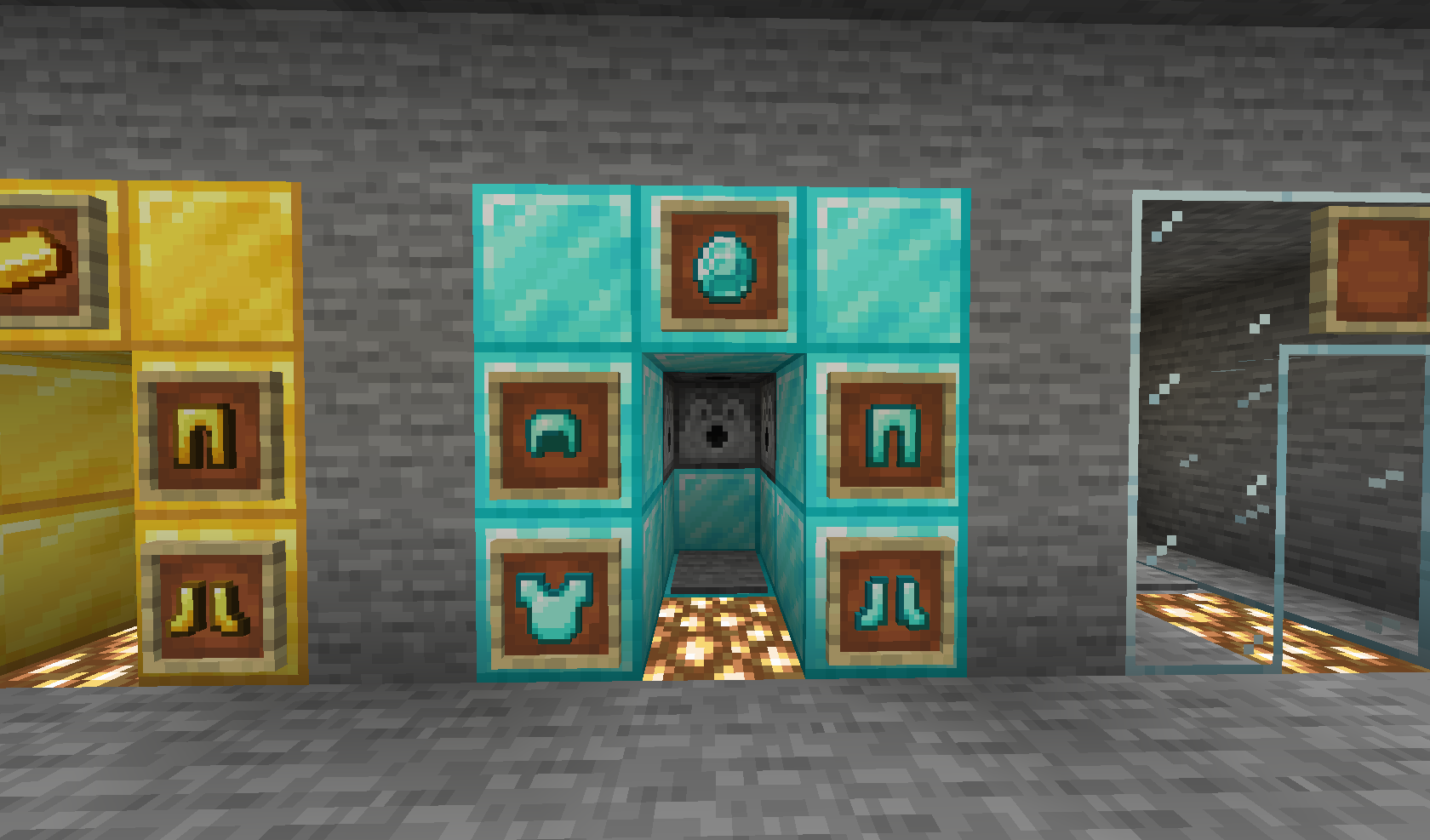
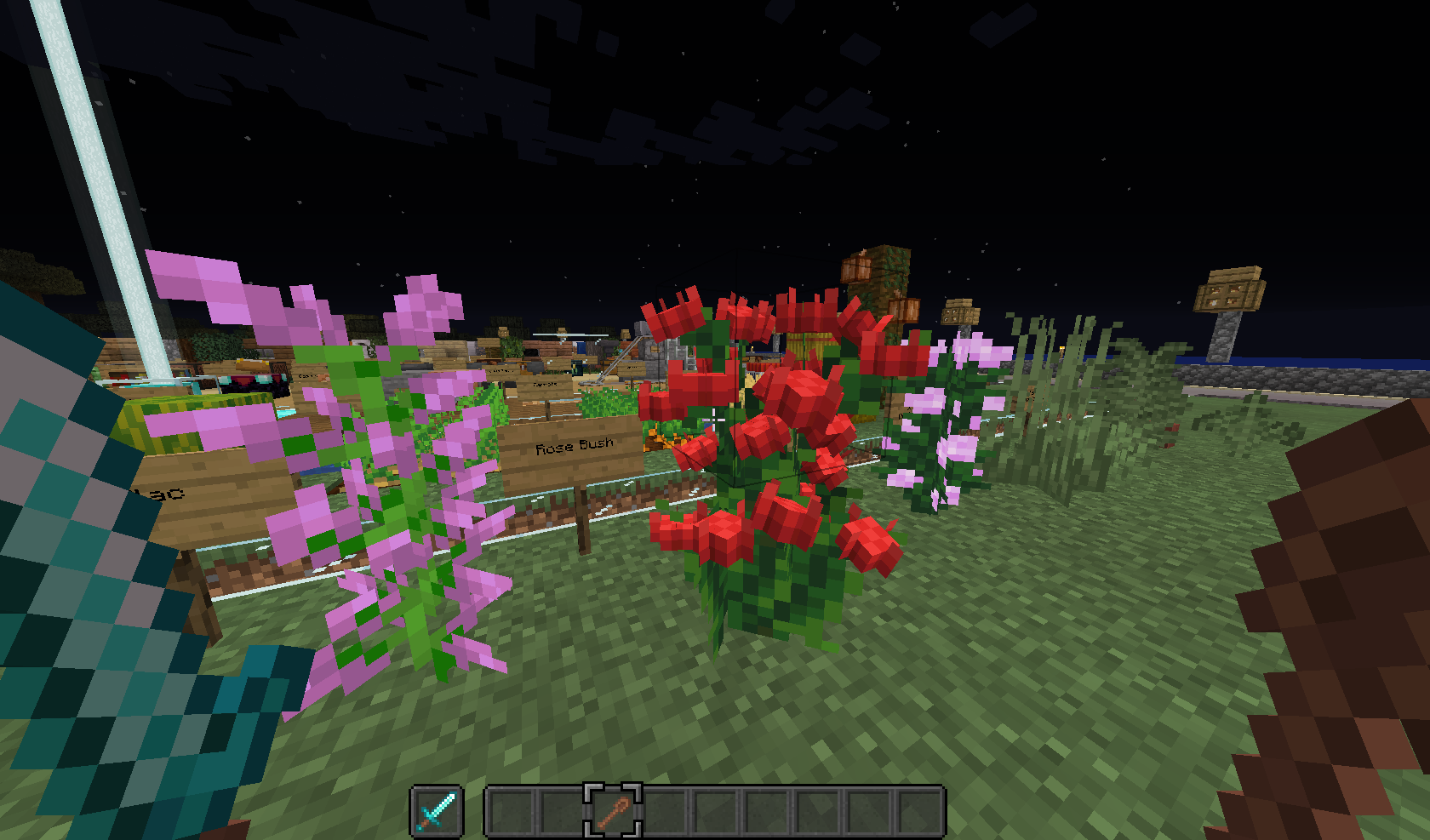
Welcome to Calvar!
A vanilla enhancing resource pack made with love, passion and spare time.
Calvar
Here are some notes to consider:
- Please read everything down below, it wil give you information about copyright, credits and creator links.
- When you search through the files of this pack, you might stumble upon some files that weren't used in the resource pack. This were tries for my own, and I wanted to include them for you to explore. If you have some basic knowledge of resource pack making, you can change the textures and models to be these tries, if you prefer them or just want to have a look at them in-game.
Creator Links
Credits
INSPIRATION
fWhip (https://www.youtube.com/c/fWhip):
u/Yerm_Terragon (https://www.reddit.com/user/Yerm_Terragon)
Pixel Brew (https://www.youtube.com/c/PixelBrew)
- light blue glazed terracotta
Skaliber (https://www.youtube.com/channel/UCZqcl6IU1nCdHFp7GsNTwZQ)
u/shromped (https://www.reddit.com/user/shromped)
ASSETS
Vanillatweaks (https://vanillatweaks.net/)
Copyright
This resource pack was made by lajawi (https://www.curseforge.com/members/lajawi/projects)
It is not to be distributed and all assets within said resource pack are under the copyright of lajawi, unless otherwise stated on the CurseForge-site of this pack or permission by the creator, lajawi.
©lajawi 2021: All rights Reserved
How to install
- Download the resource pack, you should get a .zip file
- Open the folder to which you downloaded the file
- Copy the .zip file
- Open Minecraft
- In Minecraft, click on "Options", then "Resource Packs"
- Choose "Open resource pack folder"
- Paste the file into the resource folder in Minecraft
- Go back to Minecraft, the resource pack should now be listed (if not listed then go to the main menu by pressing Esc and repeat step 5) and you can activate it by choosing it and hitting "Done". The game will now reload itself.
This snippet was taken from https://minecraft.fandom.com/wiki/Tutorials/Loading_a_resource_pack#Any_platform, for more info and direct methods for the different softwares, Linux, MacOS and Windows, look at https://minecraft.fandom.com/wiki/Tutorials/Loading_a_resource_pack#Direct_methods