promotional bannermobile promotional banner

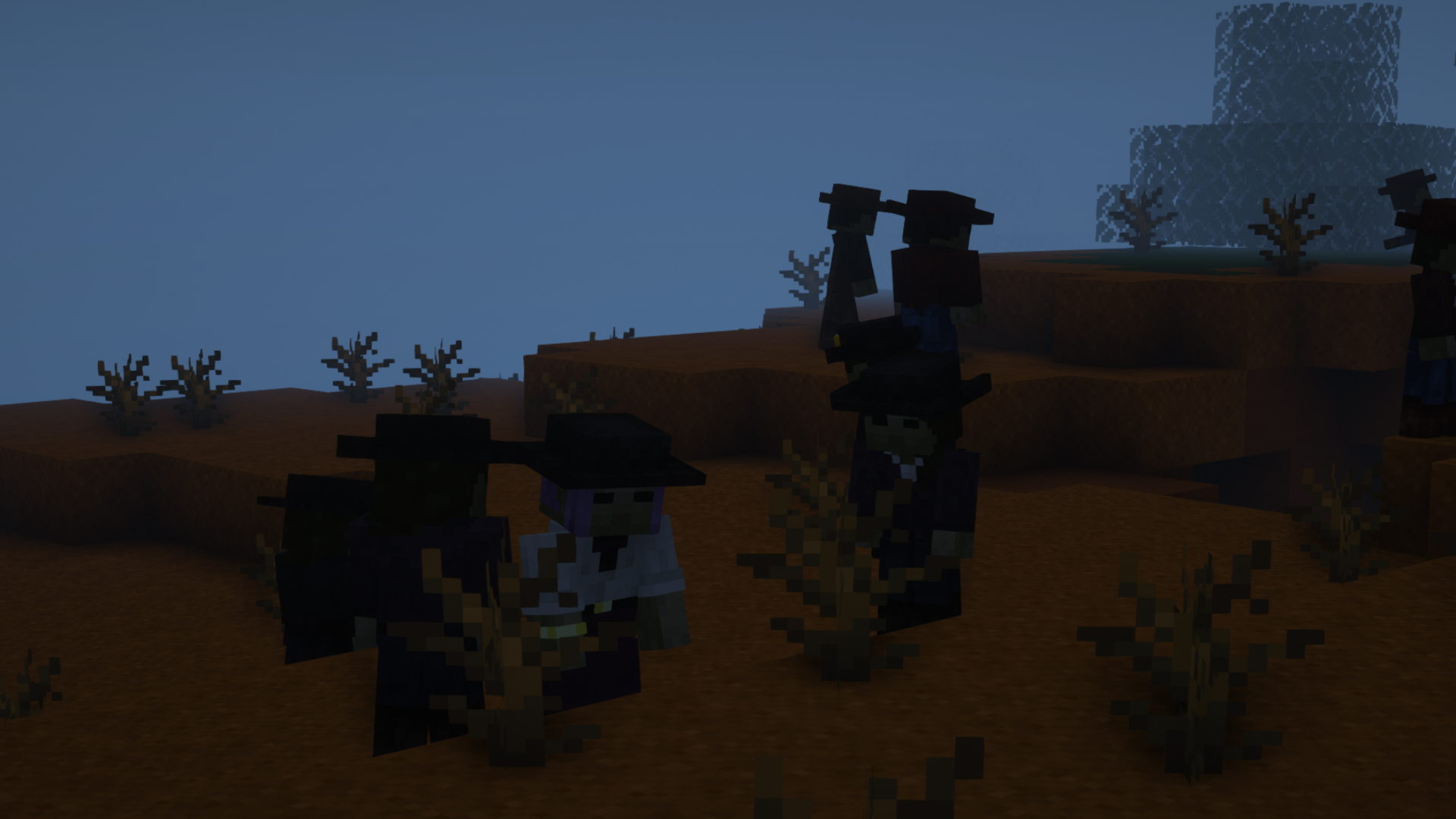
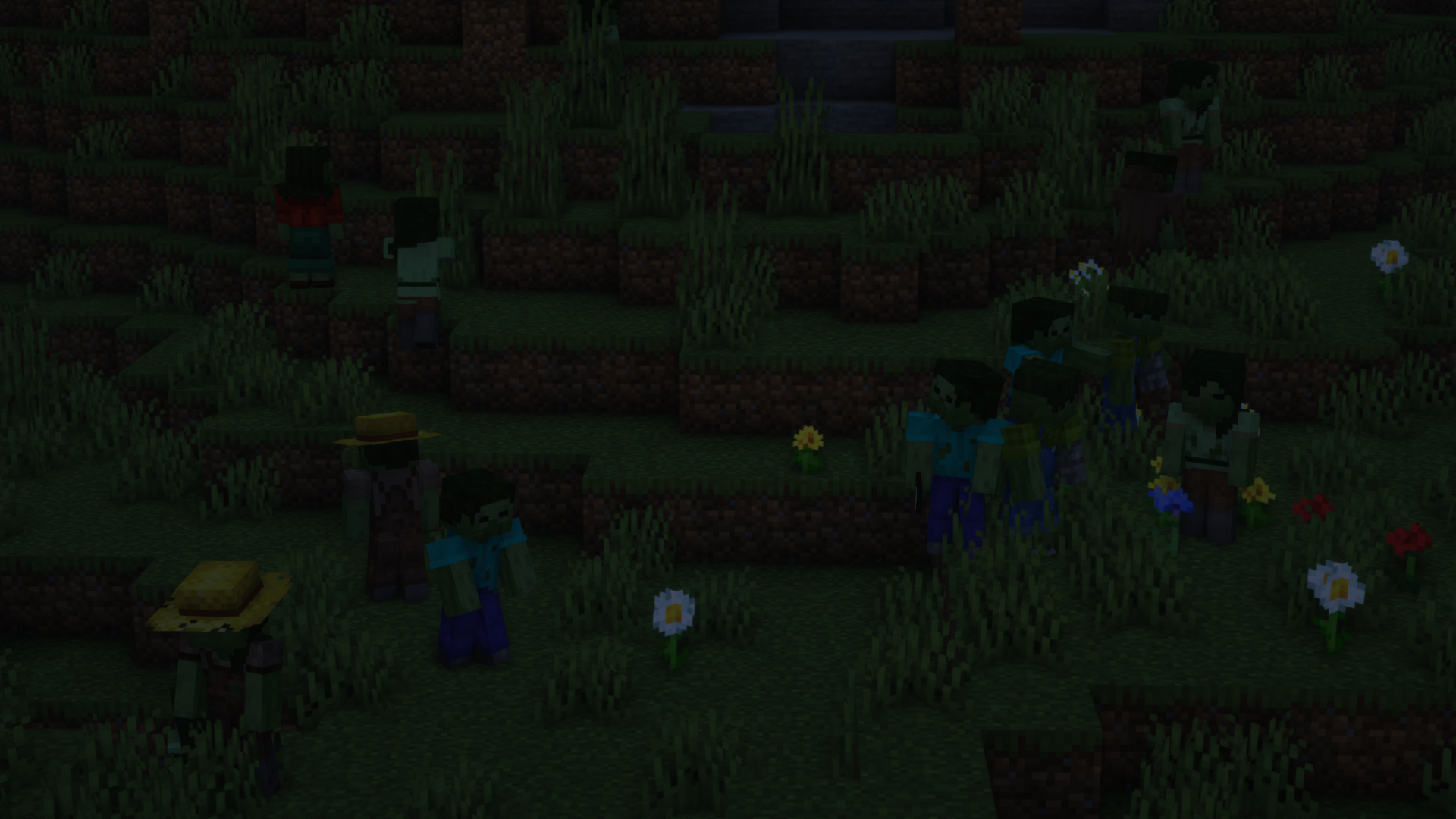
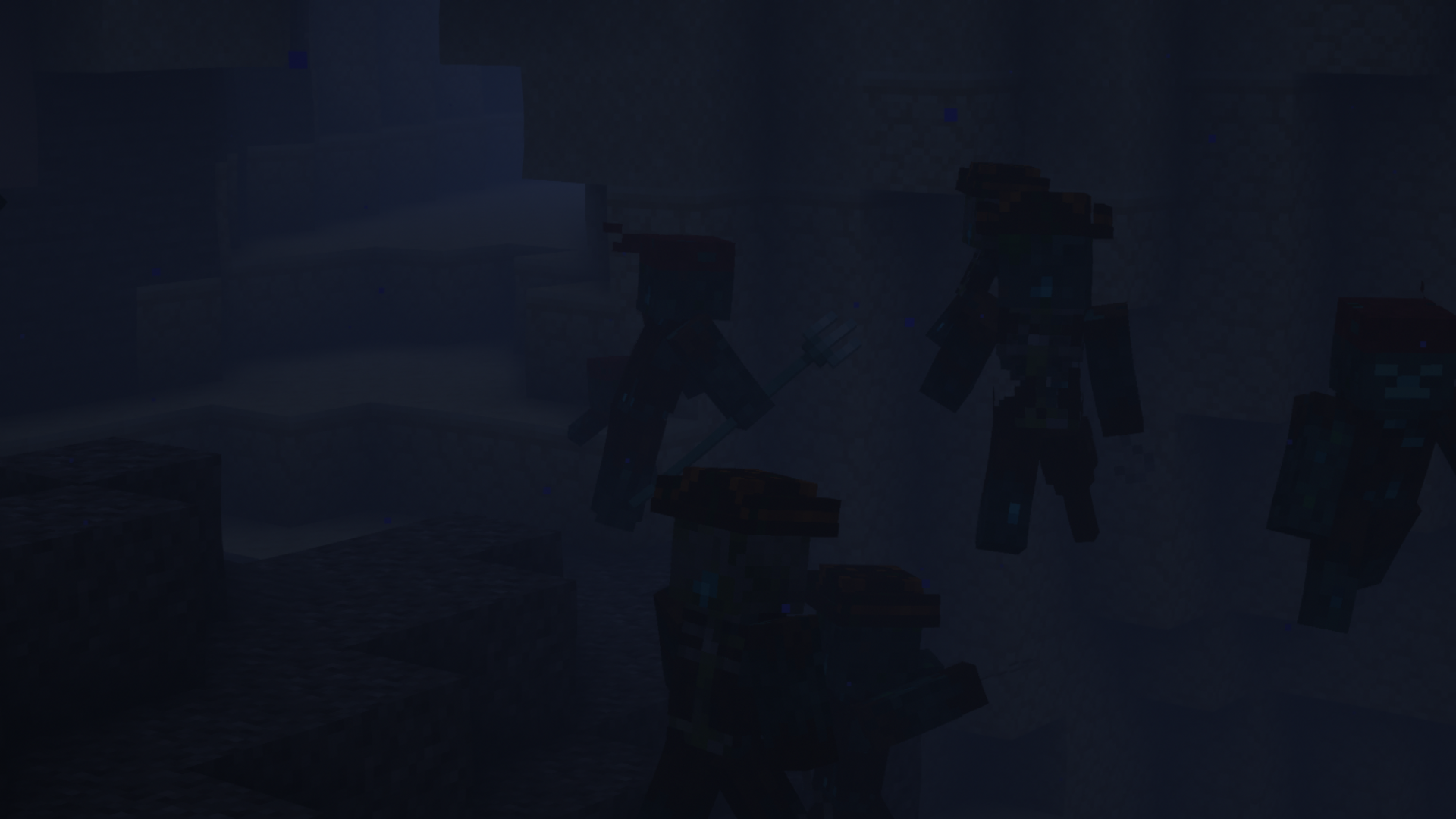
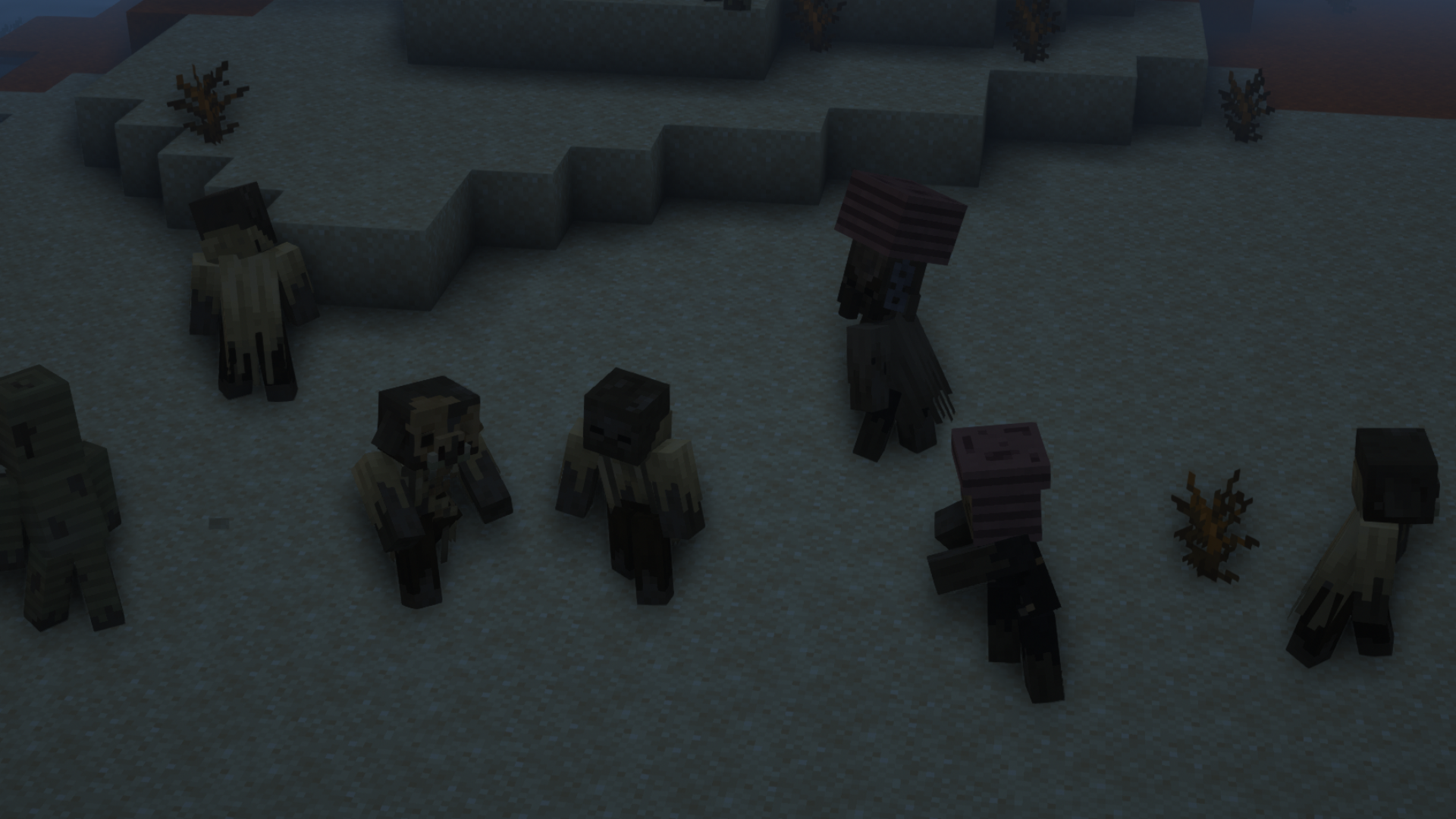
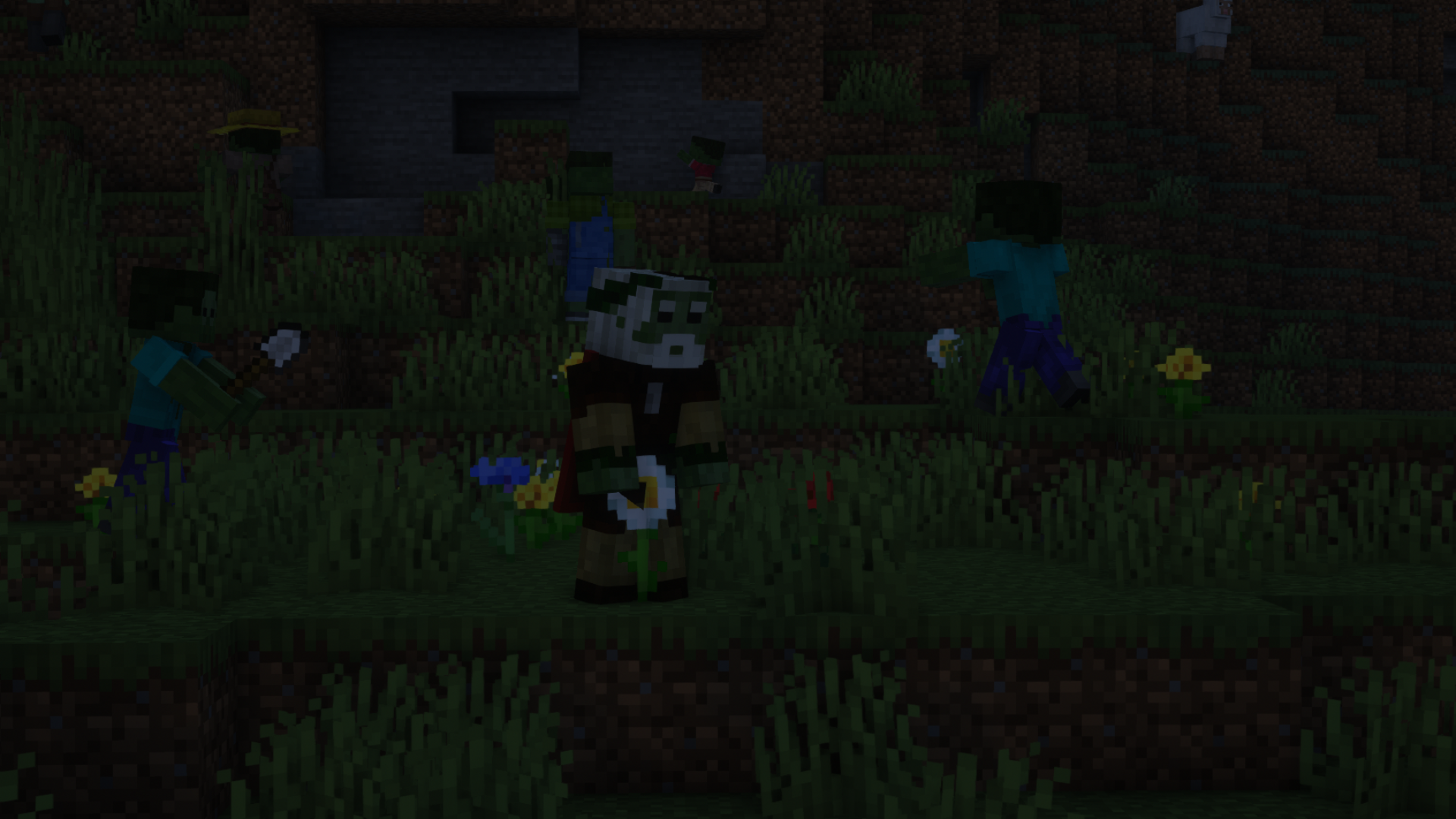
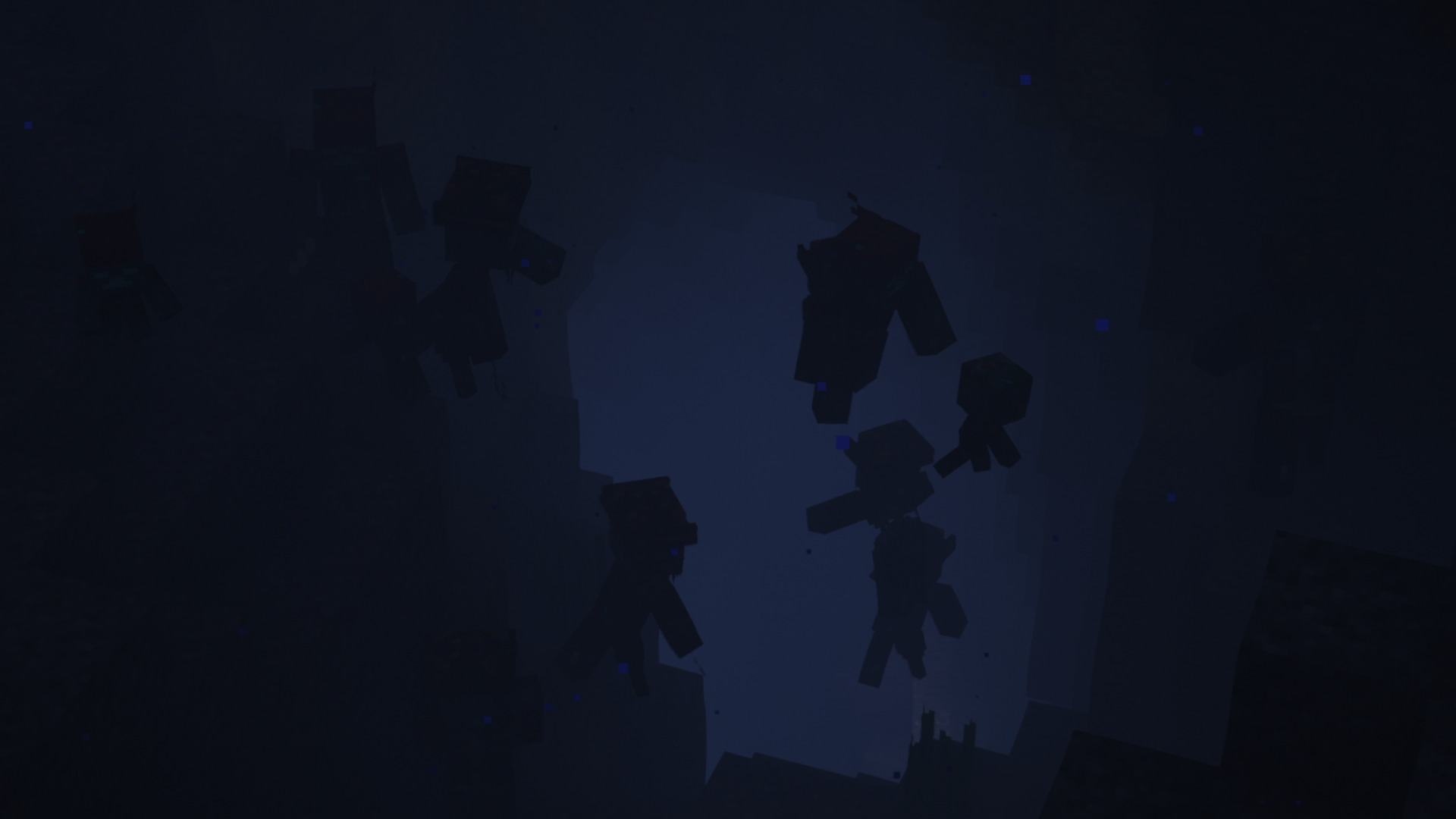
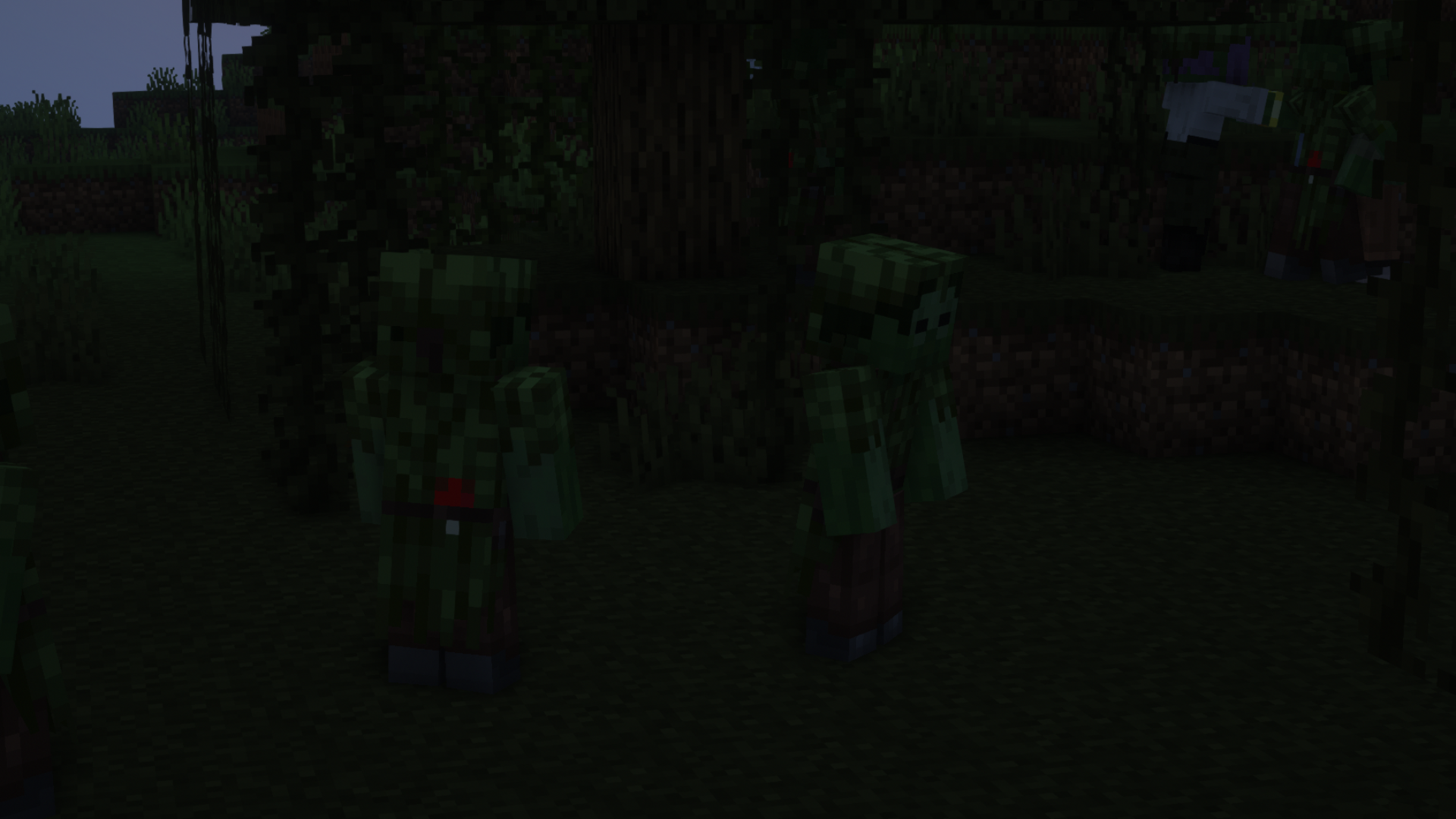
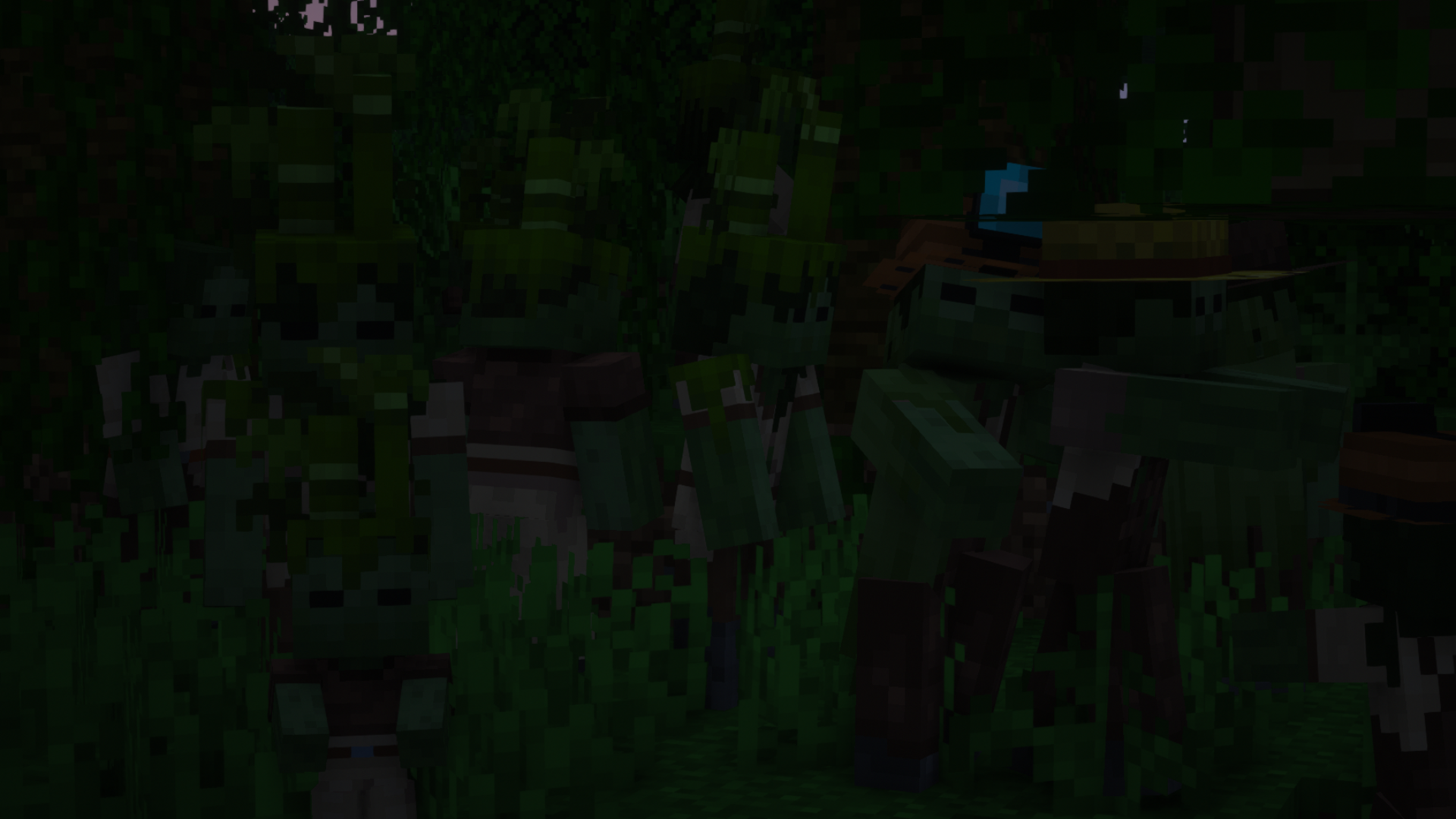
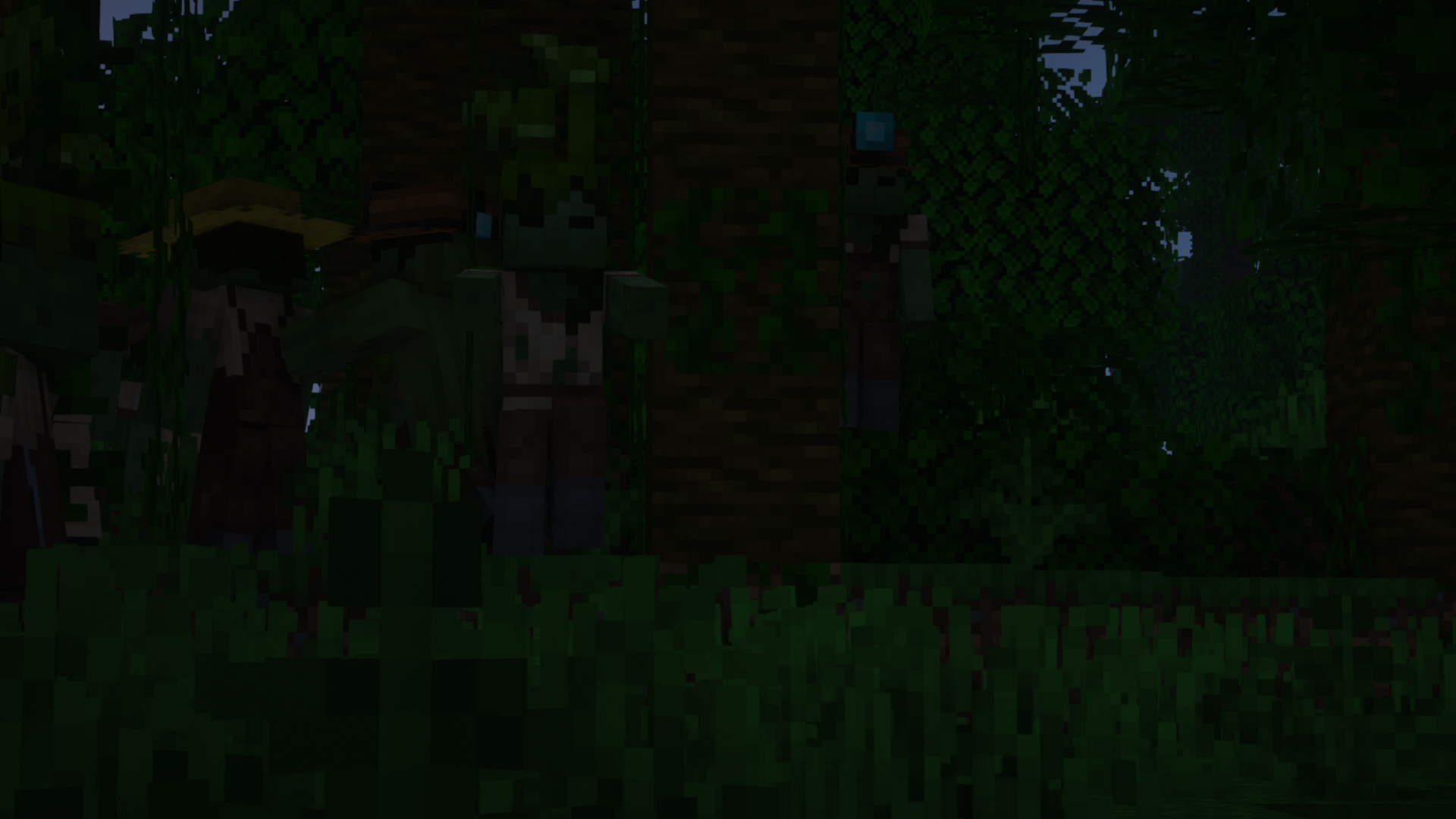
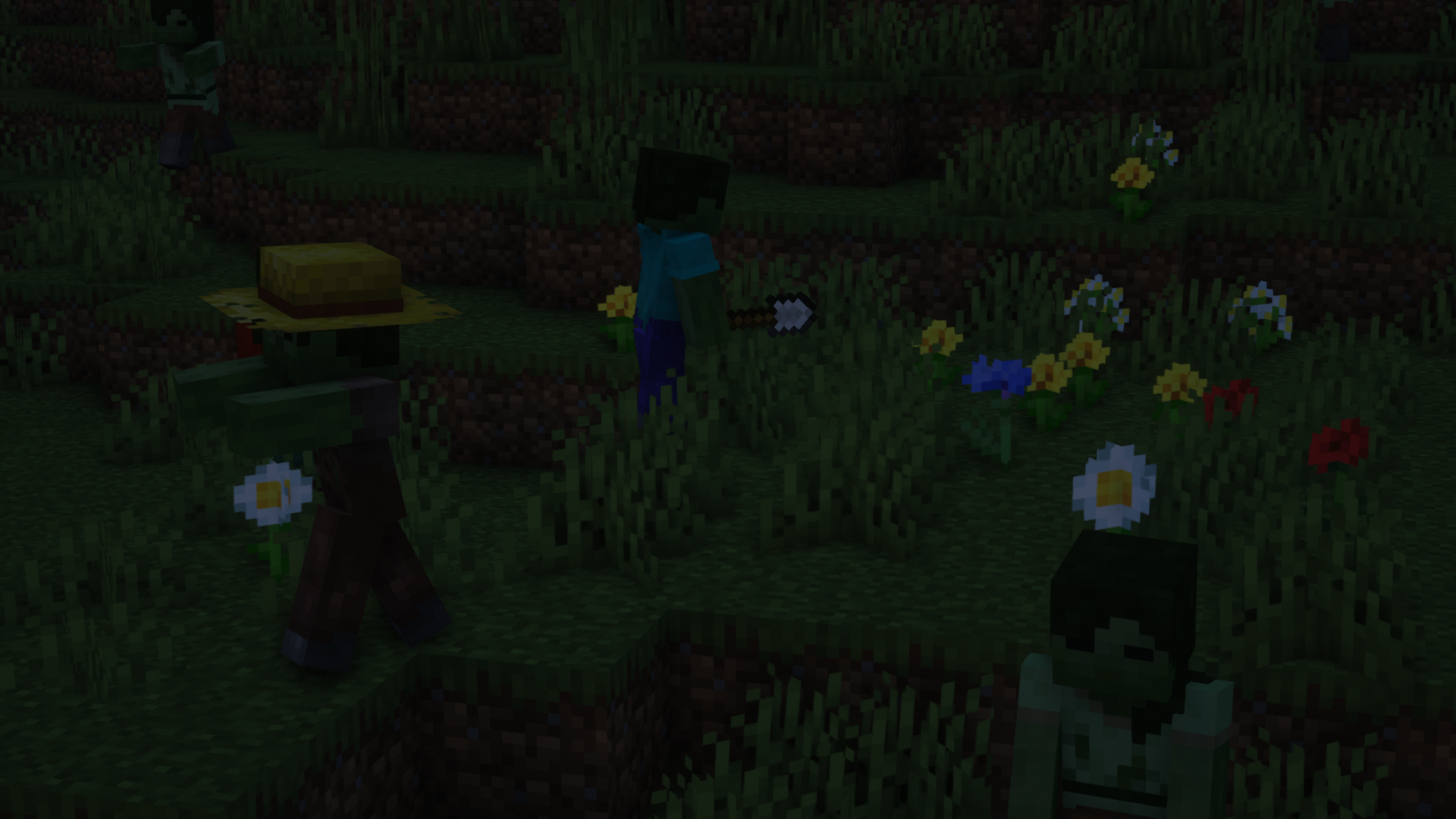
Better Zombies x Fresh Animations

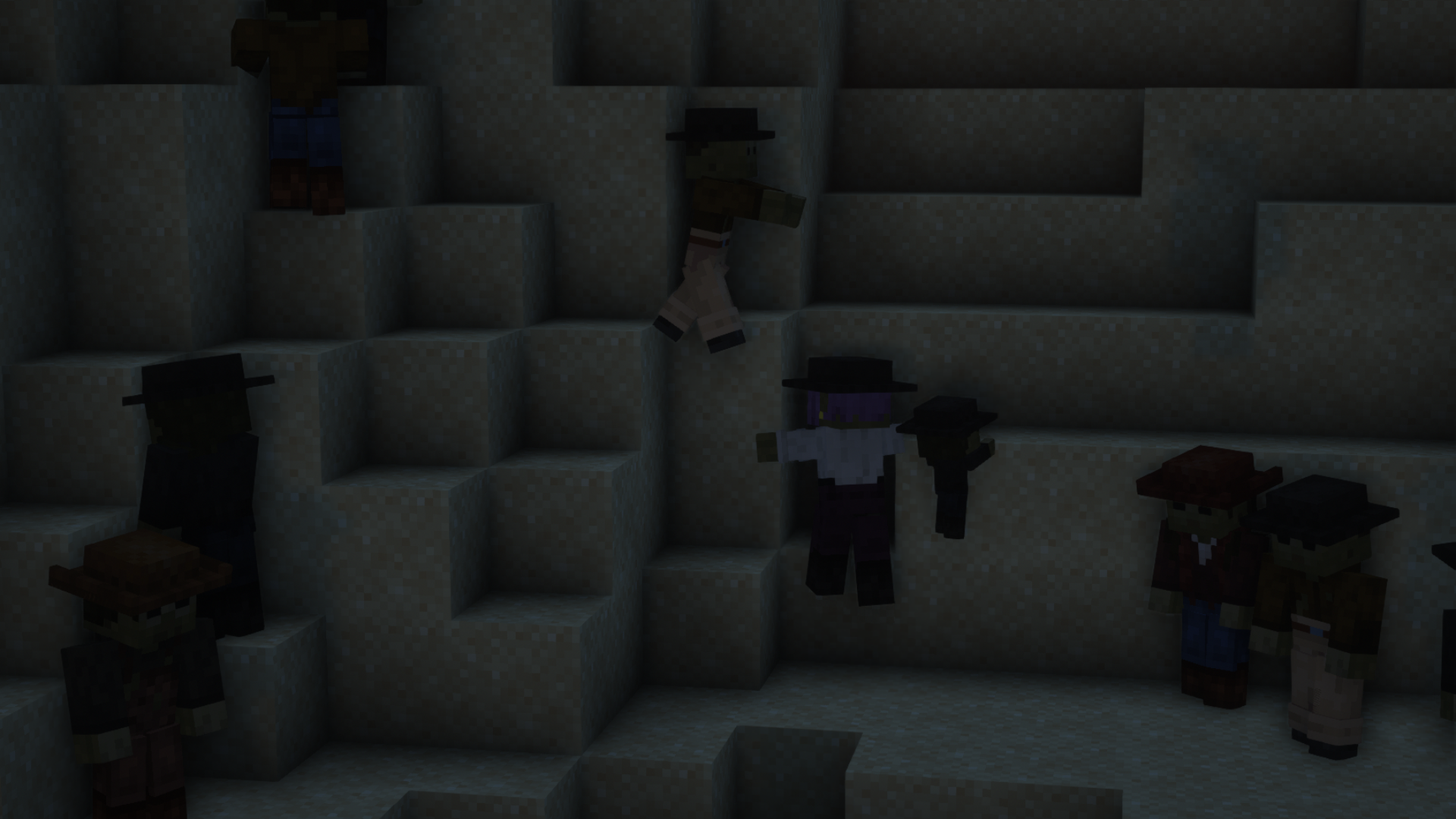
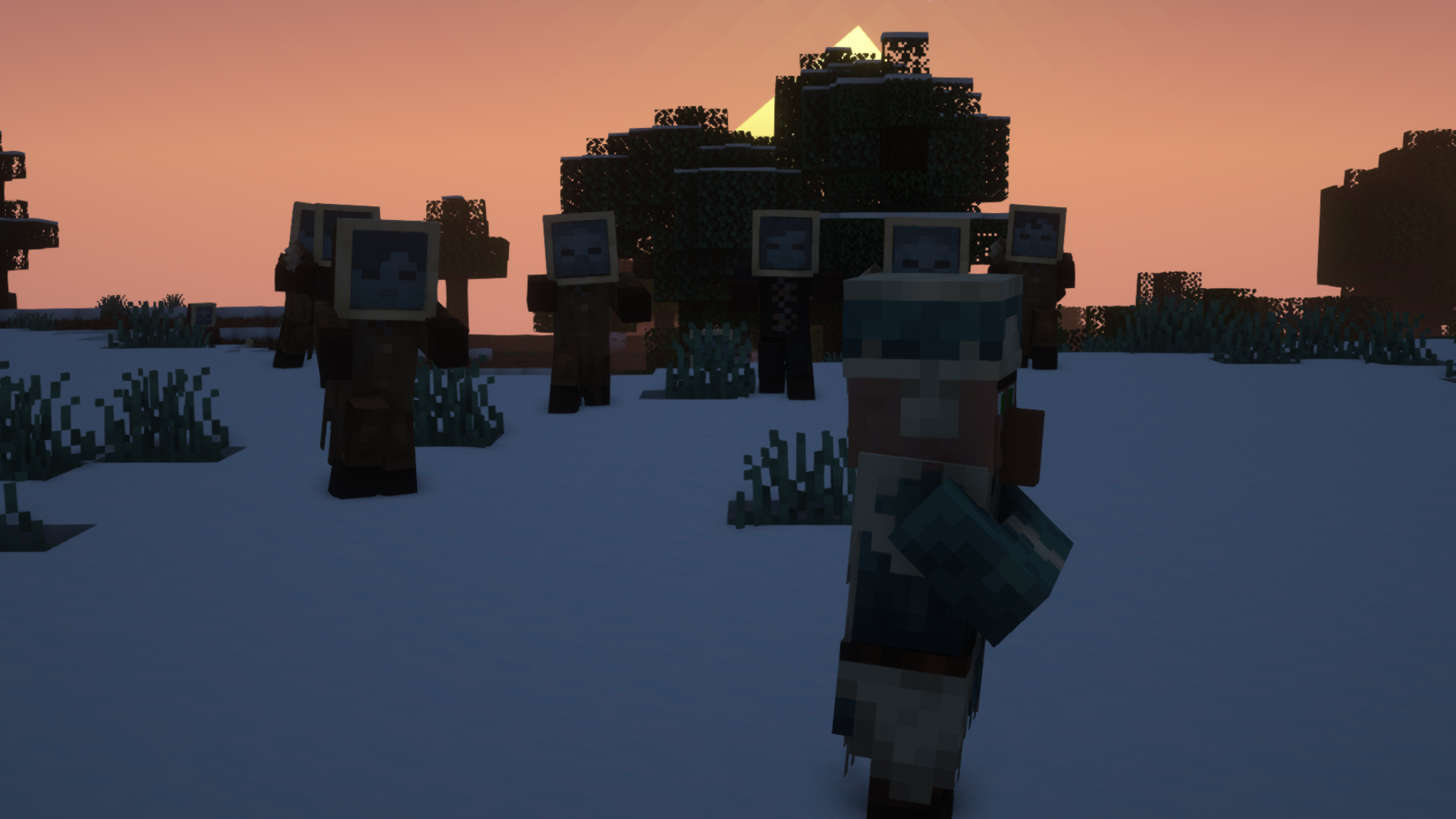
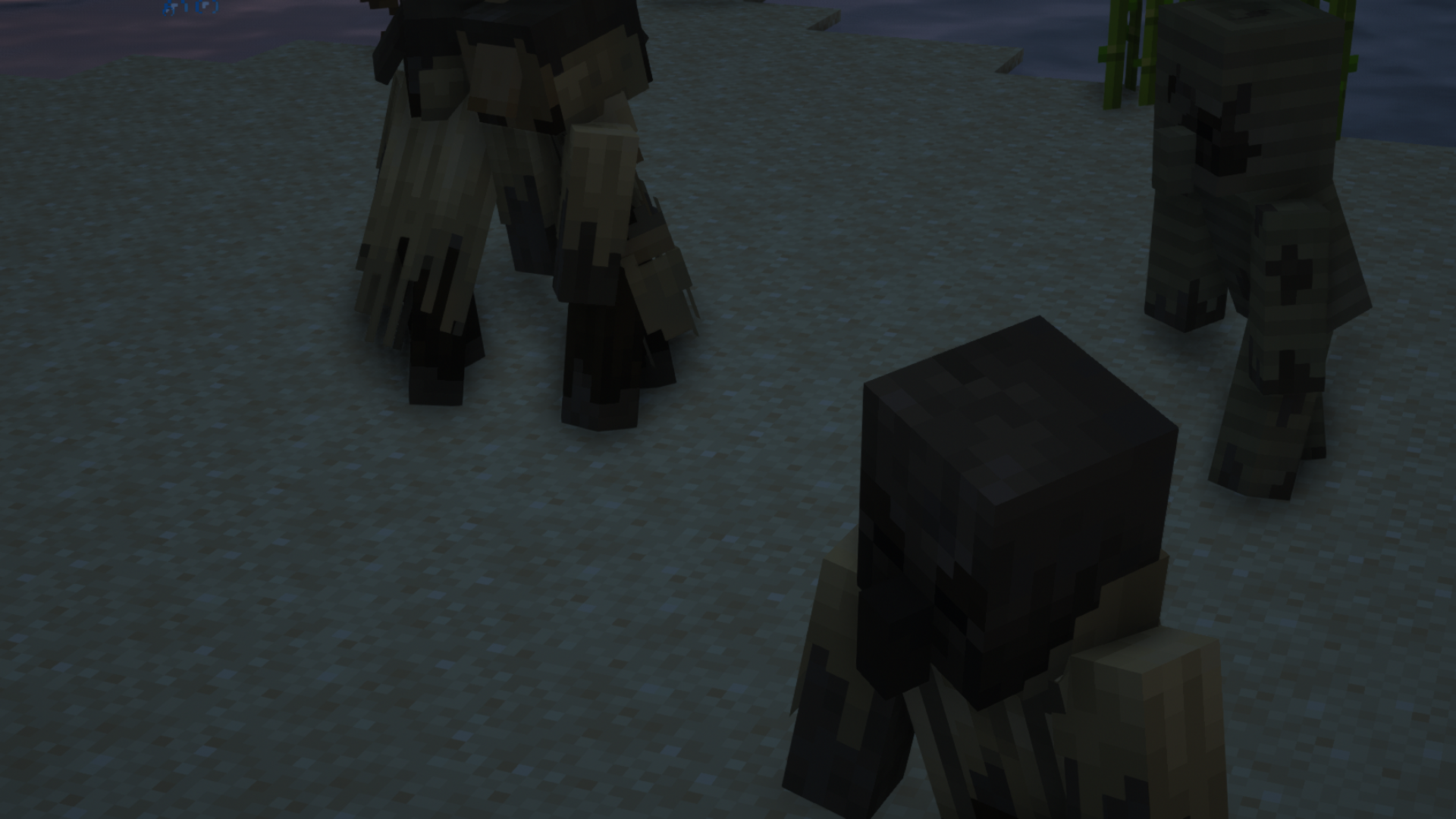
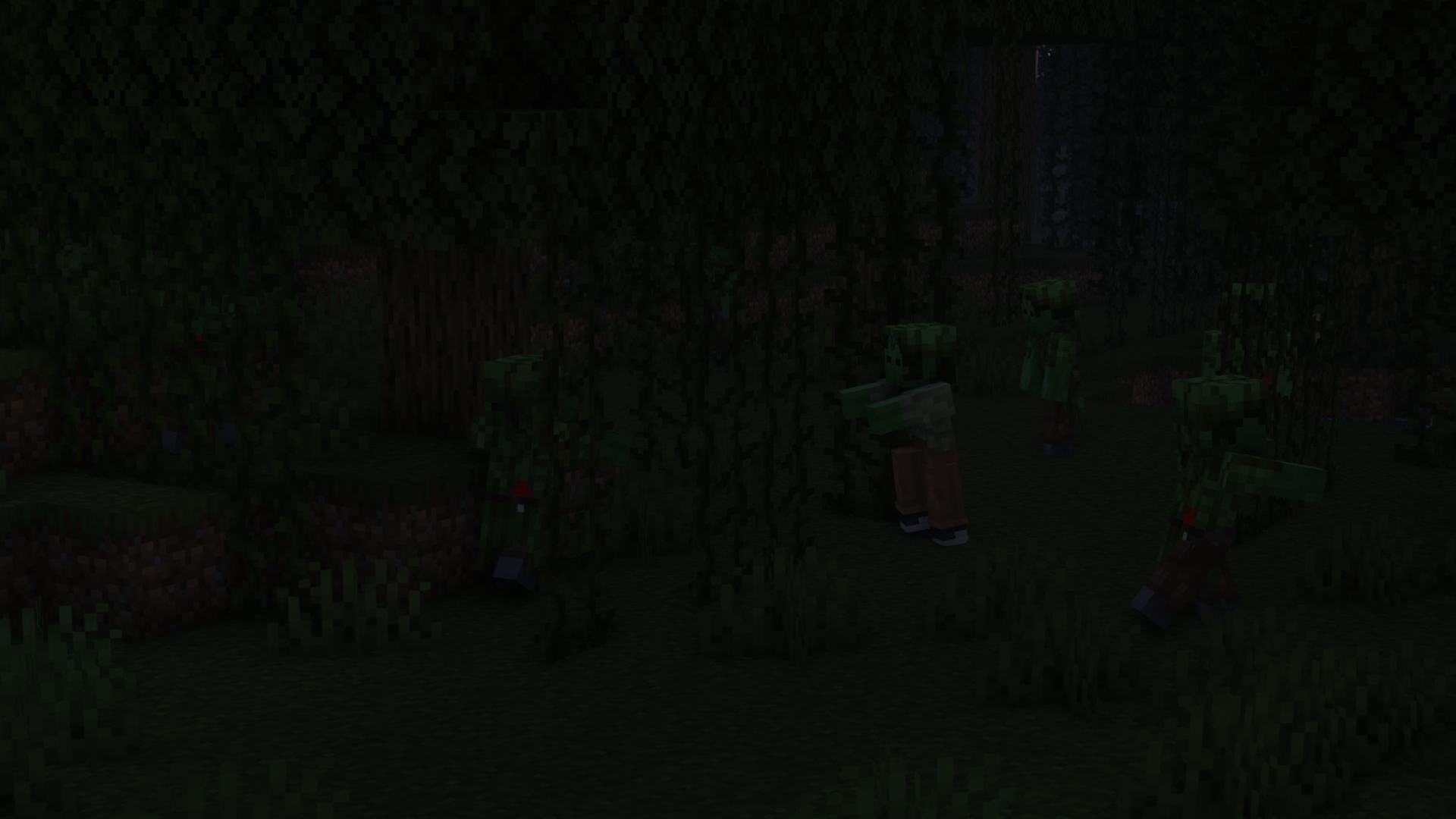
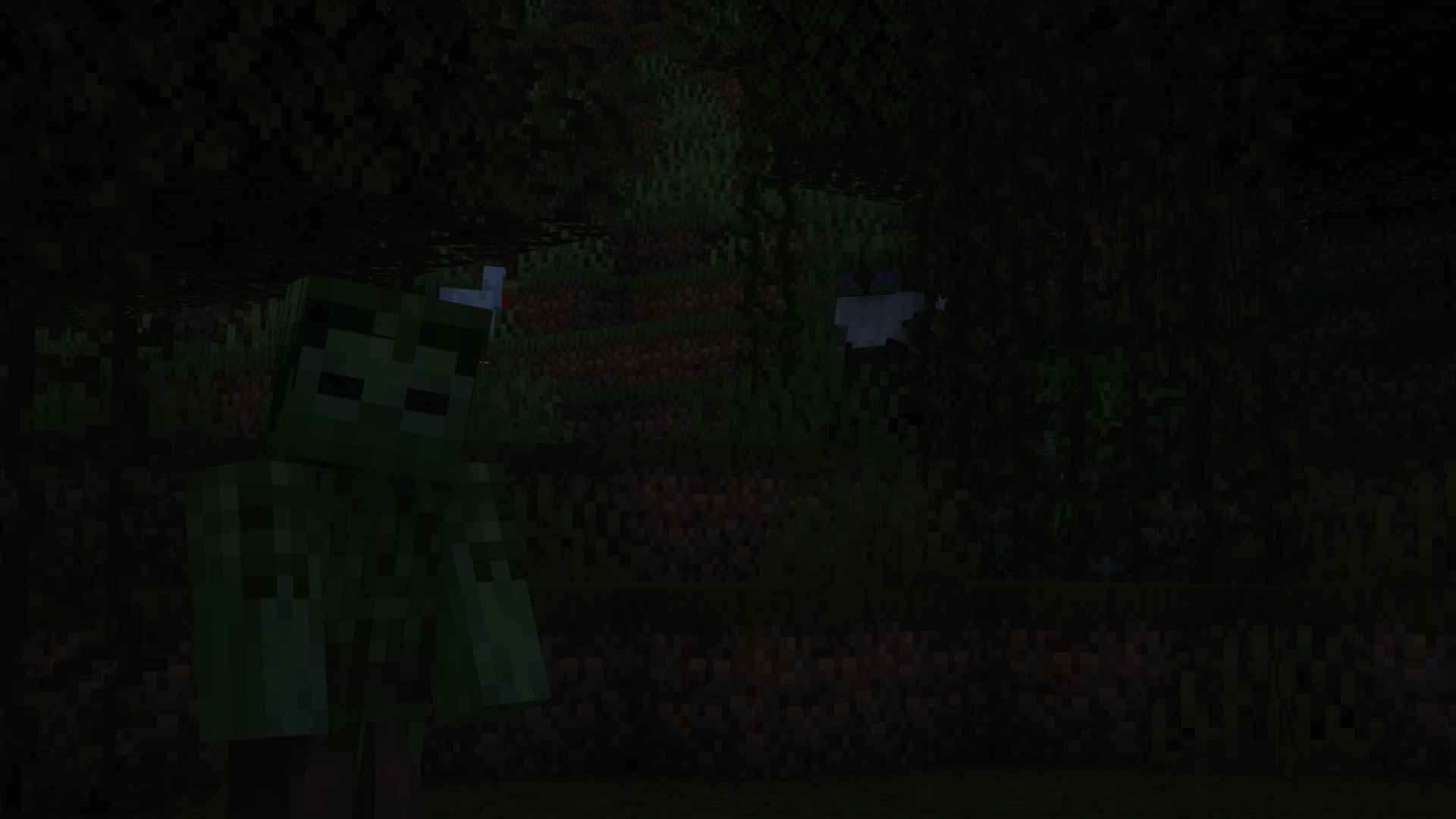
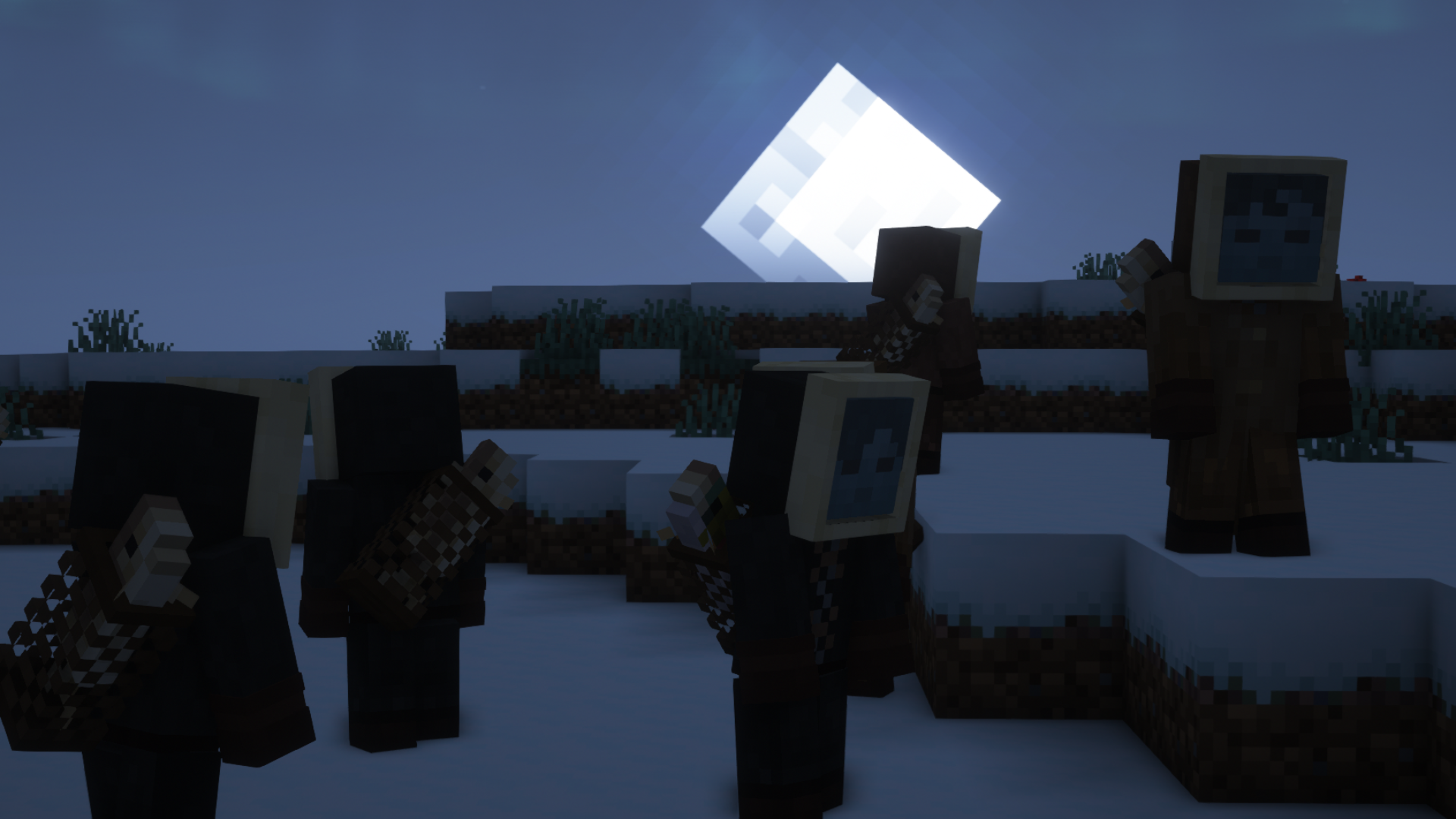
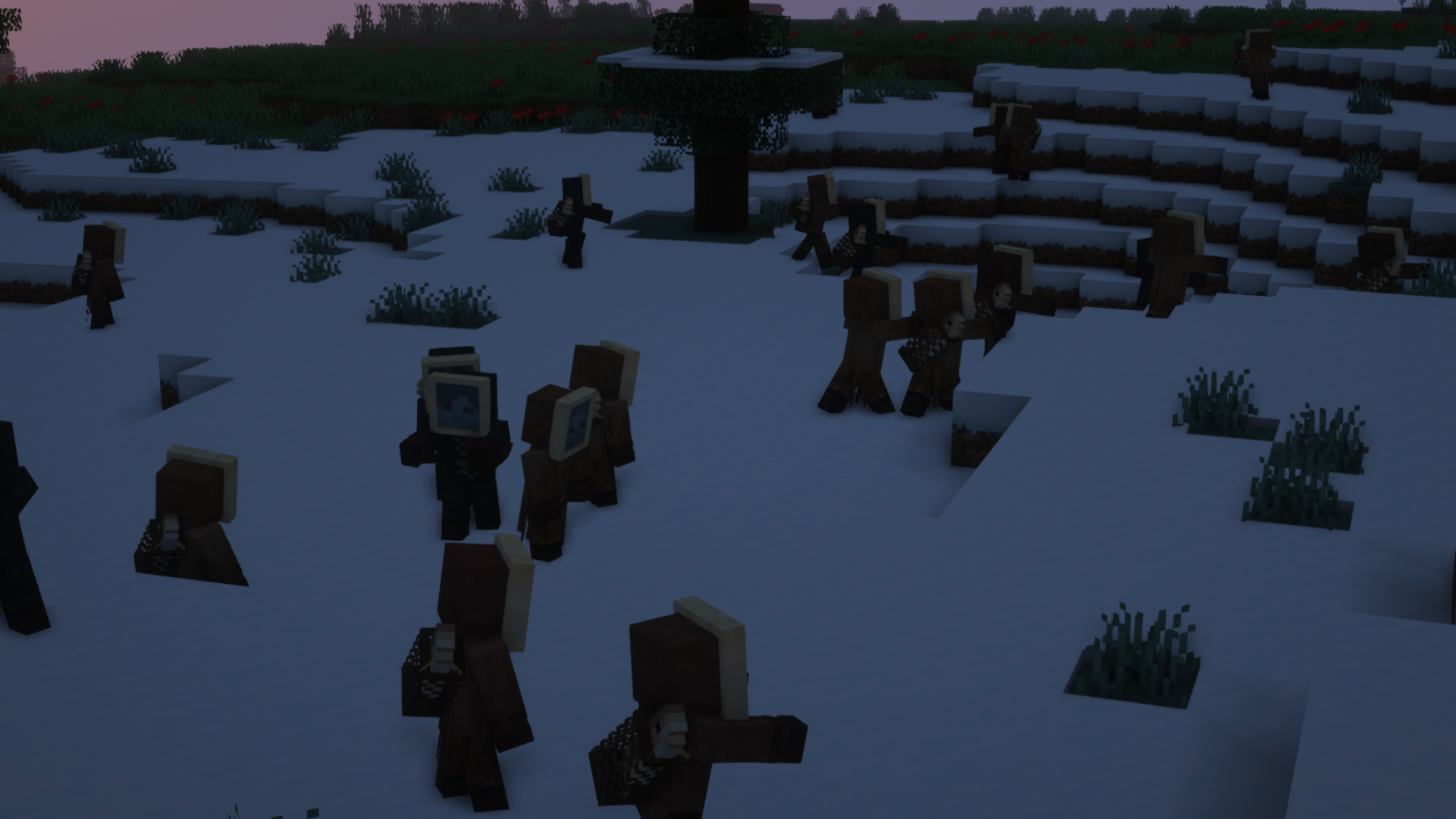
Makes Better Zombies(my zombie pack) compatible with Fresh Animations
item image
item image
item image
item image
item image
item image
item image
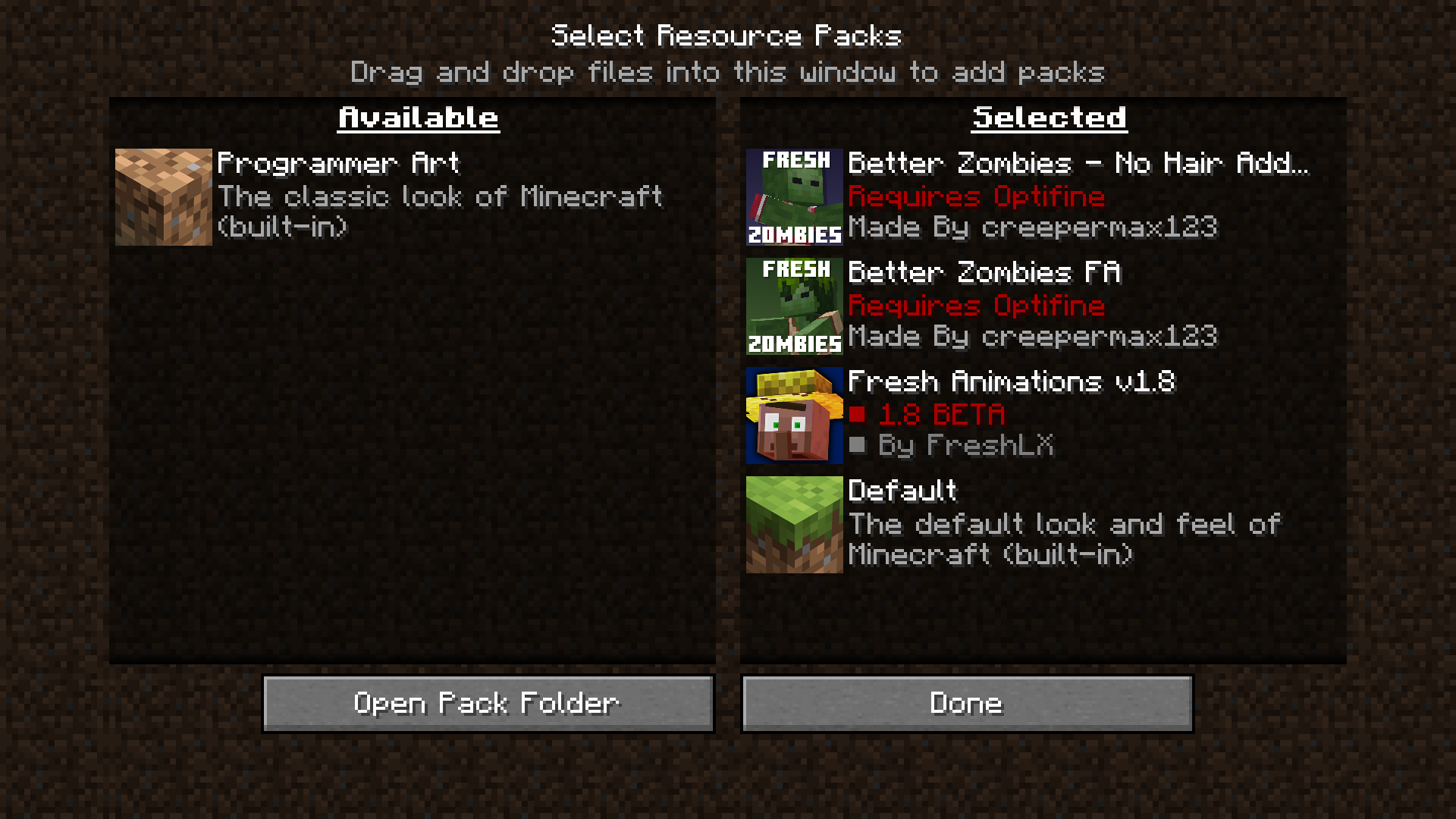
No Hair Add-On, Un-zip "Better Zombies FA.zip" open the Un-Zipped Folder, then once you're in there open "ADDONS" then drag and drop the Addon into your resource pack folder, when using the packs MAKE SURE the Addon is located above the main pack

No Hair Add-On, Un-zip "Better Zombies FA.zip" open the Un-Zipped Folder, then once you're in there open "ADDONS" then drag and drop the Addon into your resource pack folder, when using the packs MAKE SURE the Addon is located above the main pack

item image
item image
item image
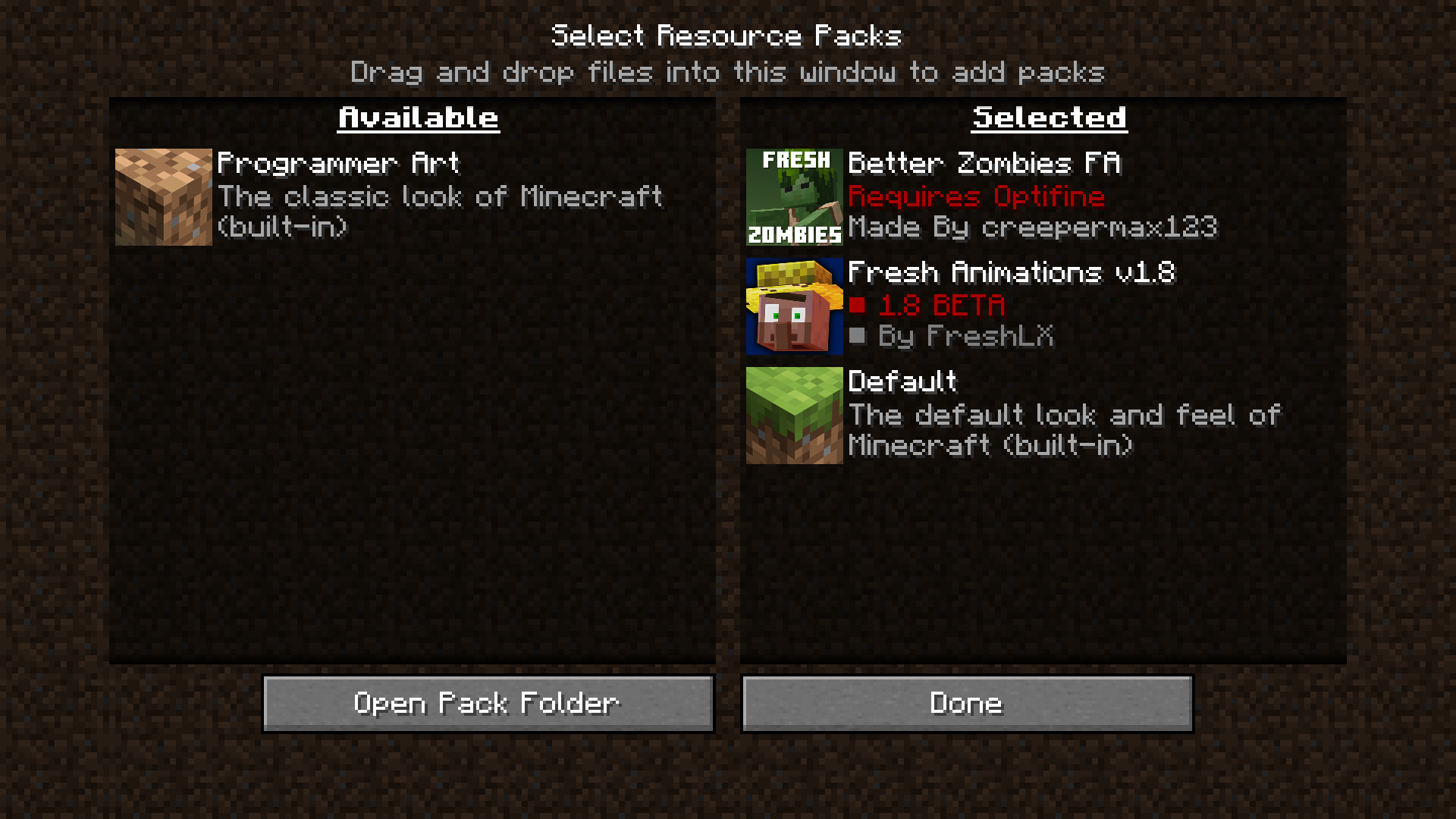
Make sure you have Fresh Animations below Better Zombies FA

Make sure you have Fresh Animations below Better Zombies FA

item image
Make sure you have Fresh Animations below Better Zombies FA and The No Hair Add-on Above Better Zombies FA

Make sure you have Fresh Animations below Better Zombies FA and The No Hair Add-on Above Better Zombies FA

item image
item image
item image
item image
item image
item image
item image

Description

Fresh Animations is a Pack created by FreshLX that enhances Minecraft's mob animations


Better Zombies x Fresh Animations makes it so you can use my zombies without having to choose between them or the awesome animations, Both packs are linked below


To have the best experience with the packs make sure they're both enabled at the same time and in the order seen below


Better Zombies Made By: creepermax123 with help from Gills
Fresh Animations Made By: FreshLX


To make sure the pack works go to
Options>Video Settings>Quality
and make sure these are on


Custom Entity Models: On
Emissive Textures: On
Random Entities: On


The Better Zombies x Fresh Animations Team

GrandArtisan tier frameprofile avatar
  • 742
    Followers
  • 57
    Projects
  • 18.2M
    Downloads

More from creepermax123View all