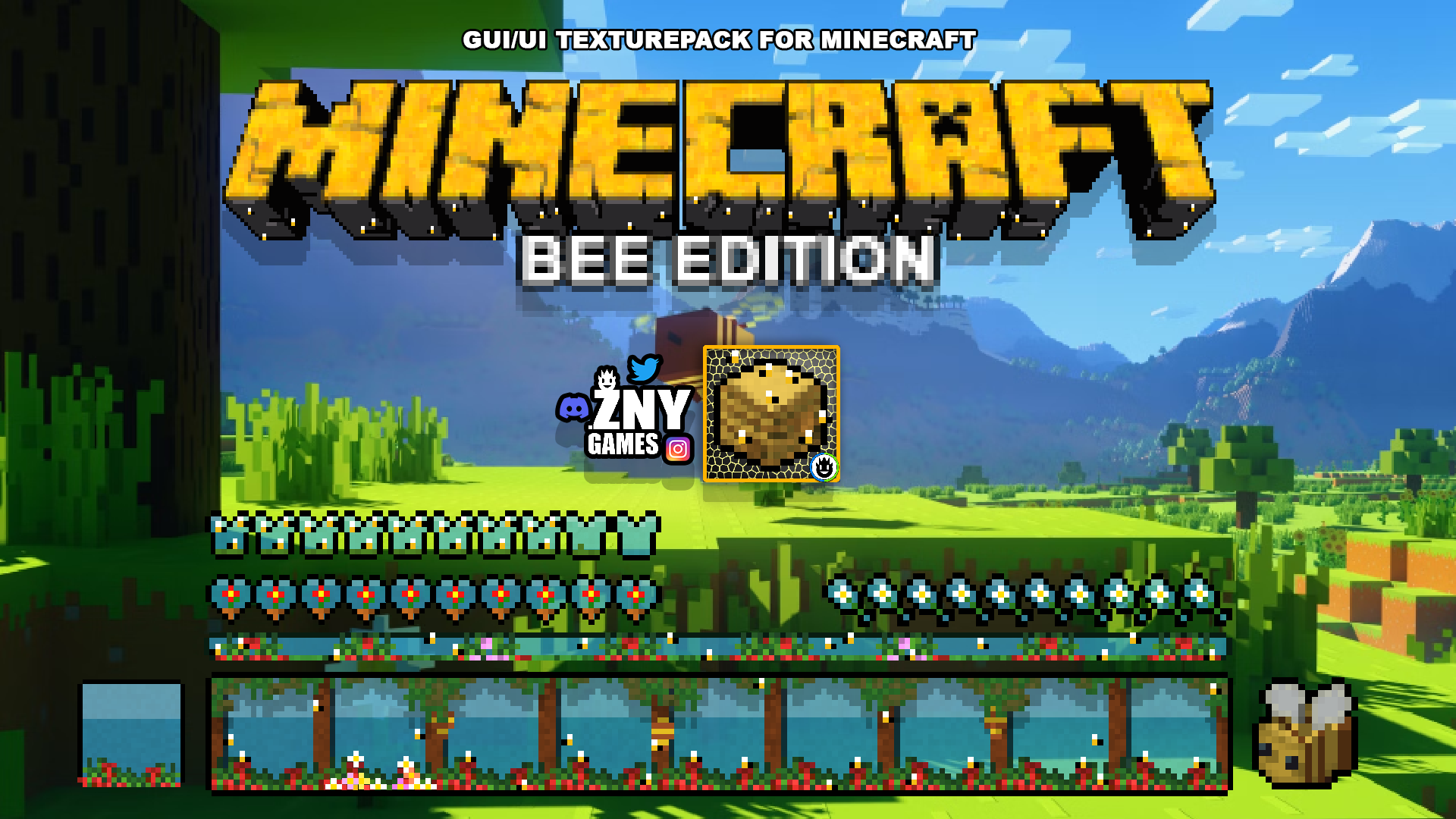
BEE EDITION 🐝 Introducing a new themed texture pack for Minecraft: the Bee Themed Java Texture Pack!
🎞| TRAILER
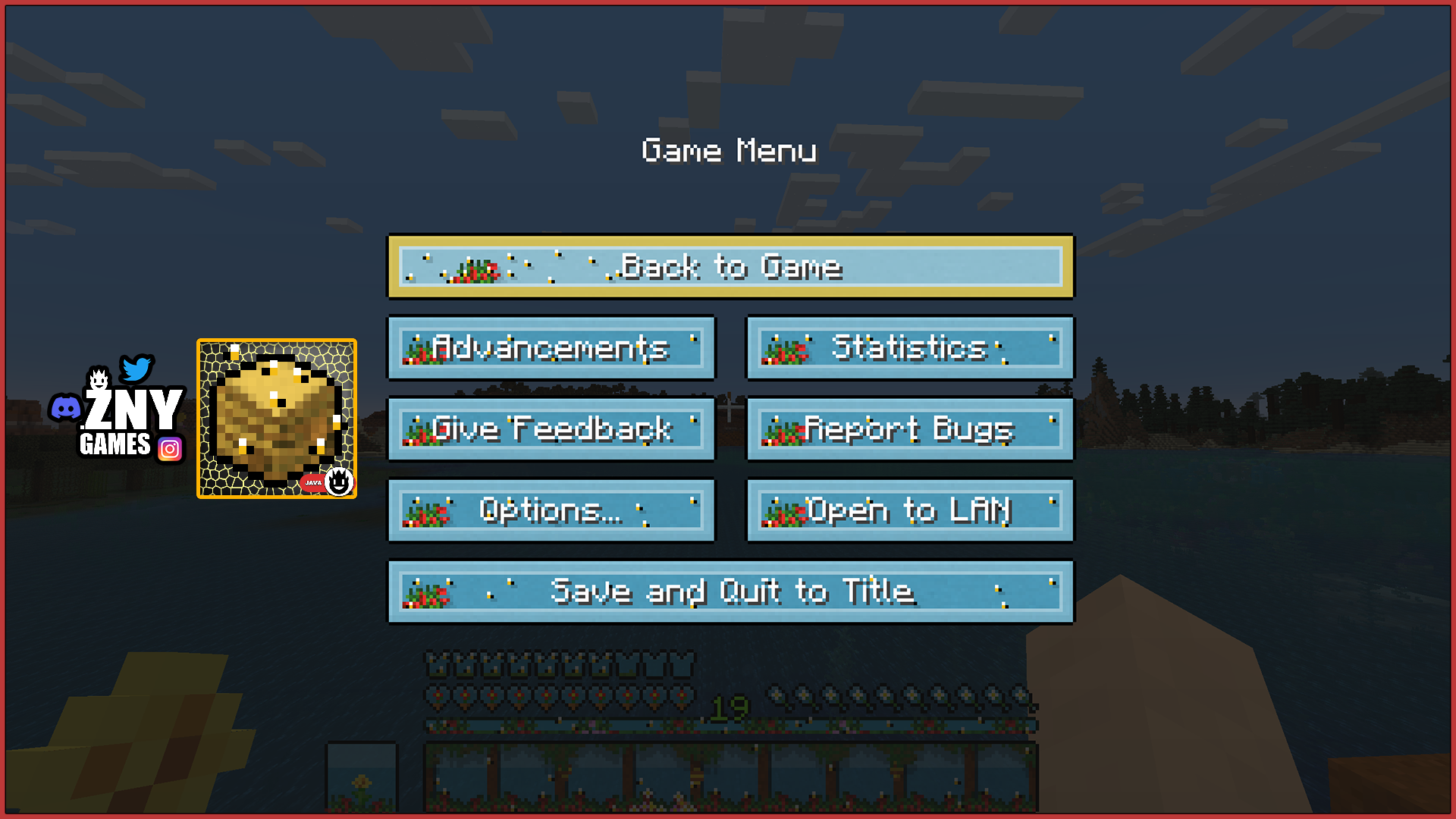
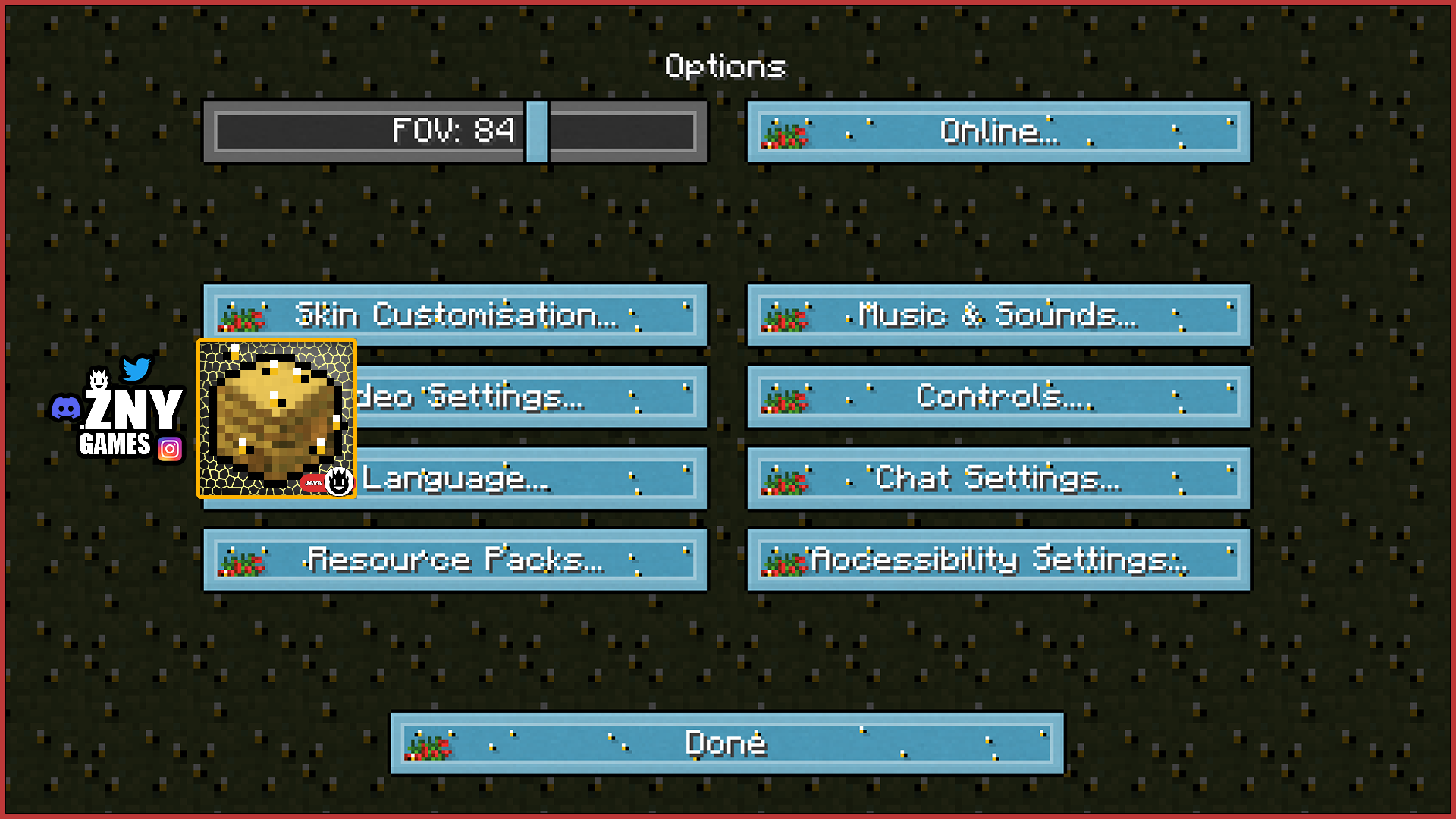
🖼| EXAMPLE
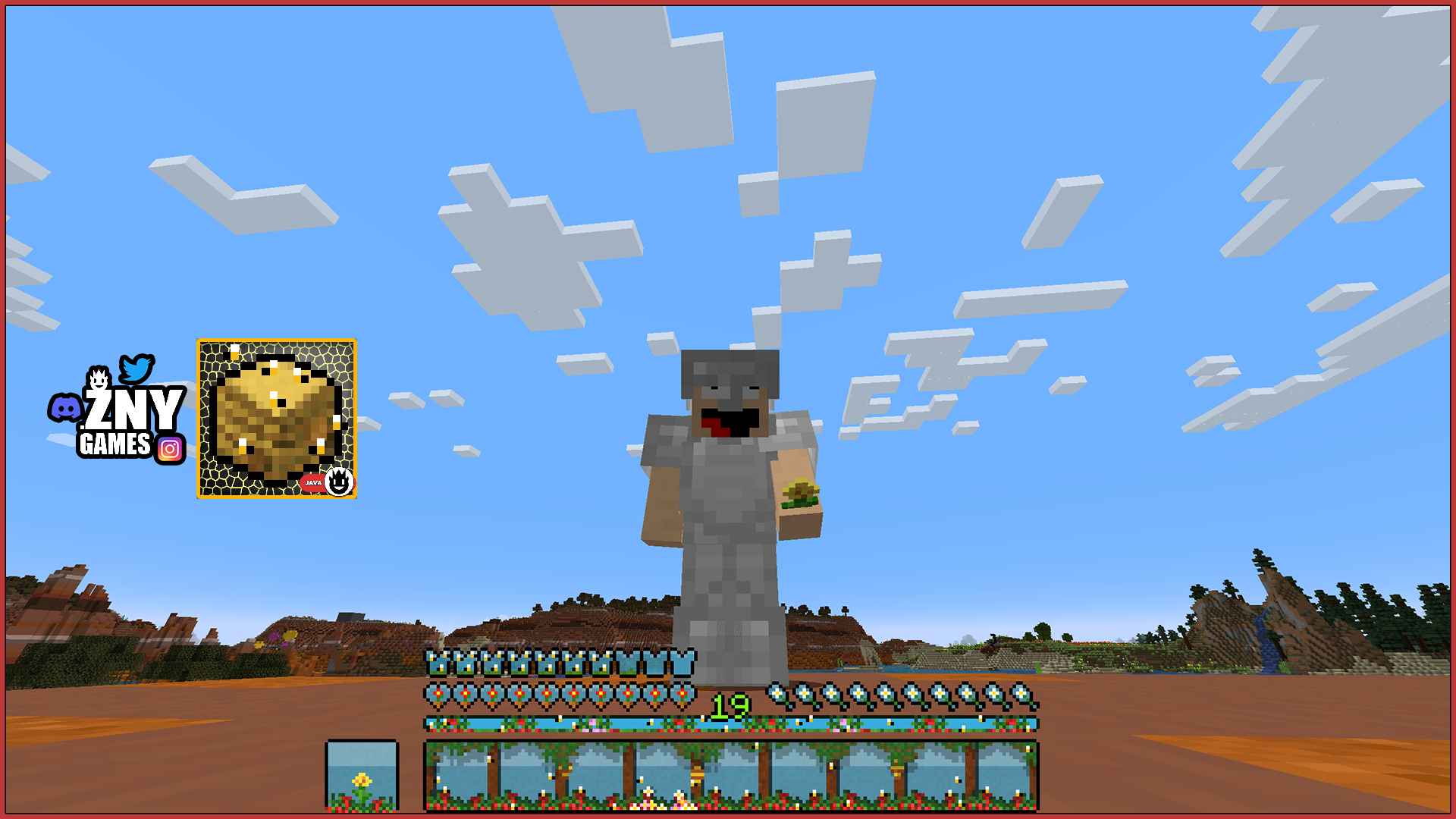
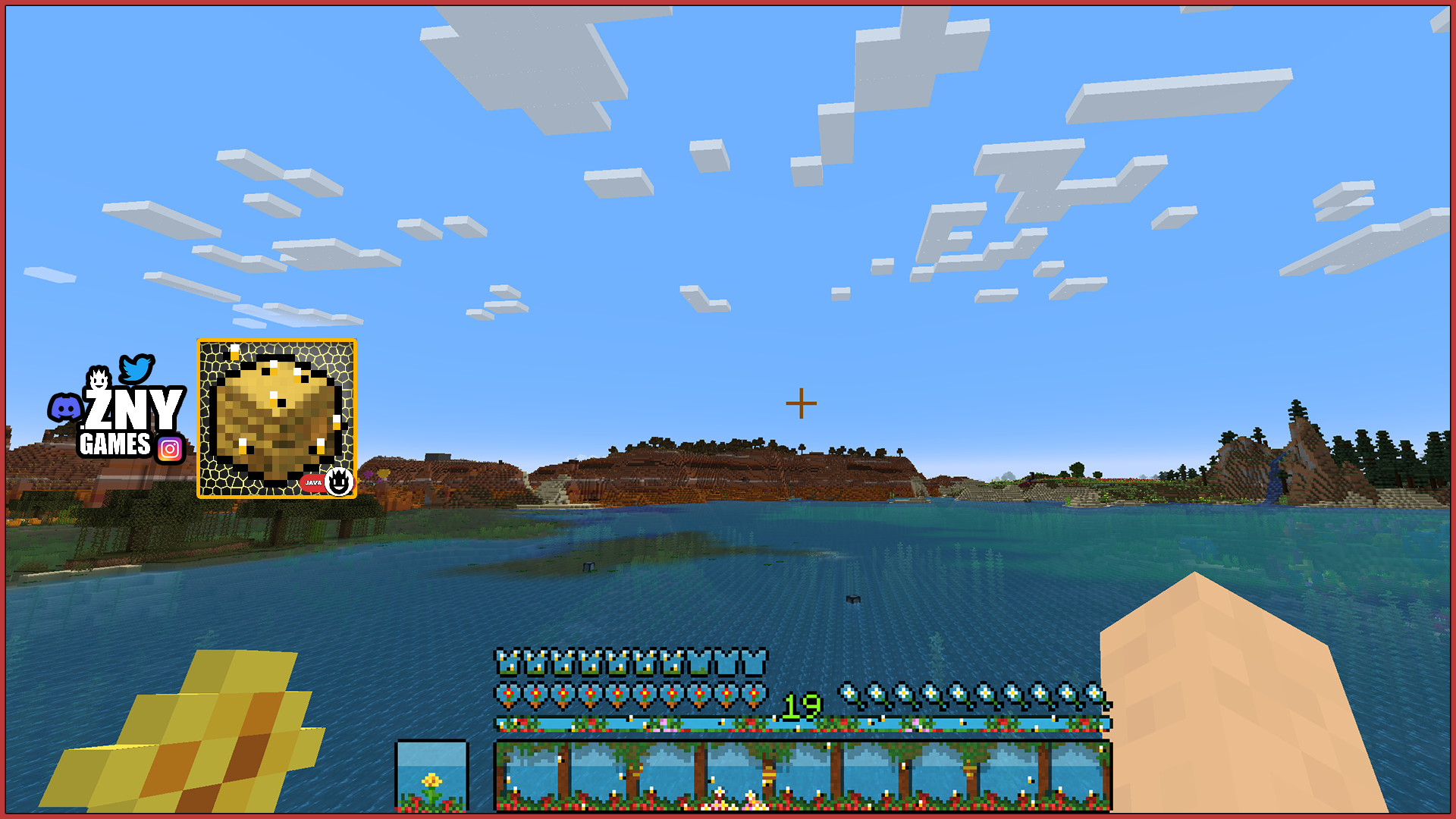
HOTBAR
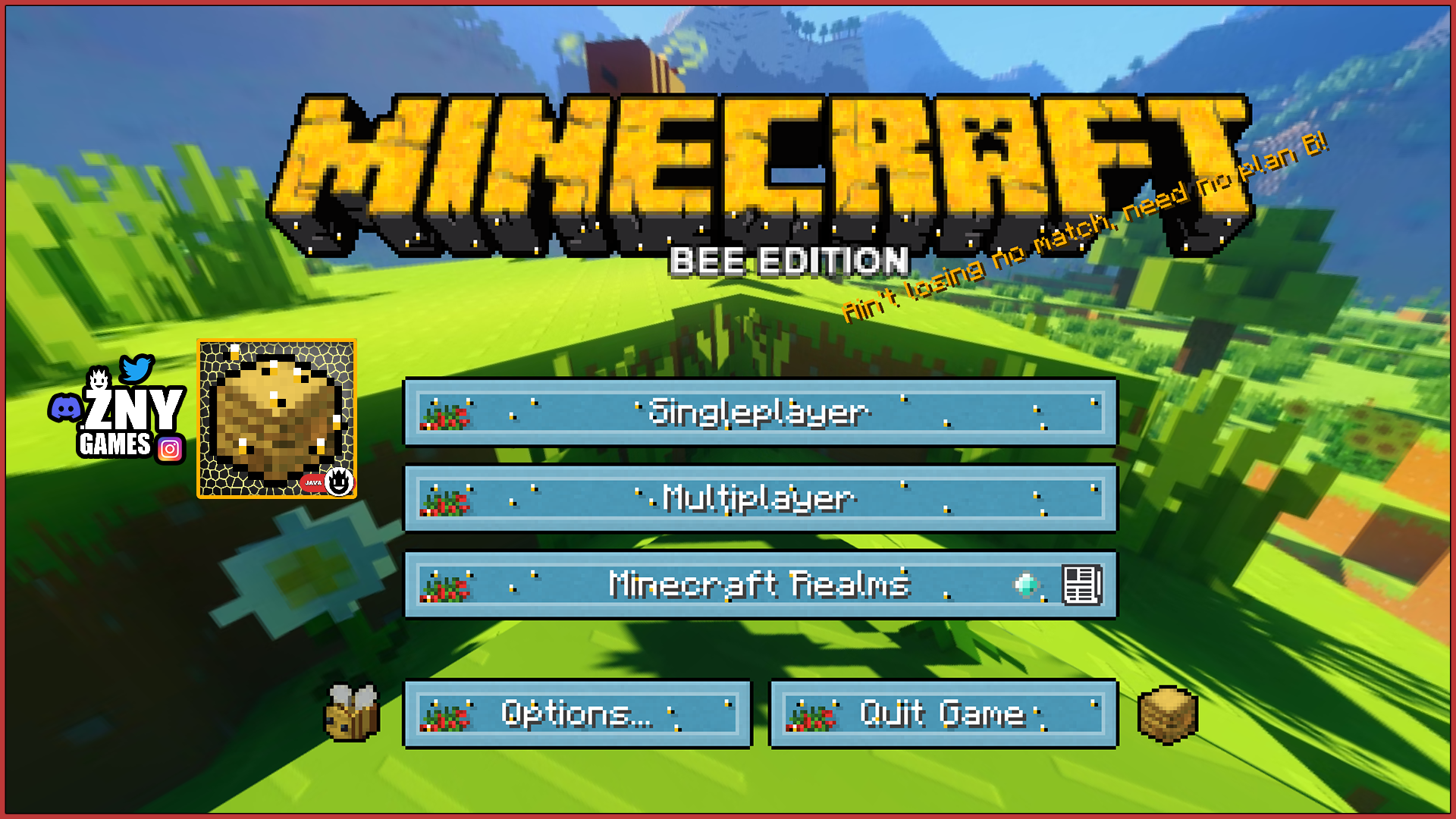
START SCREEN
more examples in the picture gallery above ⬆️
🗒| DESCRIPTION
This pack gives Minecraft a delightful bee-inspired makeover. Experience the buzz with updated start screen and buttons that immerse you in a bee-themed world. This texture pack features a brand-new XP bar, health bar, and various other items, all redesigned to fit the charming bee theme. Dive into the details and enjoy the fresh, buzzing experience this pack brings to your Minecraft gameplay.
You can use this pack in the standard Vanilla version and with Fabric. Support me for more exciting texture packs in the future!
New! with this pack: - This Minecraft texture pack is now also available for Fabric. - The pack is playable with Fabric Loader versions 0.15.11 - 1.21.
- start screen - options - buttons - hotbar
🛈 |INSTALL
Note: If you encounter any issues, make sure that the texture pack is compatible with your version of Minecraft, and that you have followed all of the steps correctly.
▪️ Install as Fabric
The latest Fabric Launcher is required for the Minecraft Fabric mod
Open Minecraft: Launch Minecraft and click on the "Options" button.
Go to the "Resource Packs" section: In the options menu, select "Resource Packs" to open the resource packs screen.
Move the texture pack to the correct location: Locate the folder where your Minecraft resource packs are stored. The default location is usually in the "resourcepacks" folder under your Minecraft game directory. Move the downloaded .zip file to this folder.
Select the texture pack in Minecraft: Back in the resource packs screen, select the texture pack that you just moved to the resource packs folder. The texture pack should now be listed in the "Selected Resource Packs" section.
Apply the changes: Click on the "Done" button to apply the changes and enable the texture pack.
Enjoy the new texture pack: Start a new game or load a saved game, and the new texture pack should now be in effect.
We invite you to join our Discord community where you can connect with fellow players, share your ideas, and report any bugs you encounter. Whether you have suggestions for improving the hotbar or need support with any issues, our community is here to help. Let’s build, explore, and create together!





![Chainsaw Man - animated custom hotbar [java] project image](https://media.forgecdn.net/avatars/thumbnails/969/229/256/256/638469904927693006.png)