Baby skin totem
- By
Baby skin totem
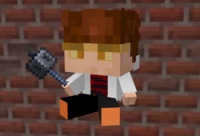
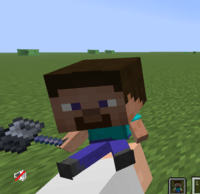
This resource pack allows you to change the totem of undying texture to a 3D model of baby version of your Minecraft skin.
You can find the instructions below the images.
This is an examples of a resource pack using my skin:
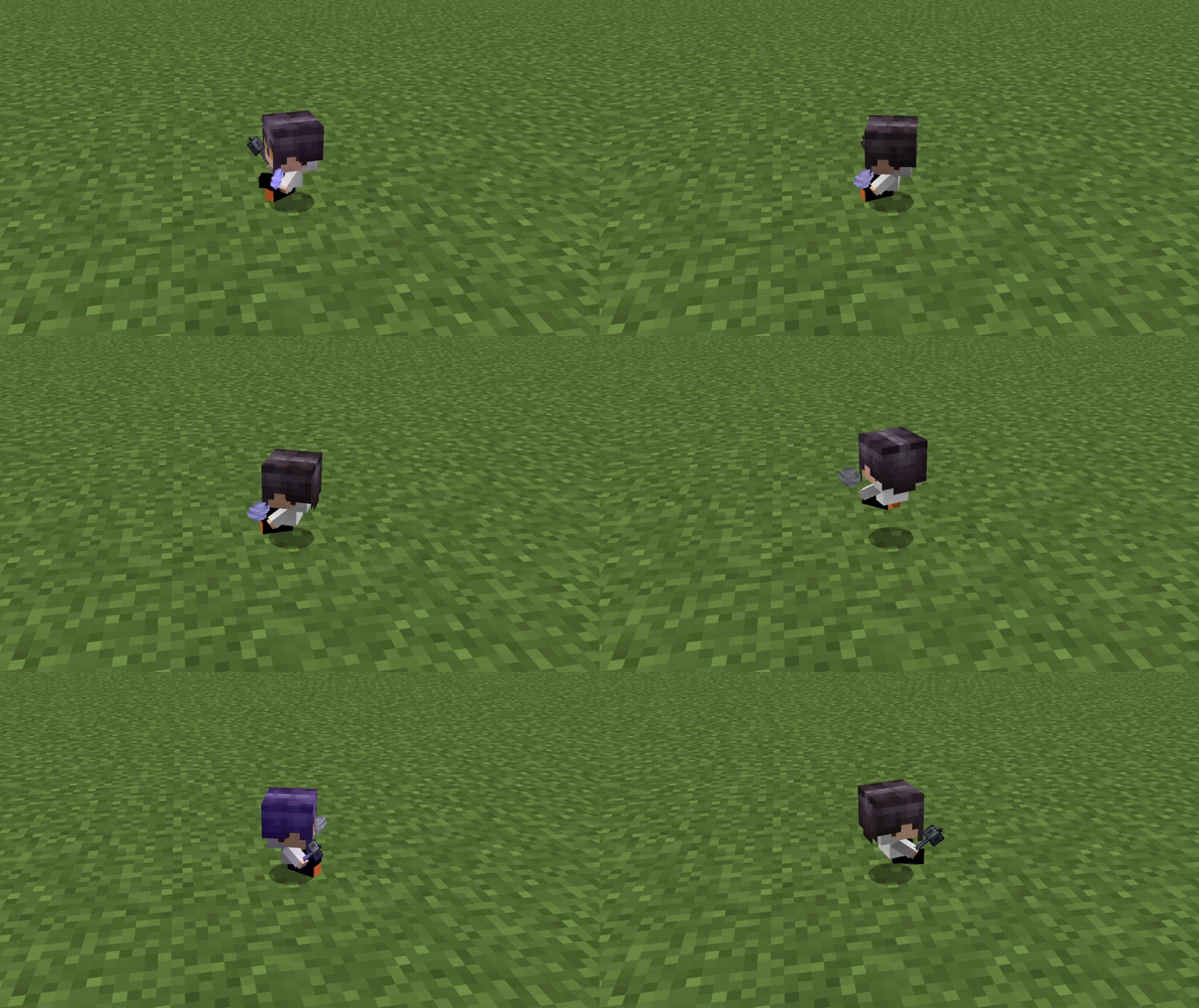
On the floor:
________________________________________________
Your totem can also hold an item (not only mace)
________________________________________________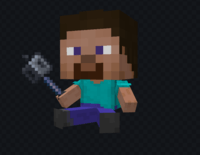
in the hand with "hold my items":
Instruction:
First, open Baby skin totem\assets\minecraft\textures\item.
Skin
Replace the file "skin" with your Minecraft skin (don't forget to rename the image to "skin").
Items
Open the "Items" folder inside the resource pack. There you will find presets for all current in-game item textures.
Replace "item_in_hand" with an image of the item you want your mini-self to hold in its right hand. (Don't forget to name the item image "item_in_hand".)
Replace "item_in_hand_2" with an image of the item you want your mini-self to hold in its left hand (Don't forget to name the item image "item_in_hand_2".)
If you want to make the mini totem hands empty, open the folder named "Empty Hands" and take the empty in-hand item texture from there.
Armor (Helmets)
Replace the "helmet" image with the image of the helmet you want your mini-character to wear (don't forget to name the helmet image "helmet"). Helmet templates can be found in the "variants of helmets" folder in the resource pack folder.
If you want to leave the totem without a helmet, open the folder at
Baby skin totem_2.0 (QoL Update).zip\variants of helmets\No helmet
and take the empty helmet texture from there.
All images must be in .png format.
Pose
Replace the "totem_of undying.json" in Baby skin totem_v1.6.5_pose_update_part_1.zip\assets\minecraft\models\item with the json-file of the pose you want your mini-character to strike. Pose templates can be found in the "Poses" folder in the resource pack folder. You can see what the prepared poses look like in the file containing them. The files are named "pose 1", "pose 2", and "pose 3" images and poses are there.
Some features may be unavailable in September 2026. Sorry.
Enjoy this resourcepack!
Baby skin totem Team