all_icons.png
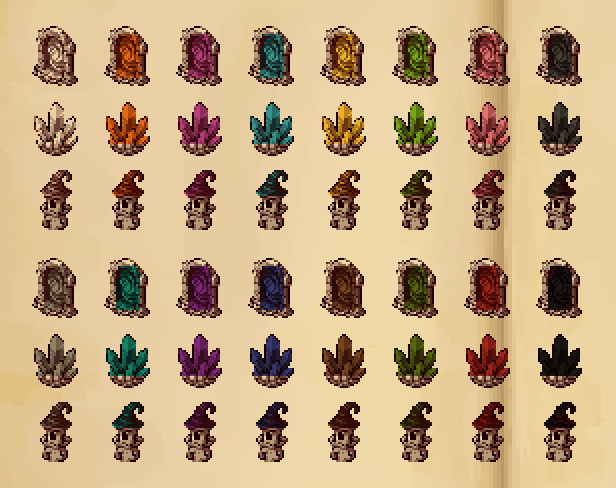
colors_mysterious.png
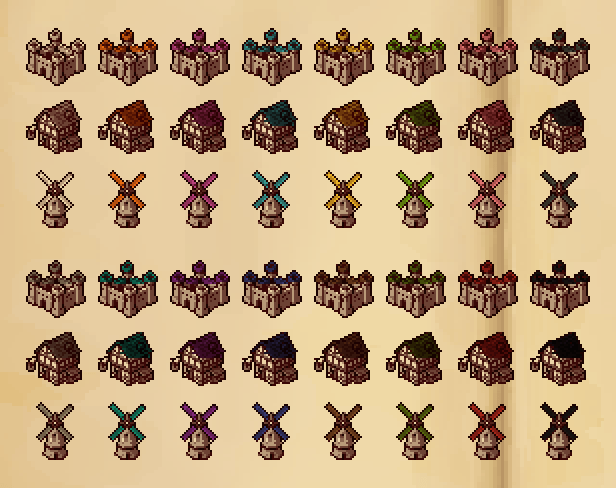
colors_settlements.png
screenshot_map.png
screenshot_picker.png
Description
Atlas Inkmarks
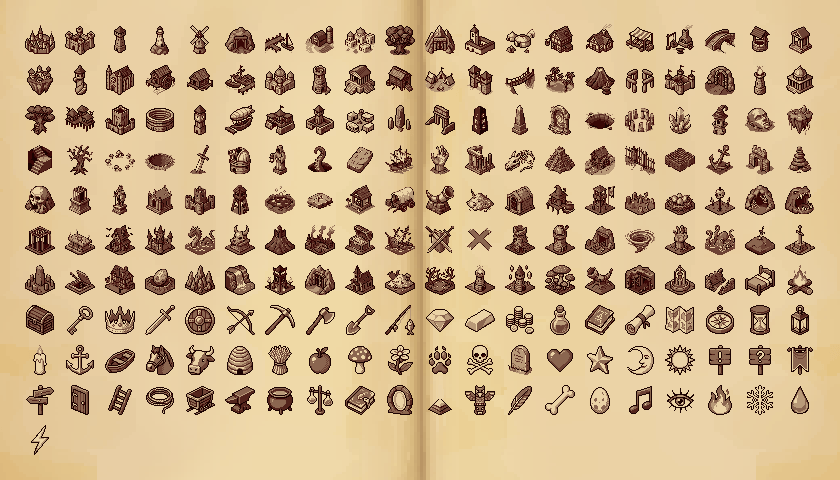
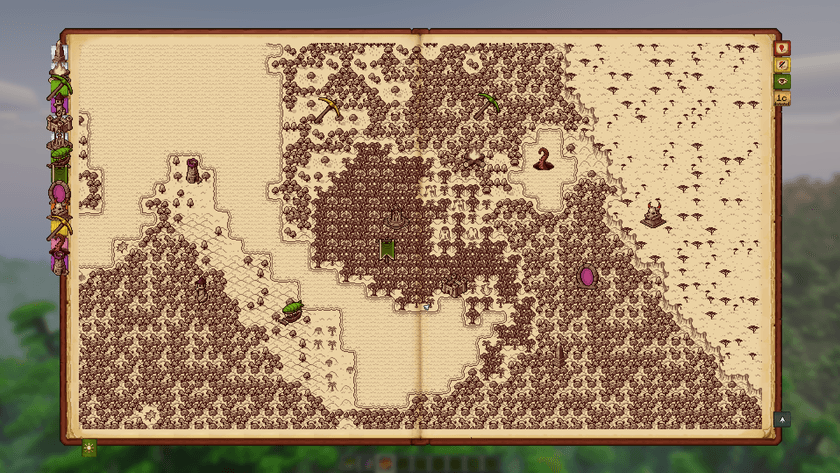
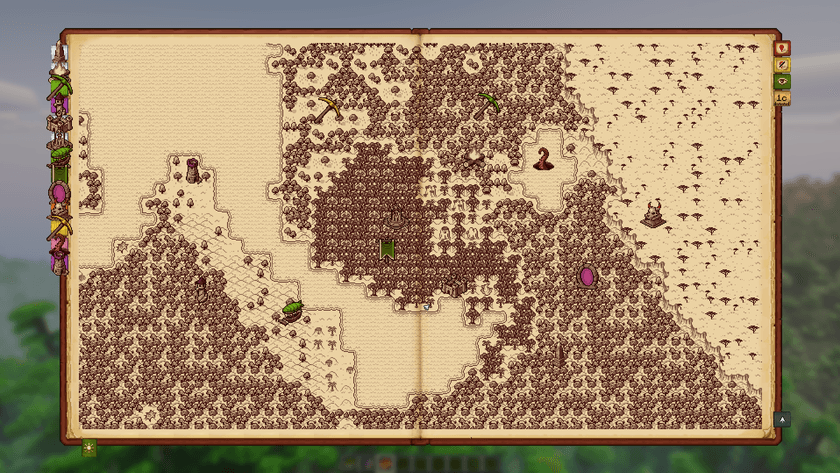
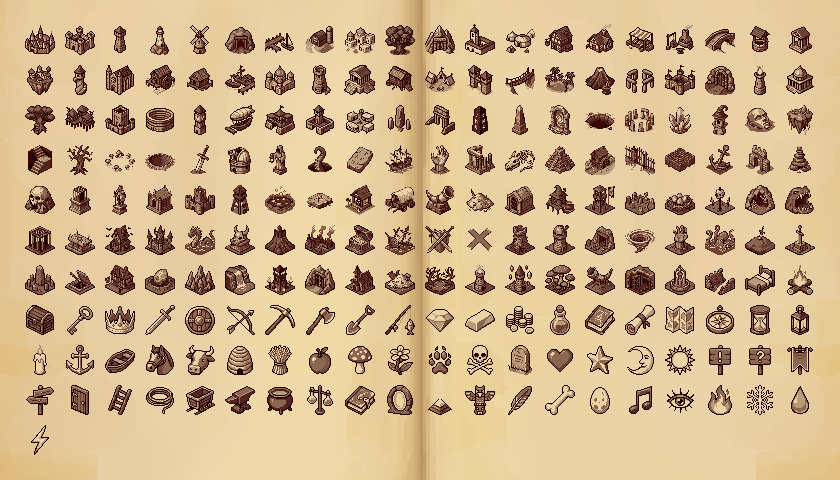
Antique Atlas 4 lets you place your own markers, but only offers a handful of icons. Atlas Inkmarks adds 201 more, drawn in the same sepia-ink style as the atlas, so your map stays looking like one hand-drawn book.
Screenshots
What you get
- 201 new placeable icons in four groups:
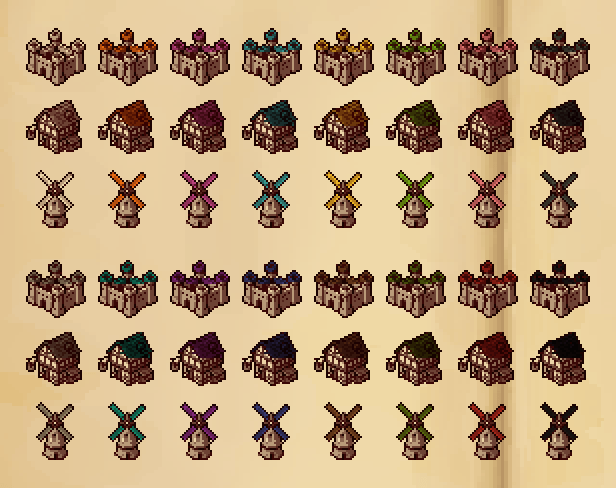
- Settlements: cities, castles, villages, farms, harbors, taverns, markets, windmills
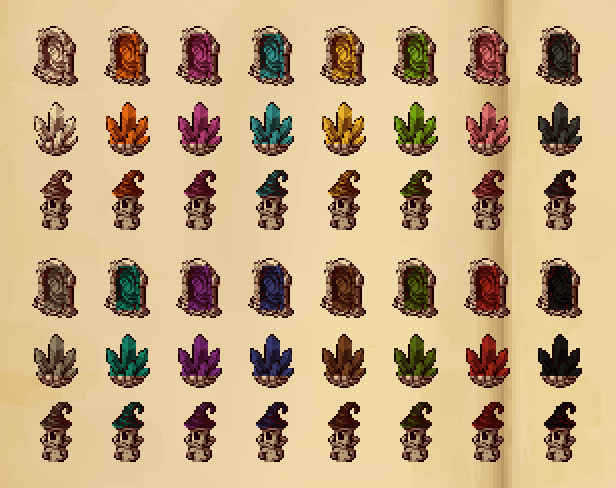
- Mysterious places: monoliths, portals, sinkholes, crystals, wizard towers, sky islands, giant statues
- Danger & treasure: crypts, witch huts, outposts, monster lairs, dragon nests, cursed castles, treasure
- Items & symbols: bed, chests, tools, weapons, potions, animals, signs, weather, and more
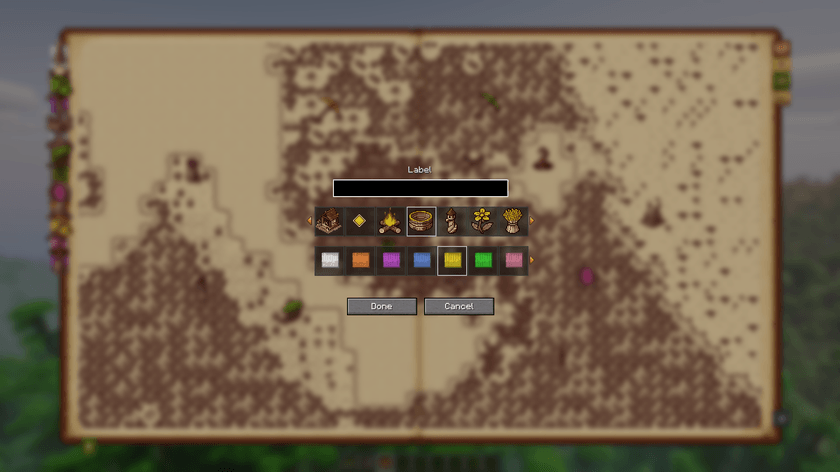
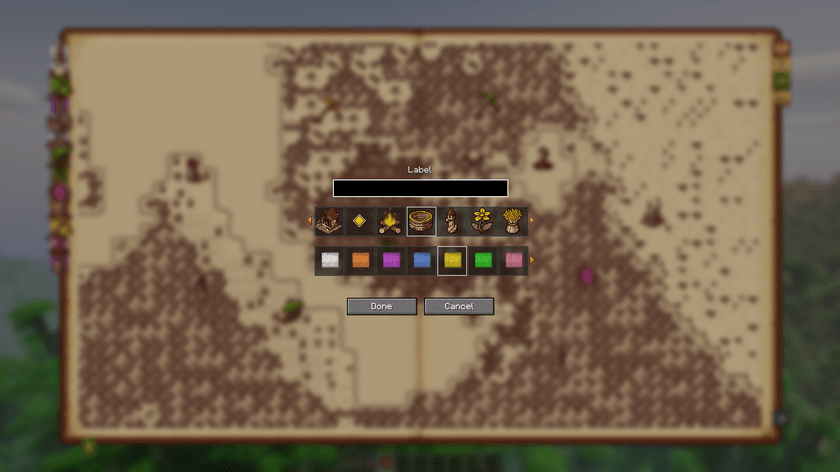
- Dye support on every icon: pick a color and only one detail is inked in it (a roof, a flag, a flame, a gem, a potion's liquid), just like the atlas's own markers. White keeps the plain sepia look.
- Fully yours: place, rename and delete these markers like any marker you place yourself.
How to use
- Install Antique Atlas 4 and enable this resource pack.
- Open your atlas → Add marker → scroll the icon row to find the new icons.
Notes
- This is a resource pack only: no code, safe to add or remove at any time. If you remove it, markers you placed fall back to the default icon.
- Recommended: Atlas Marker Picker (coming soon), which turns the one-row icon picker into a searchable grid.
Credits
Made by EnW. Not affiliated with Antique Atlas 4 or its authors.
Atlas Inkmarks Team