Zenith's LUT Shader
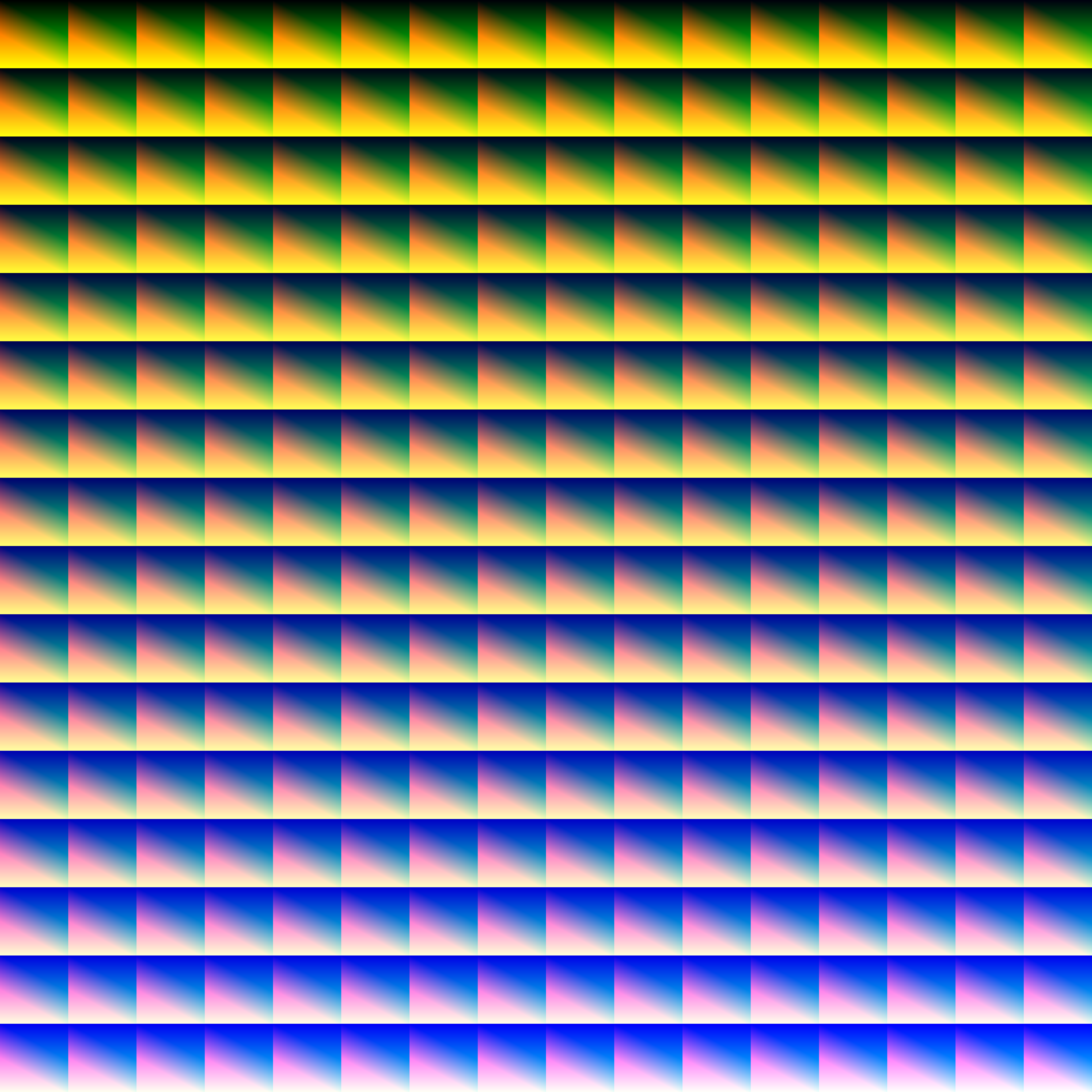
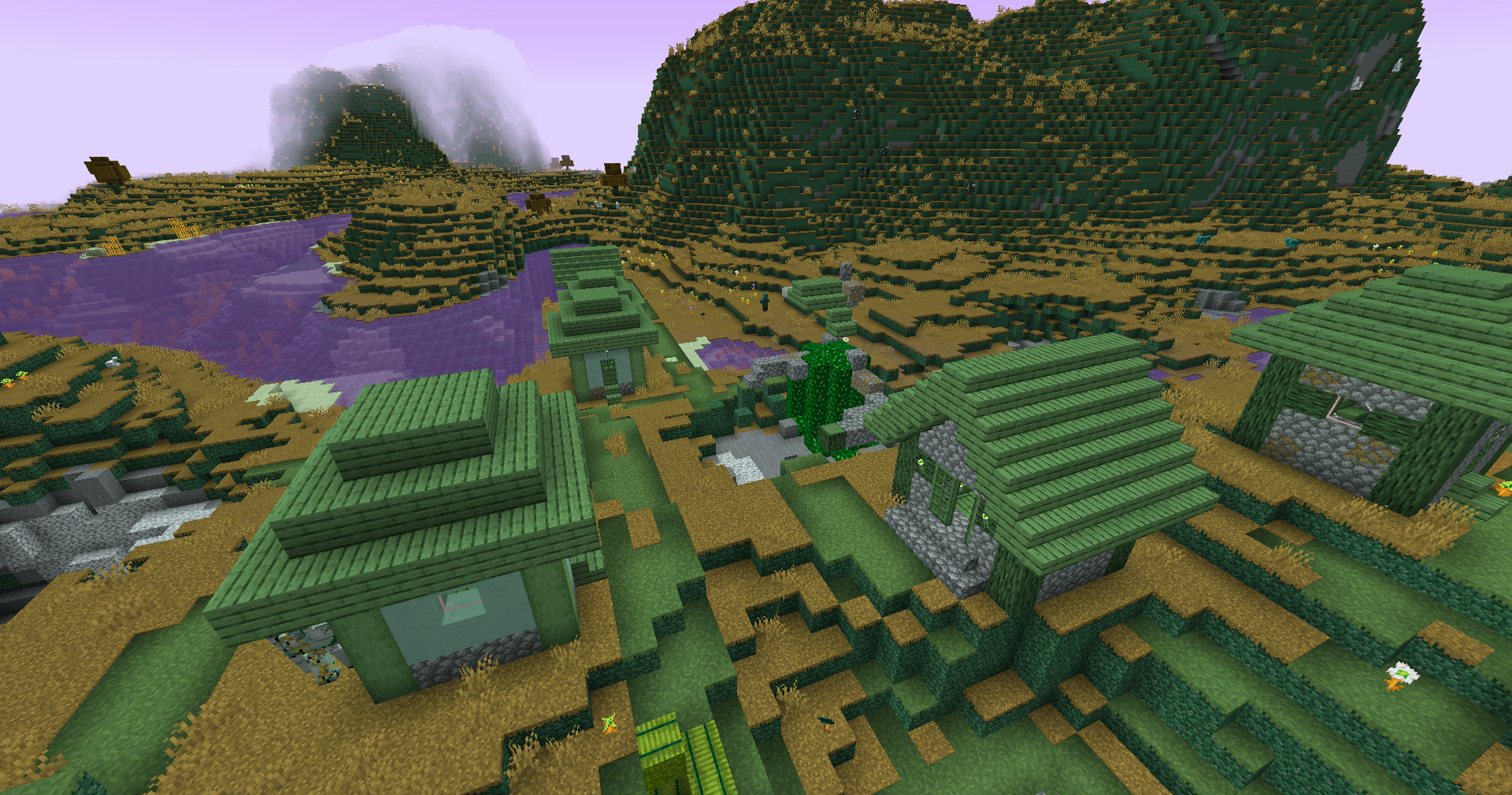
This simple vanilla shader allows you to customize the colors of your game by use of color lookup tables or LUTs
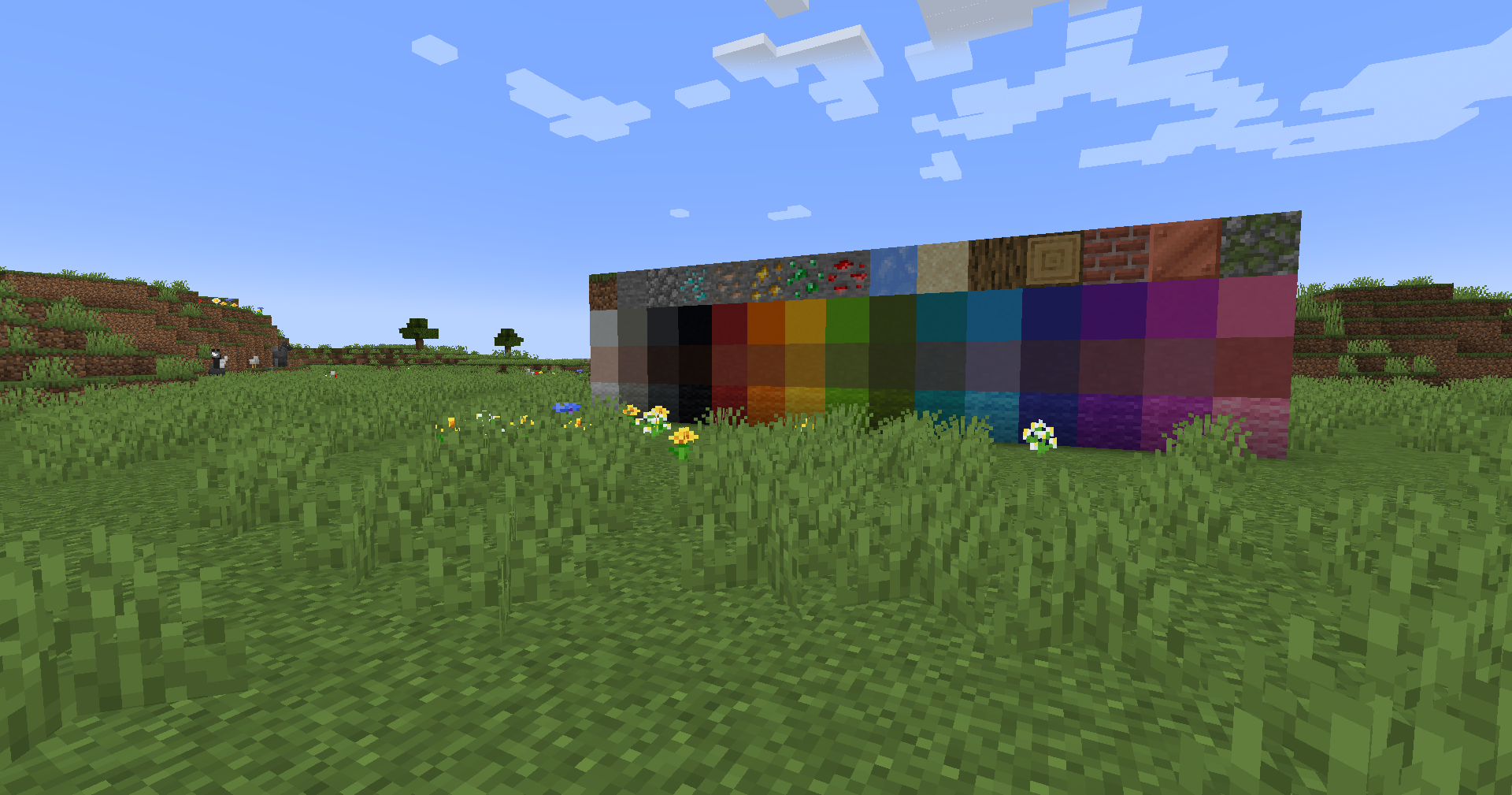
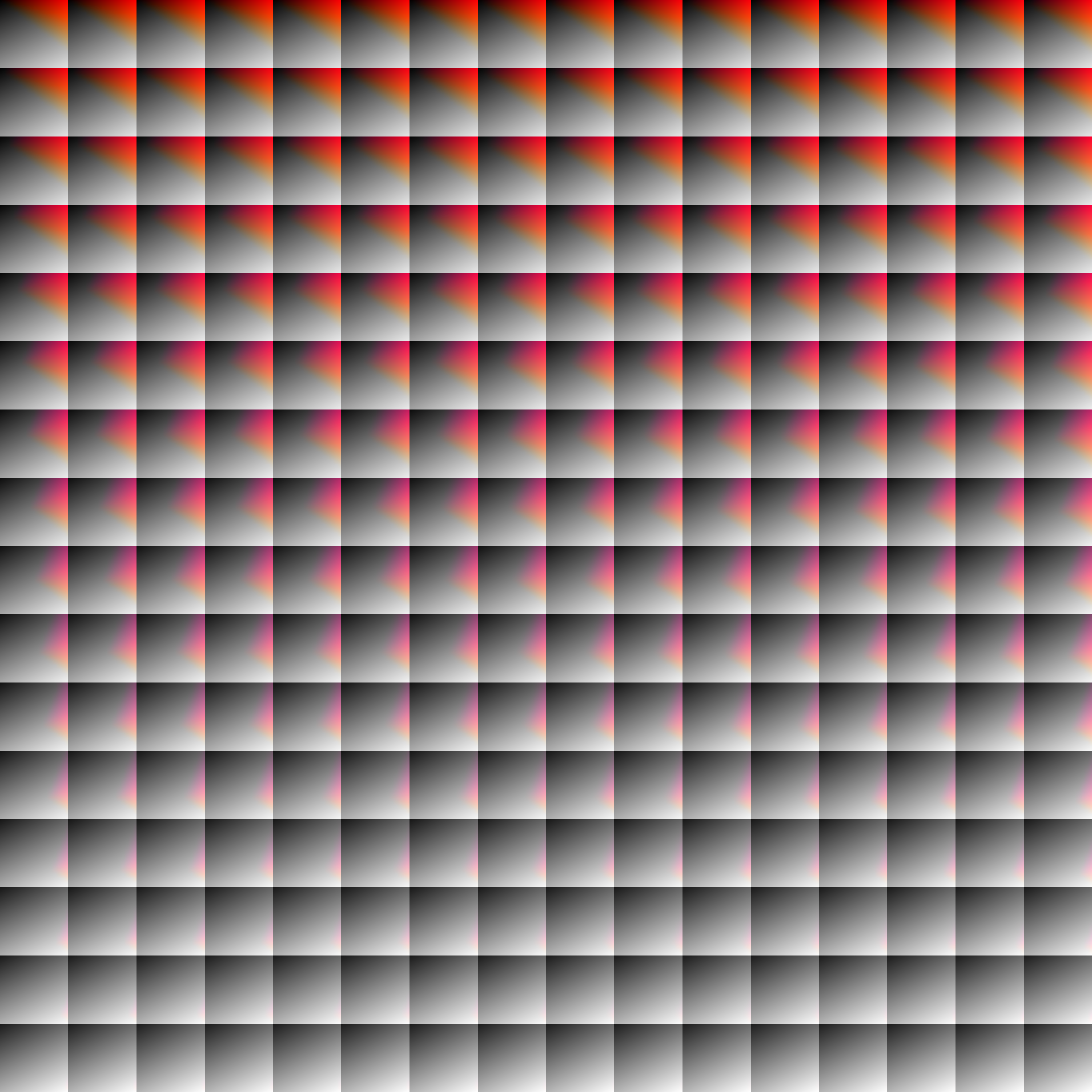
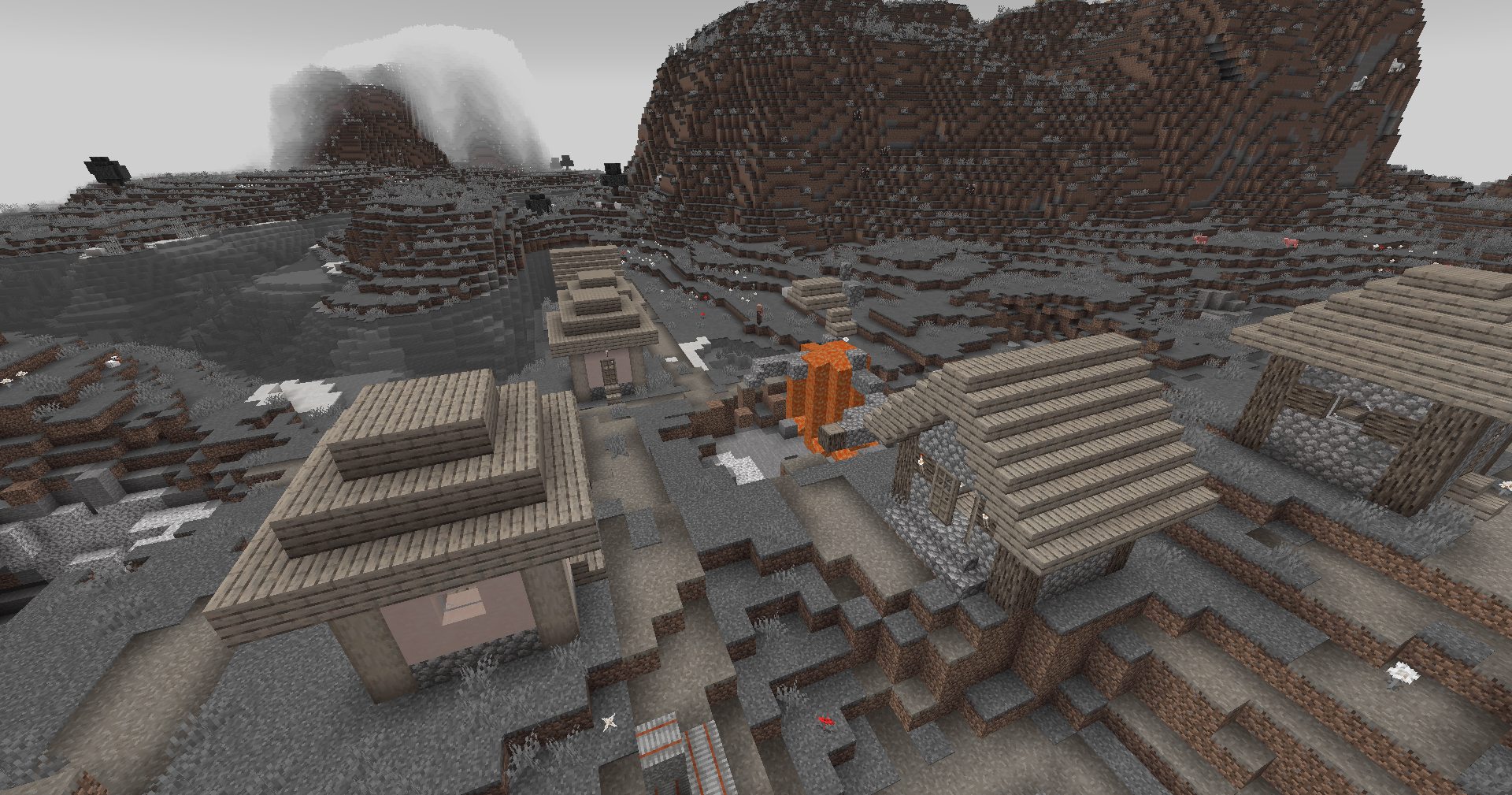
Vanilla Colors
|
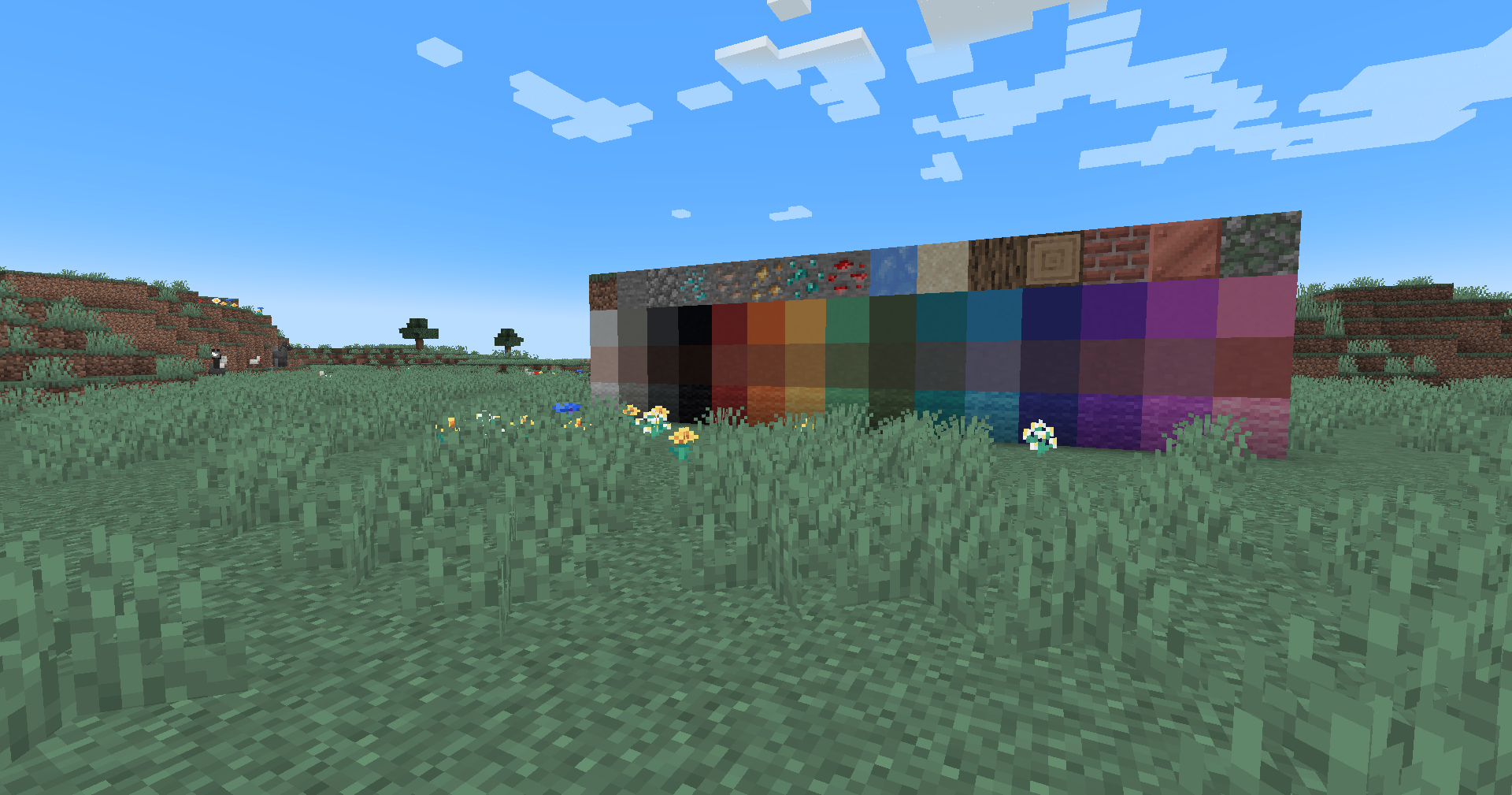
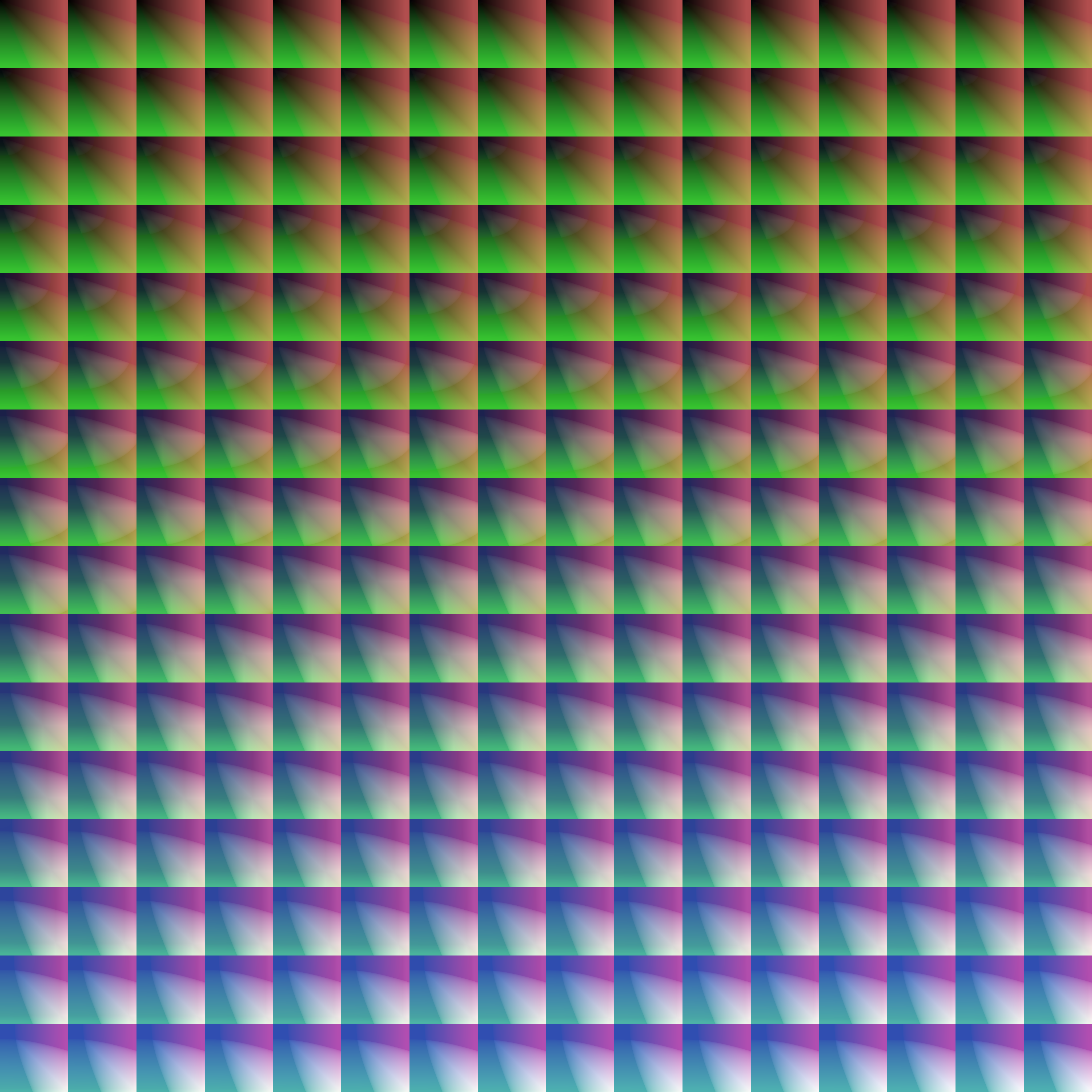
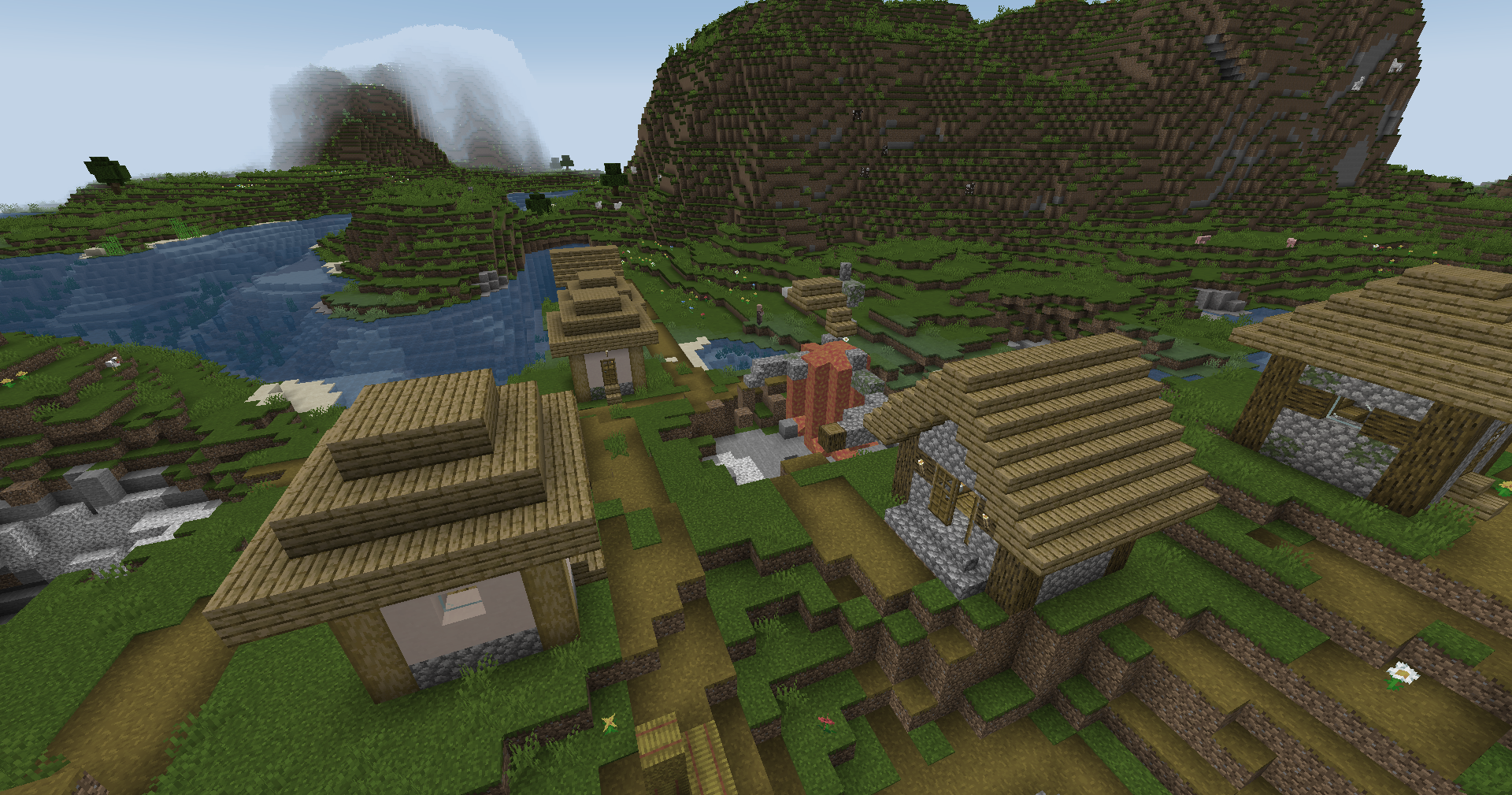
Custom LUT
|
 |
 |
Installation
Vanilla
- Download the vanilla version of this shader
- Add to
.minecraft/resourcepacks
- Set graphics to
Fabulous
- Activate Resource Pack
OptiFine/Iris
- download the Iris/OptiFine version of this shader
- add to
.minecraft/shaderpacks
- Select shader in Shaders Menu
Customization
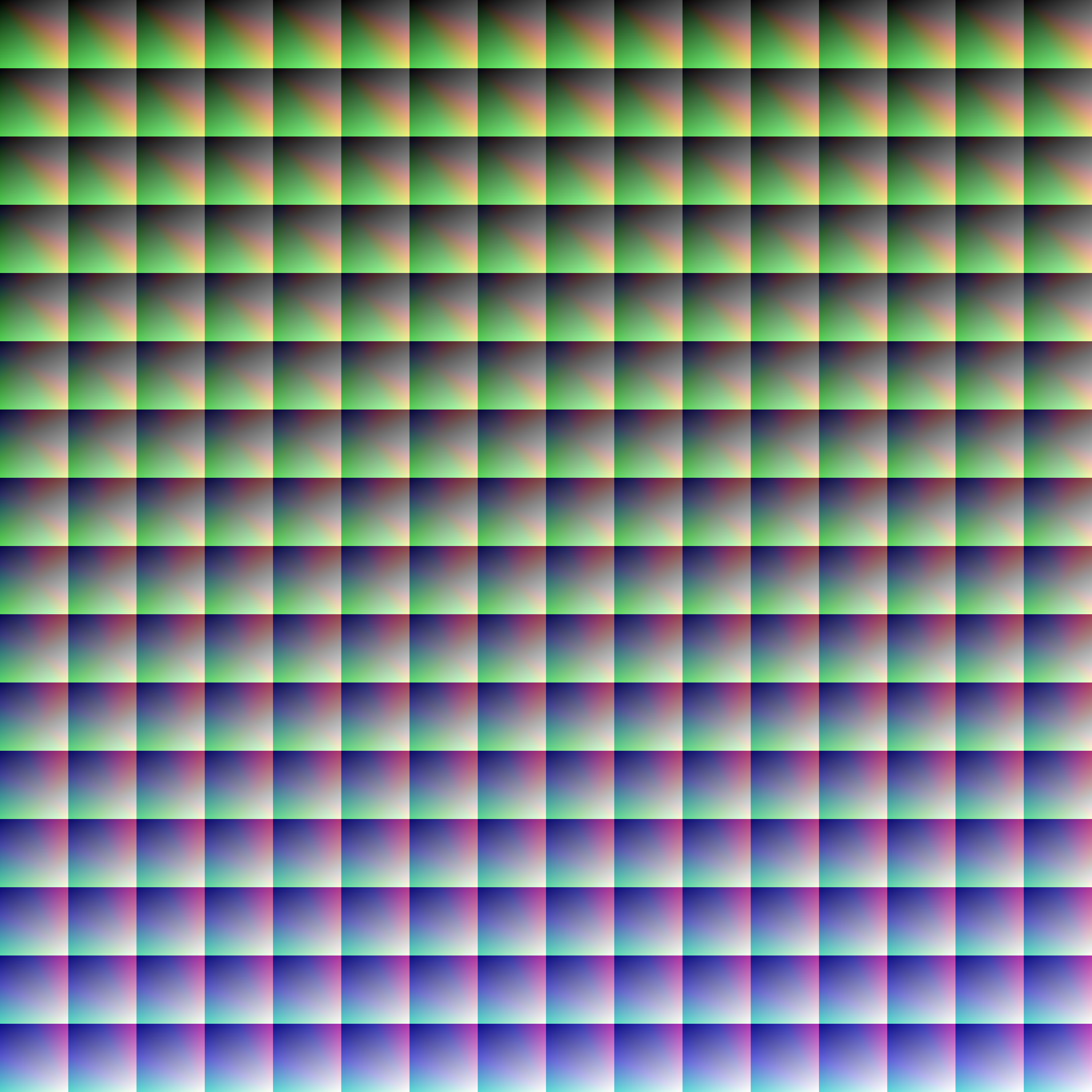
Provided within the pack zip, you may find a file called init_LUT.psd, which will allow you to customize the look and feel of this shader.
Customization Instructions
- Open
init_LUT.psd into your favorite photo editor (IE GIMP, Photoshop, Affinity Photo)
- I personally use the free online Photoshop alternative Photopea
- You can also just use the unmoddified
init_LUT.png which is also provided in the zip
- Apply as many adjustment layers, or edit the ones I have pre-selected, to achieve the look you desire
- These can be found under
Layer > Add New Adjustment Layer
- Hide the color preview layer
HIDE BEFORE EXPORT
- Export into the pack as
assets\minecraft\textures\effect\lut.png or shaders\lut.png, depending on whether you are using Vanilla or Iris/OptiFine
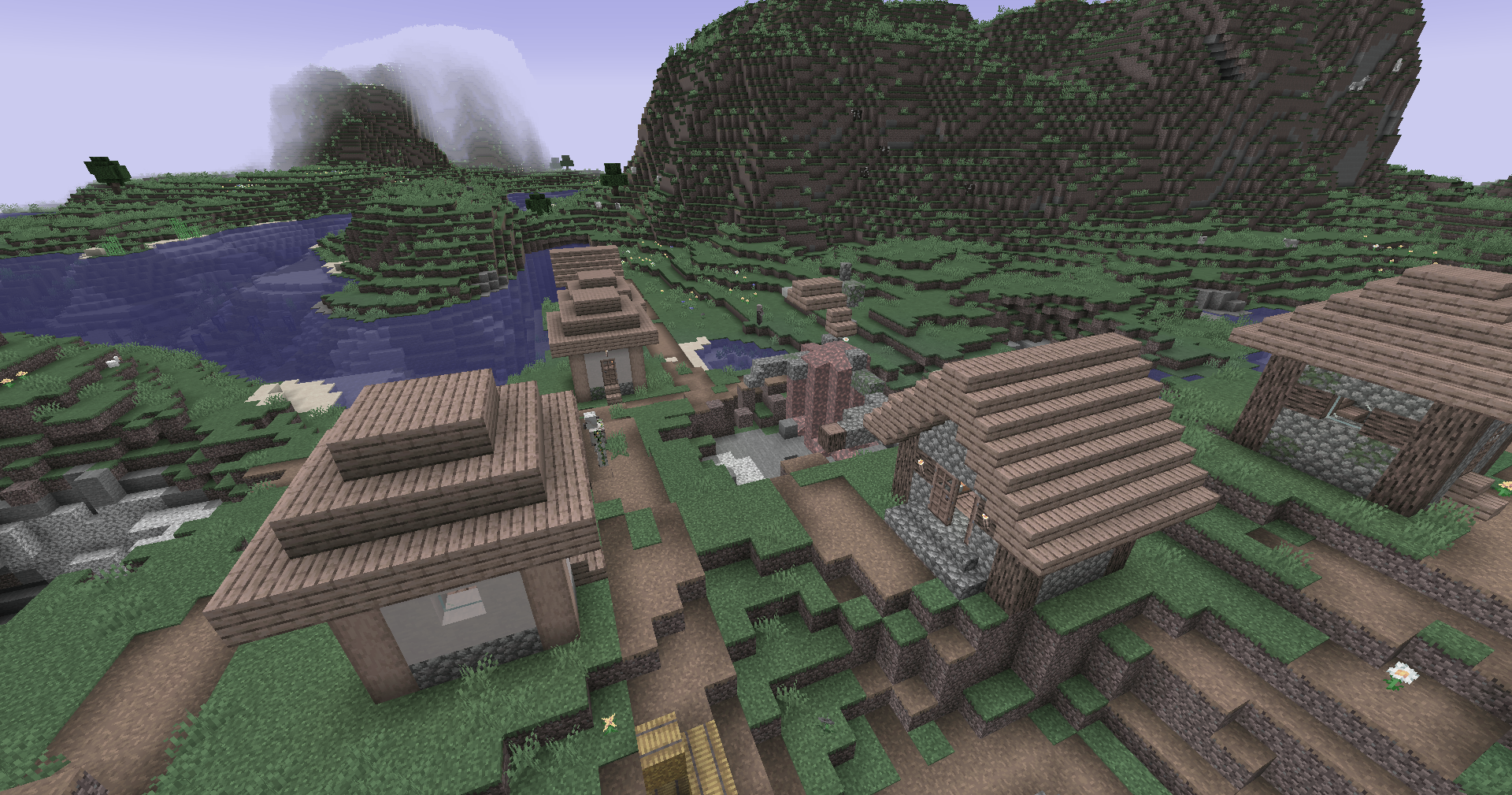
Example LUTs
Redistribution
If you wish to share your own custom LUT, please direct your users to download
Zenith's LUT Shader alongside your pack, or mark it as a dependancy on Modrinth


![Mallards [Cosmetic Addon] project image](https://media.forgecdn.net/avatars/thumbnails/363/625/256/256/637529870017677627.png)