fccb188beb8ec4681b5e5d42b6046657516ec663.png
08e7e413b7d40224c9ad07e512819a5a685f5d13.png
e6919d49d0fe6e3b8121a78f45688c4a2f40c854.png
08e7e413b7d40224c9ad07e512819a5a685f5d13.png
Description
WinterBlessed – Winter Shaders
Step into a little winter dream.
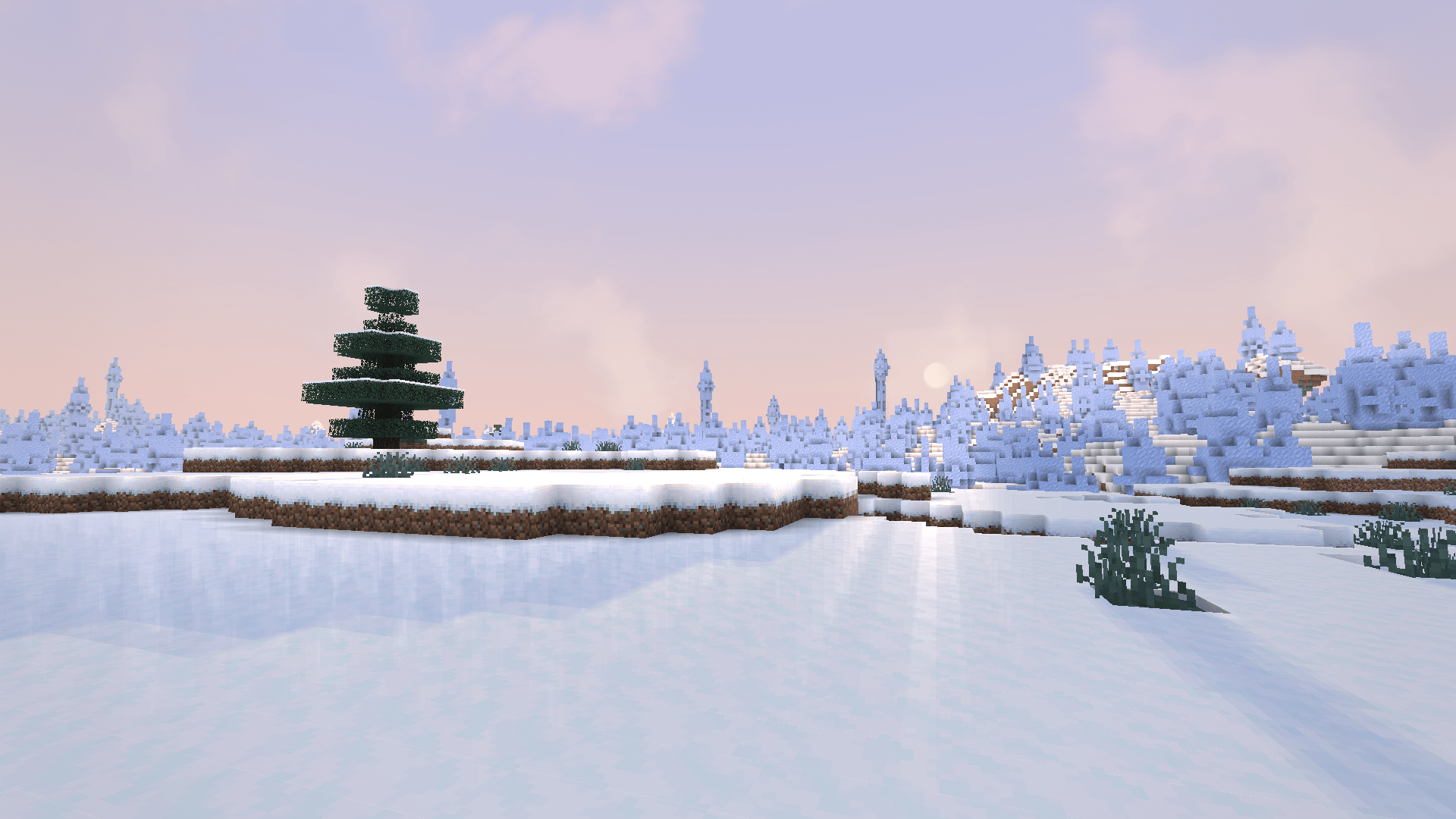
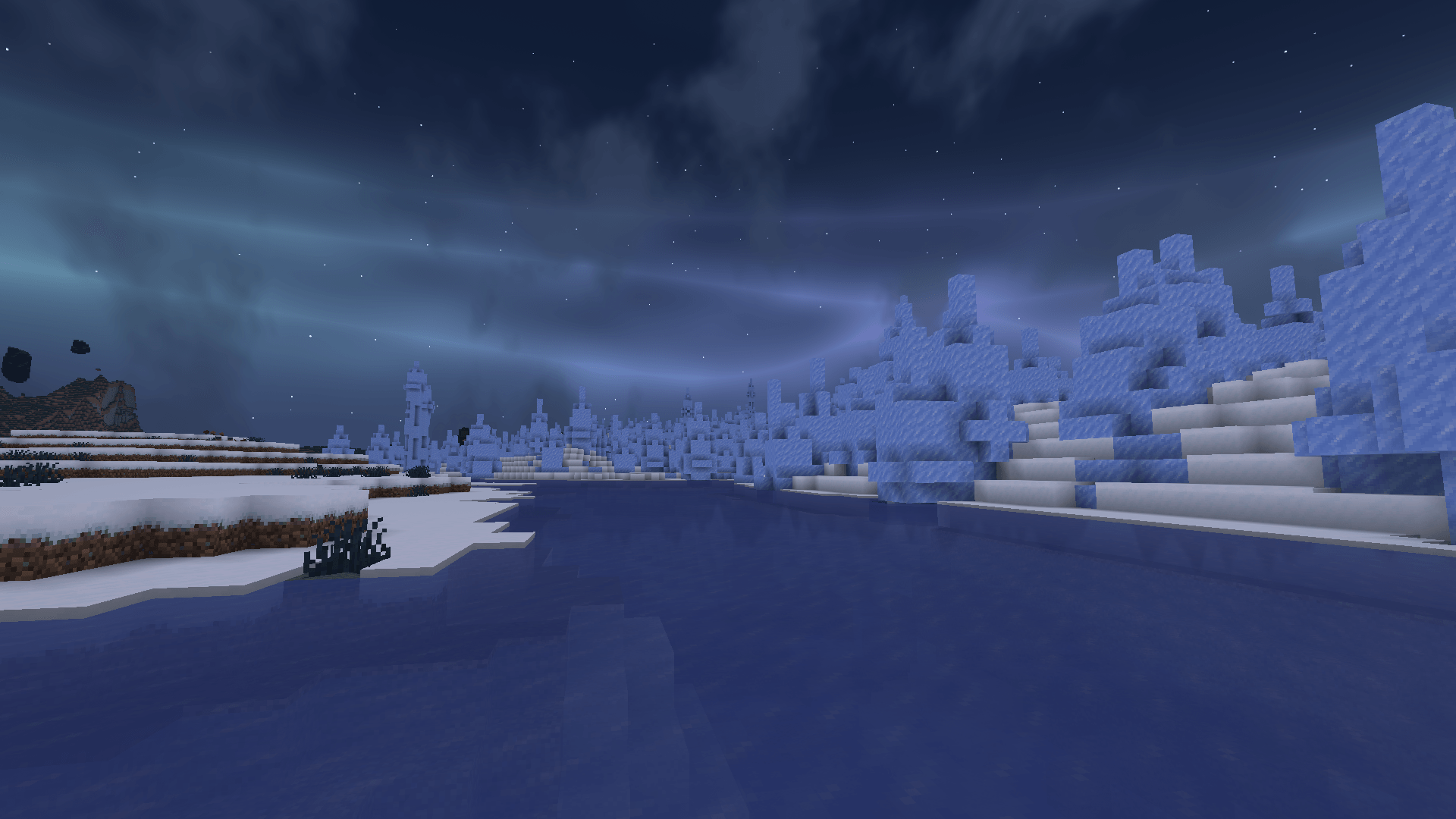
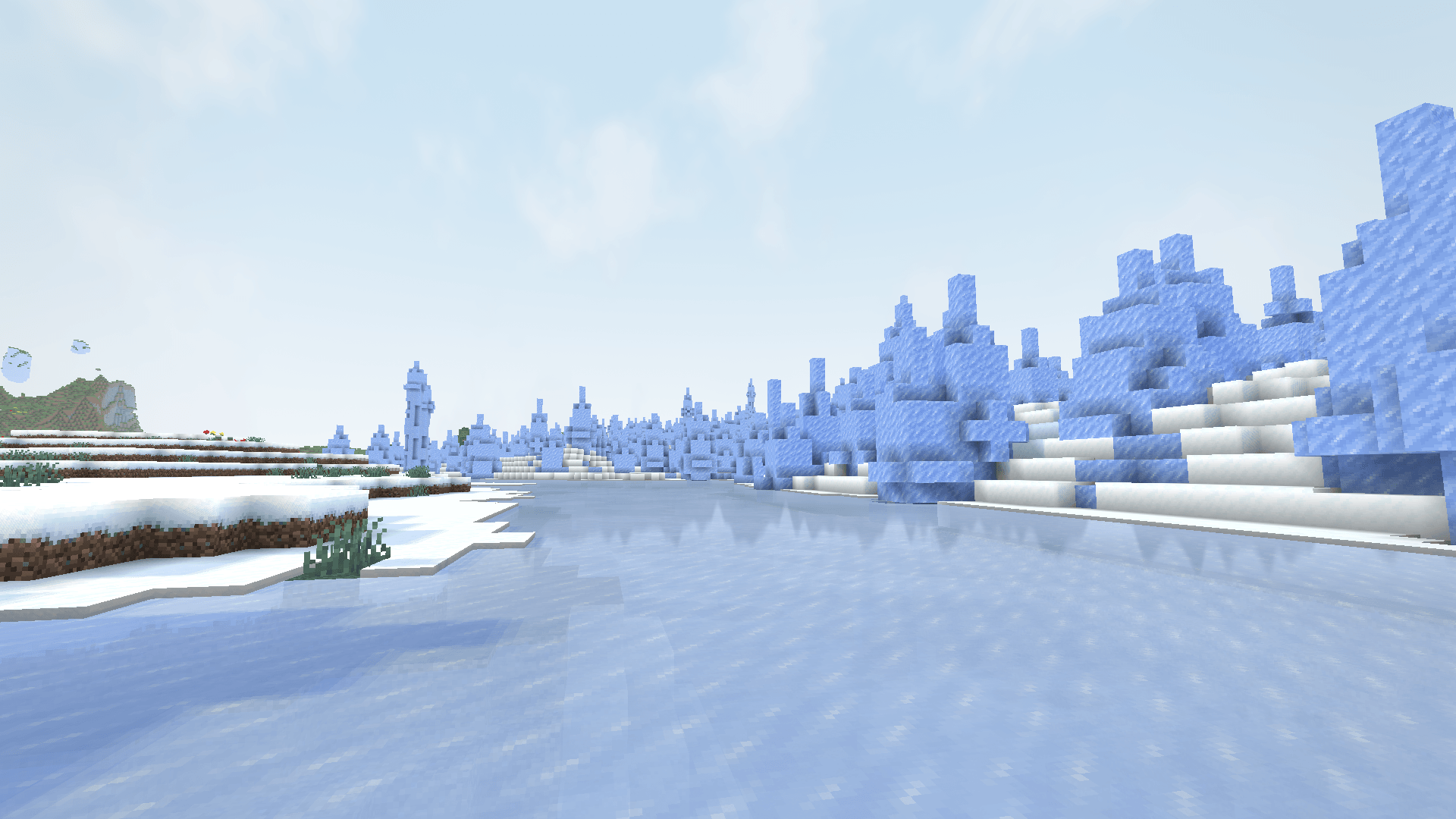
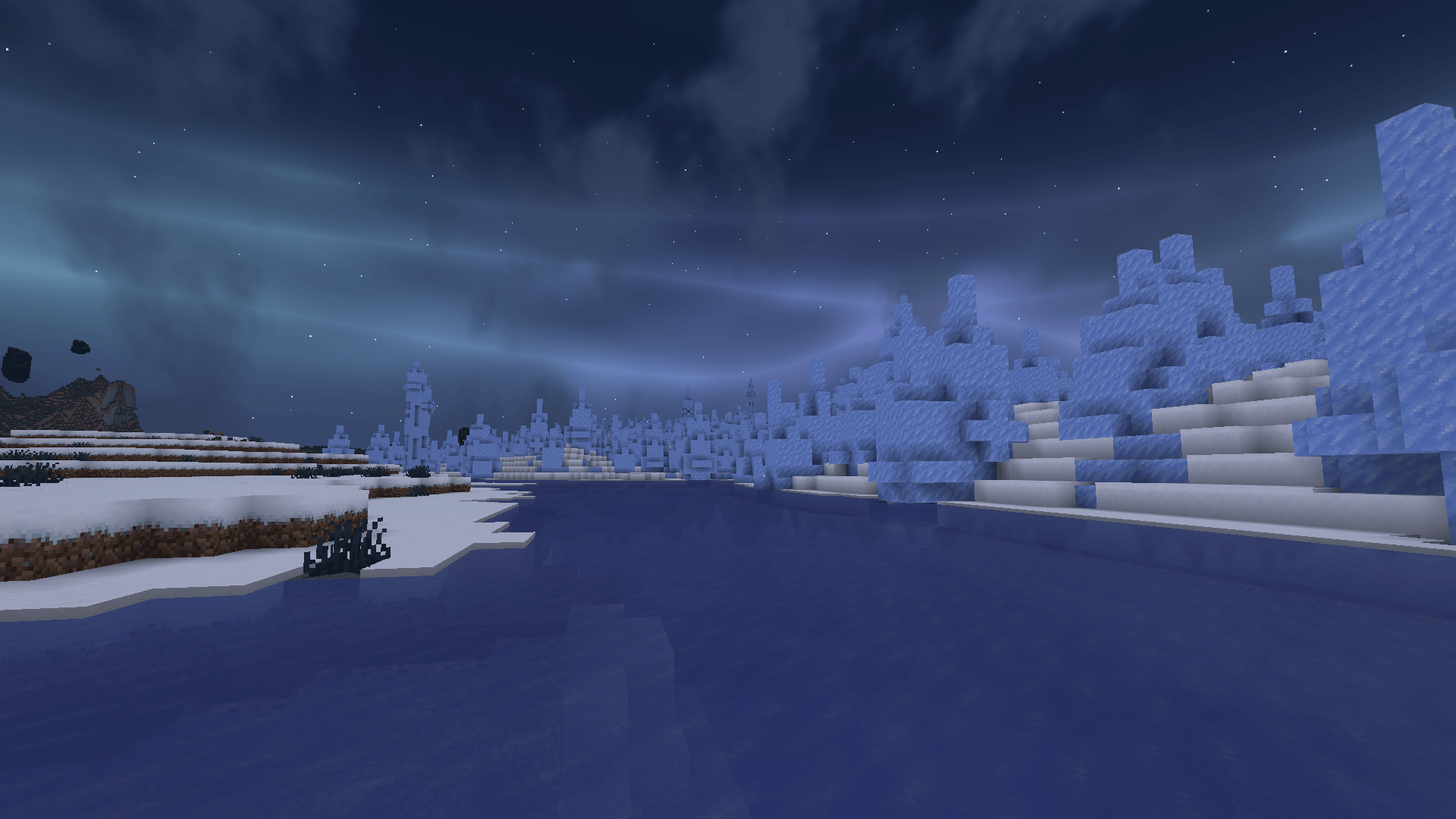
Transform your Minecraft world into a peaceful winter wonderland with WinterBlessed. Experience icy blue skies, pastel sunsets, gentle snowfall and magical northern lights. From crisp winter mornings to quiet nights beneath a starry sky, every moment is made to feel a little more magical.
Features
Winter Skies
- Icy blue daytime skies.
- Pastel pink and peach sunsets.
- Deep blue nighttime skies with stars and a moon.
Soft Clouds
- Soft, layered clouds with slow movement.
- Toggle clouds on or off.
Northern Lights
- Slowly moving green, blue and violet auroras.
- Toggle auroras on or off.
Snowfall
- Soft, rounded shader snow visible against the sky.
- Adjustable snowfall intensity from 0–100%.
Winter Fog
- Atmospheric fog with colours that change throughout the day and with snowy weather.
- Adjustable fog intensity from 0–100%.
Lighting & Shadows
- Cool daylight, warm sunset lighting and blue moonlight.
- Dynamic shadows for terrain, buildings, foliage, entities and block entities.
- Toggle shadows and adjust their strength from 0–100%.
Sun Shafts & Bloom
- Adjustable sunlight rays through trees and around the sun.
- Subtle glow around the sun, moon and bright surfaces.
- Set either effect to 0 to disable it.
Snow & Ice
- Cool tones and soft highlights on snowy surfaces.
- Winter-blue water.
- Varied icy reflections.
Moving Foliage
- Leaves gently sway in the wind.
- Foliage shadows move along with them.
- Grass does not sway.
Post-processing
- Adjustable vignette.
- Adjustable film grain.
- Set either effect to 0 to disable it.
Presets
Choose the quality that works best for your setup:
- Low: Better performance. Disables shadows, sun shafts, bloom and procedural clouds.
- Medium: A balance between visuals and performance.
- Ultra: The full visual experience.
Settings
All shader options are organised into three sections:
- Winter Atmosphere – clouds, aurora, snowfall and fog.
- Lighting – shadows, sun shafts and bloom.
- Post-processing – vignette and film grain.
Iris automatically saves your selected shader settings.
Requirements
- Minecraft Java Edition
- Iris Shaders
Take a moment, watch the snow fall and enjoy the quiet beauty of winter. ♡
WinterBlessed – Winter Shaders Team