


Void x shader
- By
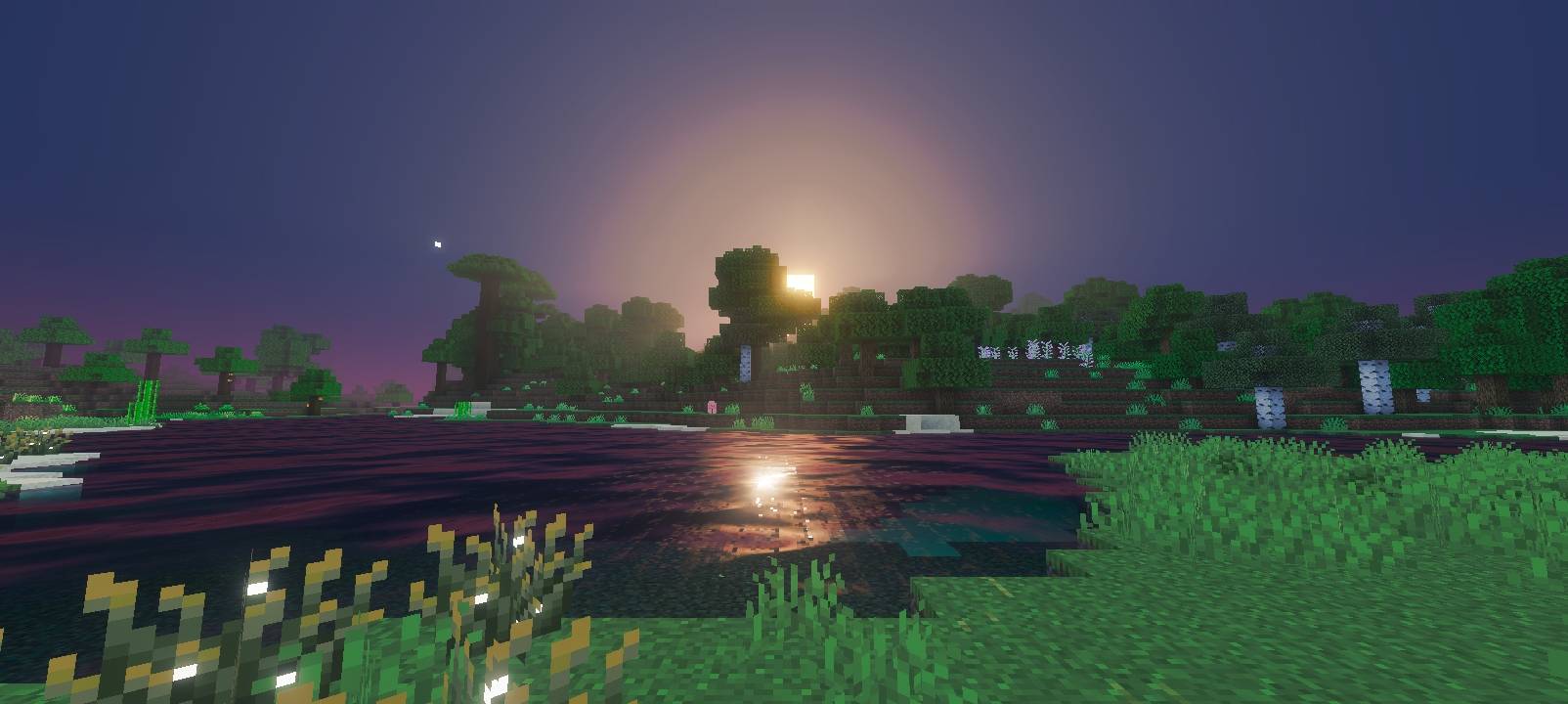
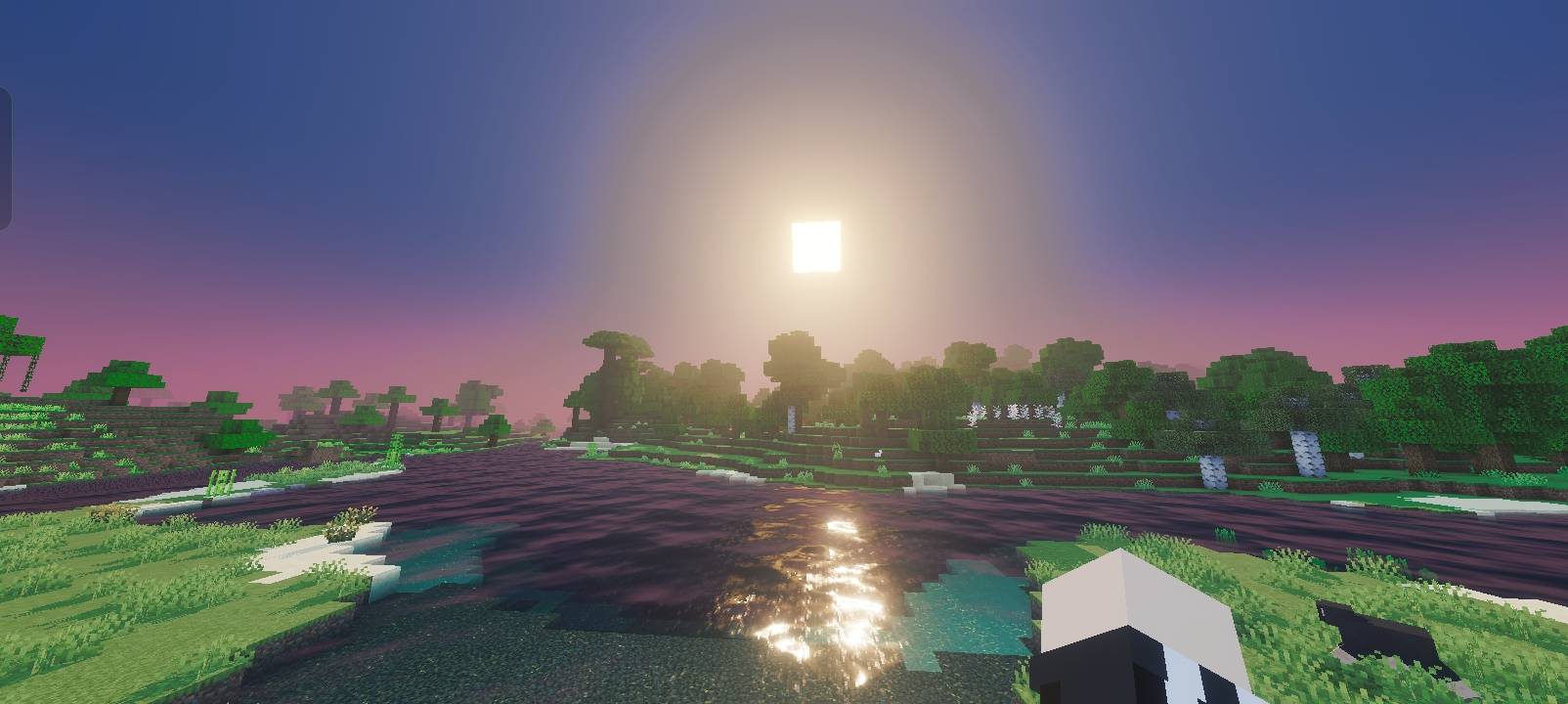
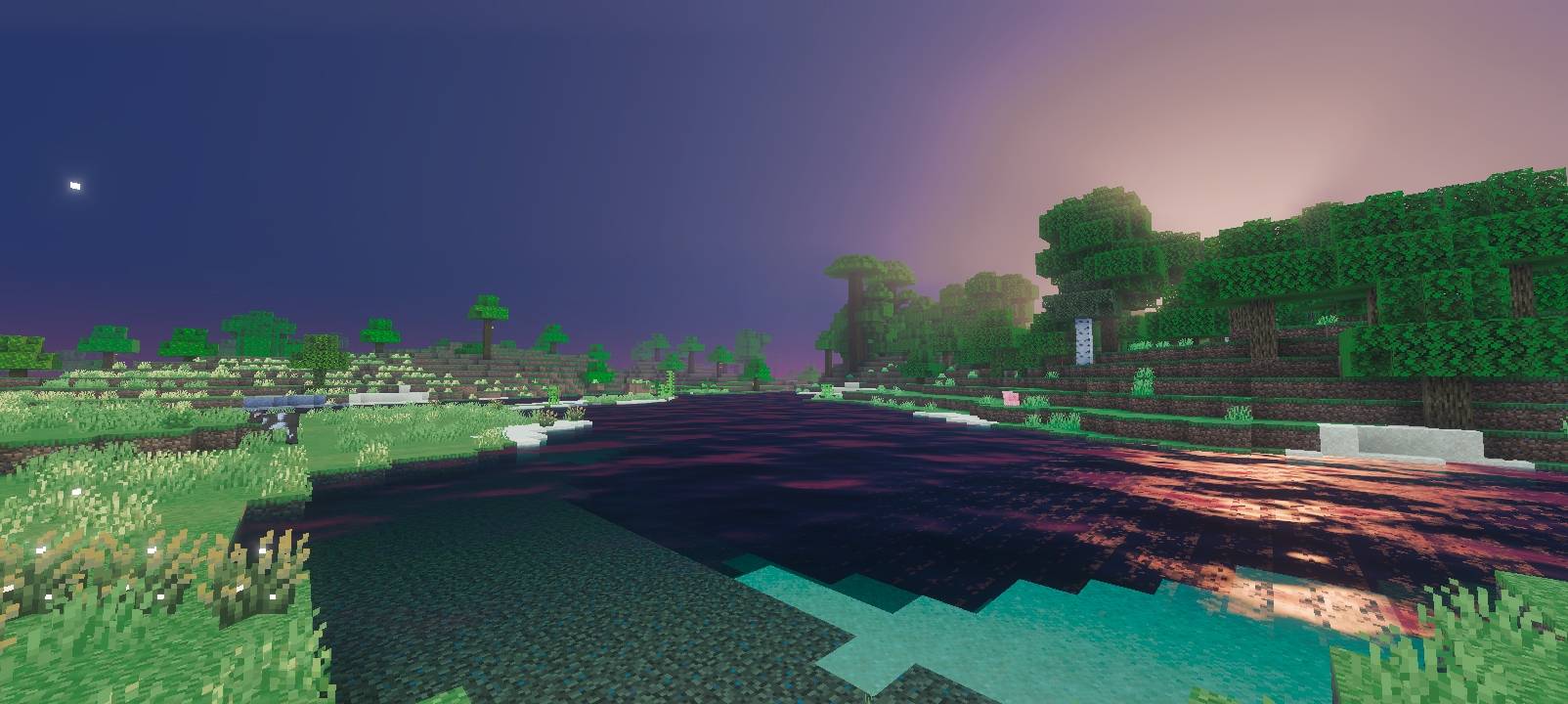
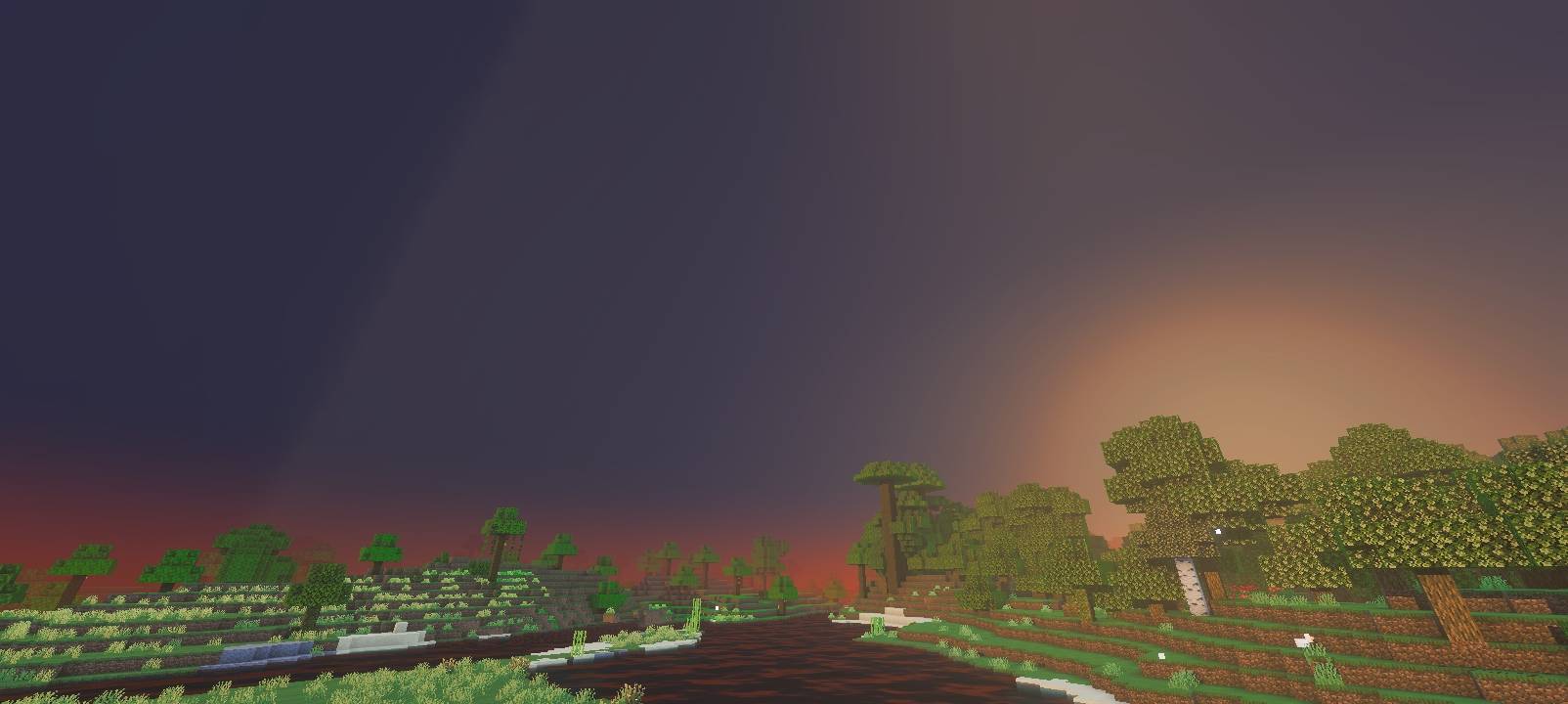
A cinematic Vibrant Visuals shader with warm sunrises, pink sunsets, glowing torches, and a rich deep-blue night sky, optimized for mobile.
40368.jpg
40371.jpg
40367.jpg
40374.jpg
Description
Title: VoidX Shader
Short Description: A cinematic Vibrant Visuals shader for Minecraft Bedrock/PE. Features warm golden sunrises, pink sunsets, glowing torches and lanterns, a rich deep-blue night sky, deeper and more atmospheric water, and dramatic Nether/End lighting — all while staying optimized for mobile devices.
Full Description:
VoidX Shader gives Minecraft Bedrock a cinematic, realistic look using Mojang's official Vibrant Visuals (PBR) rendering system — no third-party mods or texture replacements required for the lighting engine itself.
Features:
- Orange-red sunrises and soft pink sunsets with smooth color transitions throughout the day
- Warm, glowing light sources — torches, soul torches, lanterns, sea lanterns, glowstone, and more each have their own realistic color
- Rich, deep blue-purple night sky with a soft glowing moon
- Enhanced color grading for richer, more cinematic daytime colors
- Clearer, more atmospheric water with subtle waves and caustics
- Distinct Nether (dramatic orange-red) and End (dark purple cosmic) atmospheres
- Optimized to run smoothly on mid-range mobile devices
Requirements:
- Minecraft Bedrock/PE version 1.21.120 or higher
- "Vibrant Visuals" graphics mode must be supported on your device
Installation Instructions:
- Download the
.mcaddonfile - Tap the file — Minecraft will automatically import both packs included in it
- Open your world settings (or create a new world)
- Go to the Resource Packs tab → activate "VoidX Shader"
- Go to the Behavior Packs tab → activate "VoidX Shader (Lighting Data)" (Both packs are required — the Resource Pack handles sky/water/color, while the Behavior Pack handles the actual lighting engine data. The shader will not work correctly with only one activated.)
- In-game, go to Settings → Video and set Graphics Mode to "Vibrant Visuals"
- Recommended: enable "Beautiful Skies" and "Fog" in Video Settings for the full effect
Notes:
- This shader requires both the Resource Pack AND Behavior Pack to be active to function correctly.
- Performance may vary depending on device — lower render distance if you experience lag.
Void x shader Team
