2026-07-19_16.23.00.png
2026-07-19_16.24.07.png
2026-07-19_16.24.10.png
2026-07-19_16.20.46.png
2026-07-19_16.20.46_2.png
Description
Vice Wave
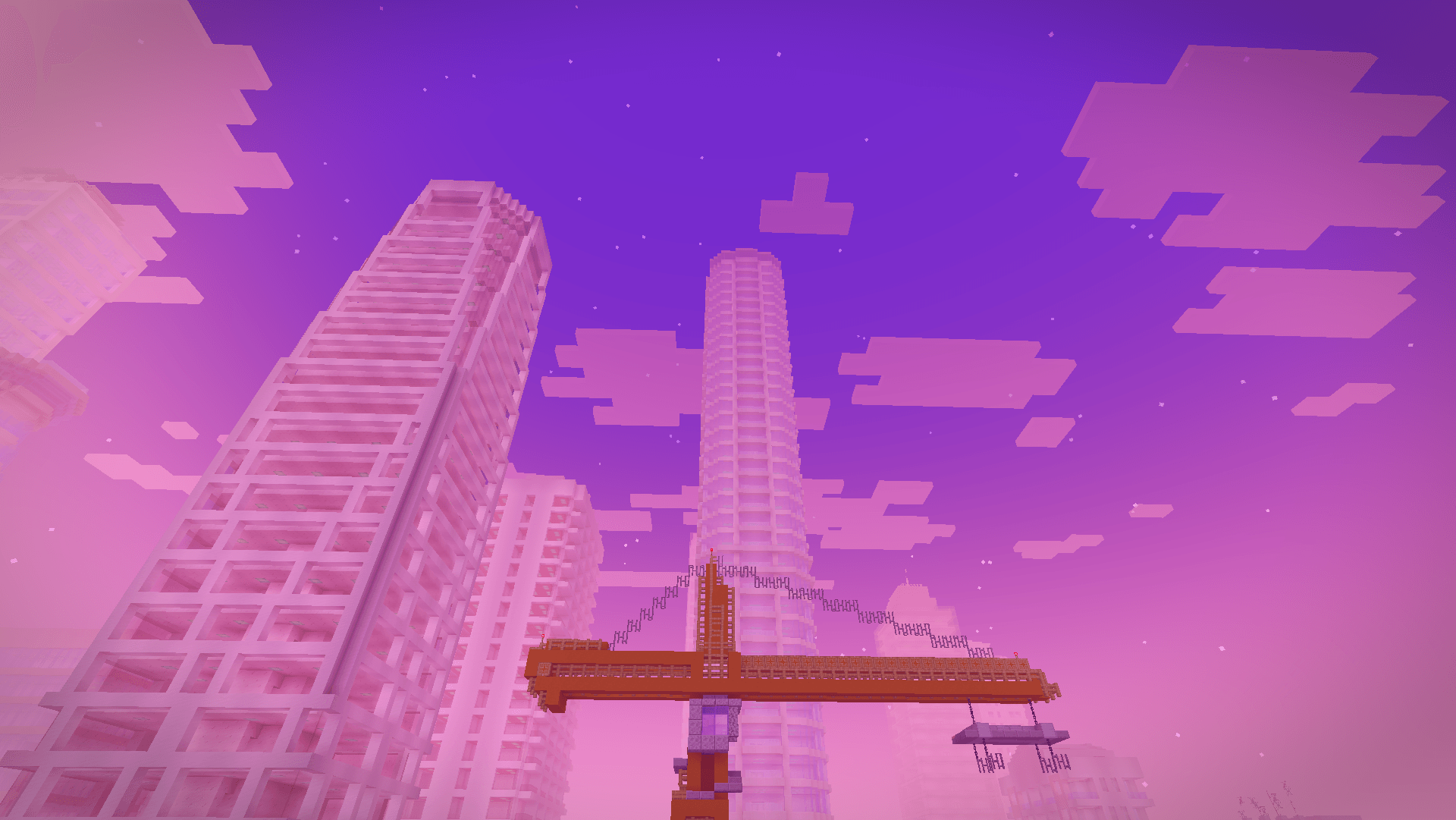
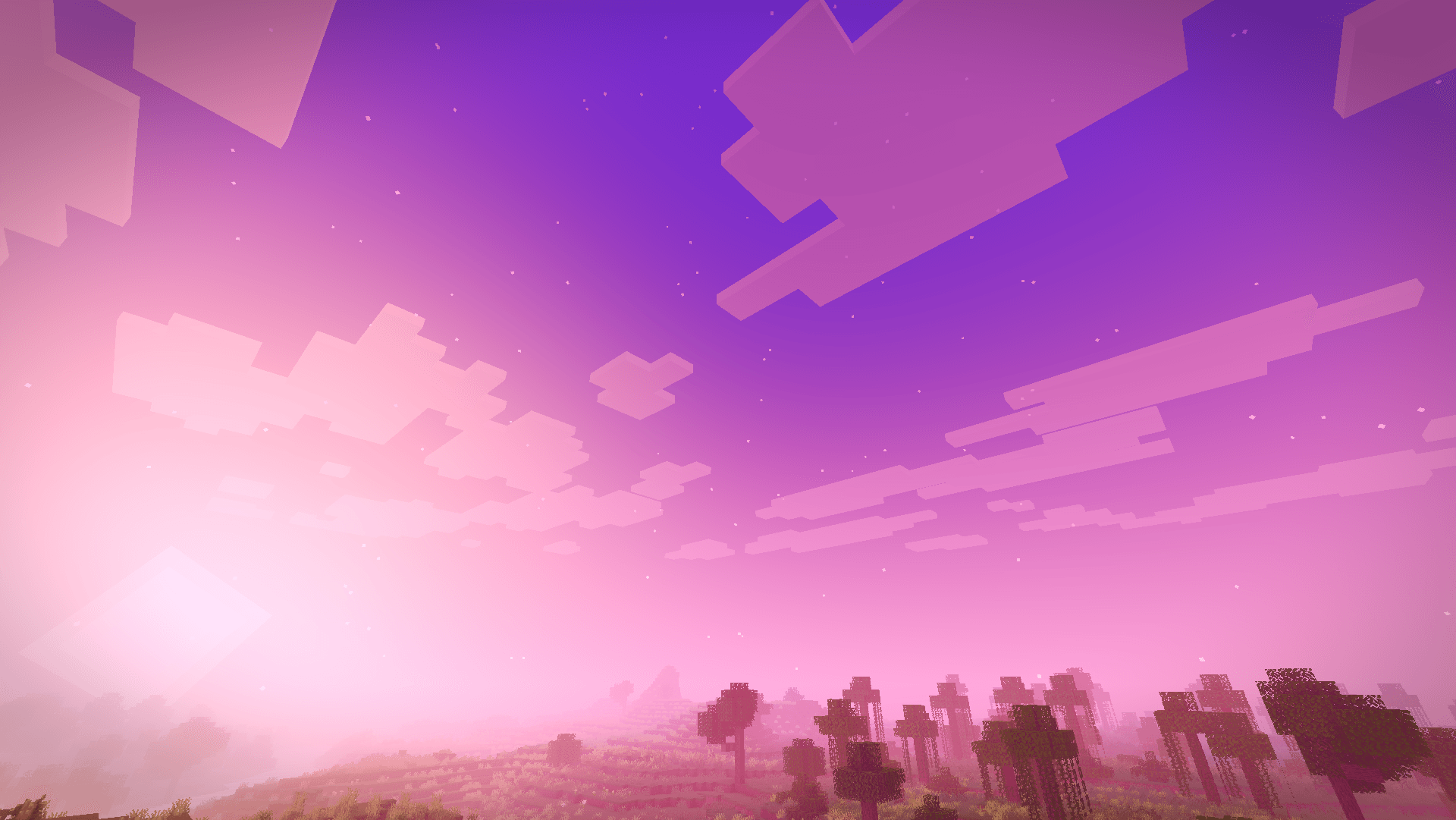
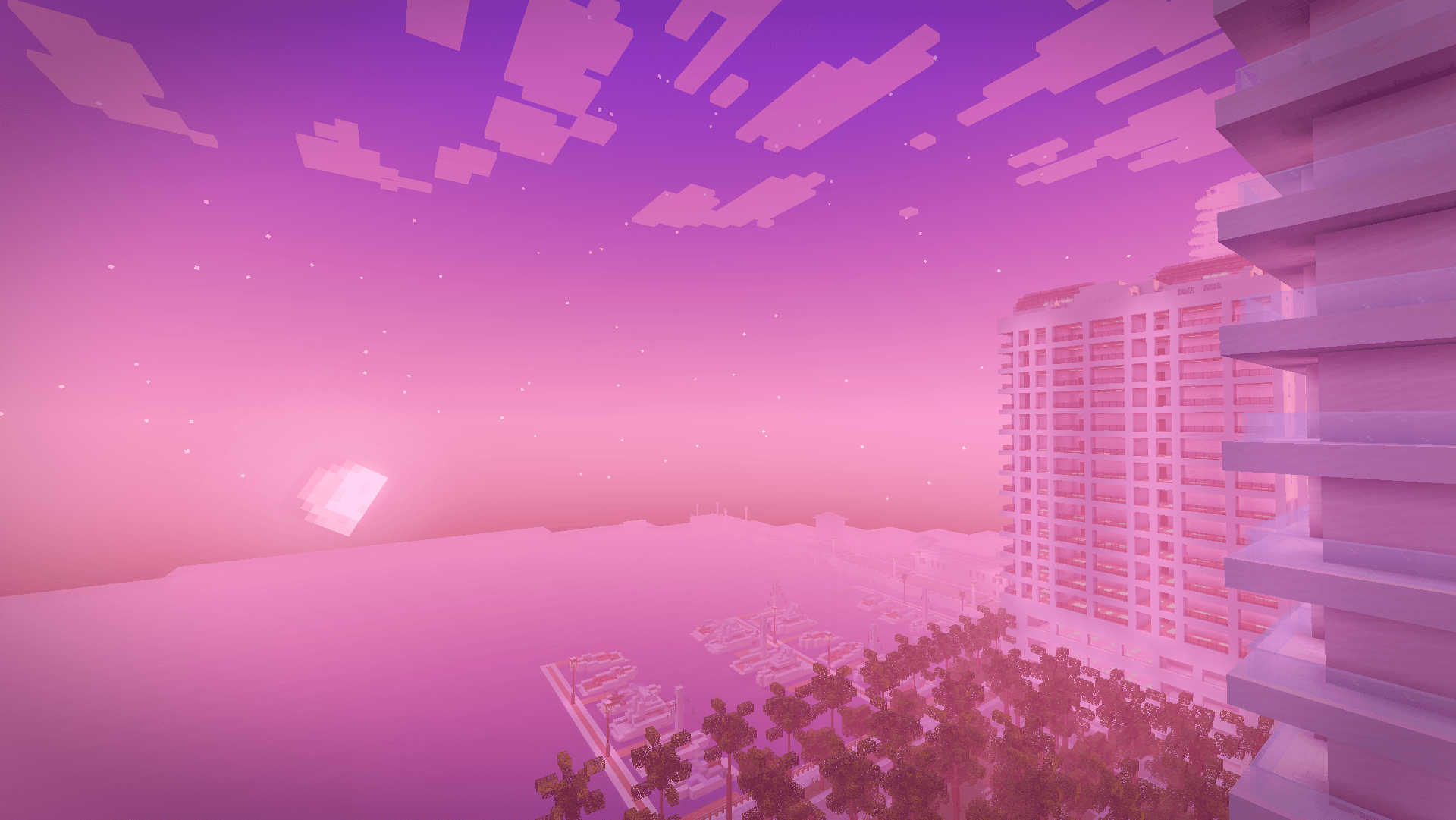
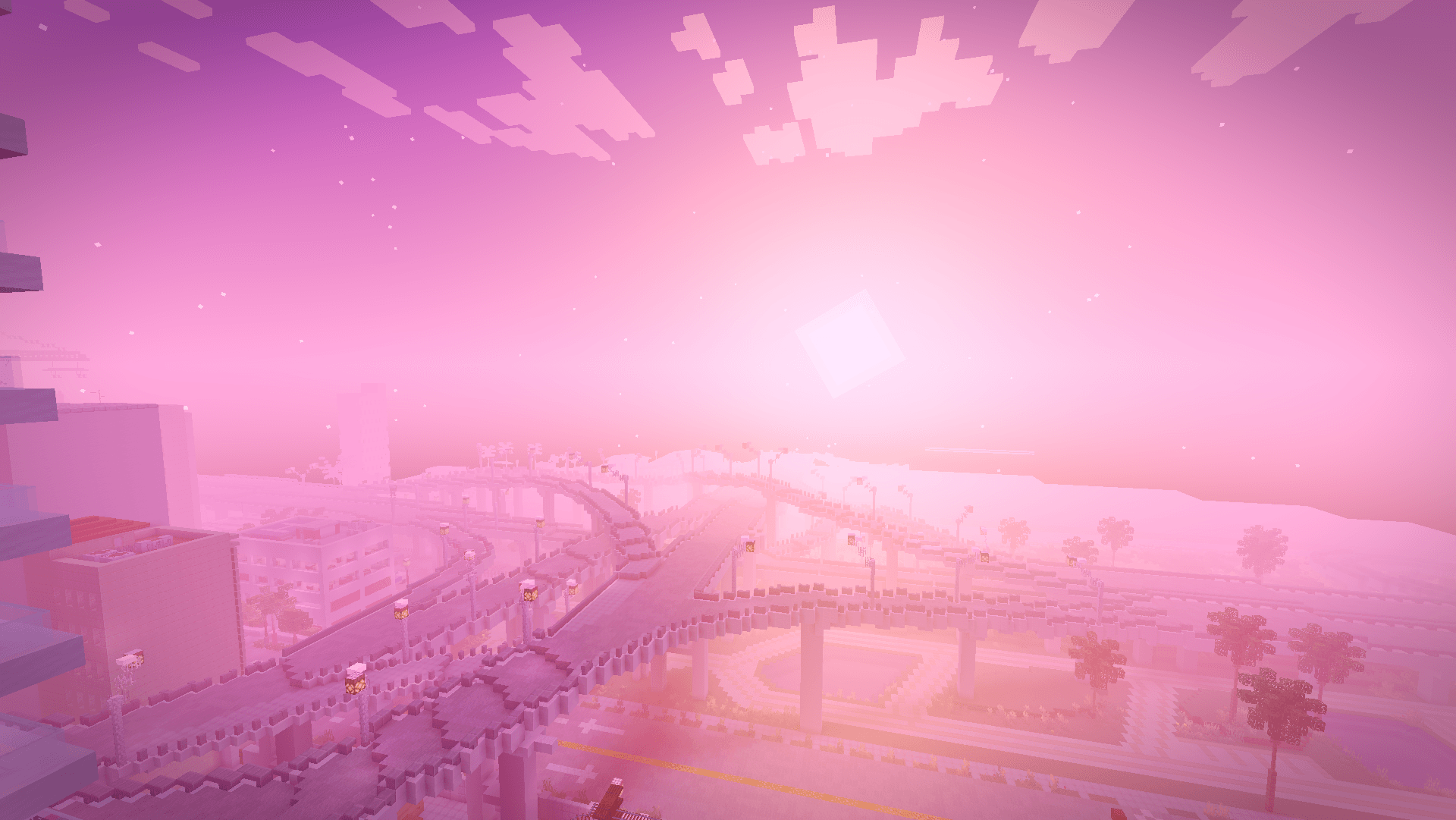
A Miami vice-wave shaderpack inspired by the GTA VI look, blazing pink and orange sunsets, purple-graded nights, soft shadows and neon-colored block light.
Vice Wave is a shaderpack that focuses on atmosphere rather than heavy effects: it keeps vanilla's readability while pushing the sky, the fog and the lighting toward a retro Miami aesthetic.
Features
- Vice-wave sunsets & sunrises — pink/orange/violet gradients across the sky and fog
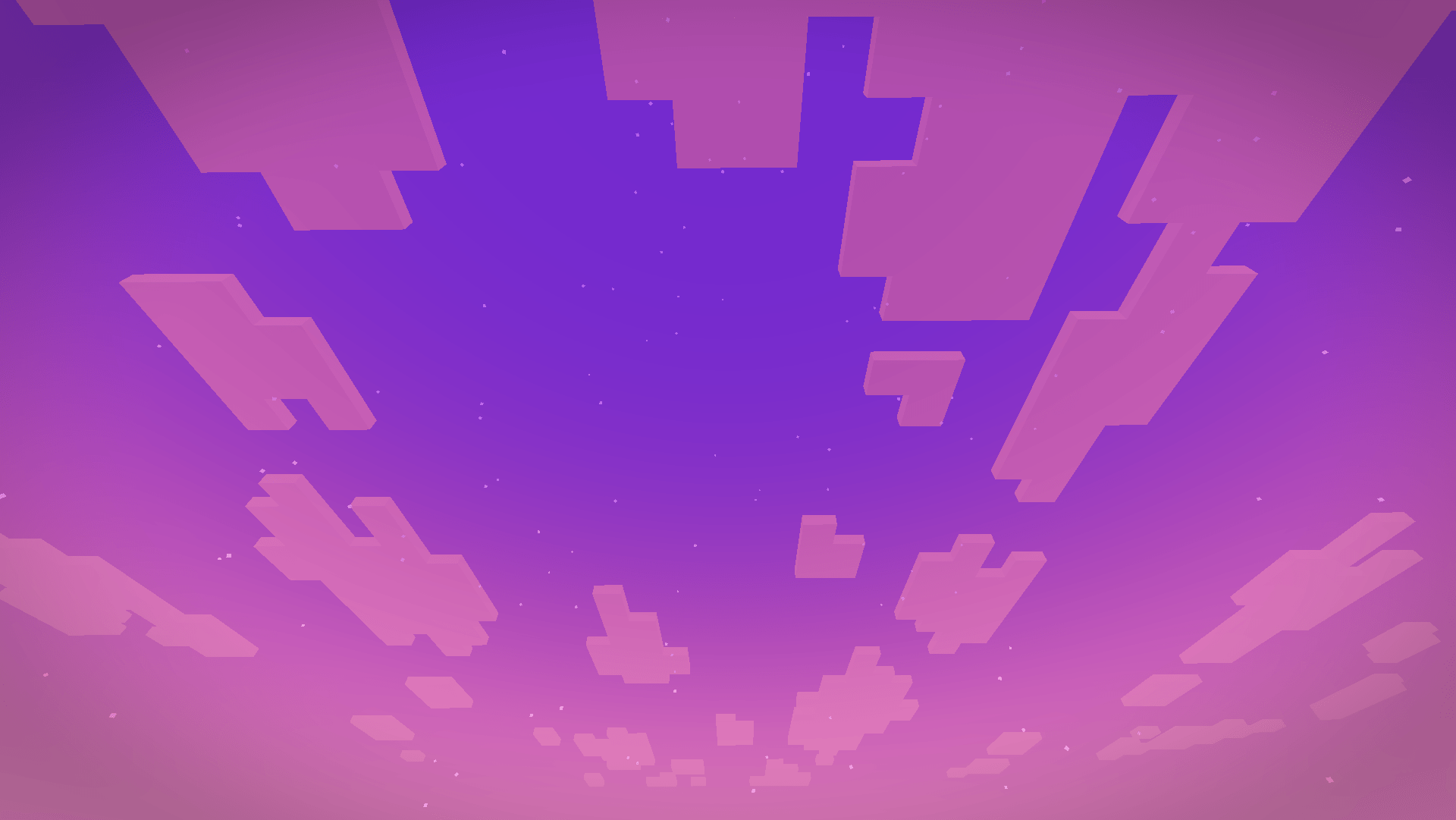
- Stylized nights with stars and a subtle purple color grade
- Neon block light — torches, glowstone and lamps project a colored neon light (pink by default)
Settings
Everything is adjustable in Shader Pack Settings:
- Profiles : Low (no shadows/bloom), Medium (default), High (4096 shadows, softer filtering)
- Sky : sunset intensity, sky/night brightness, fog density, stars
- Lighting : enable/disable shadows, shadow softness/resolution/distance, Neon Color (pick the projected light color), neon intensity (0 = plain warm light, 1 = pure neon), block light brightness
- Water : opacity, wave strength, reflections
- Post-processing : bloom, exposure, saturation, contrast, grade strength, vignette, optional chromatic aberration
Installation
- Install Iris (Fabric) or OptiFine.
- Download the Vice Wave
.zipand drop it into yourshaderpacksfolder (in-game: Options → Video Settings → Shader Packs → Open Shader Pack Folder). - Select Vice Wave in the shader pack list and apply.
Enjoy the sunset.
Vice Wave Team

Owner