Toon Cel Shader — Anime Style
- By
Toon Cel Shader, a lightweight anime style shader for Minecraft. Bold black outlines, flat cel shading and punchy colors with almost zero FPS cost. A stylized alternative to Complementary or BSL, fully adjustable in game.
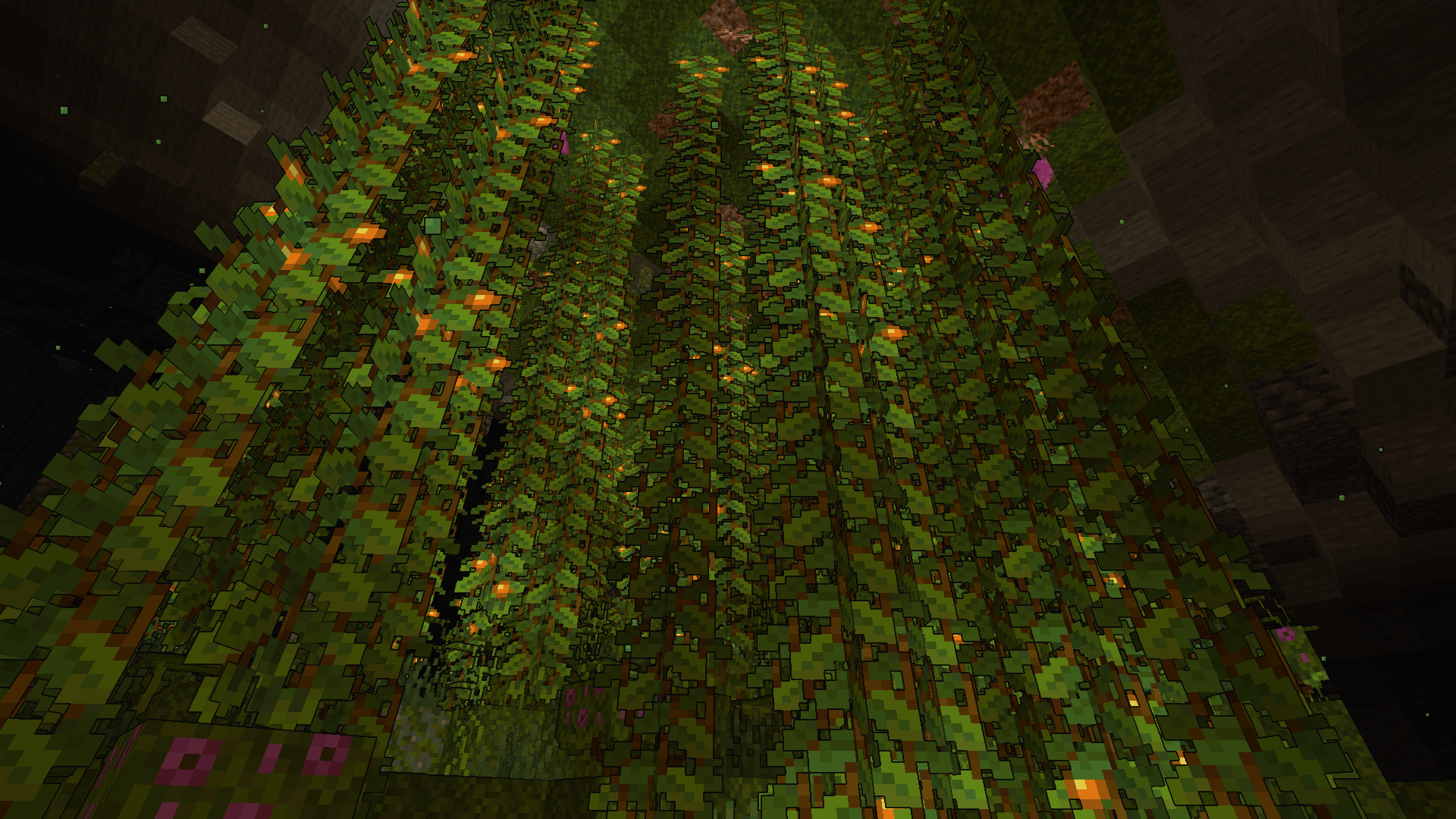
2026-08-06_13.29.36.png
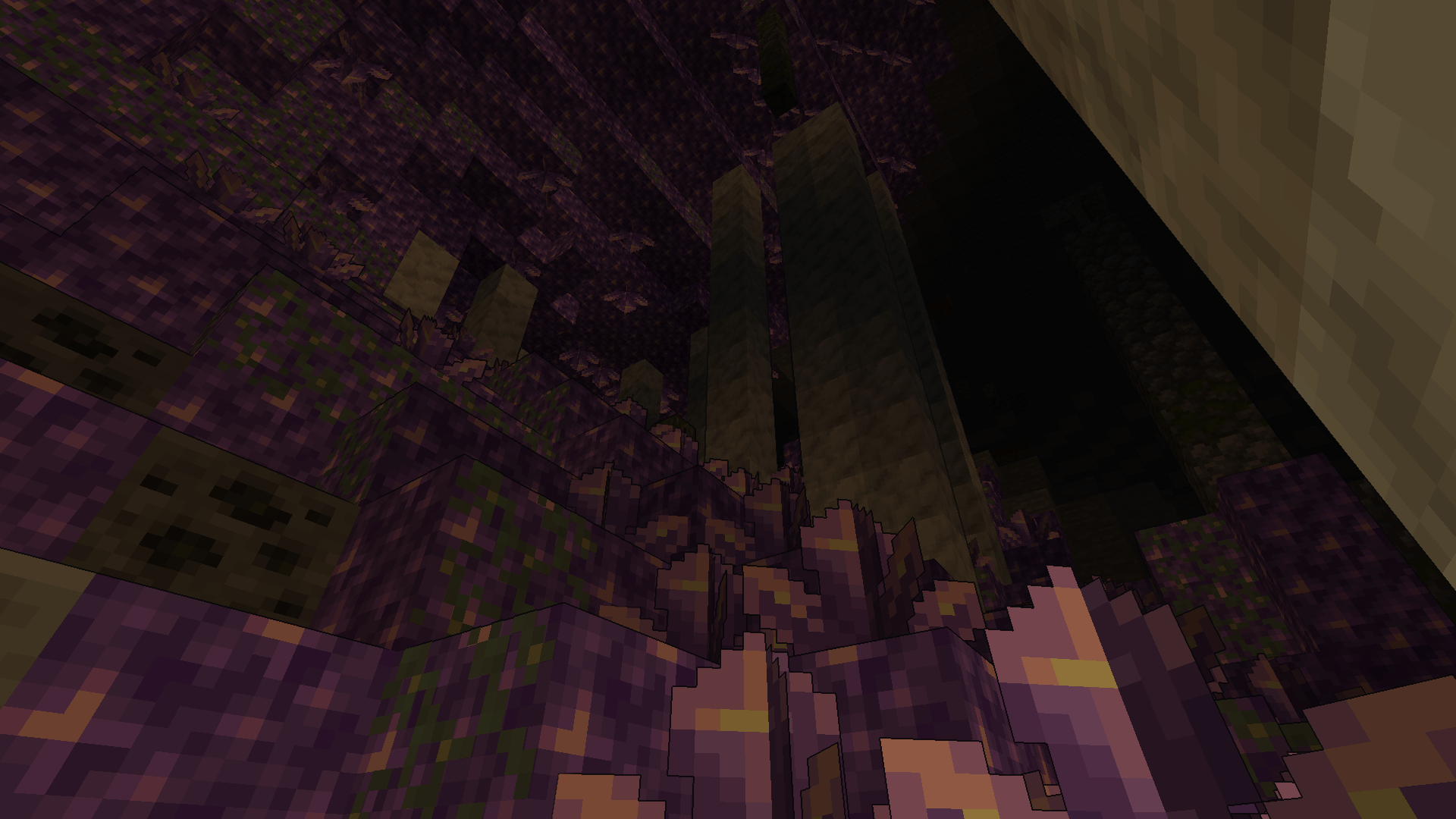
2026-08-06_13.29.26.png
Description
Toon Cel Shader — the anime-style shader for Minecraft
Toon Cel Shader turns Minecraft into a real cartoon: black outlines around blocks and mobs, flat-shaded lighting (cel-shading), and punchy saturated colors. Unlike realistic shaders (Complementary, BSL, Kappa...), it's not chasing photorealism — it's built for a stylized look, and stays very light on performance.
Why pick this shader?
- 🎨 Anime/toon style: black outlines + banded shading, no photorealistic blur.
- ⚡ Very lightweight: runs fine on low-end PCs, integrated graphics included.
- 🔧 Compatible with both Iris and OptiFine.
- 🎛️ Fully customizable in-game: shadow band count, saturation, outline strength — no config file editing needed.
- 🖥️ Great for videos, machinima, and stylized/cottagecore builds.
Compatible with
Iris (Fabric / NeoForge) and OptiFine, Minecraft 1.20+.
Installation
- Install Iris or OptiFine.
- Drop the
.zipfile (don't unzip it) into.minecraft/shaderpacks/. - Video Settings > Shaders > select Toon Cel Shader.
FAQ
What is a "toon" or "cel-shading" shader in Minecraft? It's a shader that replaces realistic lighting with flat color bands and black outlines, giving Minecraft a cartoon look instead of simulating physical light.
What's the lightest anime-style shader for Minecraft? Toon Cel Shader is built exactly for that: no global illumination or ray tracing, just a cheap stylized shading pass that barely costs any FPS.
Does this shader work with OptiFine or only Iris? Both — Iris (Fabric/NeoForge) and OptiFine are supported.
Does it run on a laptop or integrated graphics? Yes — that's the whole point: a stylized look that stays playable without a dedicated GPU.
The Toon Cel Shader — Anime Style Team