SunnyLite Shader V1.0
- By
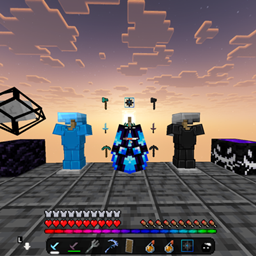
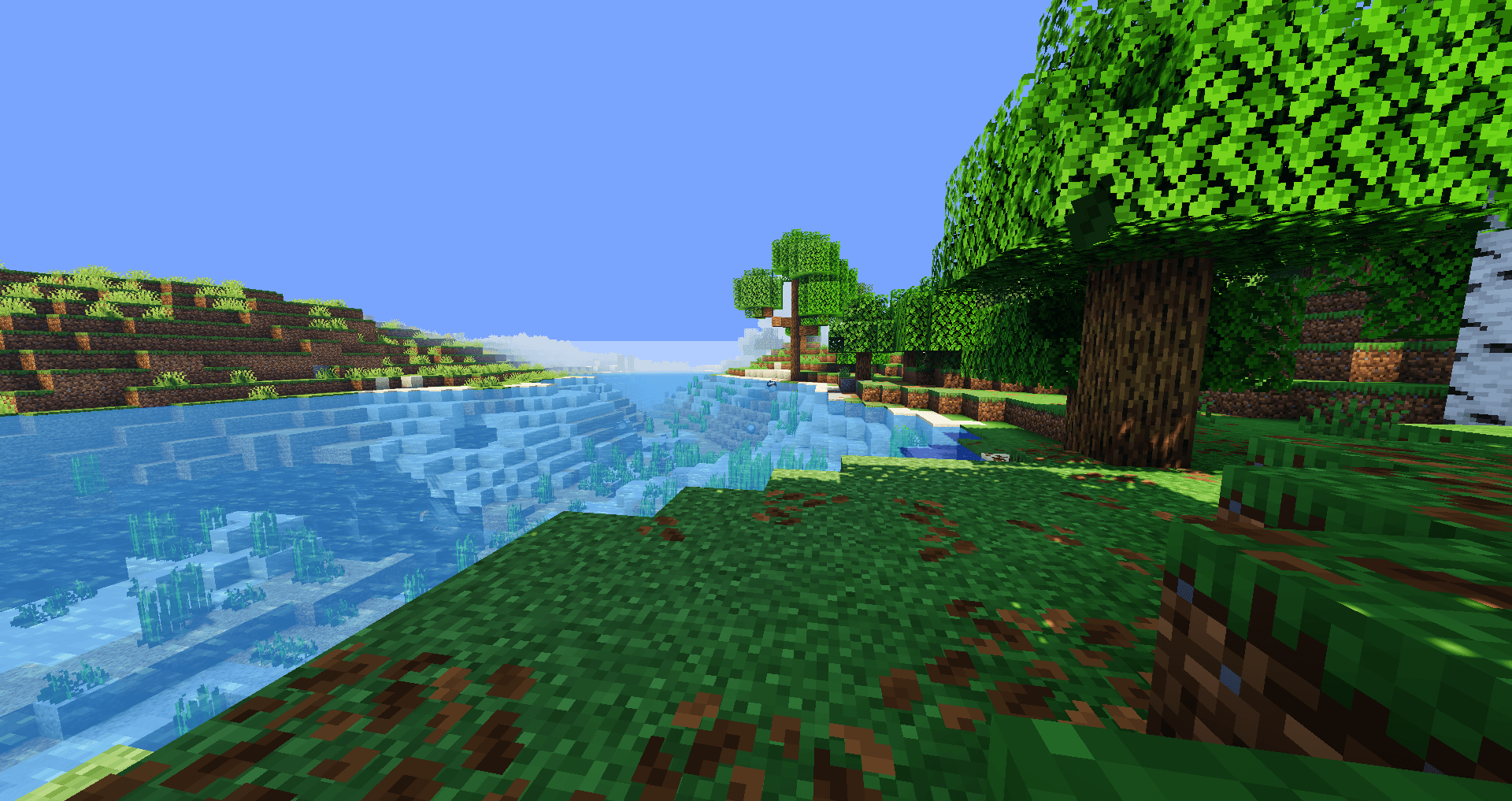
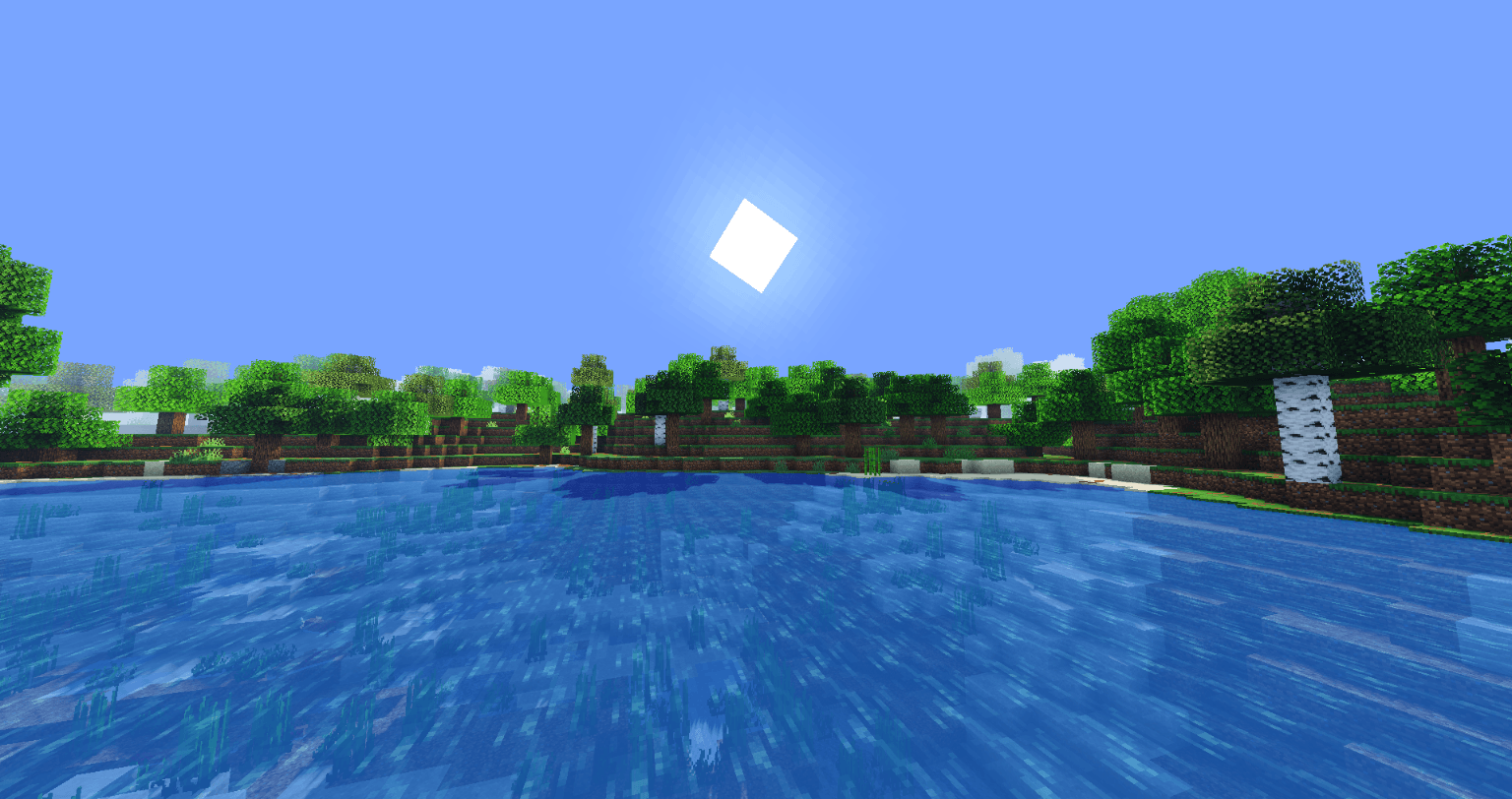
SunnyLite Shader is designed to support ultra-low-light devices while still maintaining beautiful shadows and lighting
1000016045.png
1000016044.png
1000016043.png
1000016027.png
1000015848.png
Description
☀️ SunnyLite – Lightweight Shader with Shadows for Mobile Phones
Introduction
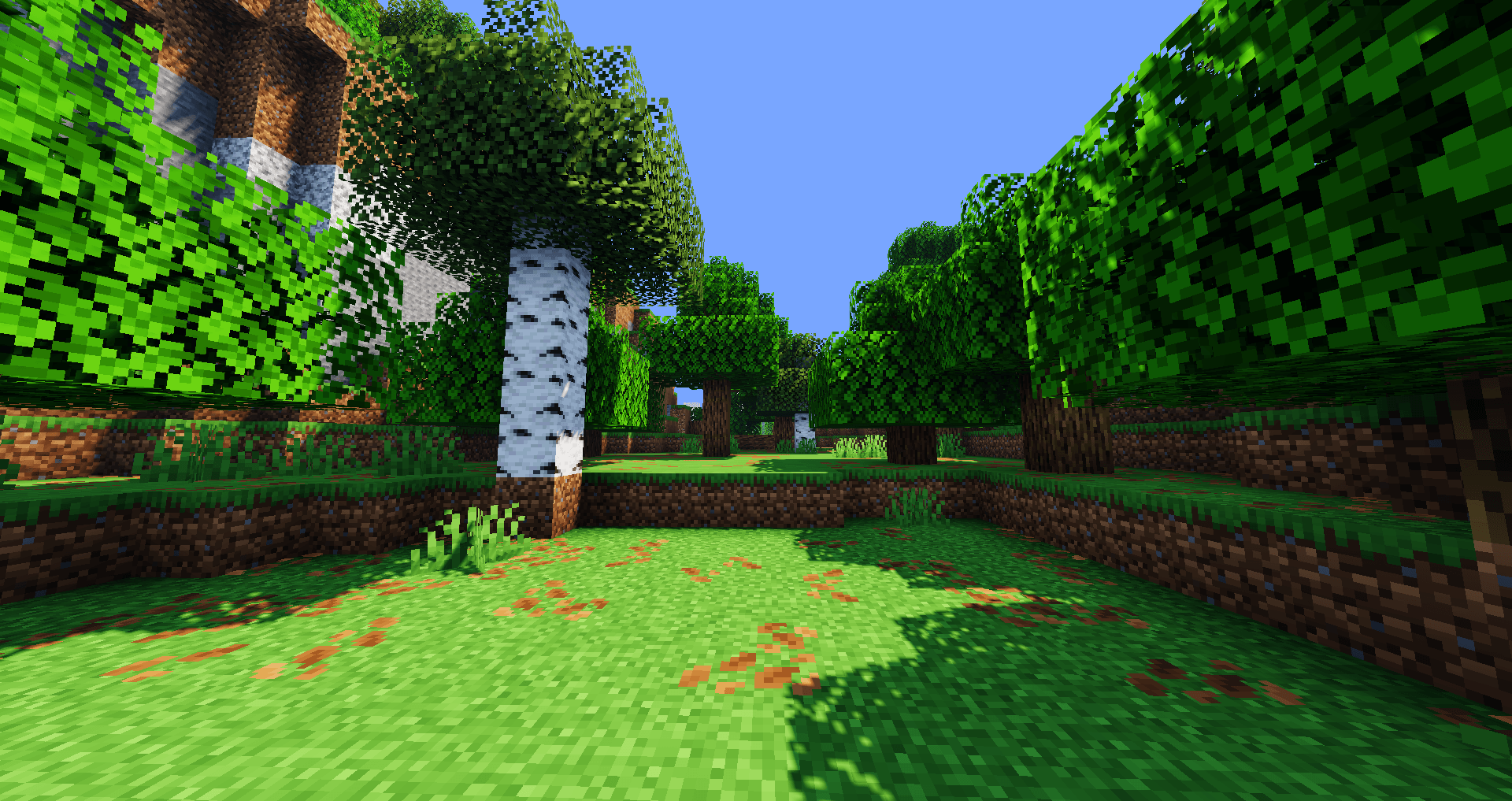
SunnyLite is a Minecraft Java shader optimized for mobile phones and mid-range to low-end computers. The shader retains the best elements of the game – lighting, shadows, and swaying grass and leaves – and removes heavy effects for smoother gameplay. The sky, sun, moon, and water remain the original game elements, making them familiar and lightweight.
Features
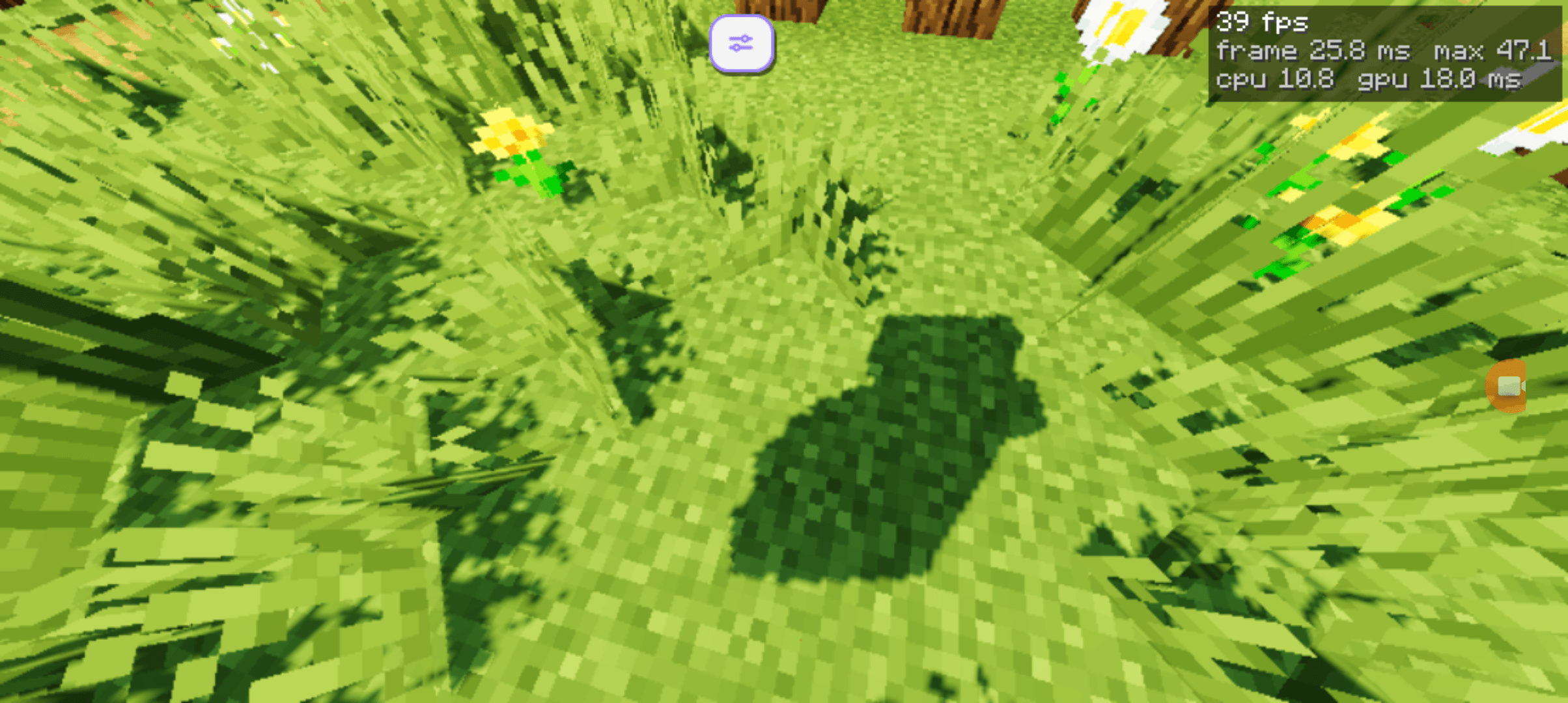
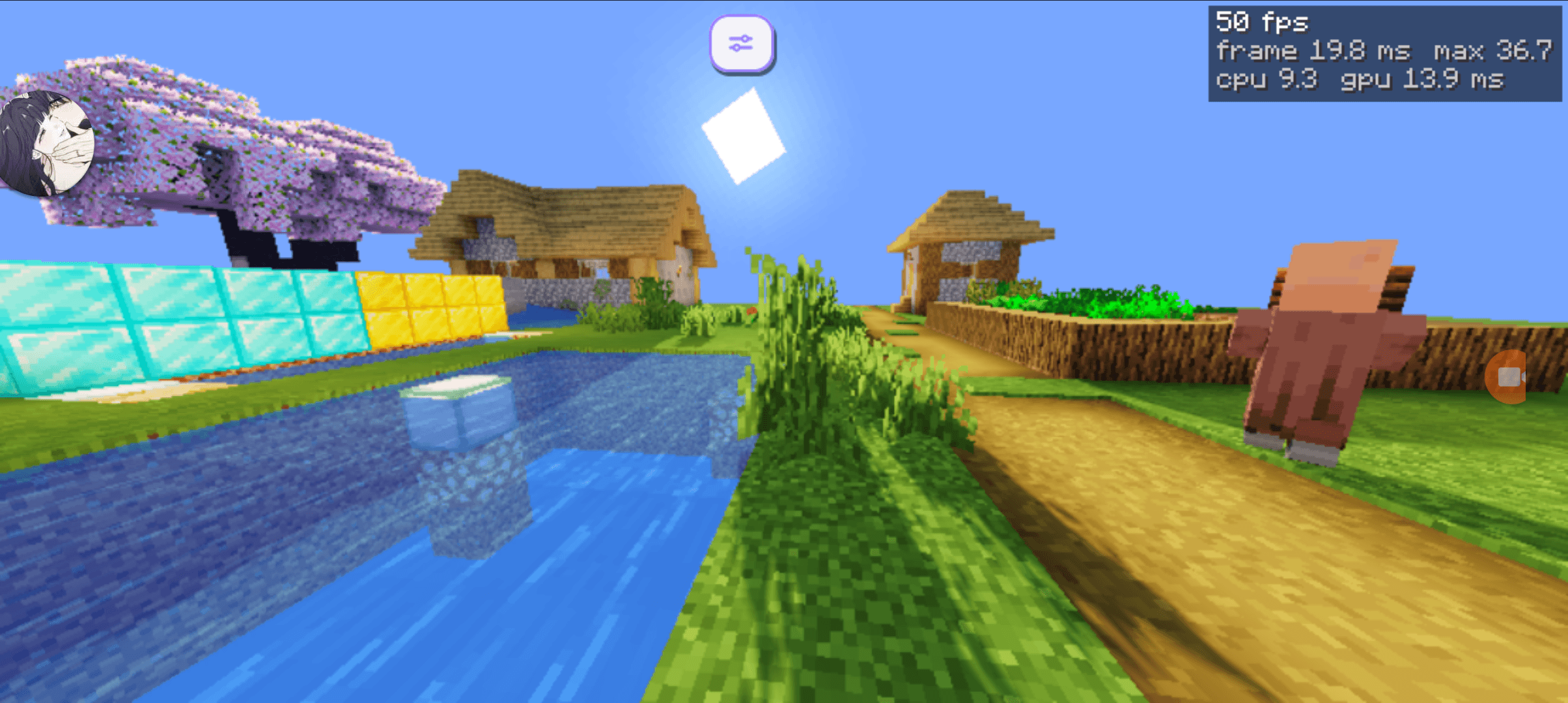
• Realistic shadows for trees, grass, flowers, buildings, and characters.
• Grass, flowers, and leaves sway in the wind, with stronger wind during rain.
• Warm lighting throughout the day, with torches and lamps emitting warm orange light.
• The End has its own lighting.
• Easy-to-read blue text menu with Potato / Low / Medium / High levels available.
• Separate switches to turn on or off: Block Shadows, Mob Shadows, Soft Shadows, and multiple brightness and color sliders.
• Removed: Clouds, heavy water effects, bloom, god rays, and full-screen processing steps.
Supported Devices
• Tested on: Samsung Galaxy A13 4G (Exynos 850), via Launcher, Minecraft Java v26.3.
• Compatible with: Mid-range to low-end Android, PC, and iOS devices, and launchers supporting Iris/OptiFine shaders.
Smoothness
• On Samsung A13 4G, rendering distance 2 chunks, village scene with grass and shadows:
◦ SunnyLite: approximately 50–53 fps.
• FPS varies depending on the scene. Large structures or lots of grass will be heavier.
• How to increase FPS: select Low or Potato profile, lower Shadow Distance to 24–32, turn off Block Shadows if the building is large, lower the render distance and render scale of the launcher.
SunnyLite Shader V1.0 Team
Owner