StarkShaders
- By
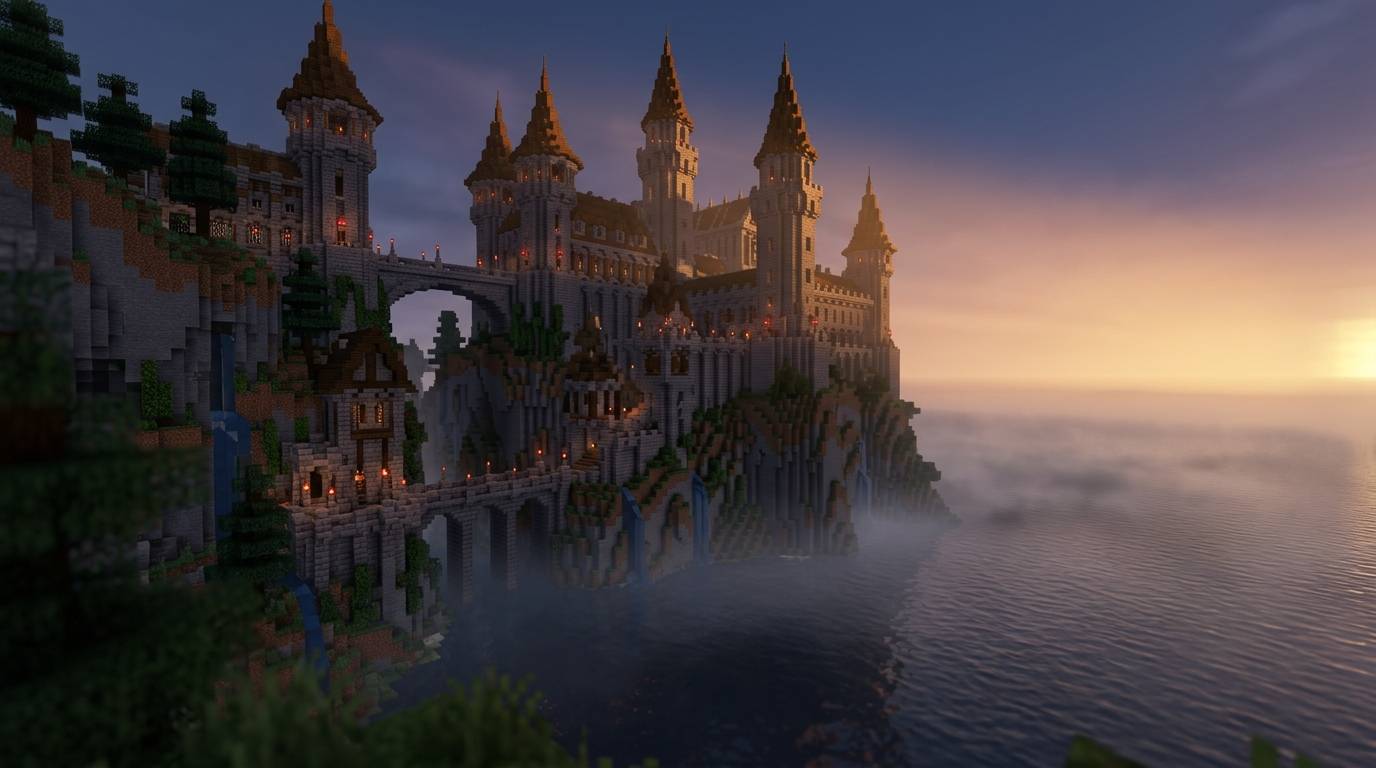
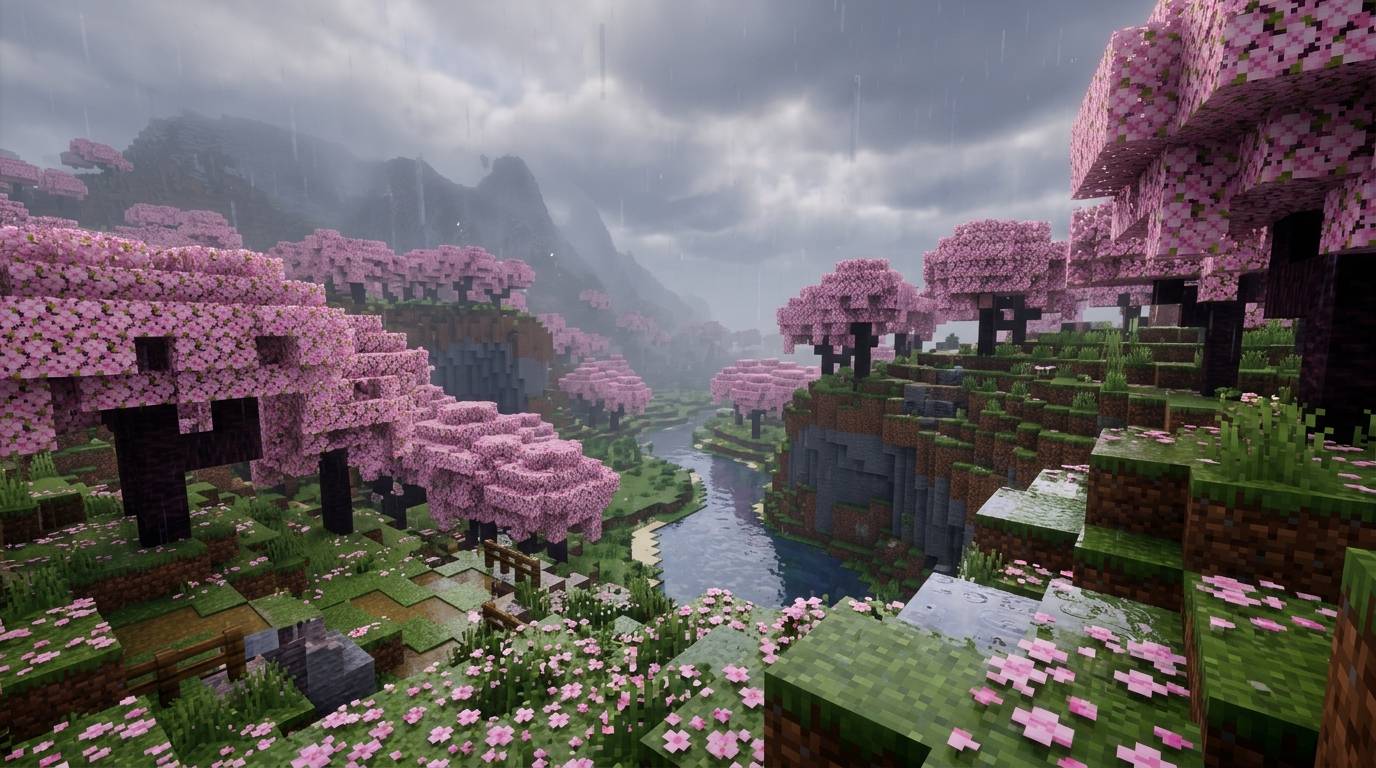
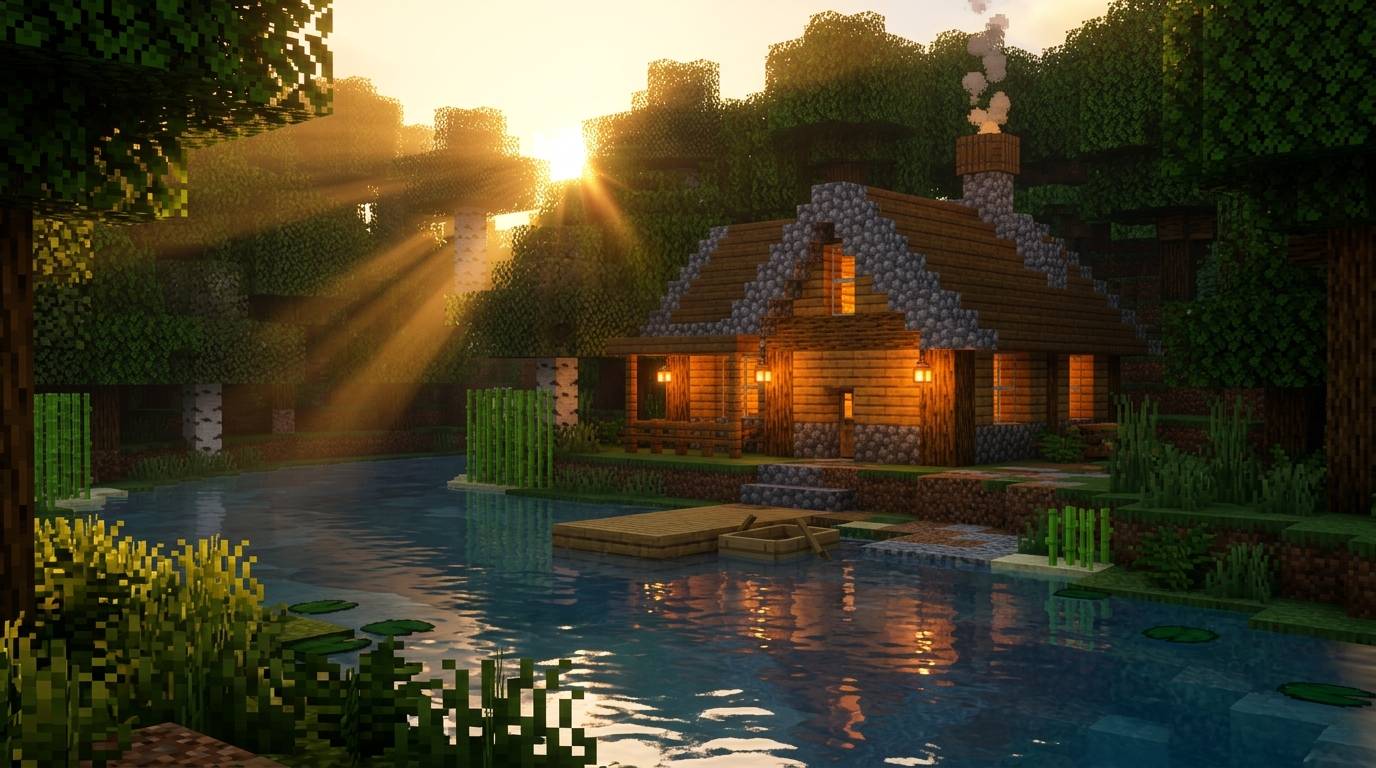
Minecraft visuals with shader aesthetics (such as ray-tracing, volumetric lighting, and realistic water physics)
Stone_castle_on_cliff_ocean_20261021124543.jpg
Minecraft_cherry_blossom_valley_â¦_20261021122840.jpg
Wooden_cabin_by_river_20261021122716.jpg
Description
🌟 UT Shaders
UT Shaders is a light-to-medium, highly customizable shader pack for Minecraft designed to elevate vanilla visuals into a vibrant, immersive, and cinematic experience. By reworking the game's core lighting, water physics, and atmospheric scattering, UT Shaders delivers realistic visuals while keeping performance smooth and accessible across a wide range of hardware.
✨ Key Features
-
☀️ Dynamic Atmospheric Lighting: Radiant golden-hour sunbeams, realistic day/night cycles, and atmospheric volumetric light scattering (god rays).
-
🌊 Physically-Based Water Engine: Crystal-clear water with realistic wave animation, deep-water transparency, and screen-space reflections (SSR).
-
🍃 Animated Foliage & Environment: Dynamic, subtle swaying animations for leaves, tall grass, crops, and vines.
-
🔦 Enhanced Block & Torch Glow: Warm, inviting lighting cast by indoor torches, glowberries, sea lanterns, and lava.
-
🎥 Cinematic Post-Processing: High-quality bloom, ACES tone mapping, depth-of-field, and subtle lens flare effects.
-
⚡ Performance Focused: Clean GLSL code optimized for solid FPS on both low-end and high-end setups.
💻 Requirements & Compatibility
-
Mod Loaders: Fabric, Forge, NeoForge, or Quilt
-
Supported Mods:
-
🟢 Iris Shaders (Recommended)
-
🟢 OptiFine
-
-
Graphics API: OpenGL 3.3+ compliant GPU (NVIDIA, AMD, or Intel Arc)
⚙️ Recommended Settings
For the best experience, configure your graphics settings as follows:
-
Graphics: Fancy / Fabulous
-
Render Distance: 8 - 16 Chunks
-
Smooth Lighting: Maximum
-
Brightness: 50% (Moody / Default)
📜 Installation Guide
-
Make sure you have Iris Shaders or OptiFine installed for your game version.
-
Download the latest release
.zipof UT Shaders. -
Launch Minecraft and go to
Options➔Video Settings➔Shader Packs. -
Click Open Shader Pack Folder and drop the
UT Shaders.zipfile into the folder. -
Select UT Shaders in-game, hit Apply, and enjoy!
🛠️ Feedback & Bug Reports
Found a bug or have a feature suggestion? Let us know in the comments section or open an issue on our project tracker. Enjoy the shaders!
StarkShaders Team